VPhoto is a professional-grade mobile photography and editing application designed to elevate the quality of your photos and videos directly from your smartphone. It combines advanced camera controls with a powerful suite of post-processing tools, allowing both enthusiasts and casual users to capture, edit, and share high-quality visual content with ease, bridging the gap between mobile convenience and desktop-level editing precision.
Key Features
The application stands out with its comprehensive feature set tailored for creative expression. It offers manual camera controls that rival professional equipment, such as adjustable shutter speed, ISO, and white balance. The app includes a vast library of premium filters and advanced editing tools like curve adjustments, selective editing, and healing brushes. Furthermore, VPhoto supports high-resolution photo and video export, along with seamless integration with various social media platforms for direct sharing.
Pros & Cons
- Pros: Provides an exceptional range of professional manual controls and non-destructive editing capabilities. The interface, while feature-rich, is well-organized and customizable. The quality of the built-in filters and editing algorithms is consistently high, producing excellent results. Regular updates introduce new features and support for the latest mobile hardware.
- Cons: The sheer number of features can present a steep learning curve for absolute beginners. Some of the most advanced filters and tools require a subscription or one-time purchase. The app's performance, particularly when processing 4K video or complex edits, can be demanding on older smartphone models.
Functions
- Professional Camera: Enables full manual control over focus, exposure, shutter speed, and ISO in both photo and video modes.
- Advanced Editing Suite: Offers layers, masking, curve tools, color grading panels, and selective adjustment brushes for pinpoint edits.
- Filter & Effect Library: Access to a constantly updated collection of artist-designed filters, lenses, and special effects.
- Portrait Enhancements: Features specialized tools for skin retouching, background blur (bokeh), and lighting adjustments for portrait photography.
- Cloud Sync & Management: Allows users to back up projects to the cloud and edit across multiple devices seamlessly.
How to Use
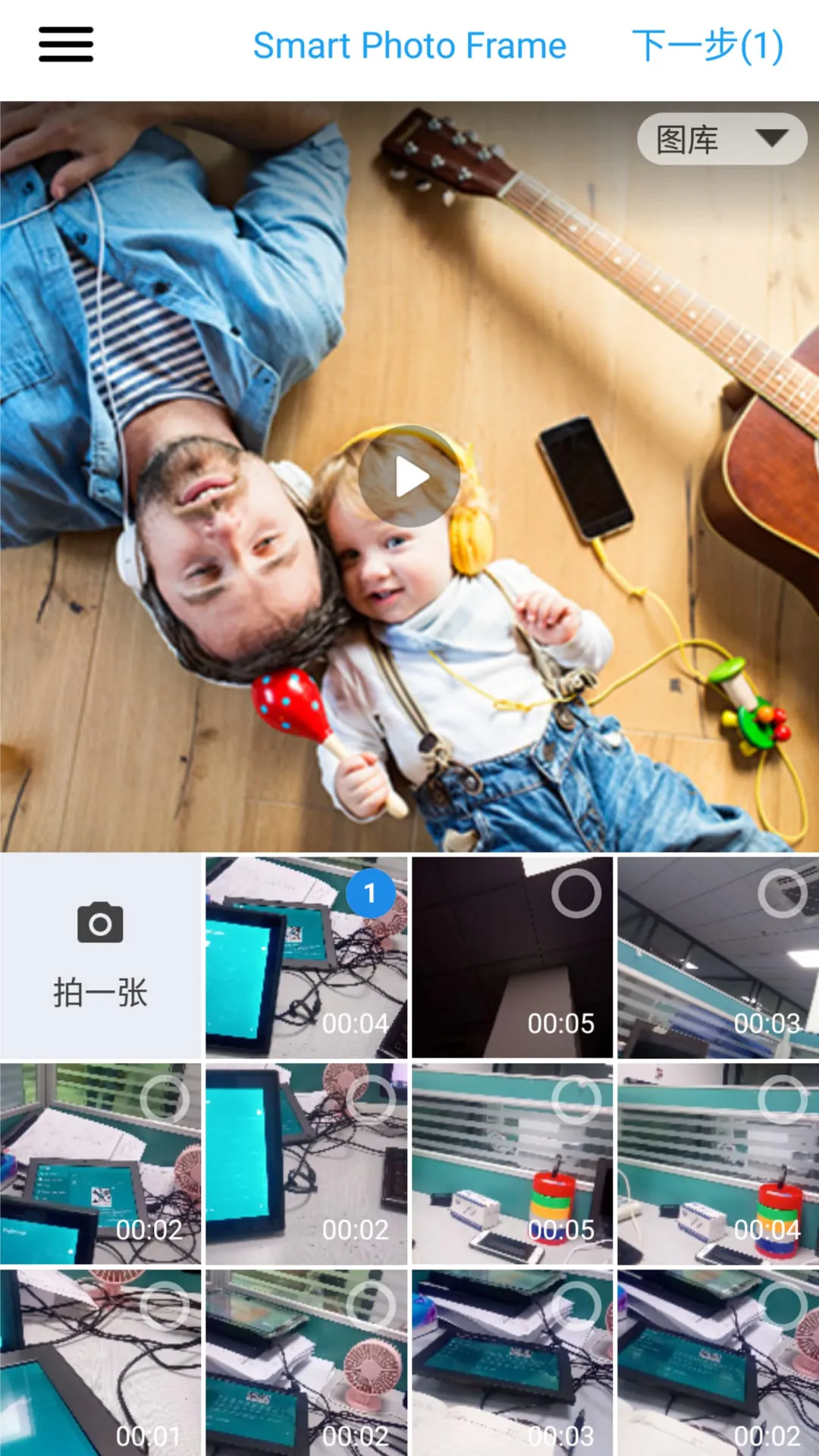
Click the button "Check All Versions" below to download and install it. Once installed, launch the app and grant the necessary permissions for camera and photo library access. Begin by exploring the camera interface, where you can switch between auto and professional manual modes. To edit an existing photo, import it from your gallery into the editing module. Utilize the toolbar to apply filters, make color corrections, and use advanced tools like healing or cloning. Finally, use the export function to save your creation at the desired quality and share it directly to your preferred social networks or messaging apps.





 APK
APK  Google Play
  iOS
iOS  2.20
2.20