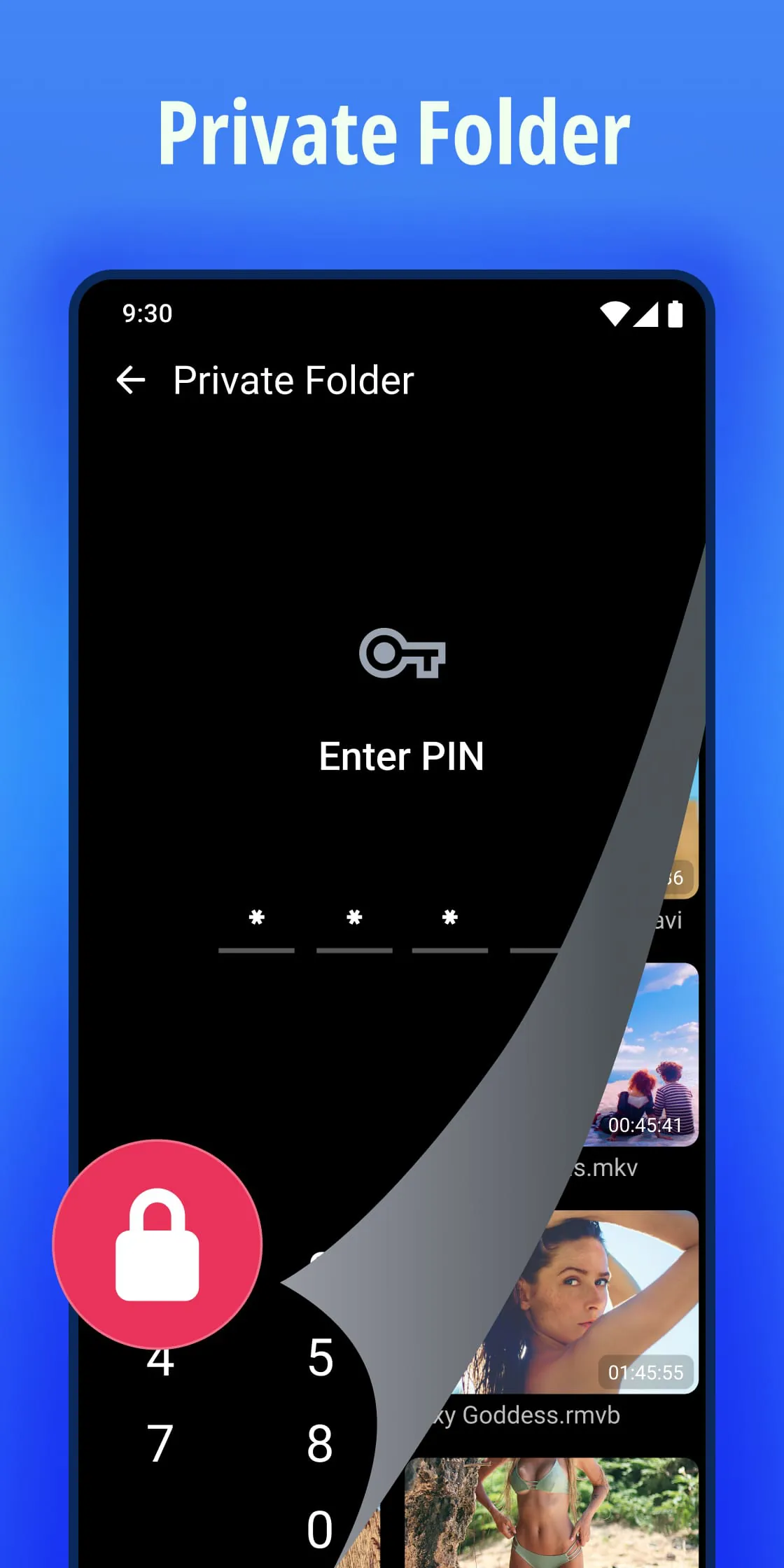
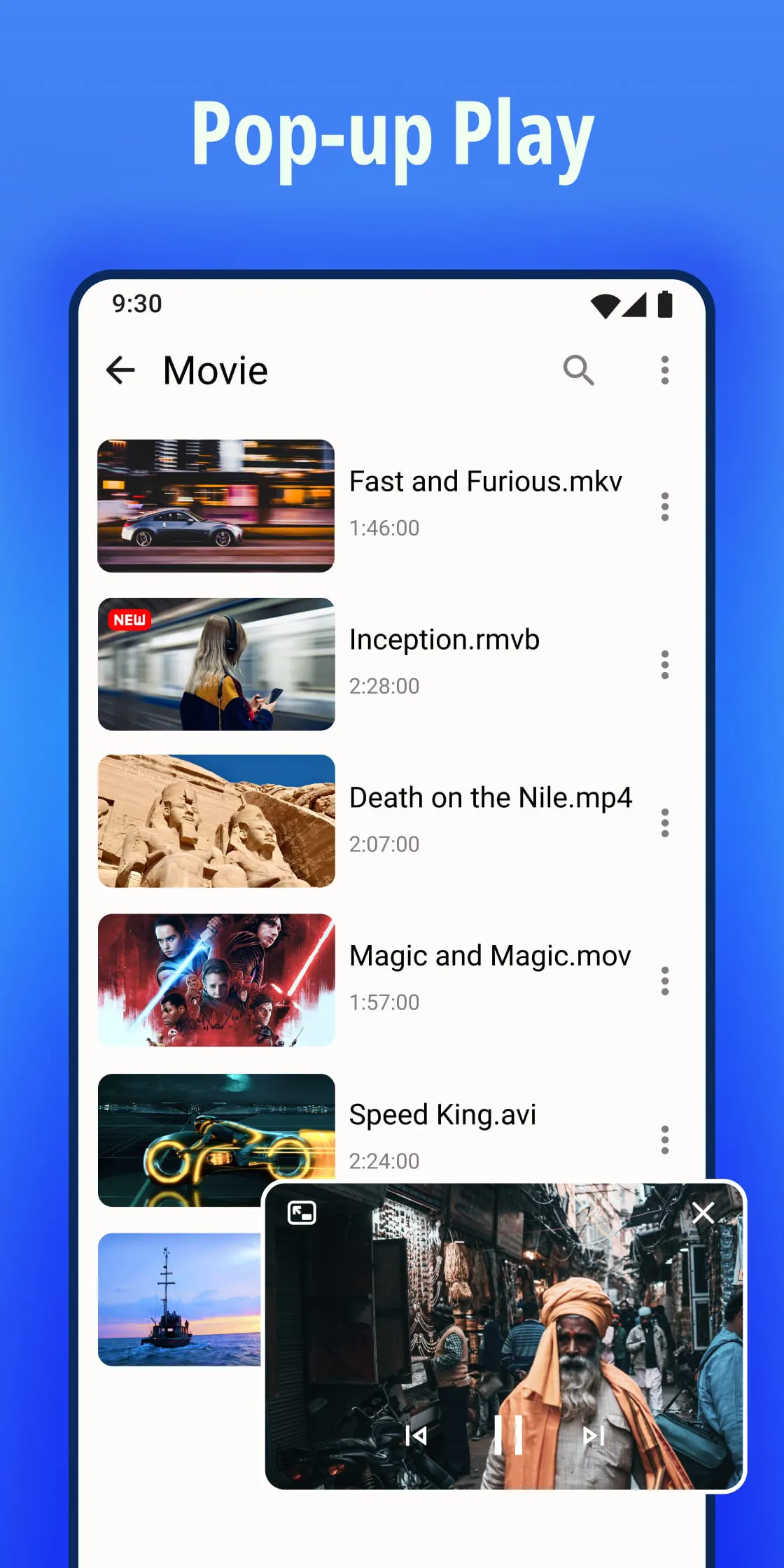
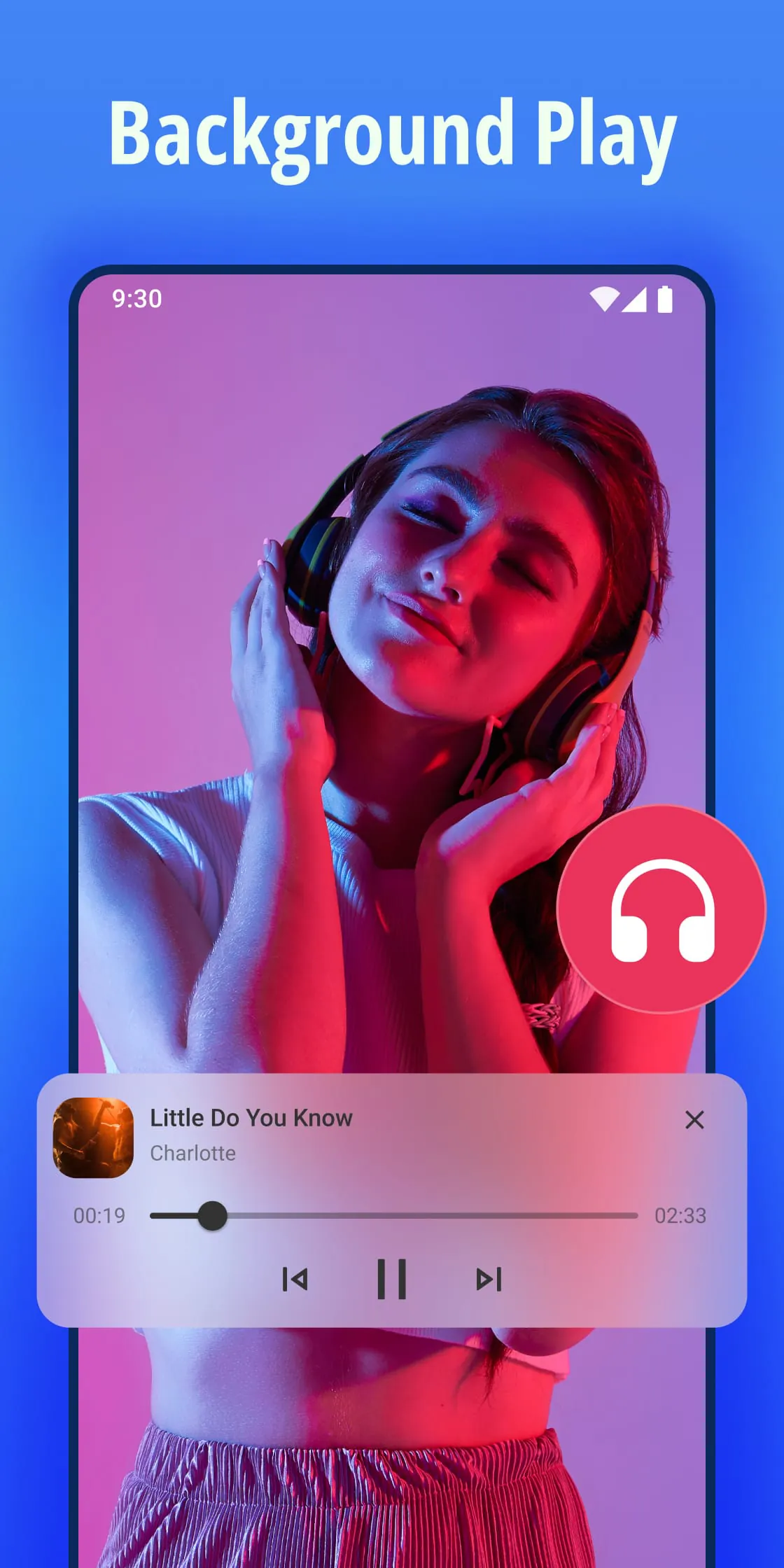
Video Player All Format is presented as a versatile and high-performance media player designed for Android devices, offering a comprehensive solution for playing various video formats with exceptional quality. The application distinguishes itself by supporting all video formats, including MKV, MP4, MOV, FLV, AVI, 3GP, RMVB, M4V, WAV, WMV, TS, and more, ensuring users can play virtually any video file without compatibility issues. A standout feature is its ability to play 4K, Ultra HD, and Full HD videos smoothly, delivering high-definition playback on Android tablets and phones. This capability caters to users who demand the best visual experience, allowing them to enjoy their favorite videos with remarkable clarity and detail. Furthermore, the inclusion of a built-in Private Folder enhances the app's appeal by providing a secure space for users to hide personal or sensitive videos, protecting them from unauthorized access or accidental deletion. This feature addresses a significant privacy concern for many users, making Video Player All Format a trustworthy option for managing personal video content. Beyond its core playback capabilities, the app offers a range of features designed to enhance the user experience. These include a subtitle downloader, which allows users to easily find and add subtitles to their videos, and customizable subtitle styles, enabling them to adjust the appearance of subtitles to their preference. Hardware acceleration further optimizes playback performance, ensuring smooth and seamless video playback even on less powerful devices. The app also supports floating or pop-up window playback, allowing users to multitask while watching videos, and background play, enabling them to listen to videos like music while using other apps. These features collectively contribute to a user-friendly and versatile video playback experience. In addition to its extensive format support and playback features, Video Player All Format offers a suite of tools to enhance audio and video quality. A powerful equalizer allows users to fine-tune the audio output to their liking, while features like Night Mode, Sleep Timer, AB Repeat, Mirror, and Playback Speed provide additional control over the viewing experience. Gesture controls offer intuitive ways to adjust volume, brightness, and seek progress, further simplifying the user interface. The app also includes features for managing video files, such as scanning and organizing videos on the device and SD card, creating playlists, and various playback modes like auto rotation, screen aspect, and screen lock. These features make Video Player All Format a comprehensive media player that caters to a wide range of user needs.
The description of Video Player All Format emphasizes its ability to handle a wide array of video formats, making it a versatile choice for users who have diverse media libraries. The app supports popular formats like MKV, MP4, MOV, FLV, AVI, 3GP, RMVB, M4V, WAV, WMV, and TS, ensuring that users can play almost any video file they encounter. This broad compatibility eliminates the need for multiple video players or cumbersome format conversions, simplifying the user's media consumption experience. The app's Full HD video player capabilities are also highlighted, with support for 4K, Ultra HD, and Full HD video playback. This feature caters to users who prioritize visual quality, allowing them to enjoy their videos with exceptional clarity and detail. The app's ability to play high-resolution videos smoothly ensures a seamless viewing experience, even on devices with limited processing power. The Floating Video Player feature is presented as a multitasking tool, allowing users to watch videos in a pop-up window while simultaneously using other apps. This is particularly useful for users who want to take notes, browse the web, or perform other tasks while watching a video. The ability to resize and reposition the pop-up window further enhances the multitasking experience, allowing users to customize the video playback to their specific needs. The Background Video Player feature allows users to listen to their favorite videos in the background while working, exercising, or commuting. This feature transforms the video player into a music player, allowing users to enjoy the audio content of their videos without having to keep the screen on. This is particularly useful for listening to podcasts, lectures, or music videos. The app's support for MKV and FLV video formats is also emphasized, as these formats are often not supported by default on many devices. Video Player All Format bridges this gap, allowing users to play these formats without the need for additional codecs or software. This makes the app an all-in-one media player that can handle a wide range of video formats, simplifying the user's media consumption experience. The app is positioned as the best video player and feature-rich media player for Android, encouraging users to download and experience its capabilities. The developers also solicit feedback from users, emphasizing their commitment to creating a better video player. This feedback loop allows them to continuously improve the app and address user needs, ensuring that it remains a top choice for video playback on Android devices.
Video Player All Format is positioned as a comprehensive solution for video playback on Android devices, offering a wide range of features and capabilities to enhance the user experience. The emphasis on supporting all video formats ensures that users can play virtually any video file without compatibility issues, eliminating the need for multiple video players or format conversions. The app's ability to play 4K, Ultra HD, and Full HD videos smoothly caters to users who demand the best visual quality, while the Private Folder feature provides a secure space for storing personal videos. The inclusion of a subtitle downloader and customizable subtitle styles further enhances the viewing experience, allowing users to easily add and customize subtitles to their videos. Hardware acceleration optimizes playback performance, ensuring smooth and seamless video playback even on less powerful devices. The floating or pop-up window playback feature allows users to multitask while watching videos, while background play enables them to listen to videos like music. The app also offers a suite of tools to enhance audio and video quality, including a powerful equalizer, Night Mode, Sleep Timer, AB Repeat, Mirror, and Playback Speed. Gesture controls provide intuitive ways to adjust volume, brightness, and seek progress, while features for managing video files, such as scanning and organizing videos on the device and SD card, creating playlists, and various playback modes, further enhance the user experience. The app's versatility and feature-rich design make it a compelling choice for users seeking a comprehensive video playback solution on their Android devices. The developers' emphasis on user feedback underscores their commitment to continuous improvement, ensuring that the app remains a top contender in the competitive landscape of Android video players. By offering a combination of broad format support, high-quality playback, and a range of user-friendly features, Video Player All Format aims to provide a seamless and enjoyable video playback experience for all users.





 APK
APK  Google Play
  iOS
iOS  4.80
4.80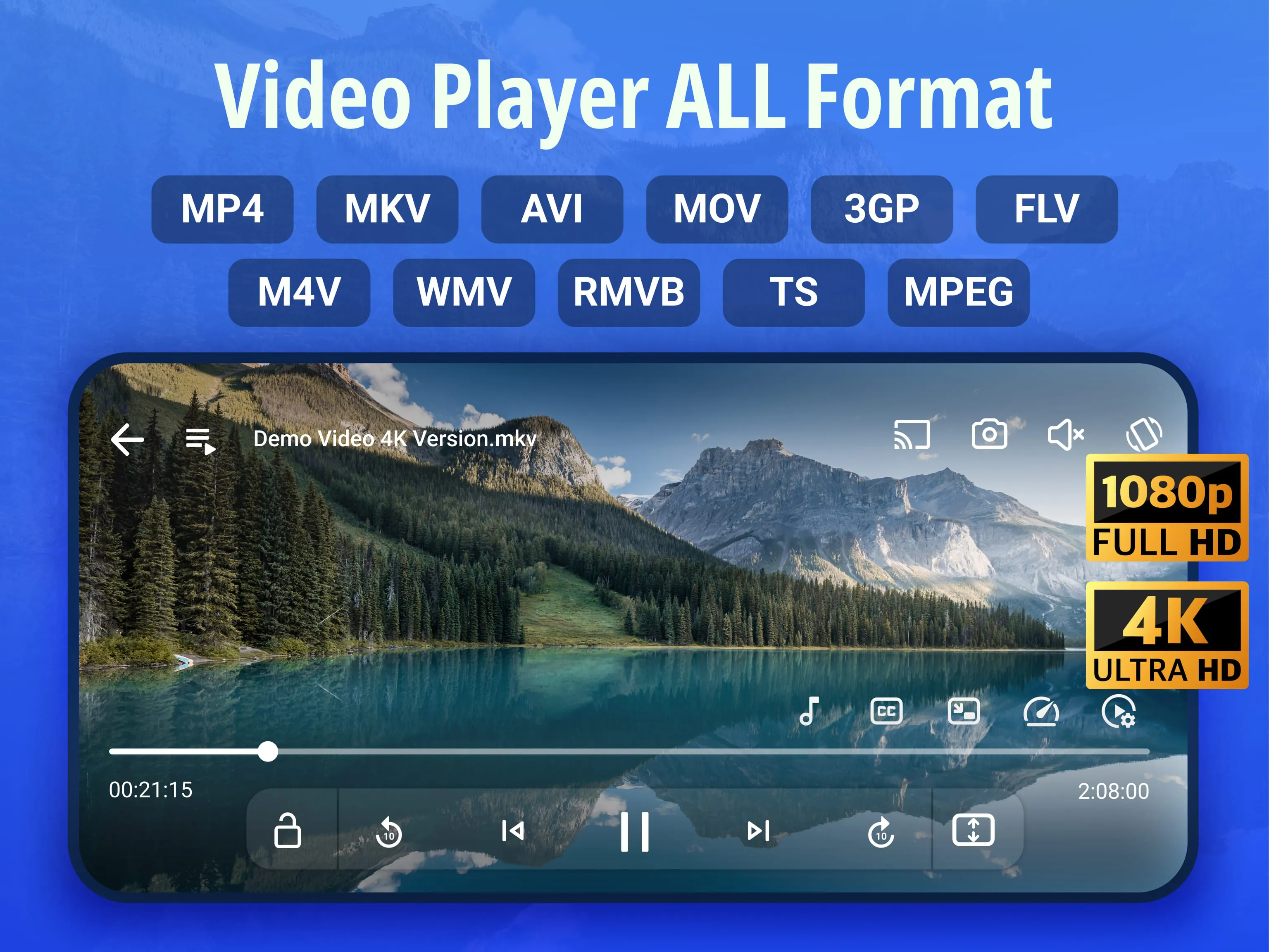
 Download








