




GPX Viewer PRO GPX Viewer PRO
Category
Maps & NavigationTag
Offline Maps | GPX Viewer PRO | GPS tracks | trip statistics | navigation tool
Rate
4.50
★★★★★
Reviews
500 +
Installs
100k +
Developer
Vectura Games OÜ
Content Rating
Everyone
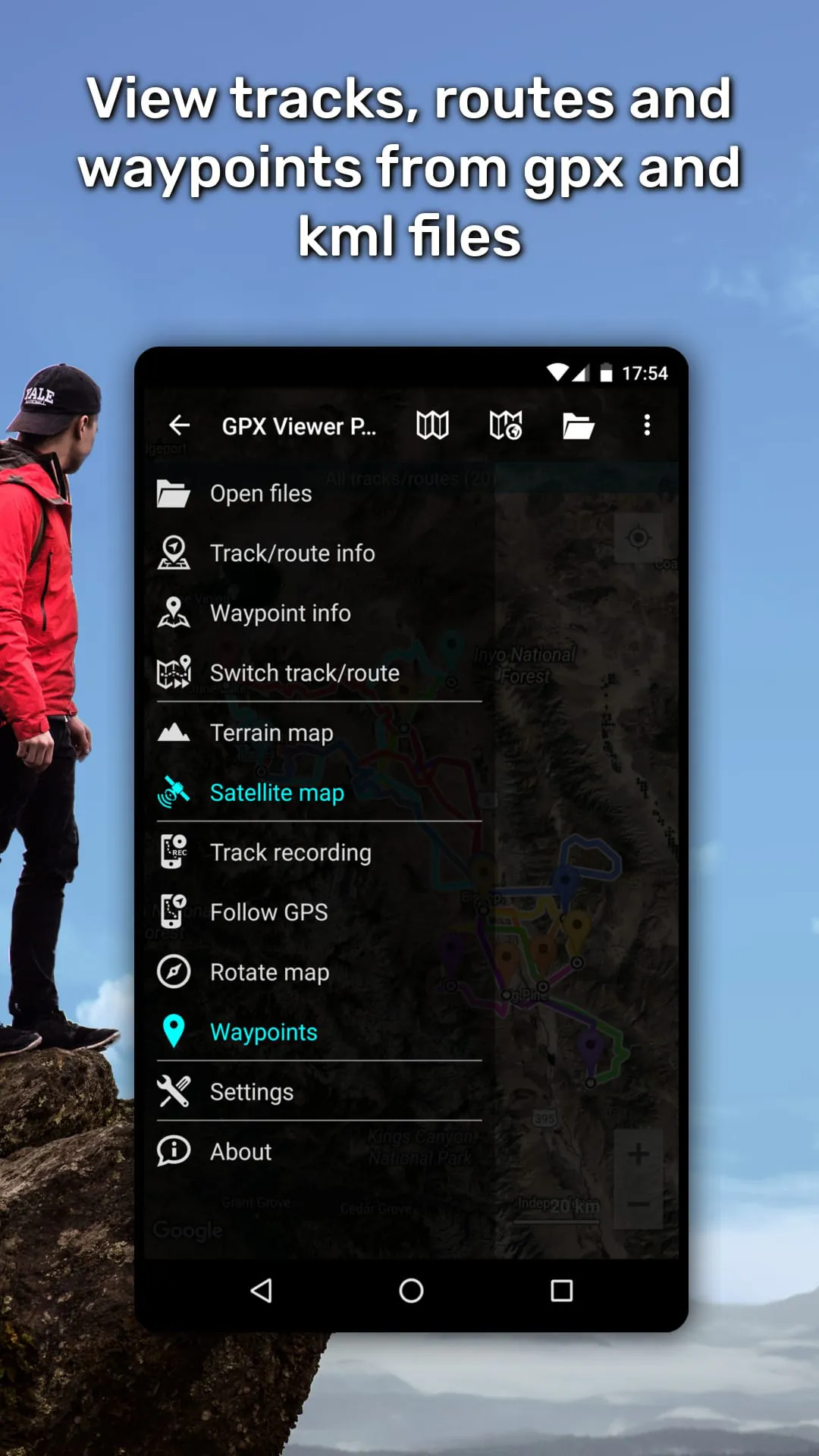
GPX Viewer PRO shows tracks, routes and waypoints from gpx and kml files.
 APK
APK  Google Play
  iOS
iOS  4.50
4.50 Author's Review
Appspicked Review
GPX Viewer PRO stands out as a comprehensive tool designed for individuals passionate about outdoor activities and navigation, offering a rich suite of features that extend far beyond simply viewing GPX, KML, KMZ, and LOC files. This application caters to a diverse range of users, from casual hikers and cyclists to professional surveyors and geocachers, by providing an all-in-one solution for GPS track management, analysis, and navigation. At its core, GPX Viewer PRO excels in its ability to seamlessly handle various file formats, allowing users to effortlessly view tracks, routes, and waypoints from GPX, KML, KMZ, and LOC files. The inclusion of a file browser further enhances usability, enabling users to open multiple files simultaneously, manage favorite files, and maintain a history of accessed files for quick retrieval. The ability to compress GPX files into GPZ and KML files into KMZ (zip archives) is a practical feature that optimizes storage space and facilitates easier sharing of data. Beyond mere file viewing, GPX Viewer PRO delves into detailed trip statistics, offering users a comprehensive understanding of their journeys. The application analyzes information and statistics for tracks and routes, presenting data in an accessible and insightful manner. Users can visualize their progress through graphs, such as elevation profiles and speed profiles, gaining valuable insights into their performance and the terrain they traversed. The ability to view graphs of other track data, including cadence, heart rate, power, and air temperature, caters to athletes and fitness enthusiasts who seek to monitor and improve their performance. Furthermore, GPX Viewer PRO allows users to analyze information for waypoints, adjust their icons for better identification, and customize track and route colors to enhance visual clarity. The option to colorize track and route lines by elevation, speed, cadence, heart rate, or air temperature adds another layer of data visualization, enabling users to quickly identify areas of interest or concern. The integration of online maps further expands the capabilities of GPX Viewer PRO, providing users with access to a variety of mapping services, including Google Maps, Mapbox, HERE, Thunderforest, and others based on OpenStreetMap data. This ensures that users have access to the most up-to-date and accurate map information, regardless of their location. The inclusion of OpenWeatherMap weather layers and overlays adds another dimension to the application, allowing users to monitor weather conditions and plan their activities accordingly. The ability to add custom online TMS or WMS maps provides advanced users with the flexibility to integrate their own specialized mapping data. GPX Viewer PRO also functions as a simple navigation tool, displaying the current GPS position on a map and continuously following the GPS position by adjusting the map position. The application can rotate the map according to the device orientation sensor or according to movement direction data from GPS, ensuring that the map is always oriented correctly. With these features, GPX Viewer PRO can be used as a reliable navigation tool for hiking, cycling, and other outdoor activities. The application also provides notifications when the GPS position is near a waypoint, with adjustable distance settings, ensuring that users never miss important landmarks or points of interest. In summary, GPX Viewer PRO is a feature-rich application that caters to a wide range of users with its comprehensive set of tools for GPS track management, analysis, and navigation. Its ability to handle various file formats, provide detailed trip statistics, integrate online maps, and function as a simple navigation tool makes it an invaluable asset for anyone who enjoys outdoor activities.
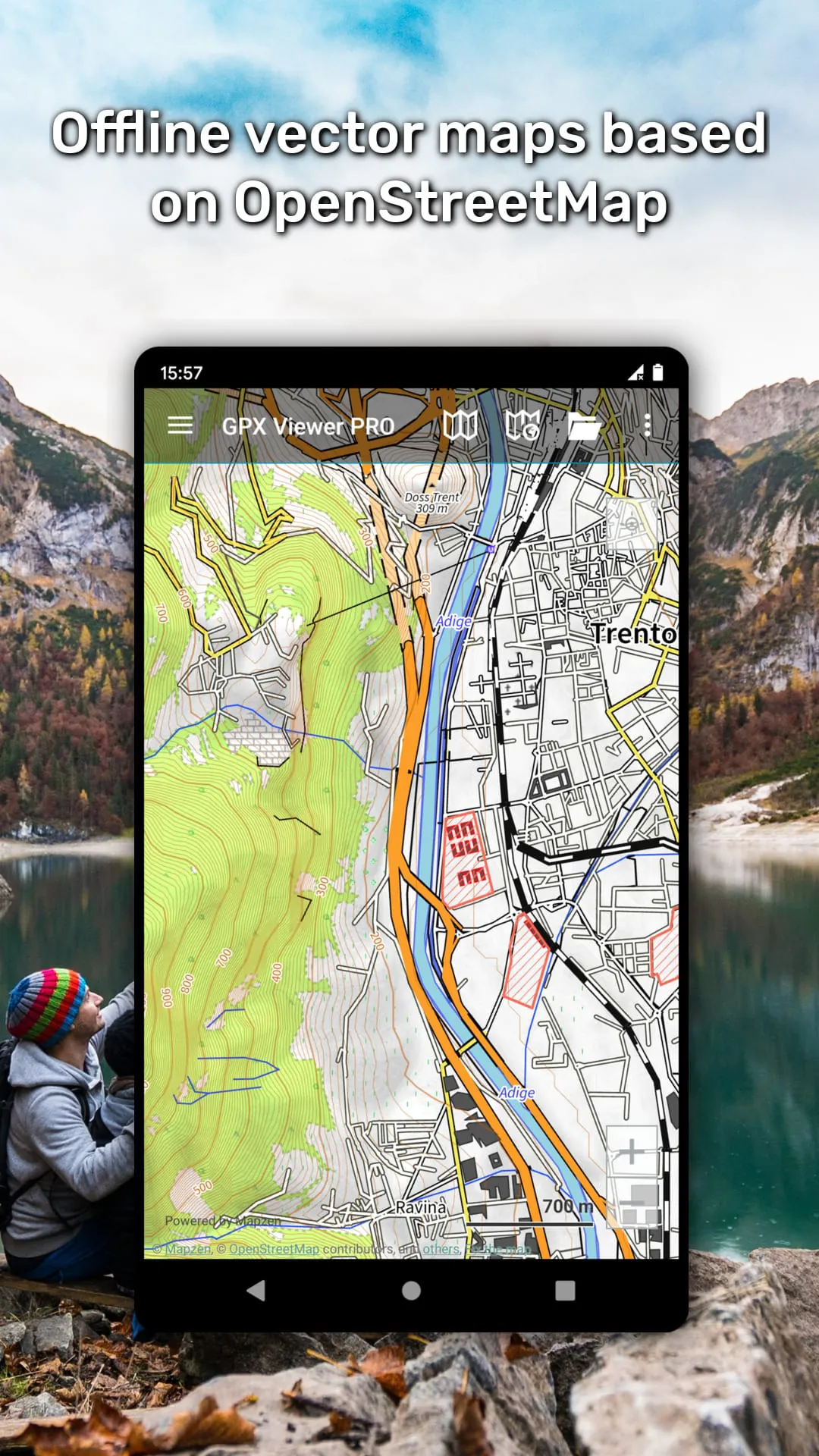
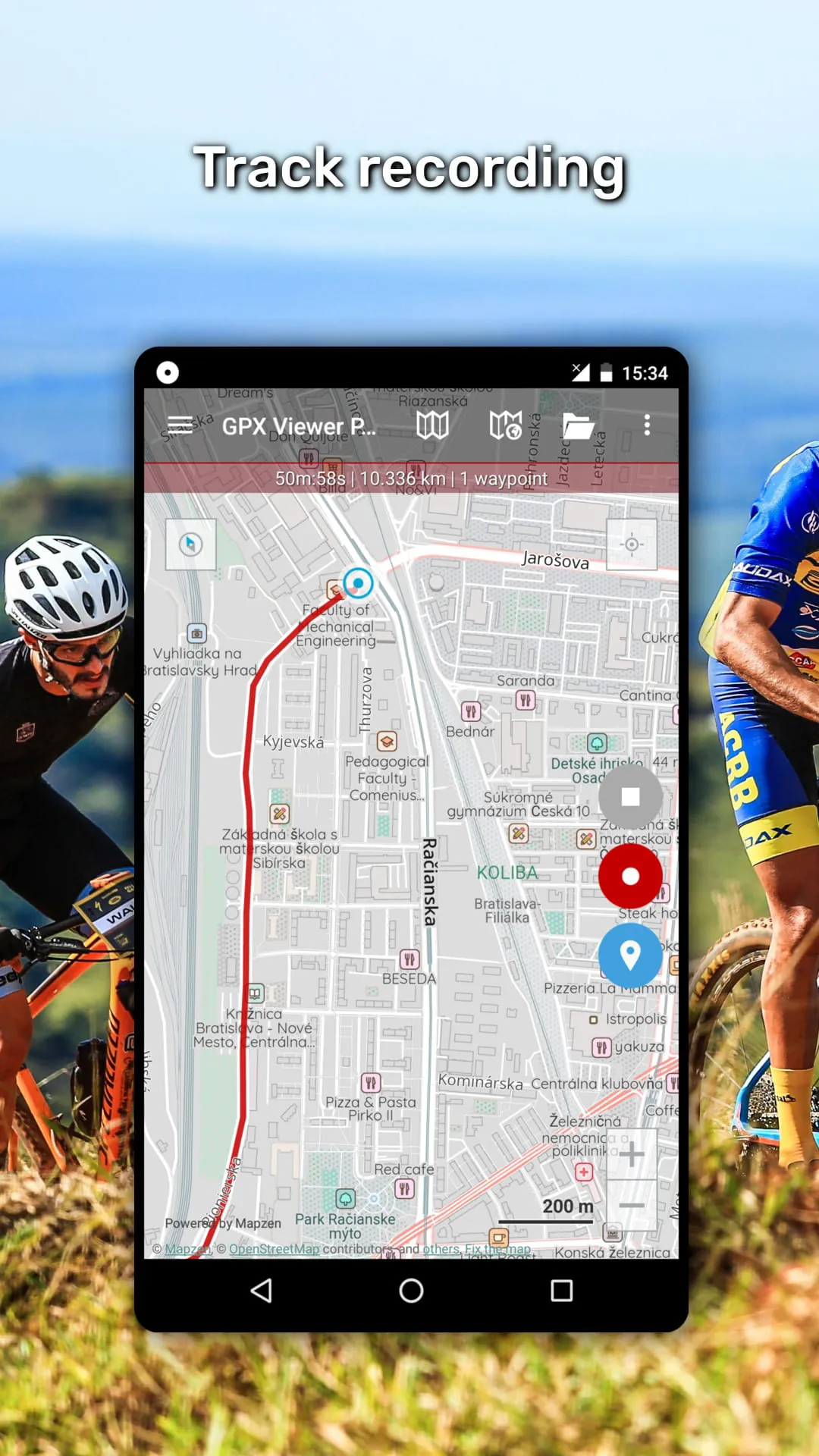
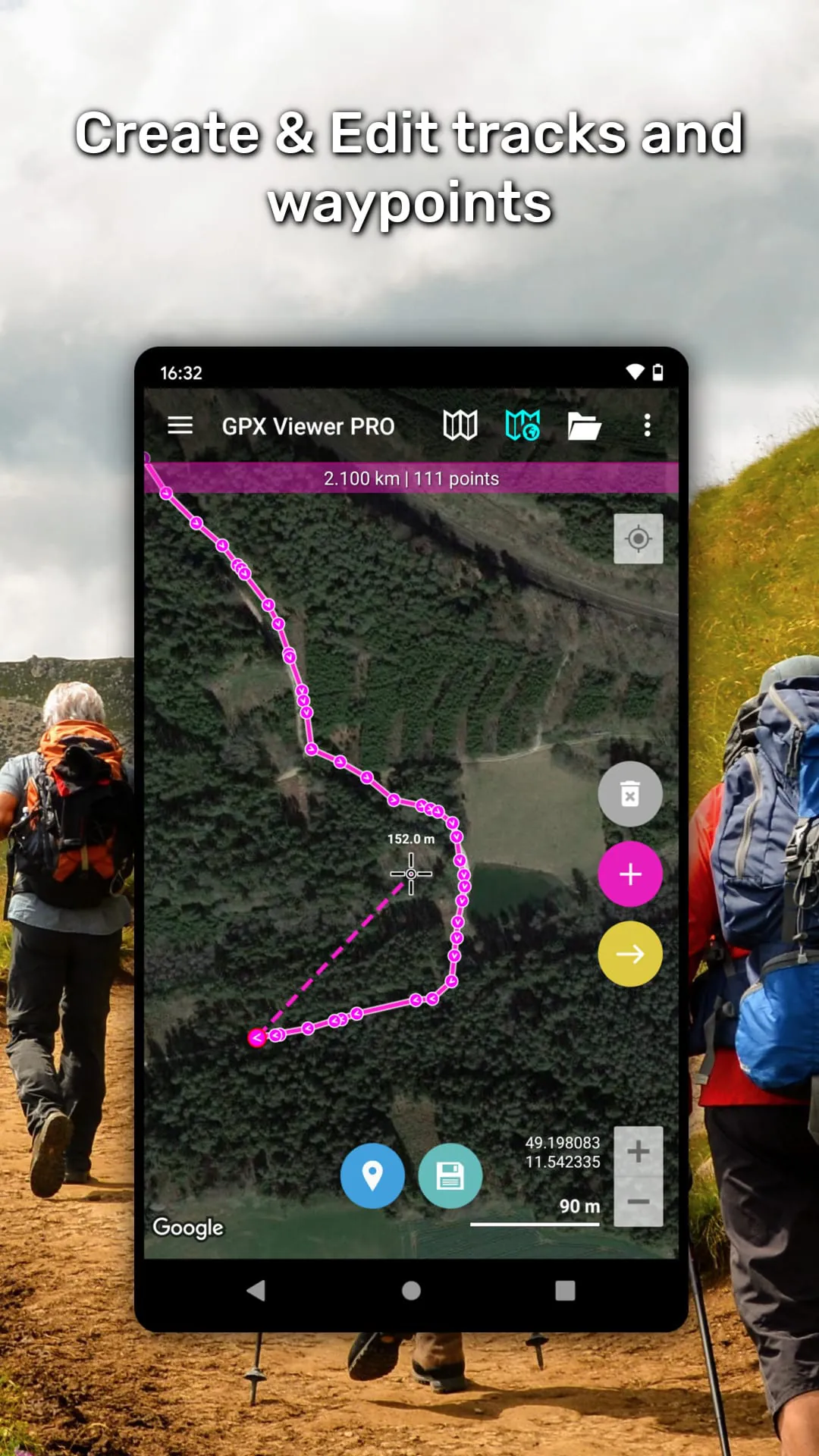
The integration of Trackbook further enhances the functionality of GPX Viewer PRO, allowing users to seamlessly synchronize tracks and waypoints created on the Trackbook platform. This integration enables users to access their data across multiple devices and platforms, ensuring that their information is always up-to-date and accessible. For users who require offline access to maps, GPX Viewer PRO offers detailed worldwide offline vector maps based on OpenStreetMap data. This feature is particularly useful for users who are venturing into areas with limited or no internet connectivity. The application provides a wide variety of offline map styles, ranging from city to outdoor-oriented styles, catering to different user preferences and needs. The offline maps are updated monthly with improved data, ensuring that users have access to the most current and accurate information. In addition to viewing and analyzing GPS data, GPX Viewer PRO also allows users to create and edit tracks and routes. This feature is particularly useful for planning new trips or modifying existing routes. Users can split tracks or routes into two, merge two tracks or routes into one, and add waypoints on the map, setting their name and icon for easy identification. The track recording feature allows users to record their trips and export them into GPX or KML files. The application records elevation and speed statistics, providing users with valuable data about their performance. Adjustable recording profiles are available for various outdoor activities, allowing users to customize the recording settings to suit their specific needs. The application also provides distance or time voice notifications, keeping users informed of their progress. The weather forecast feature provides users with weather forecasts for the next 7 days, allowing them to plan their activities accordingly. The application shows hourly forecasts, providing users with detailed information about the weather conditions they can expect. GPX Viewer PRO is highly customizable, allowing users to set everything according to their needs. This ensures that the application is tailored to their specific preferences and requirements. The user interface is intuitive and easy to use, making it accessible to both novice and experienced users. The application is also optimized for performance, ensuring that it runs smoothly even on older devices. Overall, GPX Viewer PRO is a comprehensive and versatile application that offers a wide range of features for GPS track management, analysis, and navigation. Its ability to handle various file formats, provide detailed trip statistics, integrate online and offline maps, and allow users to create and edit tracks and routes makes it an invaluable asset for anyone who enjoys outdoor activities. The integration of Trackbook, the weather forecast feature, and the customizable settings further enhance the functionality and usability of the application.
GPX Viewer PRO distinguishes itself as a feature-rich GPX viewer that seamlessly integrates offline maps and simple navigation tools, catering to the needs of outdoor enthusiasts and professionals alike. This versatile application transcends the limitations of basic GPX viewers by offering a comprehensive suite of functionalities, including GPS location tracking, trip statistics analysis, and vector offline map support. Its intuitive interface and customizable settings make it an ideal companion for hiking, cycling, geocaching, and various other outdoor pursuits. The application's core strength lies in its ability to handle a wide array of GPS data formats, including GPX, KML, and KMZ files. Users can effortlessly import and visualize tracks, routes, and waypoints, gaining valuable insights into their past adventures or planned expeditions. The detailed trip statistics provide a wealth of information, such as elevation profiles, speed graphs, and cadence data, enabling users to analyze their performance and optimize their training regimens. The integration of online maps, including popular services like Google Maps and OpenStreetMap, ensures that users have access to the most up-to-date and accurate map data. The offline map functionality, powered by vector-based maps, allows users to navigate even in areas with limited or no internet connectivity. This feature is particularly crucial for remote expeditions or backcountry adventures where reliable internet access cannot be guaranteed. The simple navigation tool provides real-time GPS tracking, allowing users to monitor their current position and heading on the map. The application can automatically rotate the map to align with the user's direction of movement, ensuring that the map is always oriented correctly. Users can also set waypoints and receive notifications when they approach a designated location. The track recording feature enables users to capture their journeys and save them as GPX or KML files for future analysis or sharing. The application records a variety of data, including elevation, speed, and heart rate, providing a comprehensive record of the user's activity. The customizable settings allow users to tailor the application to their specific needs and preferences. Users can adjust the map display, customize the track recording parameters, and configure the navigation settings. The user-friendly interface makes it easy for both novice and experienced users to navigate the application and access its various features. In conclusion, GPX Viewer PRO is a powerful and versatile tool that combines the functionality of a GPX viewer, offline map application, and simple navigation system. Its comprehensive feature set, intuitive interface, and customizable settings make it an indispensable companion for anyone who enjoys outdoor activities or relies on GPS data for their work or recreation. Whether you're planning a hiking trip, exploring a new city, or tracking your fitness progress, GPX Viewer PRO provides the tools you need to navigate with confidence and gain valuable insights into your journeys.
Screenshots
 Download
 Additional Information
Category
Maps & NavigationVersion
Unknown
Tag
Offline Maps | GPX Viewer PRO | GPS tracks | trip statistics | navigation tool
Rate
4.50
★★★★★
Reviews
500 +
Installs
100k +
Developer
Vectura Games OÜ
Content Rating
Everyone
GPX Viewer PRO shows tracks, routes and waypoints from gpx and kml files.
Previous Versions
ZIP files require a Split APKs Installer (e.g., SAI) from Google Play to install. Steps: 1. Download SAI from Google Play; 2. Open SAI and tap "Install APKs"; 3. Select the ZIP file; 4. Complete installation.
You Might Like









