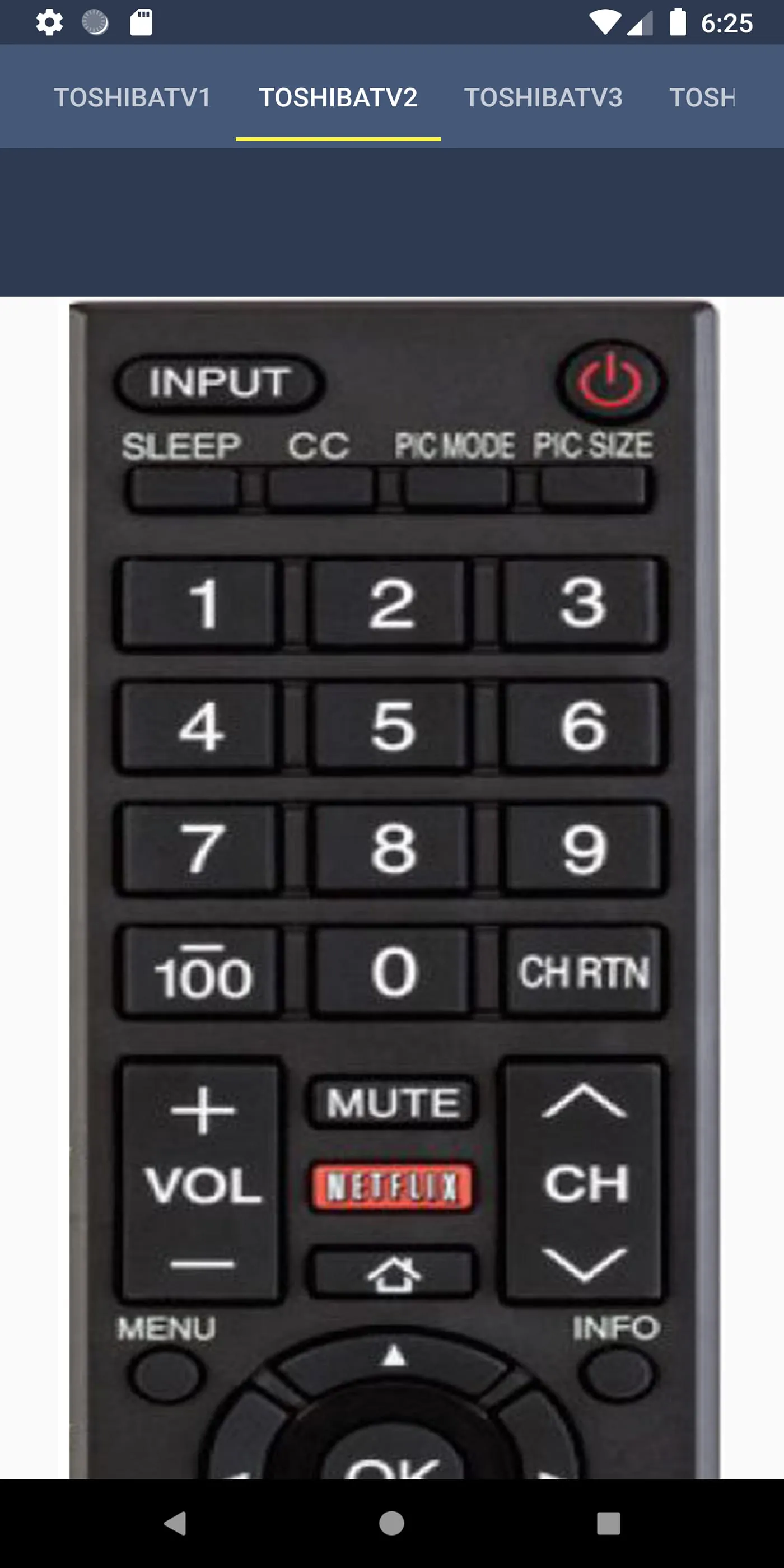
This document describes the features, functions, and usage of a Toshiba TV remote control application designed for mobile devices. The primary purpose of the application is to replicate the functionality of a traditional Toshiba TV remote, providing users with a convenient and readily accessible alternative. The application aims to simplify the user experience by offering a familiar interface and all the essential functions found on a standard remote control. This eliminates the need for a physical remote, which can be easily misplaced or damaged. The key functions incorporated in the Toshiba Remote Control application include power on/off, volume adjustment (up and down), channel navigation (up and down), mute, input selection, home screen access, pre-channel recall, menu navigation, a keypad for direct channel input, multimedia buttons for controlling media playback, and access to the TV settings. These functions collectively provide comprehensive control over the Toshiba TV, ensuring that users can perform all the necessary actions without relying on a physical remote. The application is designed to be user-friendly and intuitive, making it accessible to a wide range of users, regardless of their technical expertise. The interface is clean and straightforward, with clearly labeled buttons and easy-to-understand icons. This simplicity ensures that users can quickly learn how to use the application and navigate its features. Furthermore, the application is intended to be a reliable and convenient replacement for the physical remote, offering the same level of control and functionality in a more accessible format. By having the remote control readily available on their mobile device, users can avoid the frustration of searching for a misplaced remote or dealing with a malfunctioning one. The application also offers the advantage of being always available, as long as the user has their mobile device with them. This makes it an ideal solution for users who frequently misplace their remote or want a backup option in case their physical remote fails. The developers of the application have focused on creating a seamless and user-friendly experience, ensuring that the application is responsive, stable, and easy to use. Regular updates and improvements are planned to further enhance the application's functionality and address any user feedback or issues. The goal is to provide a reliable and convenient Toshiba TV remote control solution that meets the needs of a diverse user base.
The Toshiba TV Remote Control application distinguishes itself by offering several key advantages over traditional physical remotes. One of the most significant benefits is its portability and accessibility. Since the application resides on a user's mobile device, it is always readily available as long as the user has their phone or tablet with them. This eliminates the common problem of misplaced or lost remotes, saving users time and frustration. The application is designed to be a daily usage tool, seamlessly integrating into the user's routine. It is always in their pocket, eliminating the need to search for a physical remote every time they want to change the channel or adjust the volume. This convenience is particularly valuable for users who frequently use their TV or have a habit of misplacing their remote. Durability is another key advantage of the mobile remote control application. Unlike physical remotes, which are prone to damage from drops, spills, or general wear and tear, the application is not susceptible to physical damage. As long as the user's mobile device is protected, the remote control application will remain functional. This eliminates the need for costly repairs or replacements of physical remotes. The application also offers a level of customization and personalization that is not possible with traditional remotes. Users can customize the layout of the buttons, adjust the sensitivity of the controls, and even create custom profiles for different users or viewing scenarios. This level of customization allows users to tailor the application to their specific needs and preferences, enhancing their overall viewing experience. Furthermore, the application can be easily updated with new features and functionalities, ensuring that users always have access to the latest improvements and enhancements. This is in contrast to physical remotes, which are typically static and cannot be upgraded. The developers of the Toshiba TV Remote Control application are committed to providing ongoing support and updates, ensuring that the application remains a reliable and user-friendly solution for controlling Toshiba TVs. This includes addressing user feedback, fixing bugs, and adding new features to enhance the user experience. The goal is to create a remote control solution that is not only convenient and reliable but also constantly evolving to meet the changing needs of users.
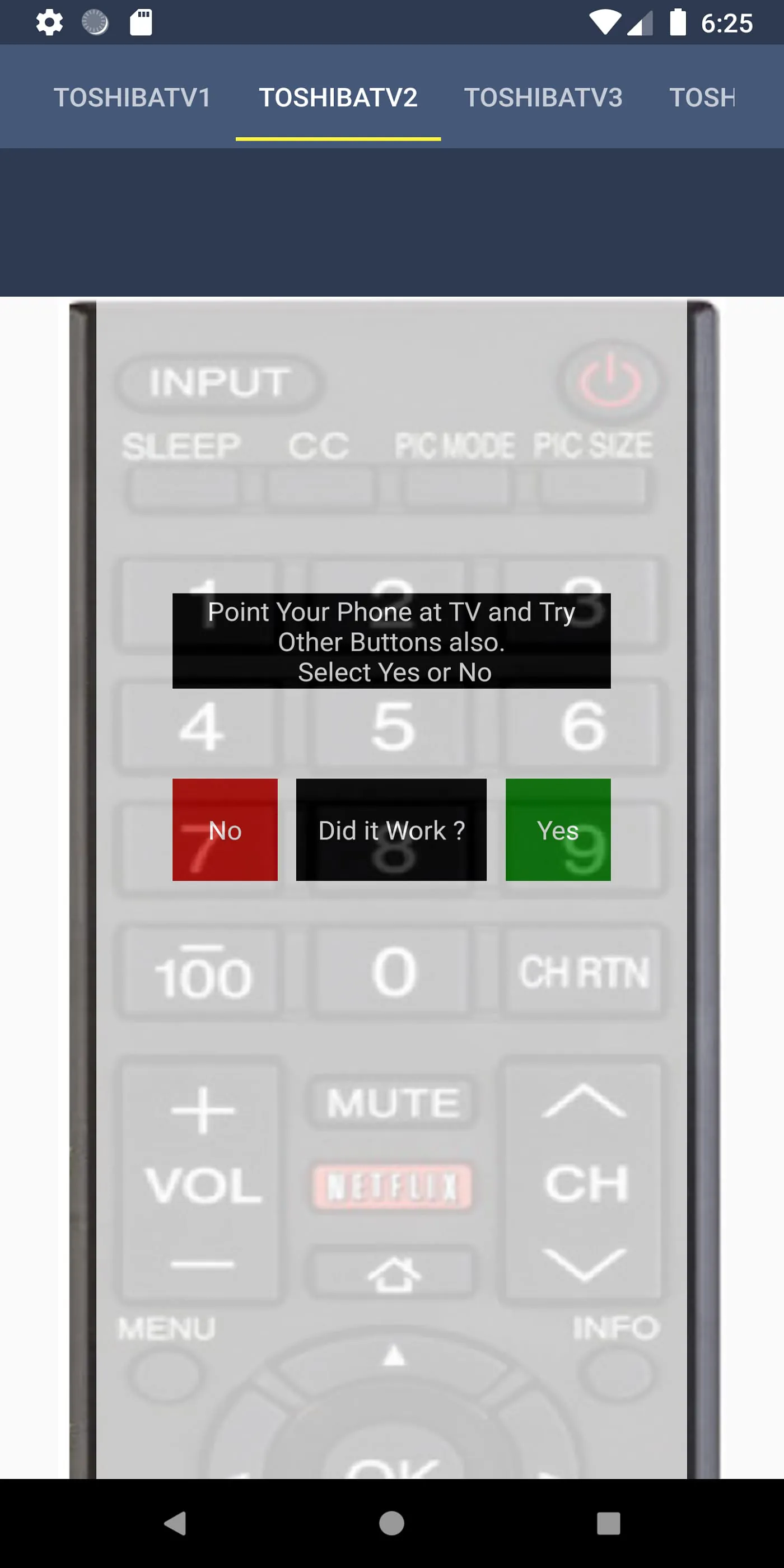
The Toshiba TV Remote Control application is designed to be compatible with a wide range of mobile devices, ensuring that as many users as possible can benefit from its features. The primary requirement for compatibility is that the mobile device must have an IR blaster. An IR blaster is a hardware component that emits infrared (IR) signals, which are the same signals used by traditional remote controls to communicate with TVs and other electronic devices. Most modern smartphones and tablets come equipped with an IR blaster, making them compatible with the Toshiba TV Remote Control application. However, it is important to note that not all mobile devices have an IR blaster. Users should check the specifications of their device to ensure that it is compatible before downloading and installing the application. If a device does not have an IR blaster, the application will not be able to control the Toshiba TV. The application is designed to be easy to install and use. Users can simply download the application from their device's app store and follow the on-screen instructions to install it. Once the application is installed, users can launch it and begin using it immediately. The application will automatically detect the Toshiba TV and configure itself to work with it. In some cases, users may need to manually select their TV model from a list of supported models. The application also includes a troubleshooting guide that can help users resolve any issues they may encounter. This guide provides step-by-step instructions for common problems, such as the application not detecting the TV or the buttons not working properly. The developers of the Toshiba TV Remote Control application are committed to providing excellent customer support. Users can contact the developers via email at
[email protected]
with any questions, comments, or concerns. The developers are responsive and helpful, and they are always willing to assist users with any issues they may be experiencing. Positive reviews and feedback are highly appreciated, as they motivate the developers to continue improving the application and adding new features. The goal is to create a remote control solution that is not only functional and reliable but also enjoyable to use. The developers believe that the Toshiba TV Remote Control application is a valuable tool for anyone who owns a Toshiba TV, and they are committed to making it the best remote control solution available.




 APK
APK  Google Play
  iOS
iOS  3.50
3.50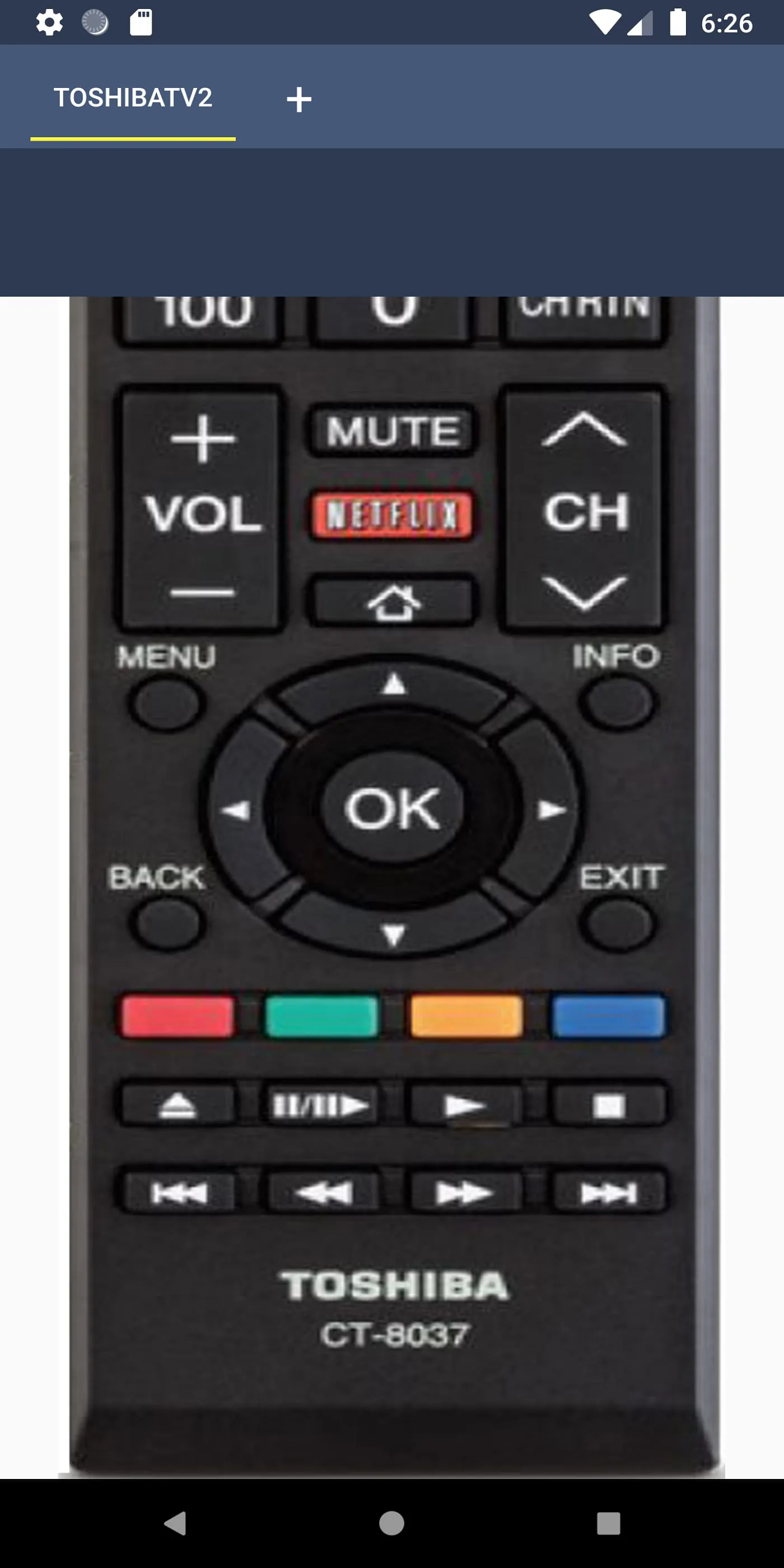
 Download








