



ADVERTISEMENT
ADVERTISEMENT

Themebox Themebox
Category
PersonalizationTag
home screen customization | App Icon Changer | Color Widgets | Aesthetic Themes | Smart Control Center
Rate
4.70
★★★★★
Reviews
500 +
Installs
5M +
Developer
Fusion Flow Tech
Content Rating
Everyone
Customize your home screen & control center with beautiful themes
 APK
APK  Google Play
  iOS
iOS  4.70
4.70ADVERTISEMENT
ADVERTISEMENT
Author's Review
appspicked Review
Themebox presents itself as a comprehensive solution for Android users seeking to deeply personalize their mobile experience. At its core, Themebox empowers users to transform their home screens through a vast array of customizable elements, including app icons, color widgets, wallpapers, and a smart control center. The application boasts an impressive library of over 1000 pre-designed themes, catering to diverse aesthetic preferences ranging from pastel and minimalist to neon and anime-inspired styles. This extensive collection serves as a foundation for users to express their individuality and create a home screen that resonates with their personal taste. The app's icon changer functionality allows for granular control over app icons, enabling users to modify styles, fonts, transparency, and backgrounds. This level of customization extends beyond simple icon replacement, offering the ability to create unique icon combinations that perfectly complement the overall theme. Beyond visual aesthetics, Themebox integrates practical elements such as color widgets that provide at-a-glance information on battery status, calendar events, weather conditions, and system controls. These widgets are not merely functional; they are also customizable to seamlessly blend with the chosen theme, ensuring a cohesive and visually appealing home screen. The inclusion of a smart control center further enhances the user experience by providing quick access to essential system settings, streamlining device management and improving overall efficiency. Themebox aims to provide users with the tools and resources necessary to create a truly personalized and functional home screen environment, appealing to individuals who value both aesthetics and usability. The application's emphasis on ease of use, coupled with its extensive customization options, positions it as a strong contender in the Android personalization market. The developers of Themebox have clearly prioritized user experience, offering a seamless and intuitive interface that makes it easy for users to navigate the app's various features and options. The one-tap application of themes and the DIY customization options cater to both novice and experienced users, ensuring that everyone can create a home screen that reflects their unique style. Furthermore, the app's lightweight design and fast performance contribute to a smooth and responsive user experience, even on older devices. Themebox's commitment to accessibility is evident in its use of the AccessibilityService API to enable features like the floating Control Center. This demonstrates a focus on enhancing usability and convenience for all users, while also adhering to responsible data handling practices. Overall, Themebox offers a compelling package for Android users seeking to personalize their home screens. Its extensive customization options, user-friendly interface, and focus on accessibility make it a valuable tool for expressing individuality and enhancing the mobile experience. It is also very important to stay up to date with the latest trends and offer new features to the users. Moreover, the app should continue to improve its performance and stability to ensure a smooth and enjoyable experience for all users. Regular updates with new themes, widgets, and icon packs will also help to keep the app fresh and engaging. In addition to these improvements, Themebox could also benefit from incorporating user feedback more actively into its development process. This could involve implementing a feature request system or conducting regular surveys to gather insights from users on their preferences and pain points. By actively listening to its user base, Themebox can ensure that it continues to meet the evolving needs and expectations of its target audience. This will not only help to retain existing users but also attract new ones who are looking for a personalized and user-friendly home screen customization experience.
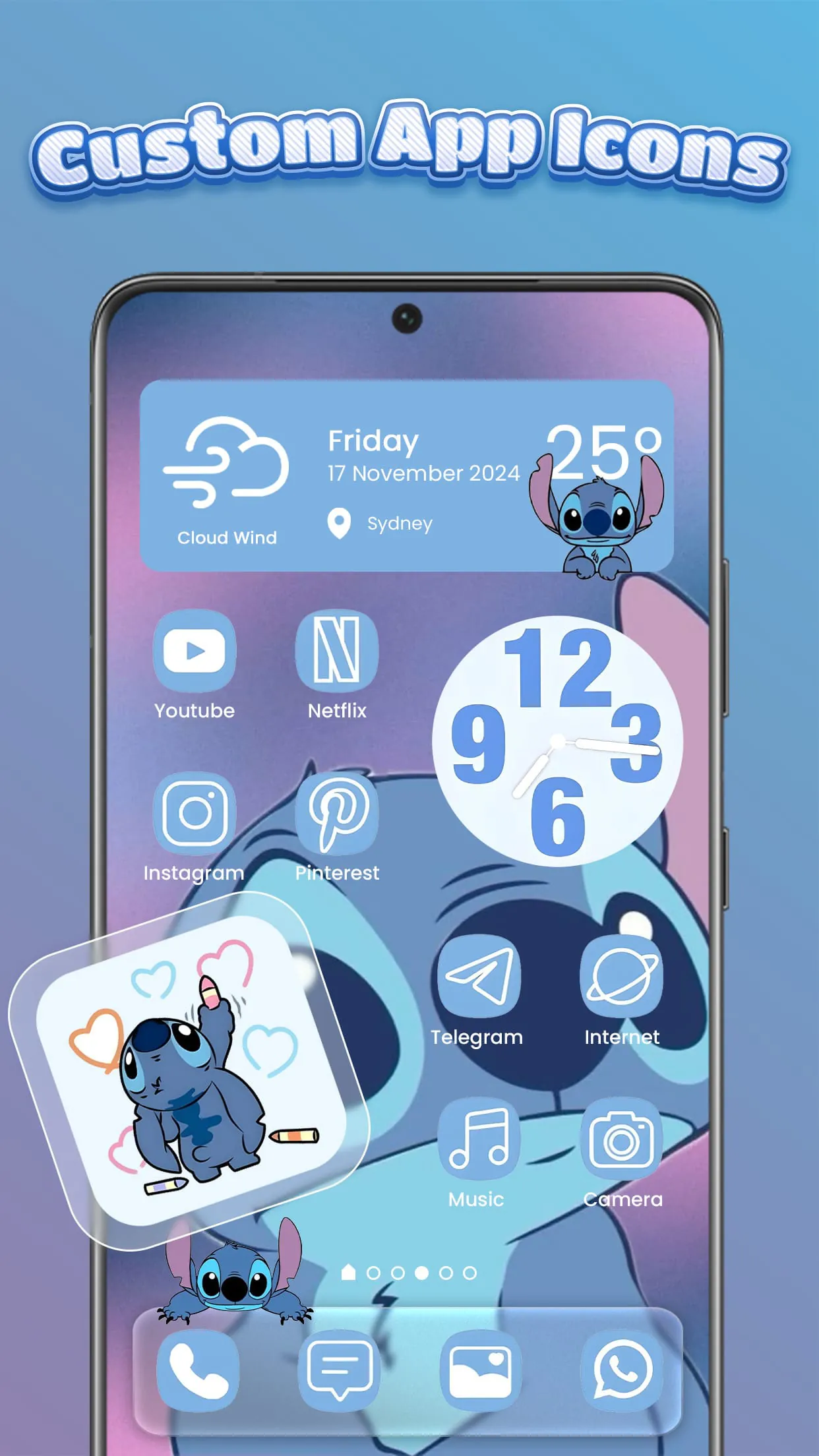
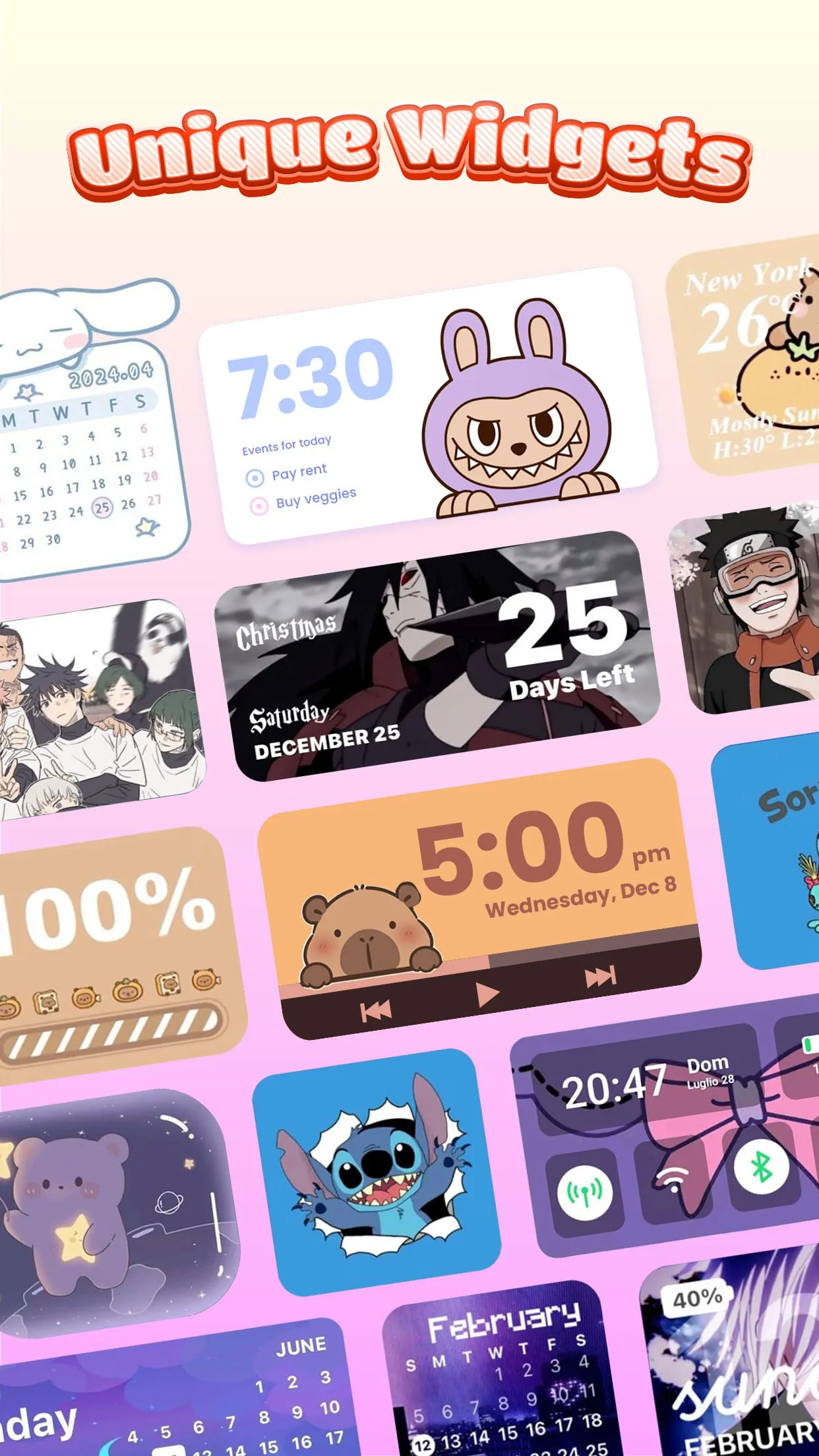
Delving deeper into the functionalities of Themebox, the app's app icon changer stands out as a particularly versatile feature. It allows users to transcend the default app icons and infuse their home screen with a personalized touch. The sheer breadth of icon packs available within Themebox ensures that there's something to cater to every taste, from minimalist designs to vibrant and playful styles. Moreover, the app goes beyond simply offering pre-made icon packs; it empowers users to create their own custom icons by modifying various elements such as fonts, colors, and transparency. This level of control enables users to fine-tune their app icons to perfectly match their chosen theme and create a cohesive visual experience. The ability to customize app icon names further enhances the personalization aspect, allowing users to rename their apps with creative and descriptive labels that reflect their individual usage patterns. This can be particularly useful for users who have multiple apps that perform similar functions, as it allows them to easily differentiate between them. In addition to its icon customization capabilities, Themebox also offers a wide array of color widgets that provide real-time information and quick access to essential functions. These widgets are not merely static displays; they are interactive and customizable, allowing users to tailor them to their specific needs and preferences. The battery status widget, for example, provides a clear and concise overview of the device's battery level, while the calendar and weather widgets keep users informed about upcoming events and current weather conditions. The smart control panel widget offers quick access to frequently used system settings, such as Wi-Fi, Bluetooth, and brightness controls, streamlining device management and improving overall efficiency. The image widget allows users to display their favorite photos directly on their home screen, adding a personal touch and creating a visually appealing backdrop. Each of these widgets can be customized to match the chosen theme, ensuring a seamless and visually harmonious home screen experience. Themebox's commitment to providing a comprehensive personalization solution is further evident in its inclusion of a smart control center. This floating panel provides quick access to essential system settings with a simple swipe, eliminating the need to navigate through multiple menus and settings screens. The control center is not only functional but also aesthetically pleasing, with a sleek and modern design that complements the overall theme of the home screen. Users can customize the control center to include the settings that they use most frequently, ensuring that they are always just a swipe away. This feature is particularly useful for users who frequently switch between different settings or who need to quickly adjust their device's configuration in different situations. Themebox is a perfect app to have for individuals who like to be creative and innovative. Regular updates with new themes, widgets, and icon packs will also help to keep the app fresh and engaging and it will make users more excited to use the app on a regular basis.
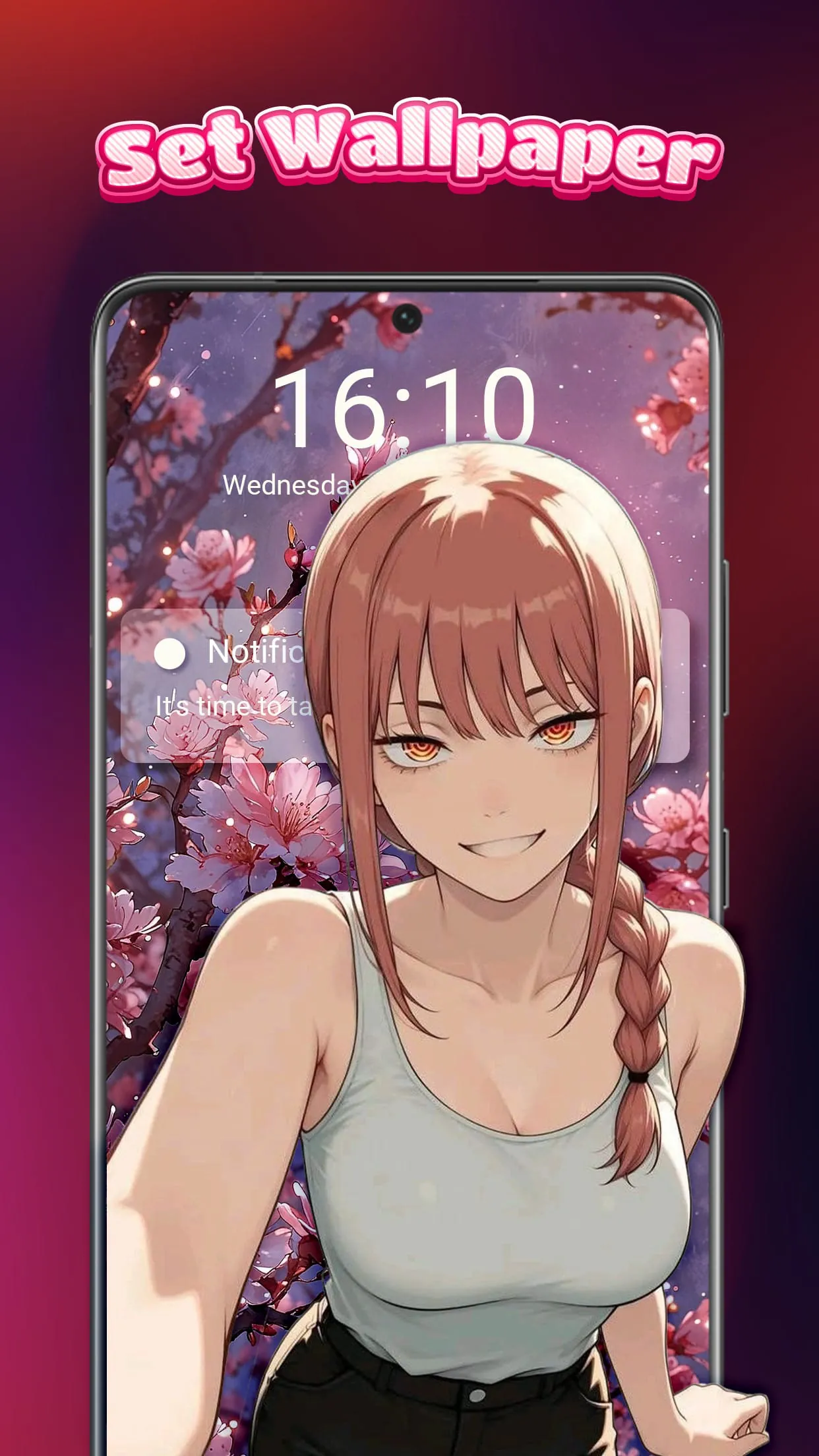
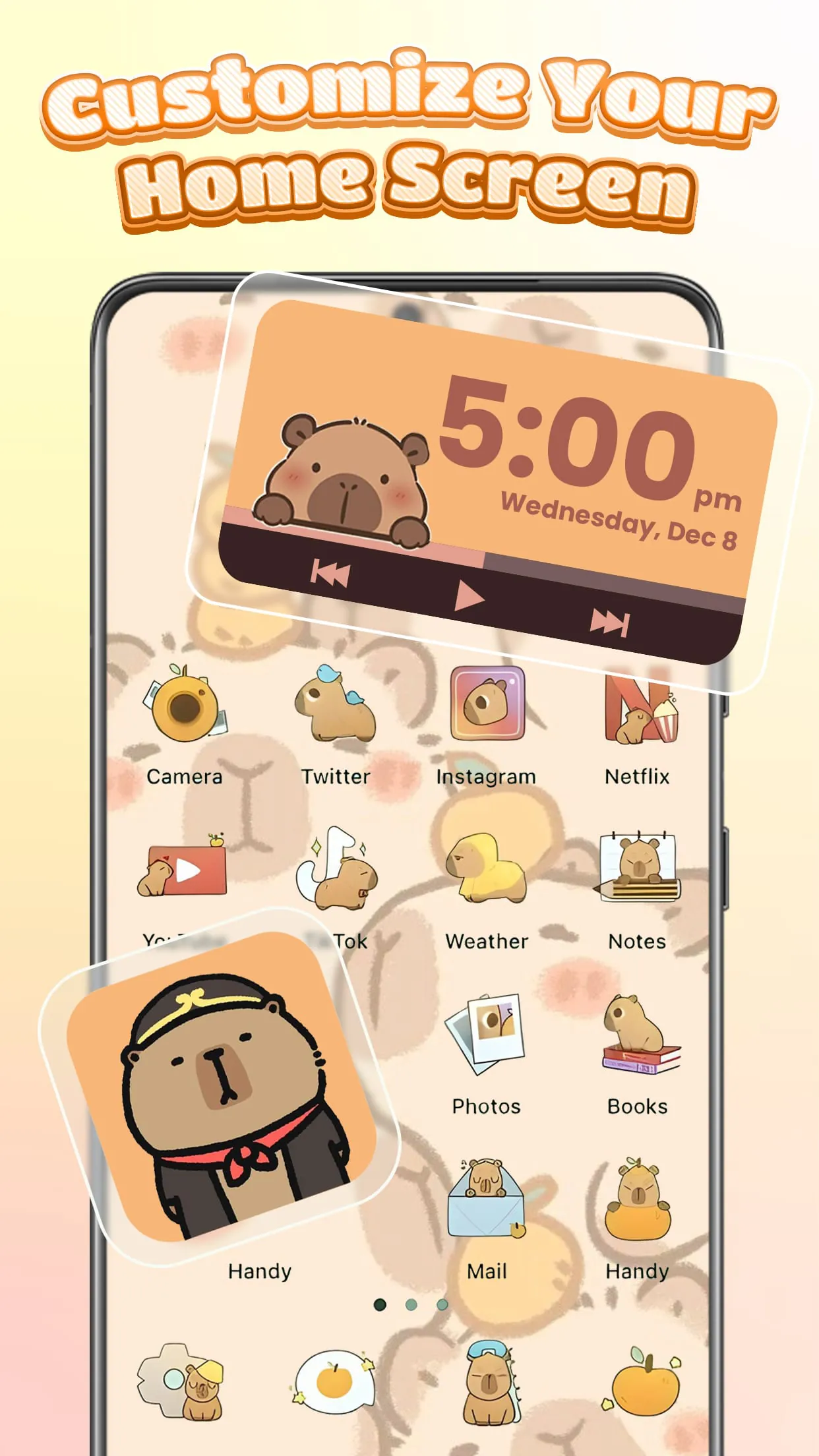
The wallpapers and themes provided by Themebox also deserve significant attention. The app boasts a vast collection of over 1000 beautifully designed themes, catering to a wide range of aesthetic preferences. Whether users are drawn to anime, vintage, minimalist, pastel, or neon styles, they are sure to find a theme that resonates with their individual taste. The themes are not merely static images; they are carefully crafted designs that encompass the entire home screen experience, including app icons, widgets, and wallpapers. This ensures a cohesive and visually harmonious look that transforms the device into a personalized work of art. In addition to its pre-designed themes, Themebox also empowers users to create their own DIY themes, allowing them to unleash their creativity and design a truly unique home screen. This feature is particularly appealing to users who have a specific vision in mind or who want to experiment with different styles and combinations. The app provides a range of tools and options for creating custom themes, including the ability to modify app icons, widgets, and wallpapers. Users can also choose from a variety of fonts, colors, and backgrounds to create a theme that perfectly reflects their individual style. Themebox's commitment to providing a comprehensive personalization solution extends beyond its visual customization options. The app also prioritizes performance and usability, ensuring that it runs smoothly and efficiently on a wide range of Android devices. The app is designed to be lightweight and resource-efficient, minimizing its impact on battery life and system performance. This is particularly important for users who are concerned about the performance of their devices or who have older devices with limited processing power. The app's intuitive interface and easy-to-use features make it accessible to users of all skill levels, from novice smartphone users to experienced customization enthusiasts. The app provides clear instructions and helpful tips throughout the customization process, ensuring that users can easily navigate its various features and options. Themebox's dedication to user privacy and security is also worth noting. The app does not collect any personal or sensitive user data without explicit consent, and it adheres to strict data privacy policies. The app uses the AccessibilityService API solely for user-requested features that enhance usability and convenience, and it does not share any user data with third parties. Overall, Themebox offers a compelling package for Android users seeking to personalize their home screens. Its extensive customization options, user-friendly interface, focus on performance and usability, and commitment to user privacy make it a valuable tool for expressing individuality and enhancing the mobile experience. It is also important to stay up to date with the latest trends and offer new features to the users. The application has huge potential to grow its user base and become a leading platform for Android personalization.
Screenshots
 Download
 Additional Information
Category
PersonalizationVersion
Unknown
Tag
home screen customization | App Icon Changer | Color Widgets | Aesthetic Themes | Smart Control Center
Rate
4.70
★★★★★
Reviews
500 +
Installs
5M +
Developer
Fusion Flow Tech
Content Rating
Everyone
Customize your home screen & control center with beautiful themes
ADVERTISEMENT
ADVERTISEMENT
Previous Versions
ZIP files require a Split APKs Installer (e.g., SAI) from Google Play to install. Steps: 1. Download SAI from Google Play; 2. Open SAI and tap "Install APKs"; 3. Select the ZIP file; 4. Complete installation.
ADVERTISEMENT
You Might Like









