



ADVERTISEMENT
ADVERTISEMENT

Ai Photo Editor Ai Photo Editor
Category
PhotographyTag
typography | Photo editor | Image editing | Mobile design | Photo effects
Rate
4.40
★★★★★
Reviews
500 +
Installs
500k +
Developer
Photo & Video Editors - Instant Solution
Content Rating
Everyone
Ai Photo Editor: Photo Filters is a tool for all your photo editing needs.
 APK
APK  Google Play
  iOS
iOS  4.40
4.40ADVERTISEMENT
ADVERTISEMENT
Author's Review
appspicked Review
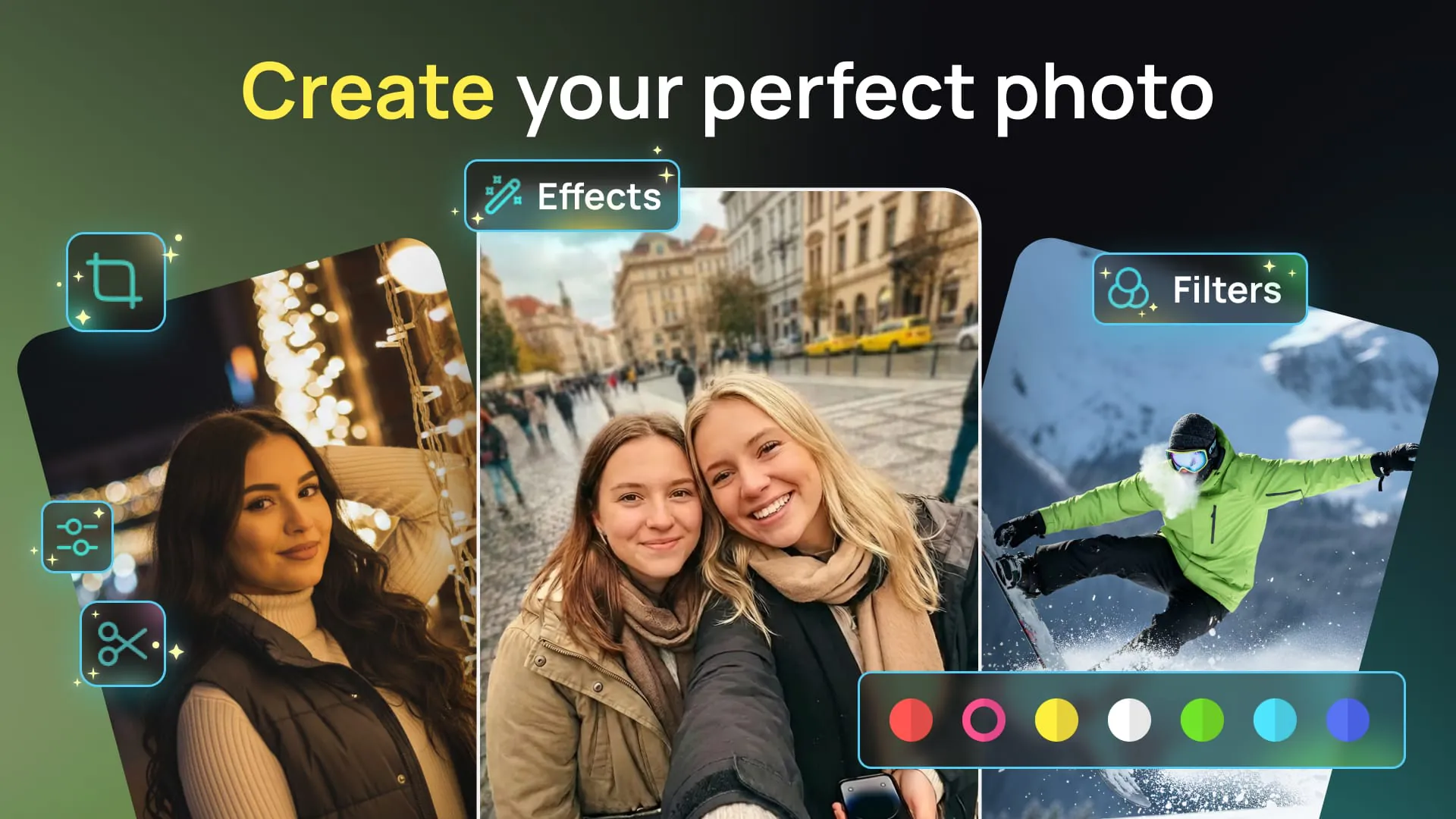
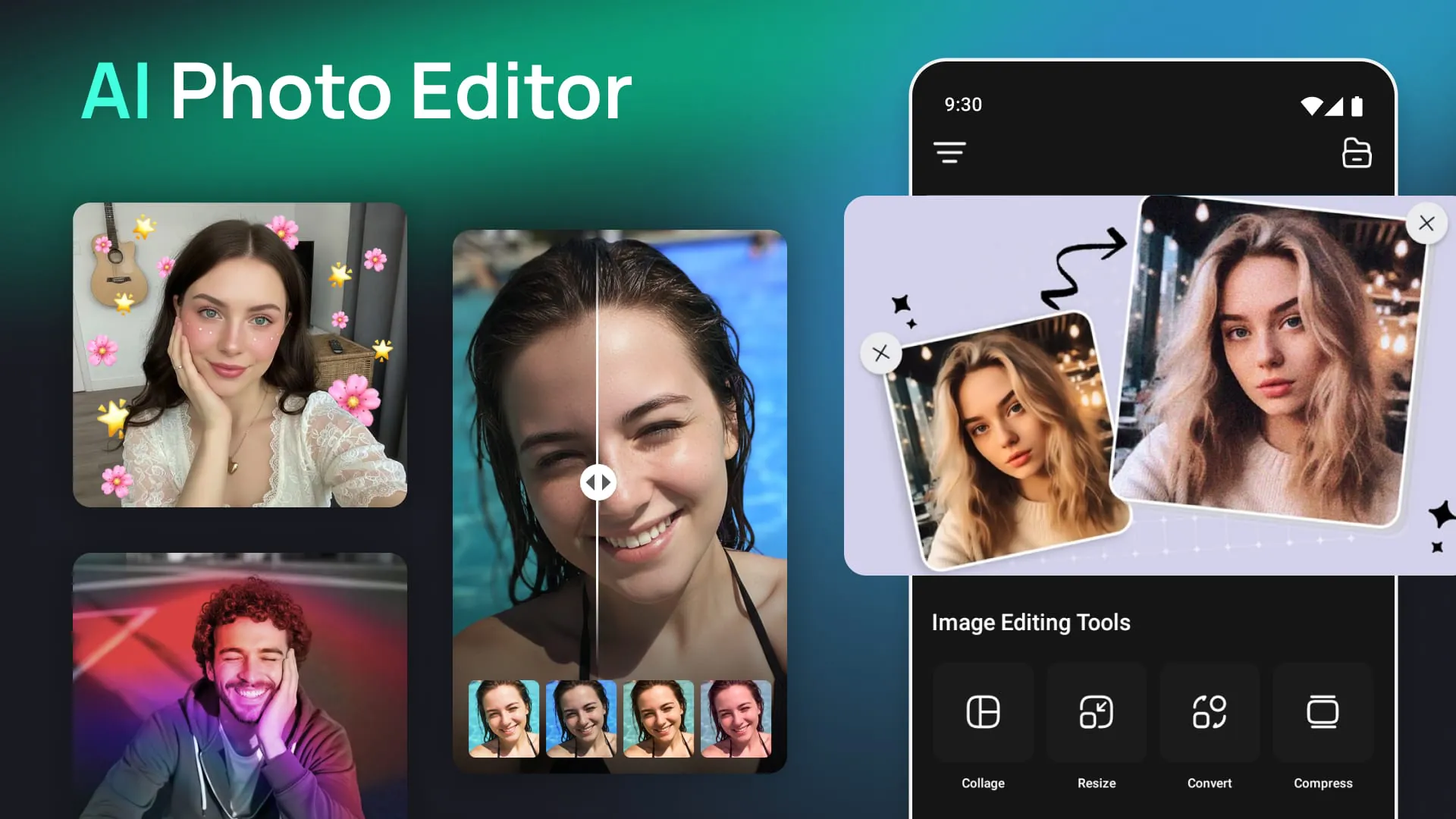
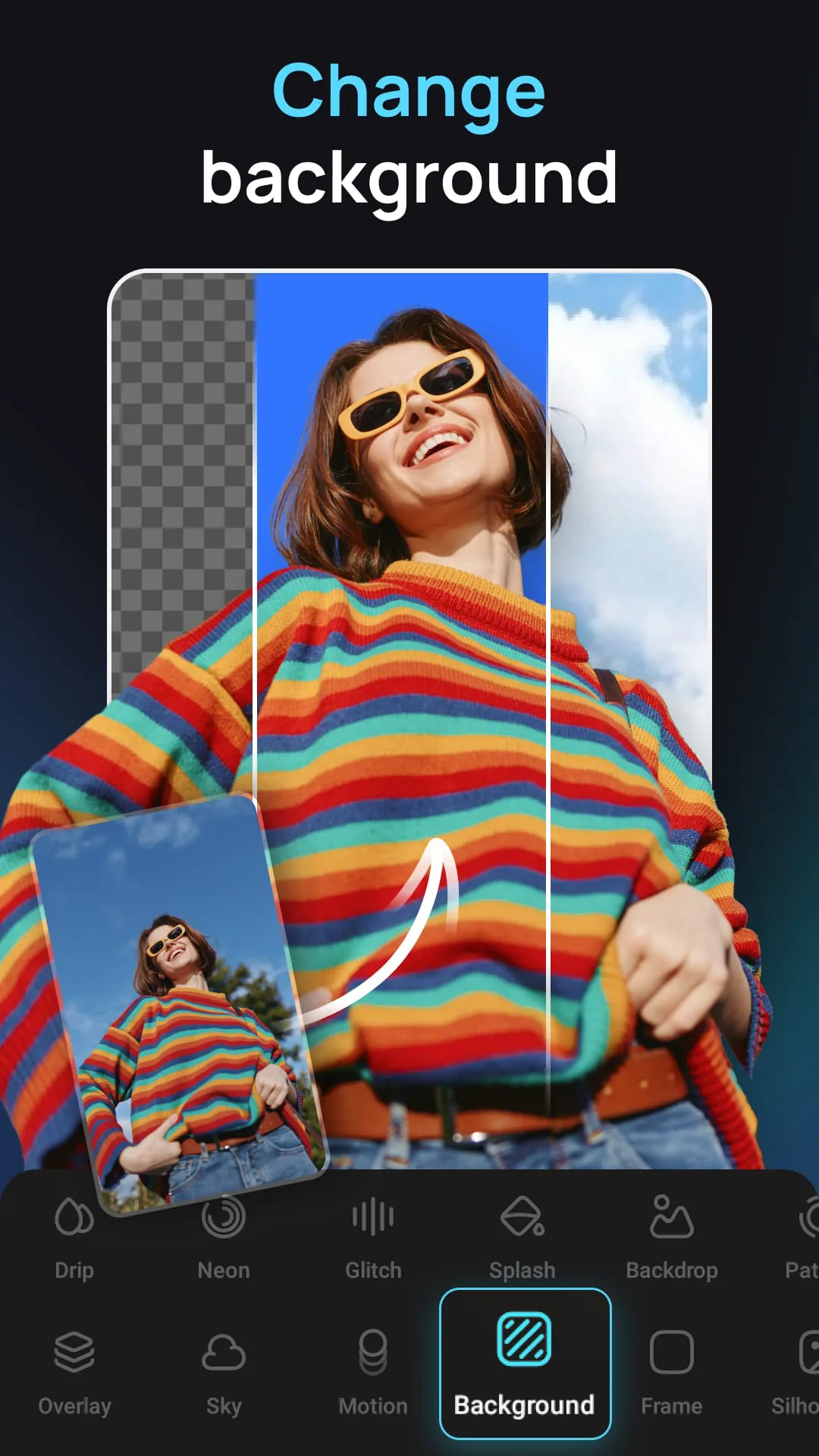
Photo Pea Photo Editor emerges as a versatile and powerful design studio, conveniently accessible on mobile devices. It is positioned as an all-encompassing editor designed to cater to a wide spectrum of photo editing requirements, offering an intuitive and streamlined approach for users to craft visually compelling images and effectively communicate their intended message. The application emphasizes ease of use, enabling users to effortlessly modify various types of photographs, encompassing portraits, culinary snapshots, architectural displays, scenic landscapes, and fashion editorials. It provides a comprehensive suite of features, including the ability to incorporate elements such as masks, diverse fonts, personalized captions, insightful quotes, distinct watermarks, and custom-designed memes. Furthermore, users can enhance their images with aesthetically pleasing typography, unique artwork, a vast array of filters and photo effects, and an ever-expanding collection of shapes, light effects, textures, borders, and patterns, thereby facilitating seamless sharing across various social media platforms. The core strength of Photo Pea Photo Editor lies in its accessibility, eliminating the necessity for professional photography skills or graphic design expertise to achieve polished and professional-grade results. The application is meticulously designed to be user-friendly and efficient, ensuring that individuals of all skill levels can harness its capabilities to enhance their photographic creations. The application distinguishes itself through its robust suite of photo editing functionalities, notably its typography options, which encompass a curated selection of visually striking text fonts sourced from renowned designers globally. Users can effortlessly resize, rotate, and adjust the opacity of text, create intricate typography through multiple text layers, and incorporate drop-shadows to augment the visual appeal of their text elements. Additionally, the application offers an extensive assortment of stickers, overlays, and artwork, enabling users to inject personality and creativity into their photos, facilitating self-expression through visual mediums. Moreover, Photo Pea Photo Editor provides a diverse array of over 50 photo filters, with ongoing additions, allowing users to instantly transform the mood and aesthetic of their images. The application extends its functionality through a photo extension compatible with the native Photos app, enabling users to seamlessly apply Photo Pea Photo Editor filters while editing directly within their camera roll. This integration streamlines the editing process, offering convenience and accessibility for on-the-go photo enhancements. The application further enhances its creative capabilities through a selection of meticulously crafted photo effects, encompassing light leaks, film grains, textures, gradients, and magical effects. These effects provide users with a diverse palette to add depth, character, and visual interest to their photographs, creating captivating and unique compositions. In addition to its core editing features, Photo Pea Photo Editor incorporates a comprehensive suite of image overlays and masks, offering a vast collection of shapes, borders, overlays, and textures. This allows users to effortlessly add visual flair and stylistic elements to their photos, creating intricate and personalized designs. The application's magazine templates provide users with pre-designed layouts inspired by popular publications, enabling them to create custom cover stories for announcements, celebrations, or personal branding purposes. Users can import custom artwork or logos, integrating them into their photos as fully editable layers, catering to mobile creatives and enhancing branding initiatives. The drawing tool empowers users to annotate their photos with handwritten notes, instructions, or captions, adding a personal touch to their visual communication. Photo Pea Photo Editor also features a comprehensive cropping tool with preset ratios optimized for platforms like Instagram, as well as a collage tool offering a selection of unique and fun collage layouts. The photo booth feature provides an interactive and entertaining experience, allowing users to capture and share spontaneous moments with friends. Additionally, the application includes a sticker pack for iMessage, enabling users to seamlessly share creations made with Photo Pea Photo Editor within their messaging conversations.
Photo Pea Photo Editor provides a comprehensive suite of tools and features that cater to a diverse range of photo editing needs, from basic enhancements to intricate design compositions. Its intuitive interface and user-friendly design make it accessible to individuals with varying levels of technical expertise, empowering them to transform their ordinary photos into visually stunning creations. The application's typography features offer a wide selection of text fonts and customization options, enabling users to craft expressive and visually appealing captions, quotes, and watermarks. The ability to resize, rotate, adjust opacity, and add drop-shadows to text provides granular control over the text elements, allowing for precise integration with the overall image design. The inclusion of stickers, overlays, and artwork further expands the creative possibilities, enabling users to express their personality and add unique visual elements to their photos. The diverse collection of photo filters allows for instant mood and aesthetic transformations, while the carefully crafted photo effects add depth, character, and visual interest. The image overlays and masks provide a vast array of shapes, borders, overlays, and textures, enabling users to create intricate and personalized designs. The magazine templates offer pre-designed layouts inspired by popular publications, providing a convenient way to create custom cover stories for announcements, celebrations, or personal branding purposes. The ability to import custom artwork and logos allows users to seamlessly integrate their branding elements into their photos, maintaining a consistent visual identity across various platforms. The drawing tool provides a simple yet effective way to annotate photos with handwritten notes, instructions, or captions, adding a personal touch to visual communication. The cropping tool offers preset ratios optimized for various platforms, while the collage tool provides a selection of unique and fun collage layouts. The photo booth feature adds an interactive and entertaining element to the application, while the sticker pack for iMessage enables seamless sharing of creations within messaging conversations. Photo Pea Photo Editor emphasizes ease of use and accessibility, making it a valuable tool for both casual users and professional creatives. Its comprehensive suite of features, intuitive interface, and seamless integration with other platforms make it a versatile and powerful photo editing solution for mobile devices. The application empowers users to unleash their creativity and transform their photos into visually captivating masterpieces, regardless of their technical expertise. Its commitment to providing a user-friendly and feature-rich experience sets it apart as a leading photo editing application in the mobile market.
Photo Pea Photo Editor stands out as a robust and versatile photo editing application that empowers users to create professional-quality images directly from their mobile devices. Its comprehensive suite of features caters to a wide range of editing needs, from basic adjustments to intricate design compositions. The application's user-friendly interface ensures accessibility for individuals of all skill levels, allowing them to transform their ordinary photos into visually stunning creations. The core strength of Photo Pea Photo Editor lies in its ability to provide a seamless and intuitive editing experience. The application's typography features offer a vast selection of text fonts and customization options, enabling users to craft expressive and visually appealing captions, quotes, and watermarks. The ability to resize, rotate, adjust opacity, and add drop-shadows to text provides granular control over the text elements, allowing for precise integration with the overall image design. The inclusion of stickers, overlays, and artwork further expands the creative possibilities, enabling users to express their personality and add unique visual elements to their photos. The diverse collection of photo filters allows for instant mood and aesthetic transformations, while the carefully crafted photo effects add depth, character, and visual interest. The image overlays and masks provide a vast array of shapes, borders, overlays, and textures, enabling users to create intricate and personalized designs. The magazine templates offer pre-designed layouts inspired by popular publications, providing a convenient way to create custom cover stories for announcements, celebrations, or personal branding purposes. The ability to import custom artwork and logos allows users to seamlessly integrate their branding elements into their photos, maintaining a consistent visual identity across various platforms. The drawing tool provides a simple yet effective way to annotate photos with handwritten notes, instructions, or captions, adding a personal touch to visual communication. Photo Pea Photo Editor's commitment to providing a comprehensive and user-friendly editing experience makes it an invaluable tool for both casual users and professional creatives. Its seamless integration with other platforms and its robust suite of features solidify its position as a leading photo editing application in the mobile market. The application empowers users to unleash their creativity and transform their photos into visually captivating masterpieces, regardless of their technical expertise, making it an indispensable tool for anyone seeking to enhance their visual storytelling capabilities. This all-in-one editor caters to various photo editing needs, allowing users to effortlessly modify photos, add typography and artwork, apply filters and effects, and incorporate shapes, textures, and patterns.
Screenshots
 Download
 Additional Information
Category
PhotographyVersion
Unknown
Tag
typography | Photo editor | Image editing | Mobile design | Photo effects
Rate
4.40
★★★★★
Reviews
500 +
Installs
500k +
Developer
Photo & Video Editors - Instant Solution
Content Rating
Everyone
Ai Photo Editor: Photo Filters is a tool for all your photo editing needs.
ADVERTISEMENT
ADVERTISEMENT
Previous Versions
ZIP files require a Split APKs Installer (e.g., SAI) from Google Play to install. Steps: 1. Download SAI from Google Play; 2. Open SAI and tap "Install APKs"; 3. Select the ZIP file; 4. Complete installation.
ADVERTISEMENT
You Might Like









