



Nova Launcher Prime Nova Launcher Prime
Category
PersonalizationTag
Nova Launcher Prime | Android customization | Gestures | App drawer groups | Icon swipe gestures
Rate
4.10
★★★★★
Reviews
500 +
Installs
5M +
Developer
Instabridge Sweden AB
Content Rating
Everyone
Your home screen, just the way you like it.
 APK
APK  Google Play
  iOS
iOS  4.10
4.10 Author's Review
Appspicked Review
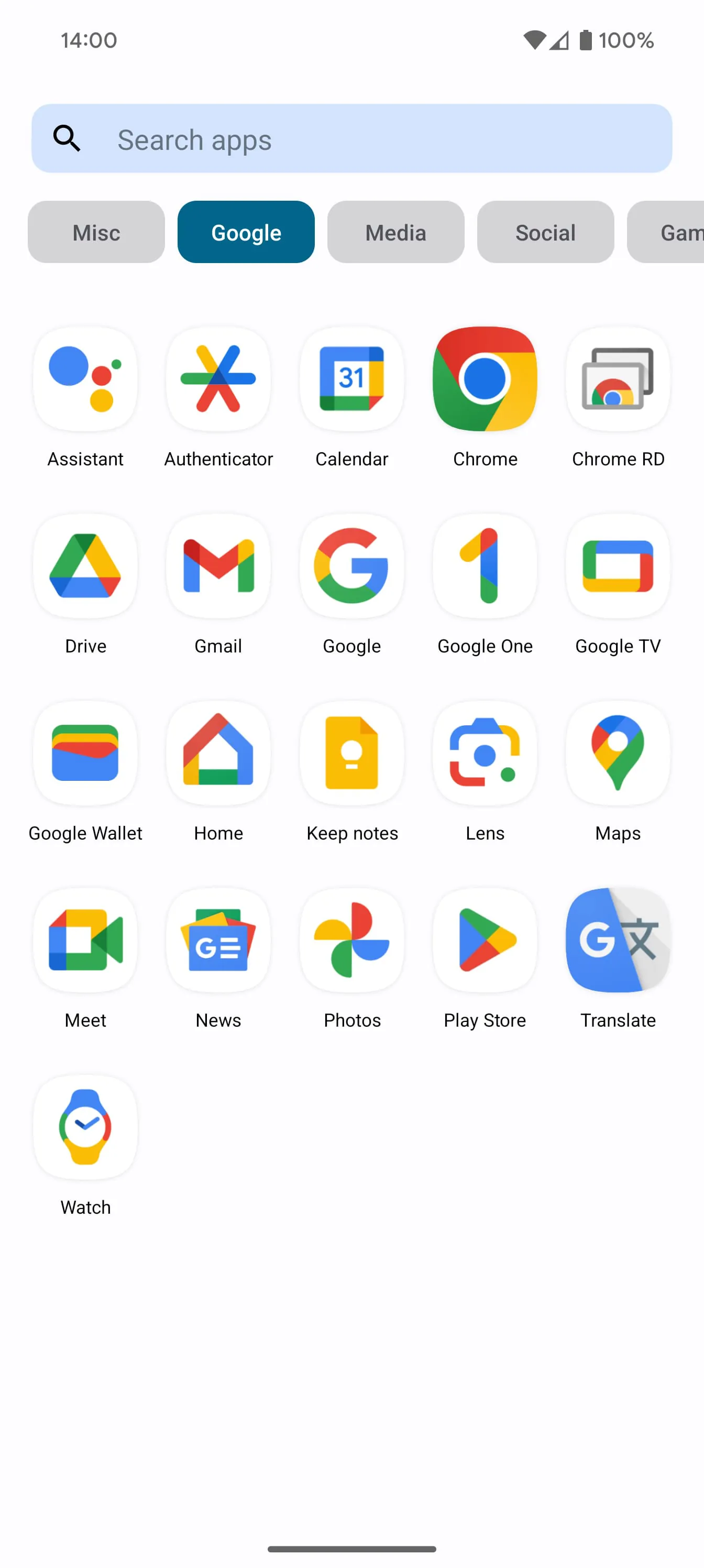
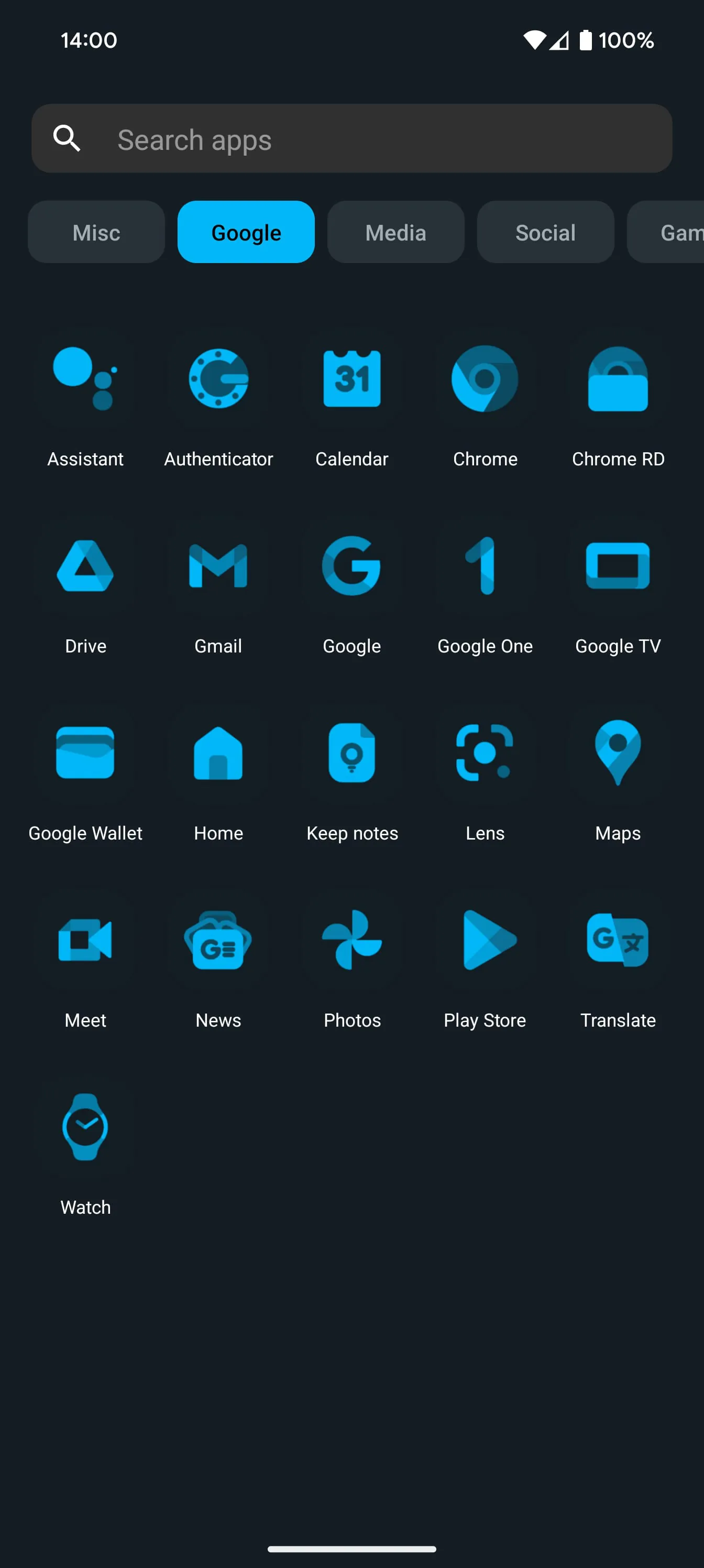
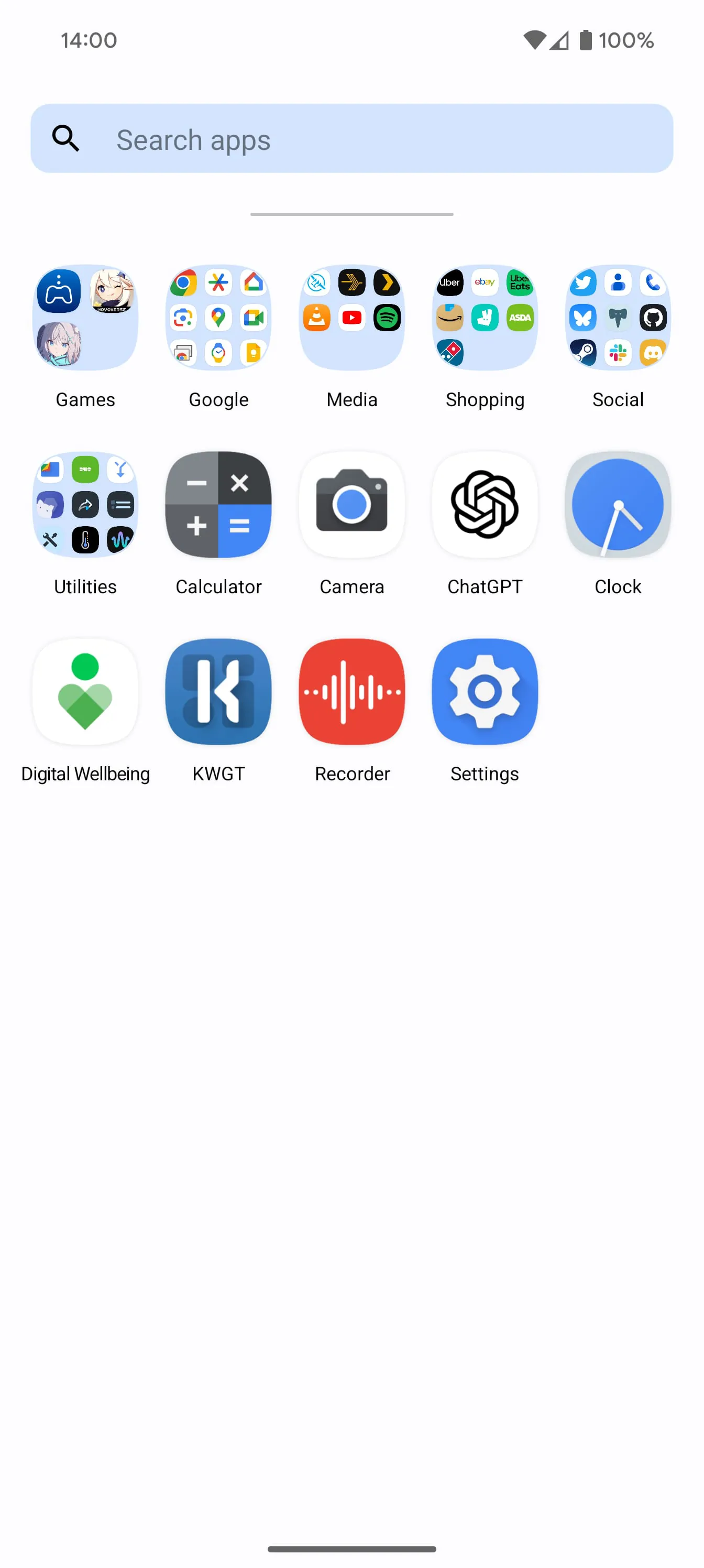
Nova Launcher Prime is presented as an enhancement to the already existing Nova Launcher application, offering a range of additional features designed to provide users with greater control over the customization and functionality of their Android home screens. The core value proposition revolves around unlocking the full potential of Nova Launcher, moving beyond the basic capabilities offered in the free version. These enhancements are specifically aimed at users who desire a more personalized, efficient, and organized mobile experience. The primary features highlighted are gestures, app drawer groups, app hiding, and custom icon swipe gestures. Gestures allow users to perform custom actions through simple swipes, pinches, and double taps on the home screen, thus streamlining common tasks and reducing the need to navigate through multiple menus. This feature promotes ease of use and quick access to frequently used functions. App drawer groups enable users to create custom tabs or folders within the app drawer, effectively organizing their applications and creating a more structured and intuitive interface. This is particularly useful for users who have a large number of apps installed on their devices, as it allows them to categorize and locate apps more easily. The ability to hide apps from the app drawer without uninstalling them provides users with greater control over the visibility of their applications. This feature can be used to declutter the app drawer, hide infrequently used apps, or prevent unauthorized access to sensitive apps. Custom icon swipe gestures extend the functionality of home screen icons by allowing users to perform different actions depending on whether they swipe up or down on an icon. This adds a layer of productivity without occupying additional home screen space, enabling users to launch different apps or access specific features associated with an app directly from the icon. Beyond these key features, Nova Launcher Prime also promises more scrolling effects and notification badges, further enhancing the visual appeal and informative nature of the home screen. It is explicitly stated that Nova Launcher Prime functions as a license key to unlock these advanced features within the free Nova Launcher app. Users are required to have the free Nova Launcher app installed on their device in order to utilize the functionalities provided by Prime. This is a crucial distinction, as purchasing Nova Launcher Prime alone does not provide a standalone launcher application but rather acts as an upgrade to the existing free version. The mention of the OneYou Icon Pack by PashaPuma Design and the acknowledgement of permission from other icon pack creators underscores the visual customization options available within Nova Launcher. The use of custom icon packs allows users to personalize the appearance of their home screen and app drawer, creating a unique and visually appealing experience. Overall, Nova Launcher Prime is positioned as a comprehensive upgrade for Nova Launcher users who seek advanced customization, improved organization, and enhanced productivity. The combination of gesture controls, app drawer organization, app hiding, custom icon gestures, and visual enhancements provides a compelling suite of features designed to optimize the Android user experience. The requirement of the free Nova Launcher app as a prerequisite for Prime functionality is clearly communicated, ensuring users understand the installation and usage process. The acknowledgement of icon pack creators highlights the focus on visual personalization and the availability of extensive customization options. This premium offering targets experienced Android users comfortable with customizations and who desire to have more control over the look and feel of their smartphone.
The description of Nova Launcher Prime emphasizes its role as a key to unlocking advanced features within the existing Nova Launcher application. This point is crucial for potential buyers, as it clarifies that purchasing Prime does not provide a standalone launcher but rather enhances the functionality of the free version. The features highlighted – gestures, app drawer groups, hiding apps, and custom icon swipe gestures – collectively represent a significant upgrade in terms of customization and efficiency. Each of these features caters to different aspects of user preference and workflow, contributing to a more personalized and streamlined mobile experience. The gesture controls, for example, introduce a level of interaction beyond traditional tapping and swiping, allowing users to create shortcuts for common tasks and access specific functions more quickly. This can significantly reduce the time spent navigating through menus and searching for apps, particularly for users who frequently perform the same actions. The app drawer groups feature addresses the common problem of cluttered app drawers, which can make it difficult to locate specific applications. By allowing users to create custom tabs or folders, Nova Launcher Prime provides a mechanism for organizing apps based on category, usage frequency, or personal preference. This not only improves the visual organization of the app drawer but also makes it easier to find and launch apps quickly. The ability to hide apps offers both functional and aesthetic benefits. From a functional standpoint, it allows users to declutter the app drawer by hiding infrequently used apps or apps that they prefer to keep private. From an aesthetic standpoint, it allows users to create a cleaner and more minimalist home screen and app drawer, removing visual distractions and focusing on the apps that they use most often. The custom icon swipe gestures represent a particularly innovative feature, as they extend the functionality of home screen icons without requiring additional space. By assigning different actions to upward and downward swipes, users can access multiple functions associated with a single app directly from its icon. This can be used to launch different activities within the app, access settings, or perform other tasks, effectively doubling the utility of each icon. In addition to these core features, Nova Launcher Prime promises more scrolling effects and notification badges, further enhancing the visual appeal and informative nature of the home screen. These features contribute to a more engaging and dynamic user experience, allowing users to personalize the look and feel of their device and stay informed about important notifications. The mention of icon packs, such as the OneYou Icon Pack by PashaPuma Design, highlights the extensive customization options available within Nova Launcher. Users can choose from a wide variety of icon packs to change the appearance of their app icons, creating a unique and visually consistent home screen. Overall, the description of Nova Launcher Prime effectively communicates its value proposition as a comprehensive upgrade for Nova Launcher users. The features highlighted cater to a range of user preferences and needs, offering greater customization, improved organization, and enhanced efficiency. The emphasis on the Prime as a license key for the free version is crucial for setting expectations and ensuring user satisfaction. The acknowledgement of icon pack creators underscores the focus on visual personalization and the availability of extensive customization options.
Nova Launcher Prime is clearly marketed as a premium upgrade designed to unlock the full potential of the free Nova Launcher application. The advertisement succinctly highlights the key features that differentiate the Prime version from its free counterpart, focusing on functionalities that offer enhanced customization, convenience, and efficiency for Android users. The emphasis on gestures as a primary feature underscores the modern user interface paradigm that Nova Launcher Prime aims to provide. By enabling users to define custom actions for various gestures like swipes, pinches, and double-taps on the home screen, the launcher transforms the way users interact with their devices. This not only streamlines navigation but also allows for personalized shortcuts to frequently used applications and functions, ultimately saving time and enhancing productivity. The introduction of app drawer groups is another significant enhancement that addresses the common problem of app clutter. By enabling users to create custom tabs and folders within the app drawer, Nova Launcher Prime provides a robust organizational system that allows users to categorize their applications based on their preferences. This feature is particularly useful for users who have a large number of applications installed on their devices, as it simplifies the process of locating and launching specific apps. The ability to hide apps from the app drawer without uninstalling them offers a unique combination of privacy and convenience. This feature allows users to remove unwanted or sensitive applications from view without permanently deleting them from their devices, providing a discreet way to manage their app collection. Furthermore, custom icon swipe gestures add another layer of functionality to the home screen by enabling users to assign different actions to upward or downward swipes on app icons. This innovative feature allows users to access additional features or functionalities within an application directly from the home screen, without requiring them to open the app first. This can significantly improve efficiency and streamline workflows for users who frequently use specific features within certain apps. Beyond these core features, the advertisement also alludes to additional enhancements such as more scrolling effects and notification badges, further emphasizing the comprehensive nature of the Prime upgrade. These visual and informational enhancements contribute to a more engaging and personalized user experience. The explicit mention that Nova Launcher Prime acts as a license to unlock these features in the free Nova Launcher app is crucial for setting user expectations and ensuring a smooth installation process. This clearly communicates that users must have the free version installed in order to utilize the functionalities unlocked by the Prime license. The acknowledgment of icon packs, such as the OneYou Icon Pack by PashaPuma Design, highlights the extensive customization options available within Nova Launcher. Users can personalize the appearance of their home screen and app drawer by choosing from a wide variety of icon packs, allowing them to create a unique and visually appealing interface that reflects their individual style. Overall, the advertisement effectively conveys the value proposition of Nova Launcher Prime as a comprehensive upgrade for users who are seeking enhanced customization, convenience, and efficiency in their Android experience. The emphasis on key features such as gestures, app drawer groups, app hiding, and custom icon swipe gestures, along with the clear explanation of the Prime license model, provides potential customers with a clear understanding of the benefits of upgrading to the premium version of Nova Launcher.
Screenshots
 Download
 Additional Information
Category
PersonalizationVersion
Unknown
Tag
Nova Launcher Prime | Android customization | Gestures | App drawer groups | Icon swipe gestures
Rate
4.10
★★★★★
Reviews
500 +
Installs
5M +
Developer
Instabridge Sweden AB
Content Rating
Everyone
Your home screen, just the way you like it.
Previous Versions
ZIP files require a Split APKs Installer (e.g., SAI) from Google Play to install. Steps: 1. Download SAI from Google Play; 2. Open SAI and tap "Install APKs"; 3. Select the ZIP file; 4. Complete installation.
You Might Like









