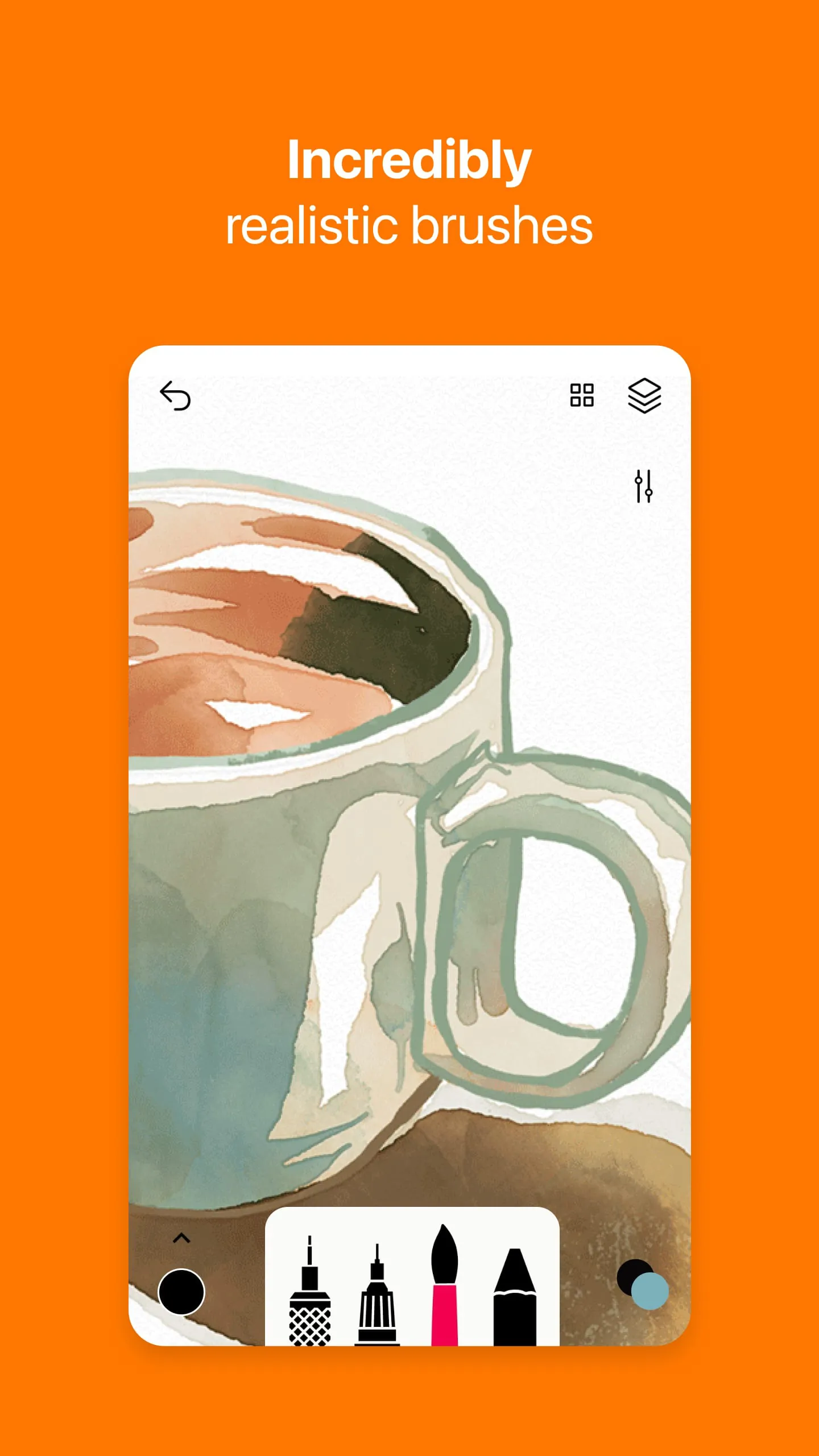
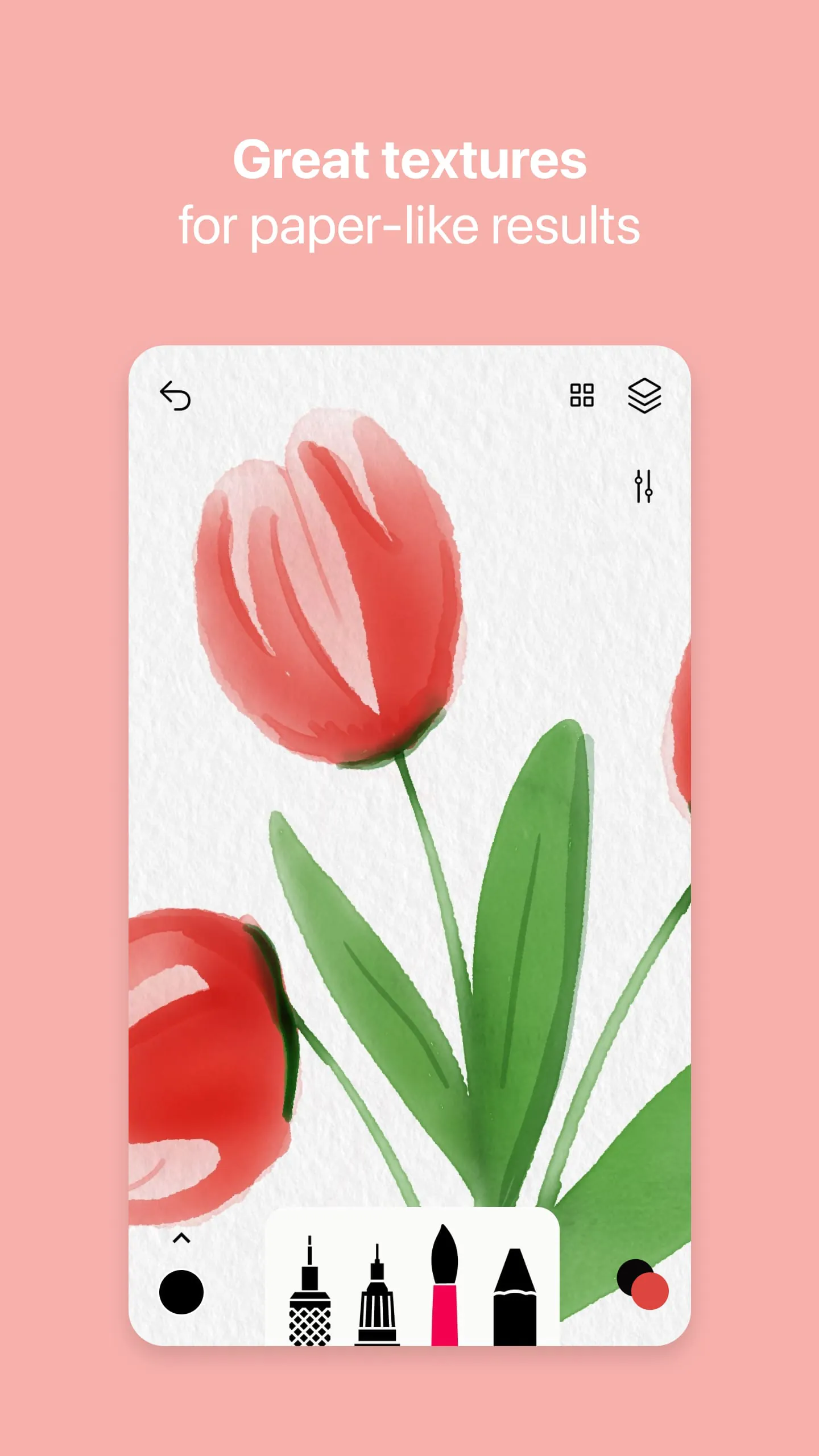
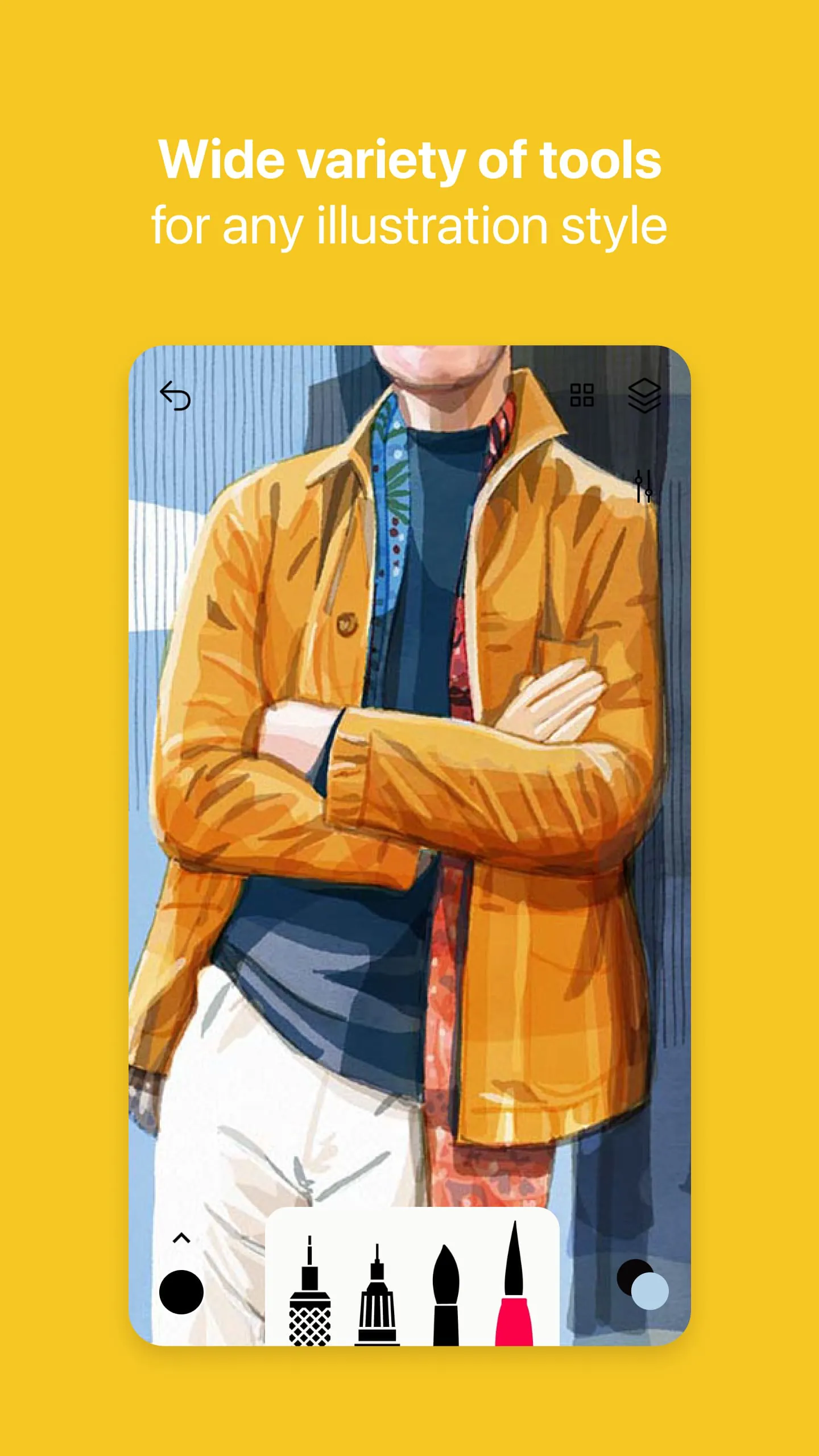
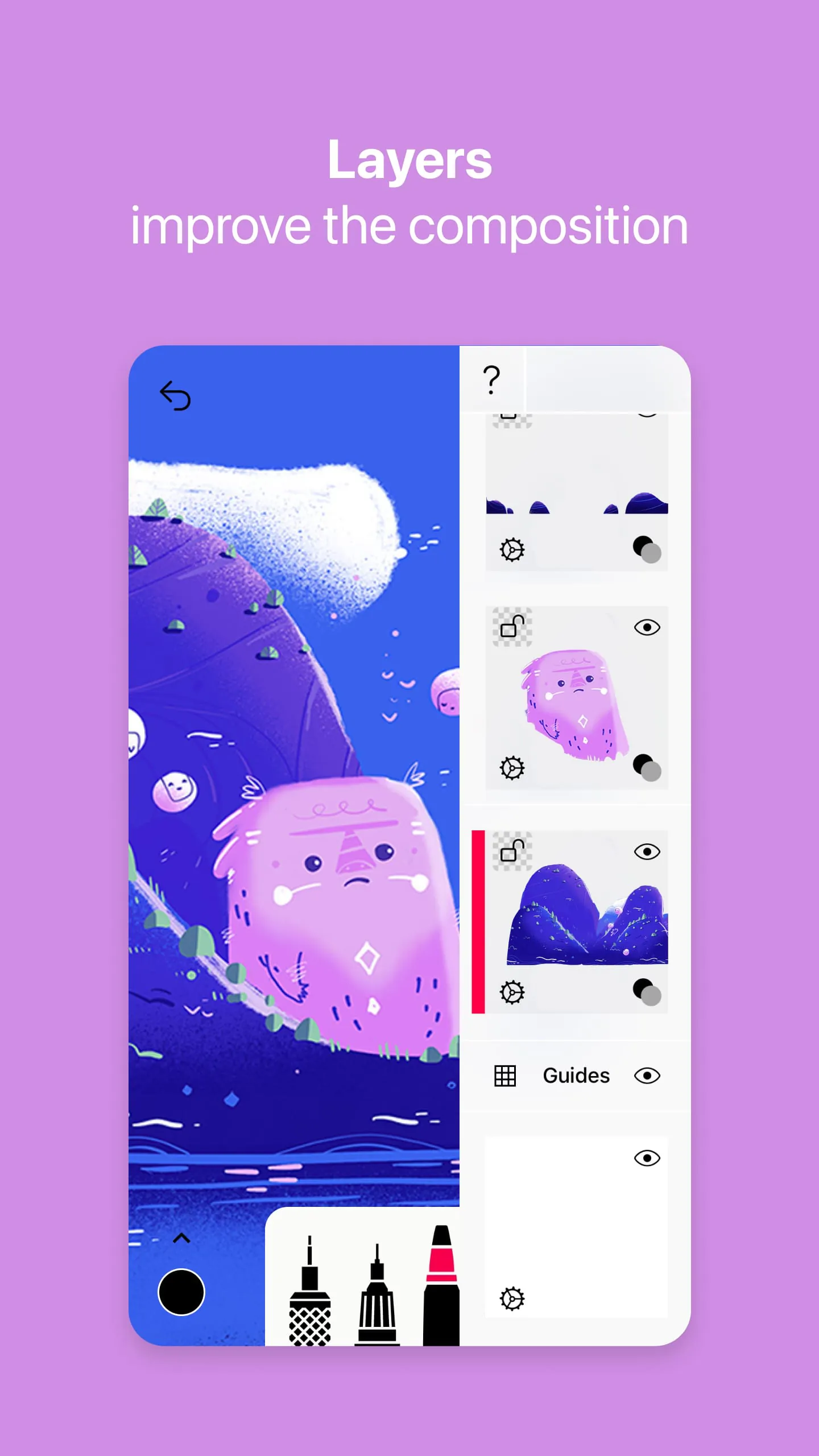
Sketches is presented as a drawing application for Android, distinguished by its array of realistic tools, advanced functionalities, and a minimalist, intuitive interface. The core appeal of Sketches lies in its ability to simulate the experience of drawing with traditional media, offering a digital canvas where each stroke emulates the behavior of brushes on paper. This realism is achieved through the app's dynamic adjustments to pressure, angle, and width in response to user input, providing a level of control and nuance that caters to both casual users and professional artists. The application boasts over 20 ultra-realistic tools, including pens, Rotrings, marker pens, pen brushes, oil pastels, wet and dry watercolor brushes, acrylic brushes, airbrushes, area and fill tools, patterns, text, shapes (specifically for iPad), erasers, cutters, and smudge tools. Each of these tools is designed to mimic its physical counterpart, allowing users to create a wide range of effects and textures. For instance, the watercolor brushes are engineered to behave like real watercolor, with wet and dry options that react to the canvas and blend colors in a manner that closely resembles traditional painting techniques. Similarly, the oil pastels offer a creamy texture and rich pigmentation, while the acrylic brushes provide bold, opaque strokes. The inclusion of tools like airbrushes, patterns, and shapes further expands the creative possibilities within the app. Beyond its extensive selection of brushes, Sketches incorporates a layer system, enabling users to create complex compositions by stacking and manipulating different elements. This feature is particularly useful for artists who work with intricate designs or require non-destructive editing capabilities. The layer system allows for the independent adjustment of each layer's opacity, blending mode, and visibility, providing precise control over the final image. Additionally, the app supports photo imports, allowing users to incorporate external images into their artwork. This feature can be used for tracing, reference, or creating mixed-media compositions. The combination of realistic tools, a layer system, and photo import capabilities makes Sketches a versatile and powerful tool for digital art creation. Furthermore, Sketches distinguishes itself through its commitment to user experience. The minimalist and intuitive interface is designed to be easy to navigate, even for users who are new to digital art. The tools are arranged in a logical and accessible manner, and the app provides helpful tips and tutorials to guide users through its features. The focus on simplicity and ease of use ensures that artists can focus on their creative vision without being hindered by a complex or confusing interface. The app's responsiveness and smooth performance further enhance the user experience, allowing for fluid and seamless drawing. Sketches also offers advanced sharing and export features, enabling users to easily share their artwork with others. The app supports a variety of export formats, including JPEG, PNG, and TIFF, ensuring compatibility with different platforms and devices. Users can also share their creations directly to social media platforms or cloud storage services. The inclusion of these features makes Sketches a convenient tool for artists who want to showcase their work or collaborate with others. The availability of a brush editor further enhances the app's customizability, allowing users to fine-tune the behavior of each brush to suit their individual preferences. This feature enables artists to create unique and personalized brushes that perfectly match their artistic style. The brush editor provides a range of parameters that can be adjusted, including size, shape, texture, and pressure sensitivity. The ability to customize brushes adds another layer of depth and control to the drawing experience, making Sketches a truly versatile tool for digital art creation. The app's support for styluses further enhances its appeal to professional artists, allowing for even greater precision and control. The pressure sensitivity of the stylus is accurately translated into the app, enabling users to create nuanced strokes and effects. The combination of realistic tools, a layer system, photo import capabilities, a user-friendly interface, advanced sharing and export features, a brush editor, and stylus support makes Sketches a comprehensive and powerful drawing application for Android.
The Pro options available within Sketches unlock a range of advanced features, tools variations, and additional functionalities designed to elevate the user experience for serious artists and professionals. The core enhancement lies in the expanded toolset, which builds upon the already impressive selection of over 20 ultra-realistic tools. These Pro-exclusive tools often include variations of existing brushes with enhanced capabilities, such as finer control over texture, opacity, and blending modes. For example, the Pro version might offer additional watercolor brushes with varying levels of wetness and diffusion, allowing for even more realistic and nuanced watercolor effects. Similarly, the oil pastel tool might include variations with different levels of graininess and texture. The Pro options also unlock a more advanced layer system, allowing for a greater number of layers and more sophisticated blending options. This is particularly important for artists who work with complex compositions that require a high degree of organization and control. The enhanced layer system enables users to create intricate designs by stacking and manipulating different elements, without sacrificing performance or stability. The Pro version may also include features such as layer masking and clipping masks, which provide even greater flexibility in editing and manipulating layers. In addition to the expanded toolset and layer system, the Pro options unlock a range of additional functionalities that streamline the workflow and enhance the creative process. These functionalities often include advanced color management tools, such as color palettes and color pickers, which allow users to precisely select and manage colors. The Pro version may also include features such as perspective grids and rulers, which assist in creating accurate and realistic perspective in drawings. Furthermore, the Pro options often provide access to exclusive tutorials and resources, which help users learn how to effectively use the app's advanced features. These tutorials may cover topics such as advanced blending techniques, creating custom brushes, and using layers to create complex compositions. The inclusion of these resources ensures that users can fully utilize the app's capabilities and create professional-quality artwork. The Pro options in Sketches also typically include enhanced sharing and export features, allowing users to export their artwork in a wider range of formats and resolutions. This is particularly important for artists who need to prepare their artwork for print or for use in other applications. The Pro version may also include features such as the ability to export layers as separate files, which is useful for collaborating with other artists or for further editing in other software. The brush editor in the Pro version of Sketches is significantly more advanced than the standard version, offering a greater degree of control over the behavior of each brush. This allows users to fine-tune the characteristics of their brushes to perfectly match their artistic style. The Pro version may include parameters such as brush angle, shape dynamics, and scattering, which are not available in the standard version. The ability to customize brushes to this level of detail allows artists to create truly unique and personalized tools. The Pro version of Sketches also typically includes support for a wider range of styluses, ensuring compatibility with different devices and providing a more accurate and responsive drawing experience. This is particularly important for artists who rely on styluses for their work. The Pro version may also include features such as palm rejection, which prevents accidental touches from interfering with the drawing process. The combination of expanded toolset, enhanced layer system, additional functionalities, advanced color management tools, exclusive tutorials, enhanced sharing and export features, an advanced brush editor, and improved stylus support makes the Pro options in Sketches a valuable investment for serious artists and professionals.
The subscription details for Sketches outline the terms and conditions associated with accessing premium features within the application. These subscriptions typically offer two primary options: a weekly subscription and an annual subscription, catering to users with varying levels of commitment and usage patterns. The weekly subscription provides a short-term access option, ideal for users who may only need the premium features for a specific project or period. The annual subscription offers a longer-term access option, typically at a discounted rate compared to the weekly subscription, making it a more cost-effective choice for users who plan to use the premium features regularly. Some selected subscriptions may offer a free trial period, allowing users to experience the premium features before committing to a paid subscription. This trial period provides an opportunity to evaluate the value and suitability of the premium features for individual needs and preferences. The payment for the subscription is processed through the user's Google Play account upon confirmation of purchase. This ensures a secure and convenient payment process, leveraging the established infrastructure of the Google Play store. The user's Google Play account will be charged according to the chosen subscription plan (weekly or annual). Users have the ability to manage their subscriptions and disable auto-renewal through their Google Play account settings. This provides control over the subscription and allows users to cancel or modify their plan as needed. The auto-renewal feature ensures continuous access to the premium features, but users can disable it at any time to prevent future charges. To avoid unwanted charges, users must cancel their subscription at least 24 hours before the end of the current period. If the subscription is not canceled within this timeframe, it will automatically renew, and the user's Google Play account will be charged for the renewal. The Google Play account will be charged for the renewal within 24 hours prior to the end of the current subscription period. The renewal charge will be based on the chosen subscription plan (weekly or annual). If a user cancels their subscription, it will remain active until the end of the current billing period. This means that the user can continue to access the premium features until the end of the period, even after canceling the subscription. However, no refund will be provided for the remaining portion of the subscription period. Once the current billing period ends, the subscription will be terminated, and the user will no longer have access to the premium features. Any unused portion of a free trial period, if offered, will be forfeited upon purchasing a subscription. This means that if a user chooses to subscribe before the end of the free trial period, they will lose any remaining time on the trial. The purchase of a subscription immediately grants access to the premium features, regardless of any remaining trial time. The subscription details are subject to change, and users are advised to review the terms and conditions carefully before subscribing. These terms and conditions may include information on pricing, billing, cancellation policies, and other relevant details. By subscribing to Sketches, users agree to abide by these terms and conditions. The subscription model allows the developers of Sketches to continually improve and update the app with new features and content. The revenue generated from subscriptions helps to fund the development and maintenance of the app, ensuring that users have access to the latest and greatest drawing tools. The subscription model also provides a sustainable revenue stream for the developers, allowing them to invest in the future of the app.