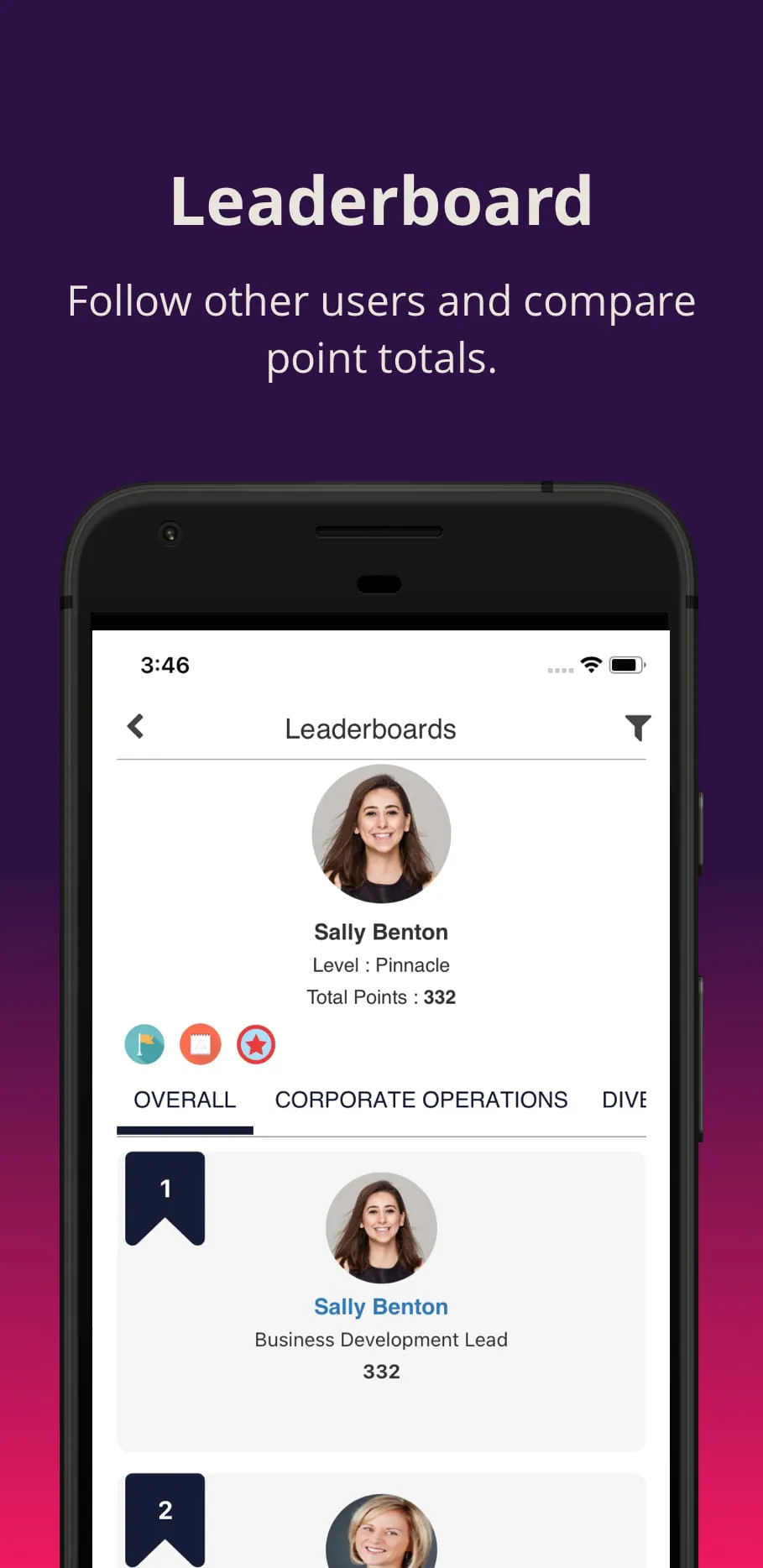
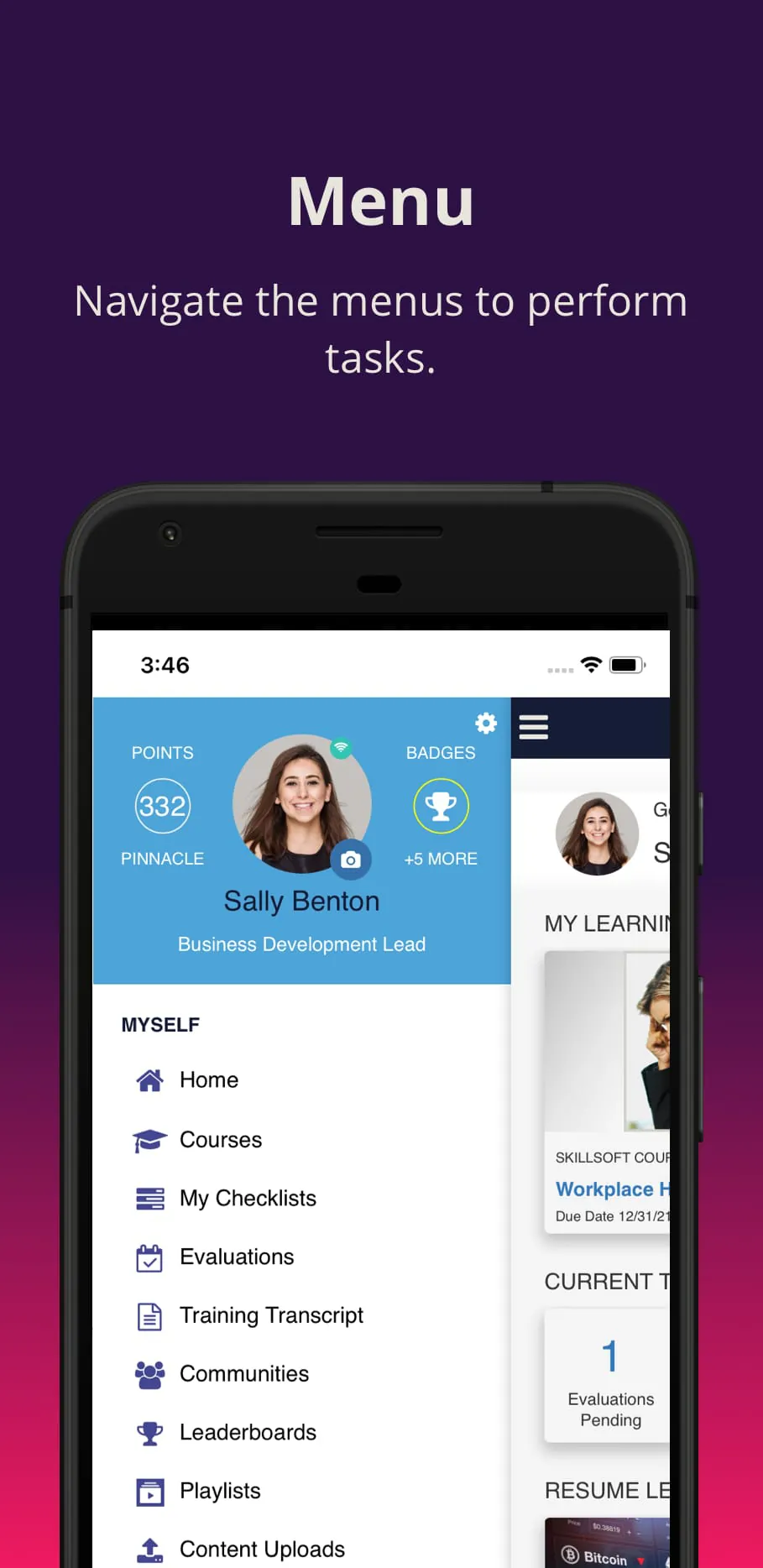
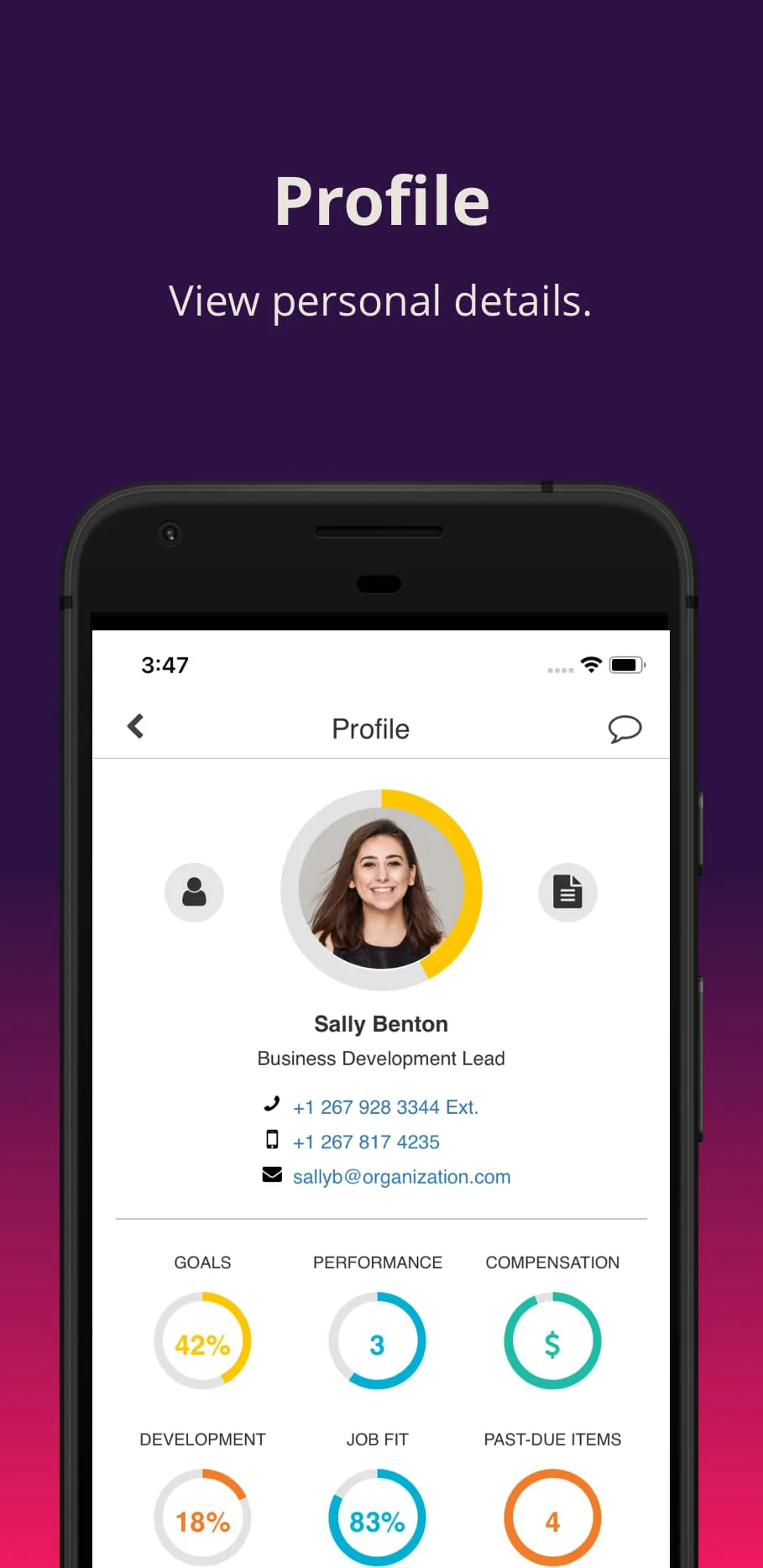
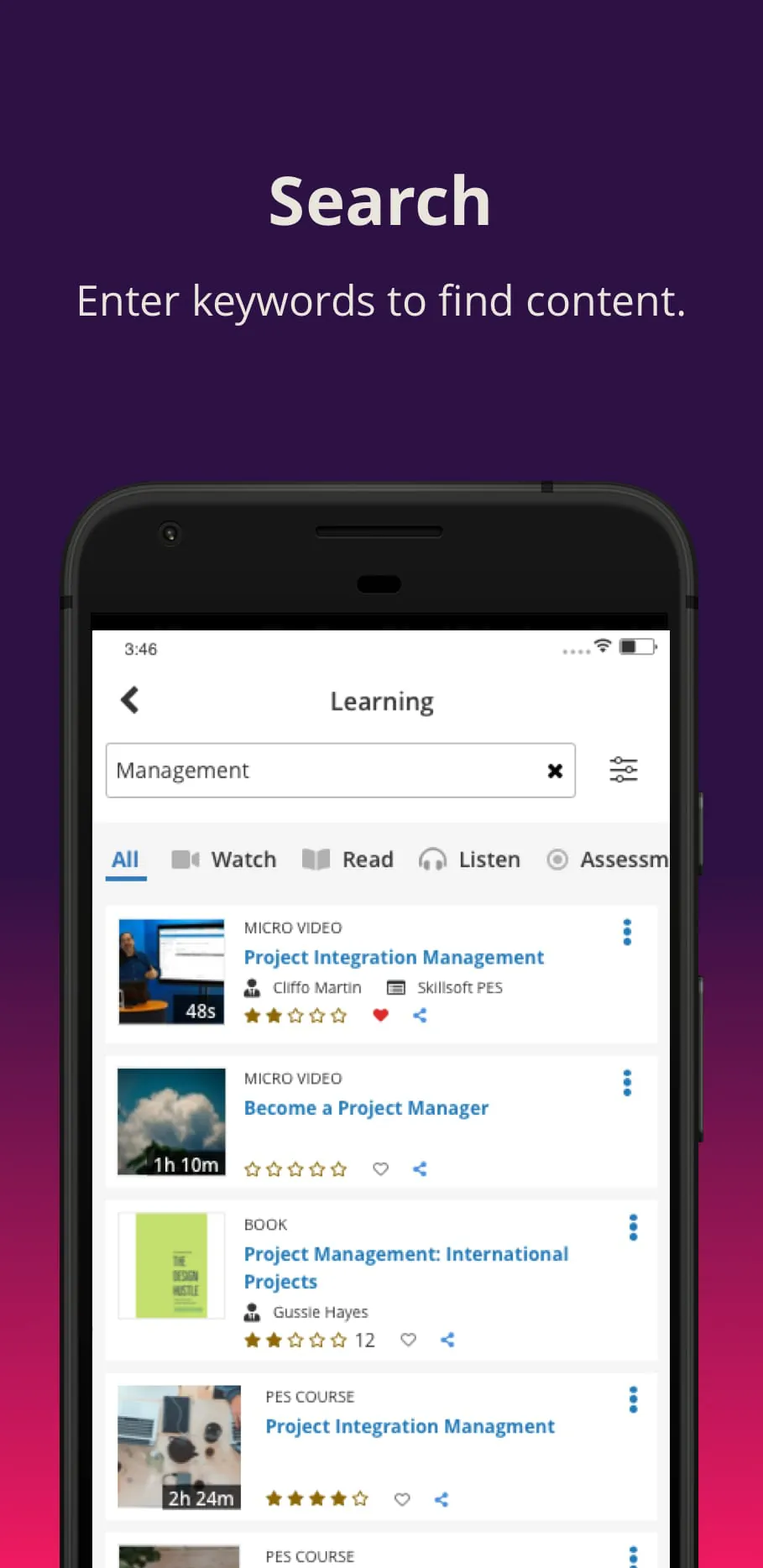
SumTotal Mobile is a comprehensive learning and talent development application designed for the modern workforce. It serves as a mobile portal to the SumTotal Talent Expansion Suite, enabling employees and managers to access training courses, performance goals, developmental feedback, and crucial organizational communications directly from their smartphones or tablets. The app is tailored to support continuous learning and career growth by making essential talent management tools available anytime and anywhere, thus fostering a culture of self-driven development and aligning individual progress with broader business objectives.
Key Features
The application is packed with functionalities aimed at creating a seamless user journey for professional development. Its core is the ability to deliver a personalized experience based on the user's role and organizational requirements.
- Personalized Learning Hub: Offers a centralized dashboard featuring assigned courses, recommended content, and learning paths.
- Offline Access: Allows users to download select training materials, such as videos and documents, for consumption without an internet connection.
- Social and Collaborative Learning: Includes features to share courses, join discussion forums, and interact with peers and mentors.
- Performance Management Integration: Enables users to view, update, and track performance goals and objectives on the go.
- Real-time Notifications: Sends alerts for due assignments, new course assignments, feedback requests, and important announcements.
Pros & Cons
Like any enterprise tool, SumTotal Mobile presents a set of advantages and limitations that are important for users to consider.
- Pros:
- Significantly increases learning engagement by providing convenient, bite-sized access to content.
- Empowers employees to take charge of their development journey at their own pace.
- The offline feature is invaluable for employees in areas with poor connectivity or who travel frequently.
- Streamlines administrative tasks for managers, such as approving requests and providing timely feedback.
- Encourages a learning culture by integrating development into the daily flow of work.
- Cons:
- Feature availability and user experience can vary, as they are heavily dependent on how an organization configures the backend SumTotal platform.
- Some advanced reporting or administrative functions are only available on the full desktop version.
- Performance can occasionally be affected by the organization's own IT infrastructure and server stability.
- Requires a subscription to the SumTotal ecosystem, making it inaccessible to individual users outside a client company.
Functions
The app operates by bridging the gap between the comprehensive SumTotal system and the mobile user, translating complex talent management processes into intuitive mobile actions.
- Learning Management: Browse catalogs, enroll in courses, complete interactive lessons, and track learning history and transcripts.
- Goal Management: Create, monitor, and update annual performance goals and key results.
- Feedback and Recognition: Request and provide feedback, as well as give and receive social recognition badges.
- Communication Center: Access company announcements, mandatory policy acknowledgments, and compliance training alerts.
- Task Management: Presents a unified "To-Do" list that aggregates required learning activities, pending approvals, and overdue tasks from various talent modules.
How to Use
Click the button "Check All Versions" below to download and install it. Once installed, you will need to log in using the credentials provided by your organization's HR or IT department. Upon first login, take time to explore the dashboard and configure your notification preferences. To learn, simply tap on a course in your "To-Do" list or browse the learning catalog. For performance tasks, navigate to the Goals section to update progress. Remember to utilize the download icon next to compatible content if you anticipate being offline. The app is designed for regular, short interactions, so checking it daily for new assignments and updates is the best way to stay on top of your development.





 APK
APK  Google Play
  iOS
iOS  2.50
2.50