Square Invoices is a comprehensive invoicing and payment application developed by Square, designed to help businesses of all sizes streamline their billing processes. It enables entrepreneurs, freelancers, and companies to create, send, and track professional invoices directly from their computer or mobile device, while also accepting online payments, managing client information, and monitoring cash flow in real-time through an intuitive dashboard.
Key Features
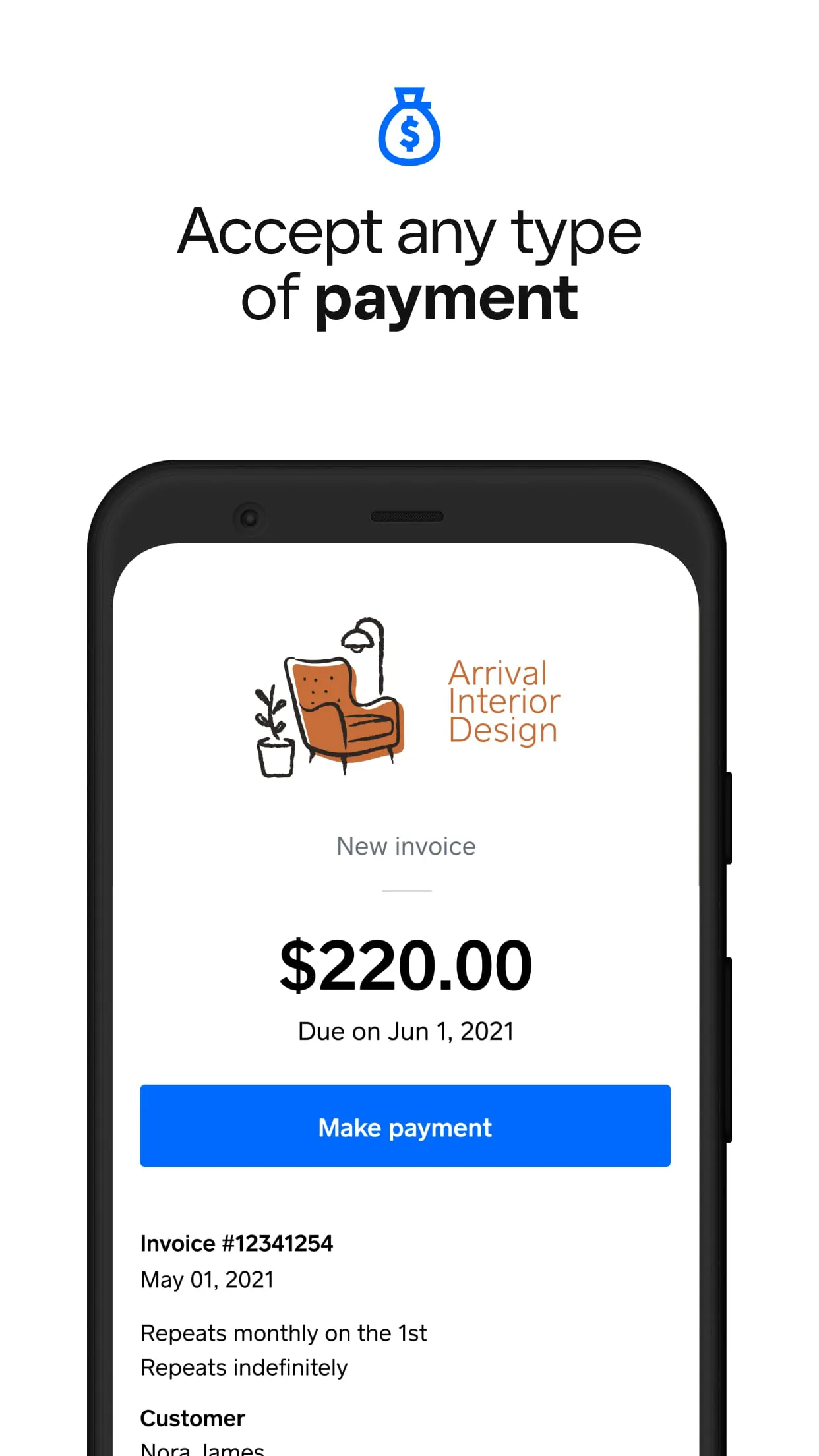
Square Invoices comes packed with capabilities to automate and simplify financial transactions. It supports recurring invoices for subscription-based services and automatic payment reminders to reduce late payments. The app allows for full customization of invoices with your logo and brand colors, and provides real-time notifications when an invoice is viewed or paid. Furthermore, it seamlessly integrates payment processing, allowing clients to pay via credit card, debit card, or ACH bank transfer directly from the invoice.
Pros & Cons
Using Square Invoices offers several advantages and some considerations to keep in mind.
- Pros: The setup is incredibly quick and user-friendly, requiring no long-term contracts. It offers excellent mobility with a fully functional mobile app. The transparent, pay-as-you-go pricing with no monthly fee is a major benefit for small businesses. Integration with the broader Square ecosystem, including Point of Sale and payroll, creates a unified management platform.
- Cons: The transaction fees can add up for businesses with high-volume sales. Some advanced features, like detailed custom reporting, may be limited compared to specialized enterprise software. It is primarily optimized for the North American market, which can be a limitation for international businesses.
Functions
The application serves as a multi-functional tool for end-to-end payment management. Its core functions extend beyond simple invoice creation to encompass a complete financial workflow.
- Generate and dispatch branded, detailed invoices electronically.
- Securely accept and process a wide array of online payment methods.
- Schedule and automate recurring invoices for ongoing clients.
- Track the status of every invoice (sent, viewed, paid, overdue) in one dashboard.
- Manage customer profiles and payment histories.
- Sync all data with accounting software like QuickBooks Online.
- Generate basic sales reports and insights into revenue trends.
How to Use
Click the button "Check All Versions" below to download and install it. Once installed, you can begin by signing up for or logging into your Square account. Navigate to the Invoices section and click "Create Your First Invoice." Customize the template with your business details, add line items for products or services, and set payment terms. You can then send it directly to your client via email or a shareable link. From your main dashboard, you can monitor all sent invoices, see which ones are pending, and record any offline payments received to keep your books perfectly aligned.





 APK
APK  Google Play
  iOS
iOS  4.70
4.70


 Download








