



ADVERTISEMENT
ADVERTISEMENT

File Recovery File Recovery
Category
ToolsVersion
V1.3.9
Tag
File Recovery | Data Restoration | Video Recovery | Photo Restoration | SD Card Recovery
Rate
4.00
★★★★★
Reviews
500 +
Installs
10M +
Developer
SolaraSoft
Content Rating
Everyone
Recover deleted photos & videos when available, scan, preview, and restore.
 APK
APK  Google Play
  iOS
iOS  4.00
4.00ADVERTISEMENT
ADVERTISEMENT
Author's Review
appspicked Review
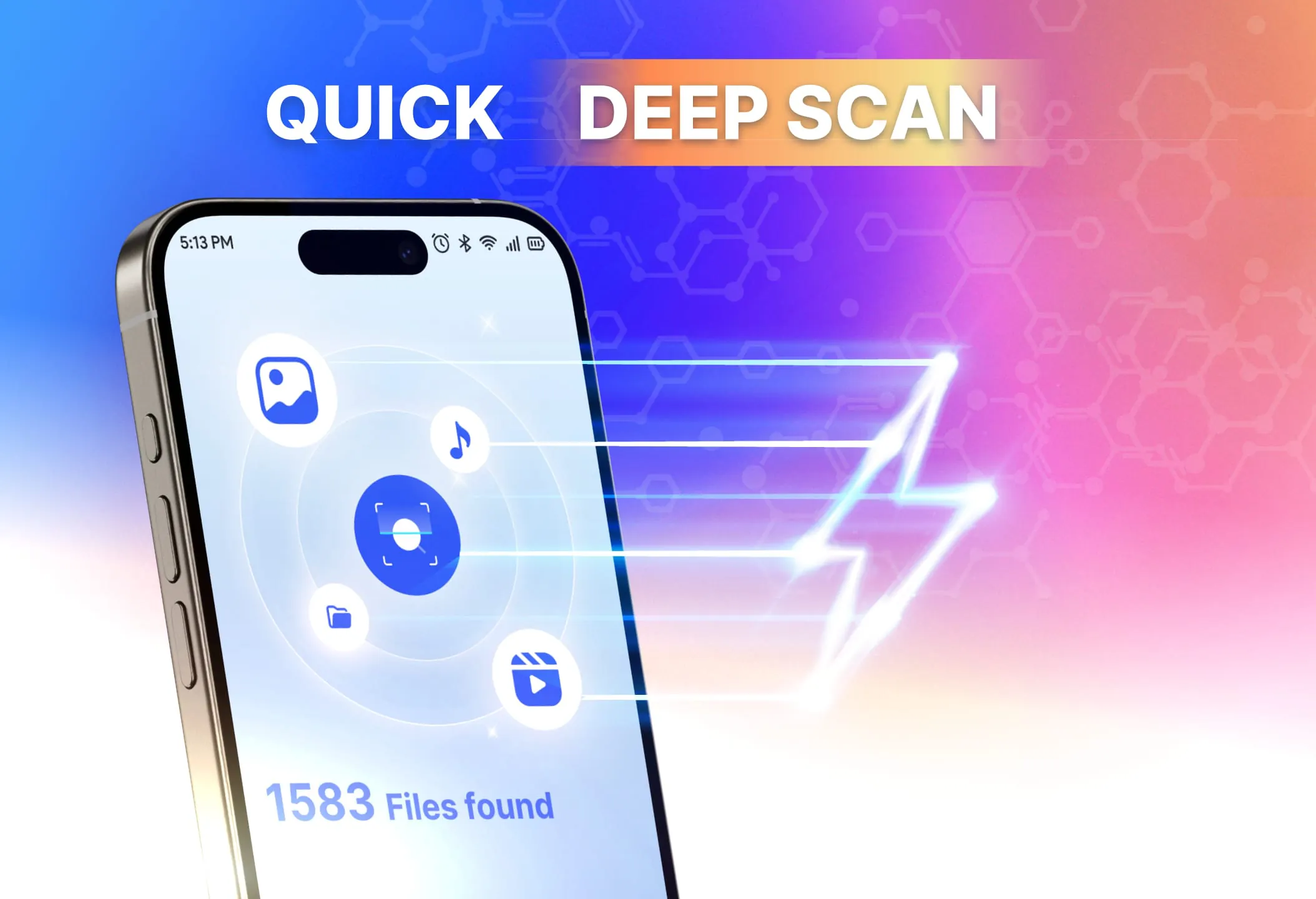
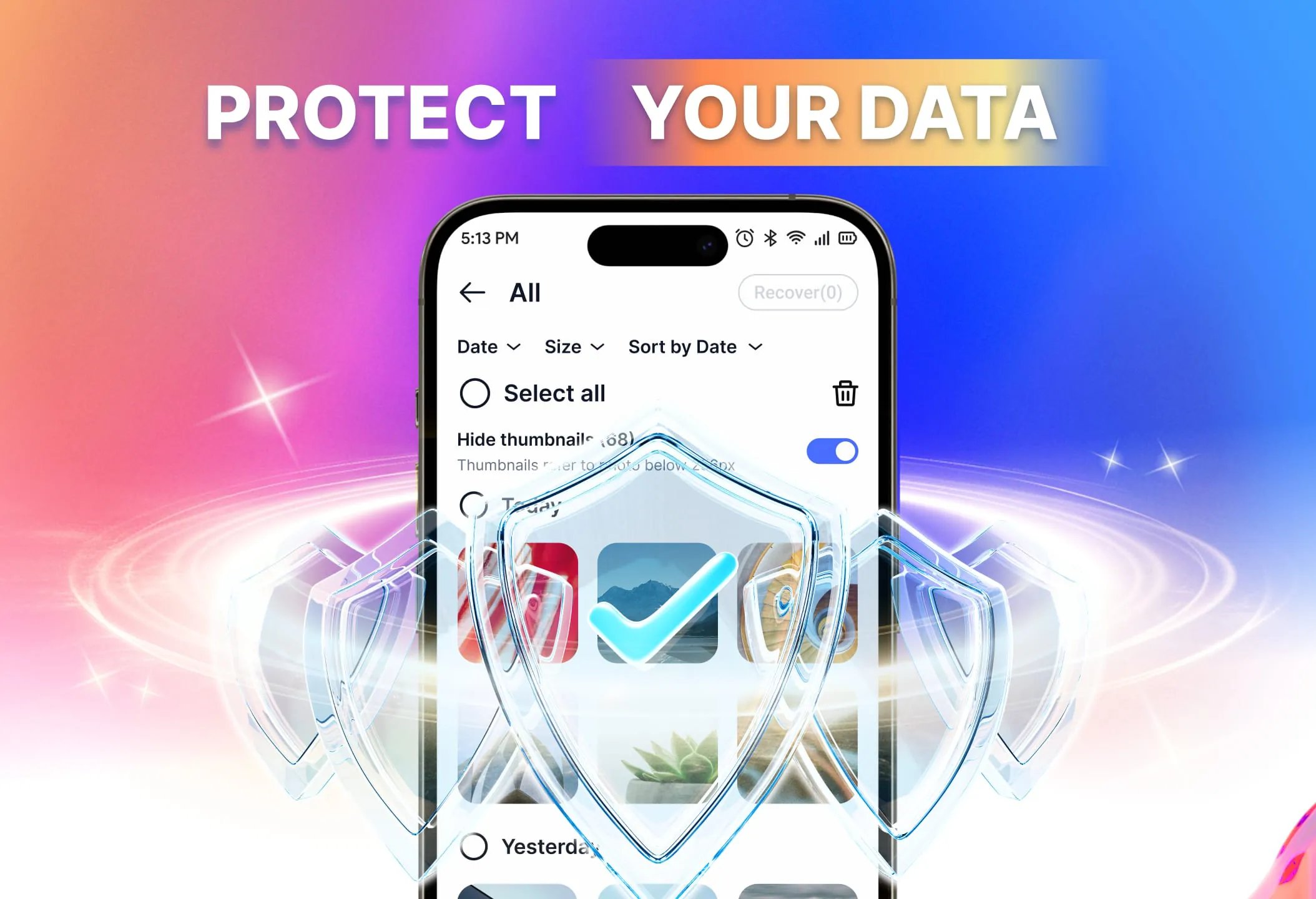
The application "File Recovery - Photo Restoration" is designed to help users recover deleted photos, videos, and other files that are still accessible on their devices or SD cards. It operates by quickly scanning the device's storage, allowing users to preview recoverable files, and then restoring them without requiring root access. The application emphasizes ease of use and efficiency in retrieving accidentally or intentionally deleted data, focusing on media files and documents. A core function of the application is its ability to search for recently deleted photos and videos from the gallery or recycle bin, if available. It also detects documents and audio files that are still readable within the device's storage system. An important feature is the SD card recovery support, which allows users to scan specified folders on external storage devices. This capability is particularly useful for users who store a significant amount of their data on SD cards and need a reliable way to retrieve lost files. Before restoring any files, the application provides a preview function that allows users to view thumbnails or clips of the files, ensuring that they are recovering the correct items. This feature is crucial for avoiding unnecessary restoration of unwanted files and saving time and storage space. The application also supports batch recovery, enabling users to select multiple items and restore them all at once. This is especially useful when dealing with a large number of deleted files and significantly speeds up the recovery process. To further enhance the user experience, the application includes filtering and sorting options that allow users to narrow down their search results by date, size, or file type, making it easier to find and recover specific files. The application accesses various storage locations on the device, including the MediaStore, cache, and recycle bin (if available), to maximize the chances of finding recoverable files. It supports both internal storage and SD cards, providing comprehensive coverage for data recovery. The application developers recommend scanning the device as soon as possible after file deletion to achieve the best results, as data may be overwritten over time, reducing the likelihood of successful recovery. To use the application, users must first grant storage access permissions. They then select the location to scan, either internal storage or a specific SD card folder. The application displays the found photos, videos, and files, which can be previewed before restoration. Users can then choose to restore the deleted files individually or in batches. The application supports a wide range of file types, including common image formats such as JPG, PNG, GIF, HEIC, and RAW, as well as video formats like MP4, MOV, AVI, and MKV. It also supports audio files, including voice memos, recordings, and music, and document formats such as PDF, Word, Excel, and presentations. The application's effectiveness depends on various factors, including the device type and the time elapsed since the files were deleted. It displays all files that are recoverable from the device or SD card, but it cannot guarantee the recovery of all deleted files, especially those that have been overwritten or completely deleted. The application does not perform deep forensic recovery or access encrypted or cloud data. To improve the chances of successful photo restoration, users are advised to scan their devices early and avoid saving new files to the same location where the deleted files were stored. Regular use of the application is also recommended to quickly find and restore deleted images and videos. The application requires certain permissions to function properly. It requests access to photos, media, and libraries to scan, preview, and restore deleted files. It also requests access to the SD card (if present) to scan and restore files from external storage. Overall, "File Recovery - Photo Restoration" provides a reliable way to recover deleted photos and videos and securely restore files from phones and SD cards. It offers complete control, transparent limitations, and smart tools to simplify and make data restoration effective. The application is positioned as a comprehensive solution for users seeking to recover lost data and protect their valuable files.
The "File Recovery - Photo Restoration" app is designed to assist users in retrieving deleted files, primarily photos and videos, from their devices or SD cards. The application functions by performing a rapid scan of the selected storage medium, presenting the user with a preview of the recoverable files, and then facilitating the restoration process. One of the app's key advantages is that it does not require root access, making it accessible to a broader range of users, regardless of their technical expertise. The app's primary function is to recover photos and videos that have been recently deleted from the gallery or recycle bin, if available. It also has the capability to identify and recover documents and audio files that are still accessible within the device's storage system. This broadens the scope of the app beyond just media files, making it a versatile tool for recovering various types of data. The app also supports SD card recovery, which is a valuable feature for users who store a significant portion of their data on external storage. This feature allows users to specify particular folders on the SD card to scan, ensuring that the search is targeted and efficient. Before initiating the restoration process, the app provides a preview function that allows users to view thumbnails or short clips of the files. This feature ensures that users can verify the files they are about to recover, preventing unnecessary restoration of unwanted or irrelevant data. The app also supports batch recovery, which enables users to select multiple files and restore them all at once. This is particularly useful when dealing with a large number of deleted files, as it significantly reduces the time and effort required to recover the data. To enhance the user experience, the app offers filtering and sorting options that allow users to refine their search results by date, size, or file type. This makes it easier to locate specific files within a large pool of recoverable data. The app accesses various storage locations on the device, including the MediaStore, cache, and recycle bin (if available), to maximize the chances of recovering deleted files. It supports both internal storage and SD cards, providing comprehensive coverage for data recovery. The app developers emphasize the importance of scanning the device as soon as possible after file deletion to improve the chances of successful recovery. This is because data can be overwritten over time, reducing the likelihood of retrieving the deleted files. The process of using the app is straightforward. Users must first grant storage access permissions to allow the app to scan the device. They then select the storage location to scan, which can be either internal storage or a specific folder on the SD card. The app then displays a list of recoverable files, which can be previewed before restoration. Users can choose to restore the files individually or in batches. The app supports a wide range of file types, including common image formats such as JPG, PNG, GIF, HEIC, and RAW, as well as video formats like MP4, MOV, AVI, and MKV. It also supports audio files, including voice memos, recordings, and music, and document formats such as PDF, Word, Excel, and presentations. The app's effectiveness depends on several factors, including the device type and the time elapsed since the files were deleted. While the app can display all potentially recoverable files, it cannot guarantee the recovery of all deleted files, especially those that have been overwritten or completely erased. The app does not perform deep forensic recovery or access encrypted or cloud-based data. To optimize the chances of successful photo restoration, users are advised to scan their devices promptly and avoid saving new files to the same location where the deleted files were previously stored. Regular use of the app is also recommended to facilitate the early detection and recovery of deleted images and videos. The app requires certain permissions to function correctly. It requests access to photos, media, and libraries to scan, preview, and restore deleted files. It also requests access to the SD card (if present) to scan and restore files from external storage. In summary, "File Recovery - Photo Restoration" is a reliable tool for recovering deleted photos and videos and securely restoring files from phones and SD cards. It provides users with complete control, transparent limitations, and intelligent tools to simplify and enhance the data restoration process. The app is presented as a comprehensive solution for users who need to recover lost data and protect their valuable files.
"File Recovery - Photo Restoration" presents itself as a tool designed to retrieve deleted photos, videos, and other file types from both internal device storage and external SD cards. The application's primary function revolves around scanning the chosen storage medium, providing previews of recoverable files, and facilitating their restoration without necessitating root access. This accessibility point is crucial, as it allows a wider user base, regardless of technical proficiency, to benefit from its data recovery capabilities. The core functionality of the application centers on its ability to locate recently deleted photos and videos from galleries or designated recycle bins, if the device has such features. Beyond media files, the application also extends its capabilities to detect and recover documents and audio files still residing in readable sectors of the device's storage. This broad scope of recovery enhances its utility as a versatile tool capable of addressing various data loss scenarios. A significant feature of the application is its SD card recovery support. This allows users to scan specific folders within their external storage devices, streamlining the recovery process and focusing it on areas where data loss is suspected or known to have occurred. The preview functionality is another key element, allowing users to view thumbnails or clips of the files before initiating the restoration process. This preview step enables users to verify the integrity and relevance of the files, preventing the unnecessary recovery of unwanted or corrupted data. The application also supports batch recovery, which is particularly useful when dealing with a large number of deleted files. By allowing users to select and restore multiple files simultaneously, the application significantly reduces the time and effort required for comprehensive data recovery. To further refine the user experience, the application incorporates filtering and sorting options. These tools enable users to narrow down their search results by attributes such as date, size, or file type, facilitating the quick identification and recovery of specific files from within a potentially vast pool of recoverable data. The application's access to various storage locations, including the MediaStore, cache, and recycle bin, maximizes its chances of locating and recovering deleted files. Its support for both internal storage and SD cards ensures comprehensive coverage across different storage configurations. The developers recommend initiating a scan as soon as possible after file deletion to optimize the chances of successful recovery. This recommendation is based on the principle that data can be overwritten over time, diminishing the likelihood of successful retrieval. Using the application involves granting storage access permissions, selecting the target storage location (internal storage or a specific SD card folder), and reviewing the displayed list of recoverable files. Users can then preview the files before deciding whether to restore them individually or in batches. The application supports a wide range of file types, including popular image formats like JPG, PNG, GIF, HEIC, and RAW, as well as video formats such as MP4, MOV, AVI, and MKV. It also supports audio files, including voice memos, recordings, and music, and various document formats like PDF, Word, Excel, and presentations. The effectiveness of the application is subject to factors such as the device model and the duration since the files were deleted. While the application attempts to identify and display all potentially recoverable files, it cannot guarantee the successful restoration of all deleted files, particularly those that have been overwritten or permanently erased. The application's capabilities do not extend to deep forensic recovery or access to encrypted or cloud-based data. To enhance the likelihood of successful photo restoration, users are advised to scan their devices promptly and avoid saving new files to the same locations where the deleted files were previously stored. Regular use of the application is also recommended to facilitate the early detection and recovery of deleted images and videos. The application requires specific permissions to function correctly, including access to photos, media, and libraries for scanning, previewing, and restoring files. It also requires access to the SD card (if present) to scan and restore files from external storage. Overall, "File Recovery - Photo Restoration" provides a means to recover deleted photos and videos and securely restore files from phones and SD cards. It offers users a degree of control, limitations, and tools to data restoration.
Screenshots


Additional Information
Category
ToolsVersion
V1.3.9
Tag
File Recovery | Data Restoration | Video Recovery | Photo Restoration | SD Card Recovery
Rate
4.00
★★★★★
Reviews
500 +
Installs
10M +
Developer
SolaraSoft
Content Rating
Everyone
Recover deleted photos & videos when available, scan, preview, and restore.
ADVERTISEMENT
ADVERTISEMENT
Previous Versions
ZIP files require a Split APKs Installer (e.g., SAI) from Google Play to install. Steps: 1. Download SAI from Google Play; 2. Open SAI and tap "Install APKs"; 3. Select the ZIP file; 4. Complete installation.
V1.3.9

Package Name
com.solara.filerecovery
Version Name
V1.3.9
Version Code
V1.3.9
File Size
21.63 MB
Update time
2025-12-25
ADVERTISEMENT
You Might Like









