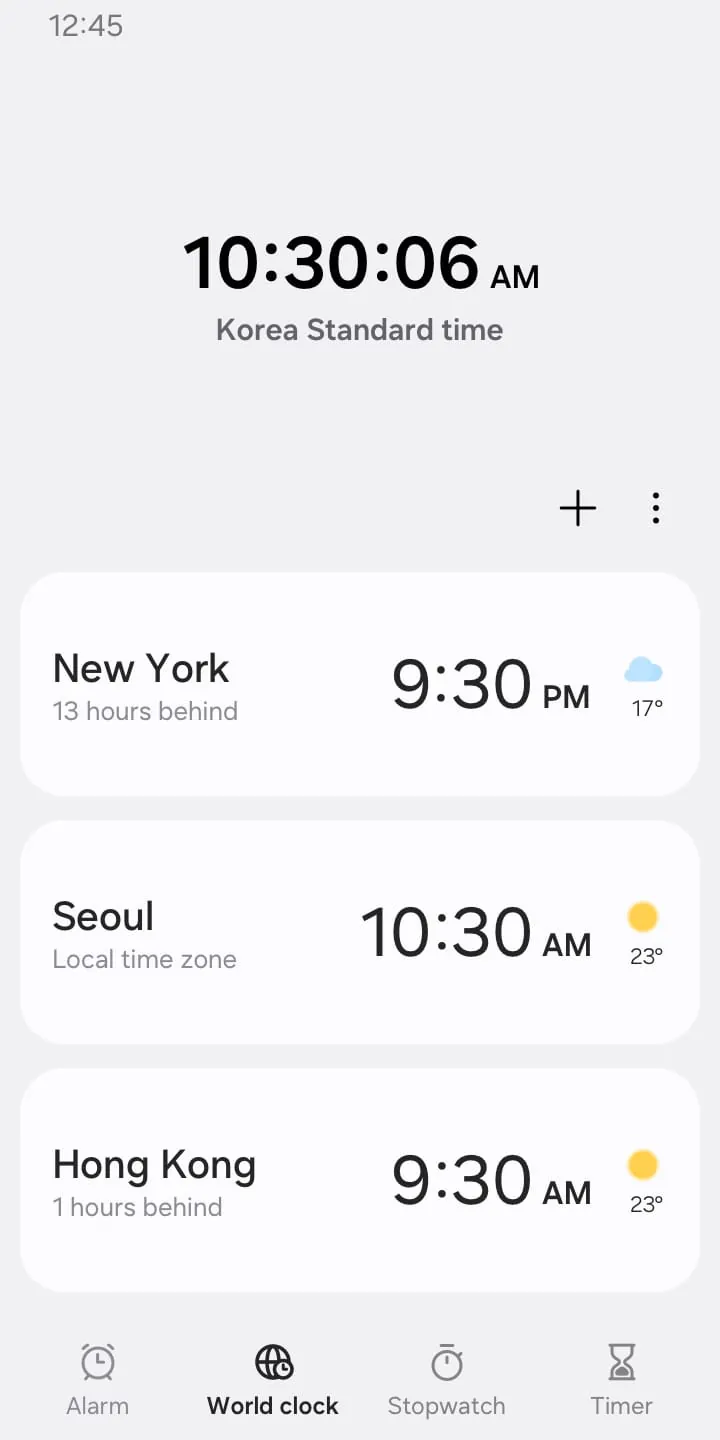
The Clock app is a versatile tool that offers a range of features to help users manage their time effectively. With functions such as Alarm, World Clock, Stopwatch, and Timer, the app caters to various time-related needs. The Alarm feature allows users to set dates for alarms, with the option to repeat alarms and utilize the Snooze function for added convenience. Additionally, the World Clock feature enables users to check the time and weather in different cities, providing a quick and easy way to stay informed about various locations around the globe.
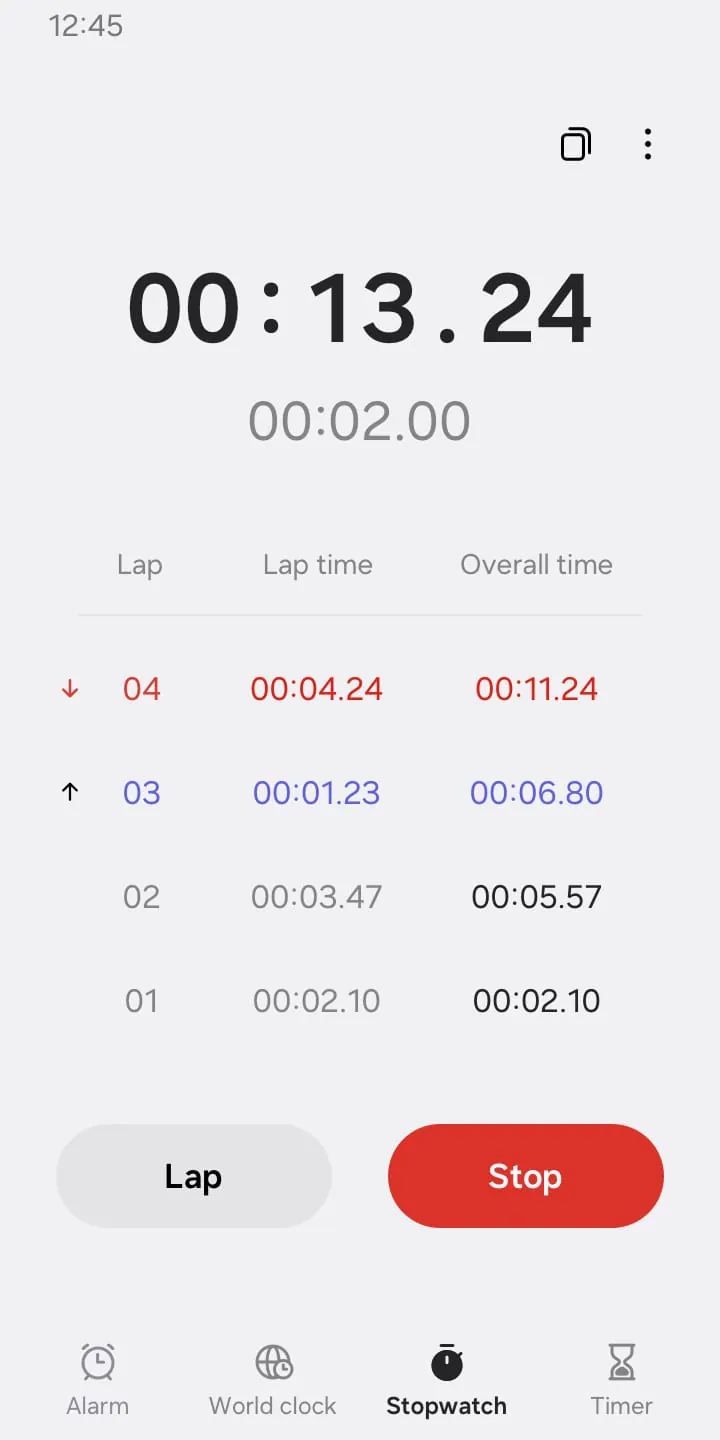
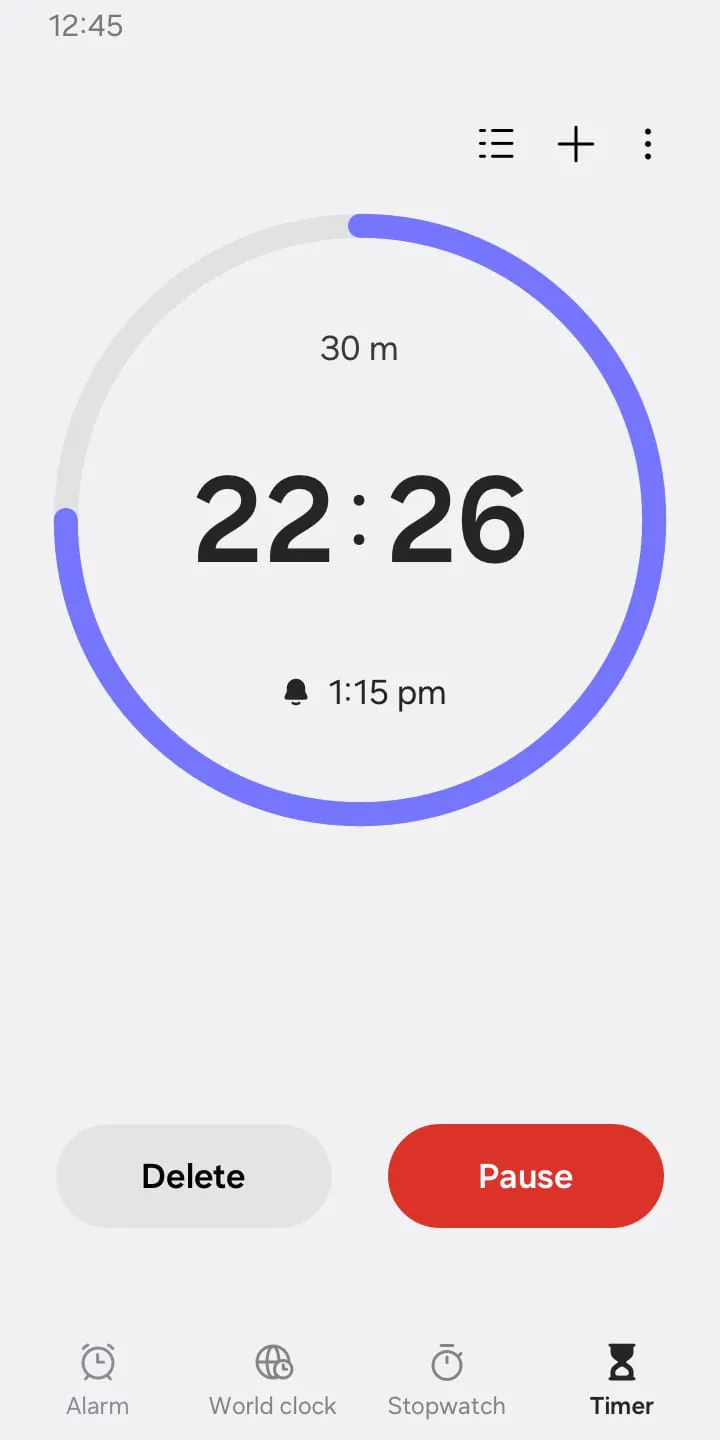
Moreover, the Stopwatch feature in the Clock app allows users to accurately record elapsed time for different activities or tasks. Users can also copy the recorded values for reference or further use. This functionality can be particularly useful for tracking time during workouts, cooking, or any other time-sensitive activities where precise timing is essential. Furthermore, the Timer feature enhances productivity by enabling users to save frequently used timer settings as preset timers. Users can run multiple timers simultaneously, making it easier to manage various tasks or activities that require timed intervals.
In terms of permissions, the Clock app may require certain access to functions on your device, such as music and audio, notifications, and photos and videos. While these permissions are optional, granting them can enhance the app's functionality and user experience. For example, allowing access to music and audio enables users to customize alarm and timer alerts with sounds saved on their device. Similarly, granting notification permissions ensures that users stay informed about ongoing timers and receive timely alerts for upcoming or missed alarms. Additionally, the option to access photos and videos can be beneficial for selecting personalized backgrounds for alarms, particularly on devices running Android 14 and higher.




 APK
APK  Google Play
  iOS
iOS  3.90
3.90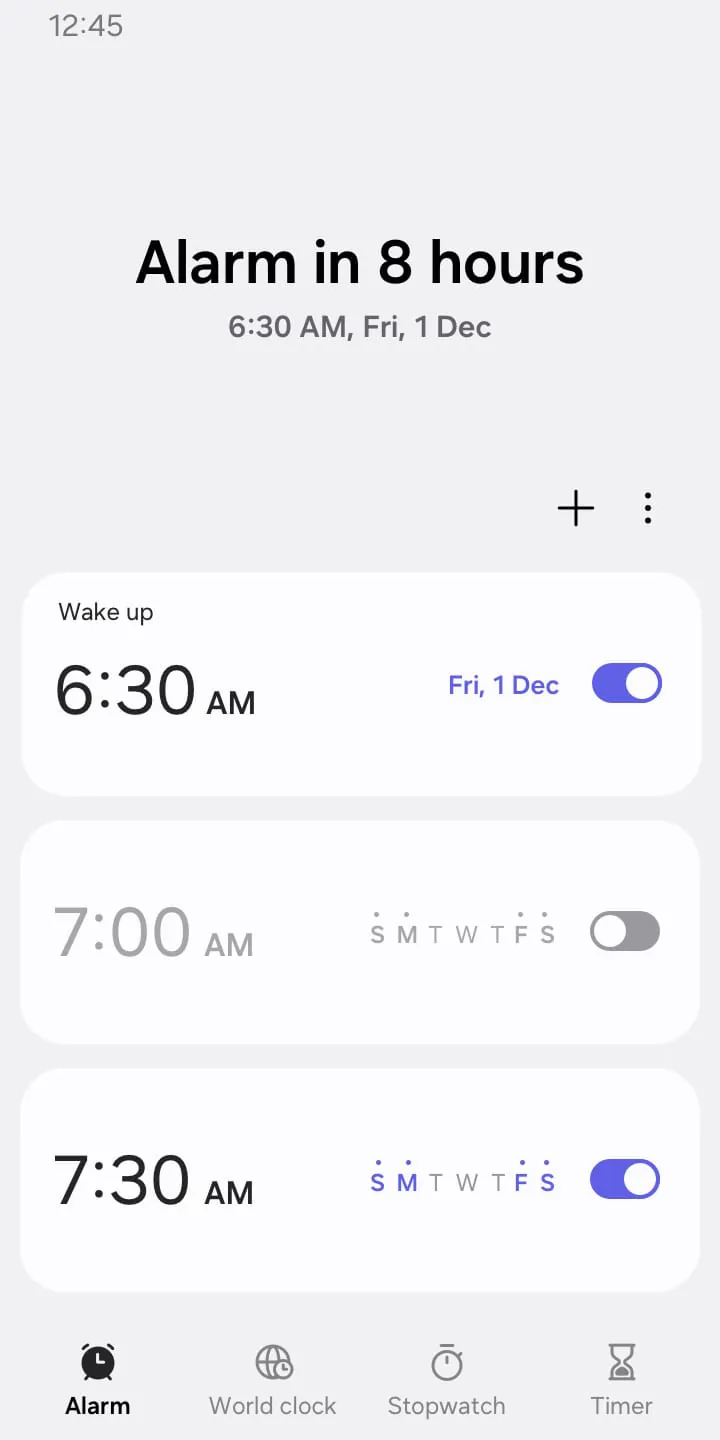
 Download








