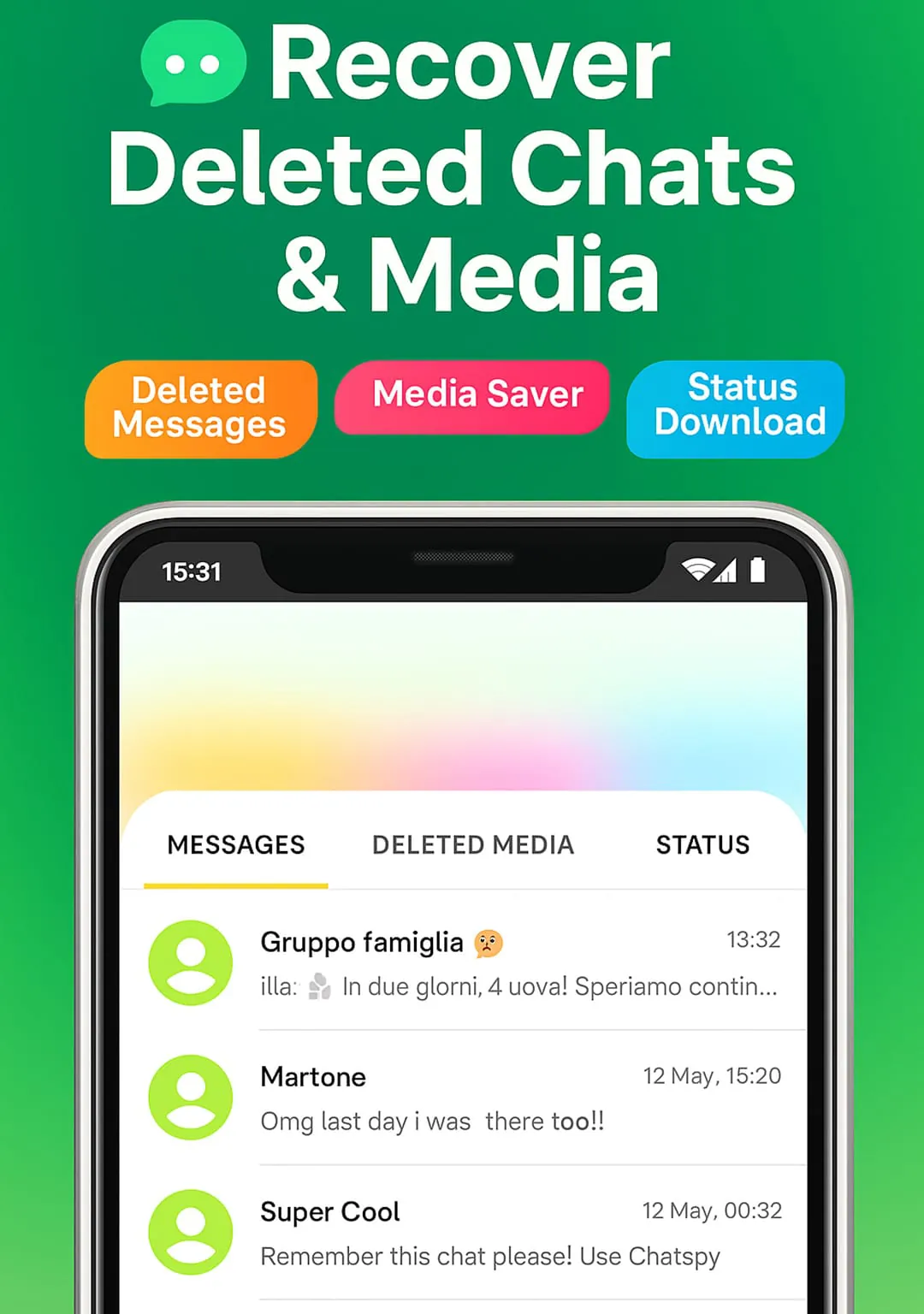
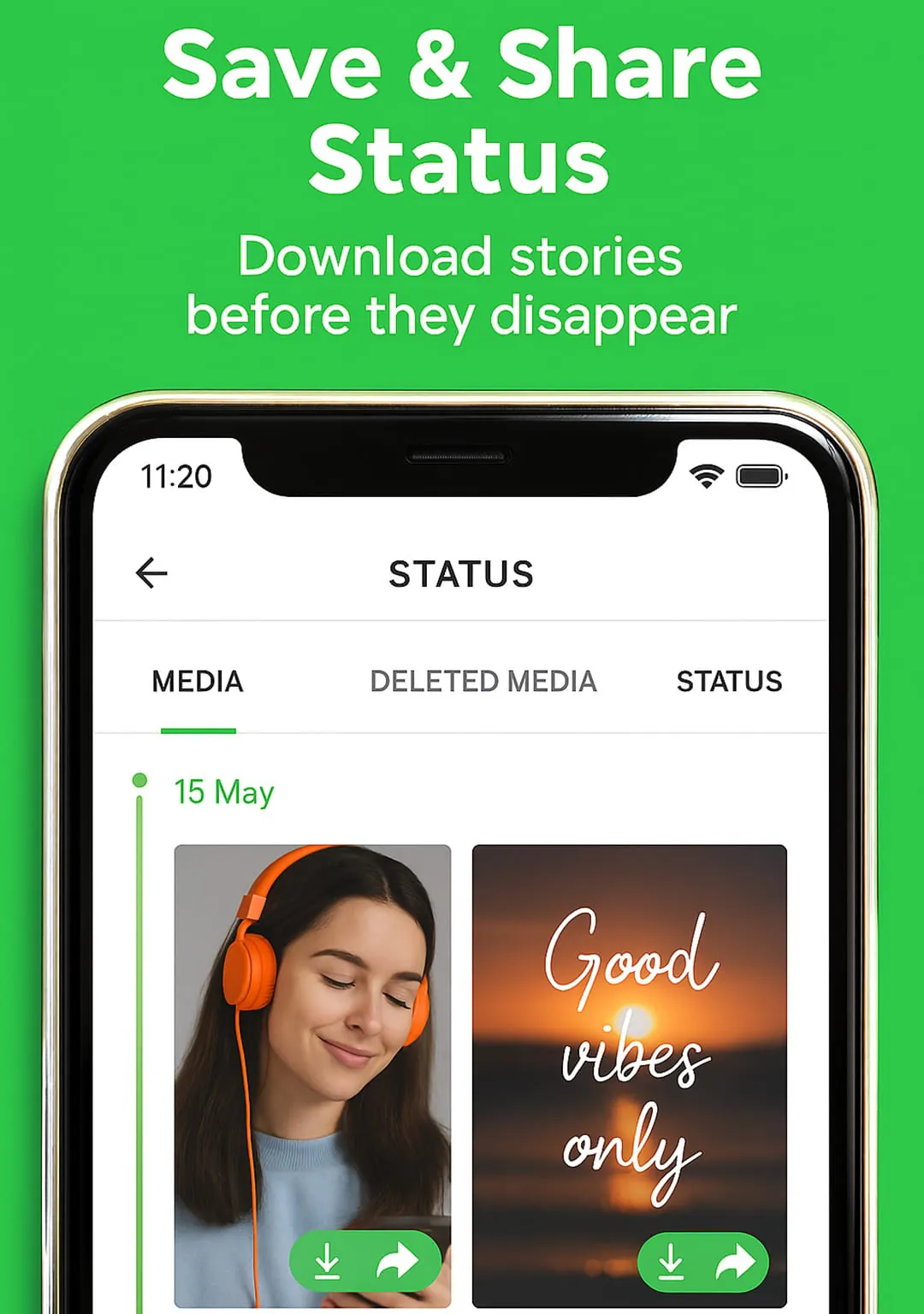
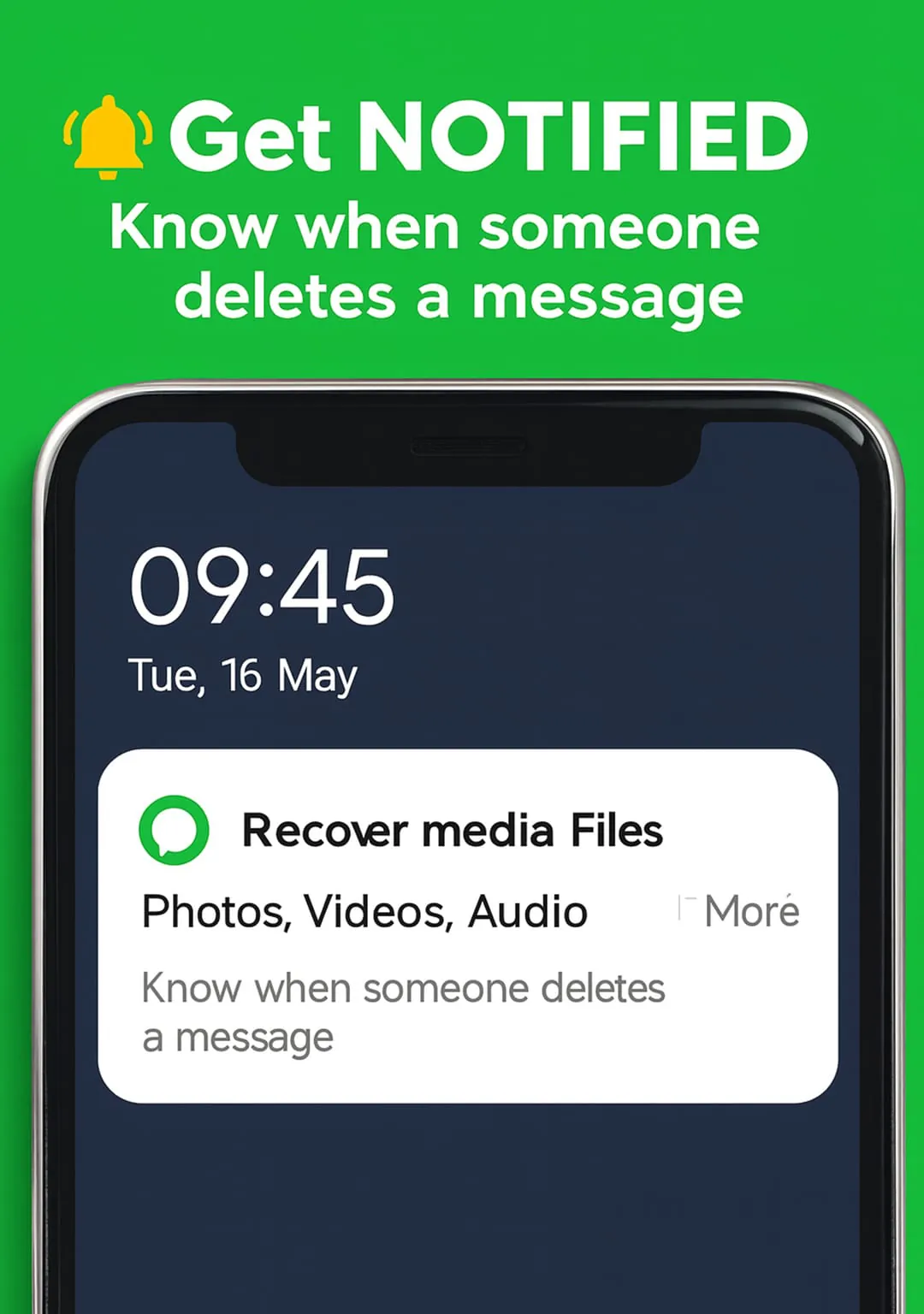
ChatSave is a free tool that allows users to recover deleted chat text messages and media attachments from various messaging applications such as WhatsApp, Messenger, Instagram, and more. With ChatSave, users can read deleted messages, save notifications, and download media files such as videos, pictures, voice notes, audio, animated gifs, and stickers. Additionally, ChatSave offers an unseen reader feature that allows users to read their friends' messages incognito without leaving any seen notices or blue check marks.
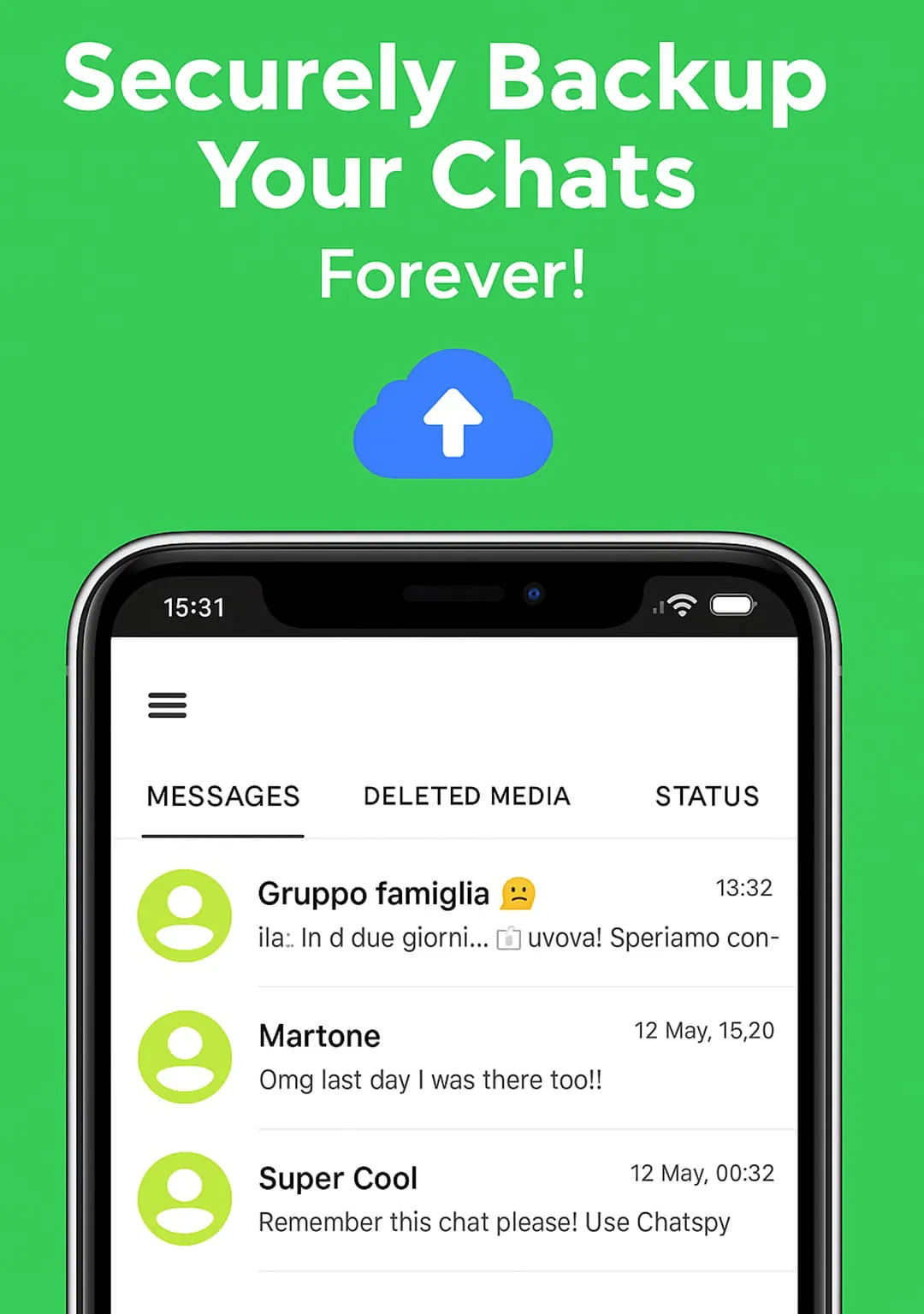
One of the key features of ChatSave is its ability to store messages and notifications from any messaging application installed on a user's mobile device. Users can even choose the app from which they need to store the messages. To use ChatSave, users need to install the app, allow it to save notifications, and receive notifications from any app. ChatSave will then save all the notifications forever in the user's phone.
It is important to note that ChatSave requires Notification Access authorization to work properly. However, the app does not collect or store users' personal data. With ChatSave, users can easily recover deleted messages, download media files, and read messages incognito without worrying about leaving any seen notices or blue check marks.
--------------------
ChatSave is a versatile tool that offers a range of features to help users recover deleted messages, download media files, and read messages incognito. The app supports various messaging applications such as Messenger, WhatsApp, Instagram, Viber, Telegram, Kakao, Talk, Line, Imo, and VK. With ChatSave, users can recover deleted messages, save notifications, and download media files such as videos, pictures, voice notes, audio, animated gifs, and stickers.
One of the standout features of ChatSave is its unseen reader feature that allows users to read their friends' messages incognito without leaving any seen notices or blue check marks. Additionally, ChatSave offers a storage feature that allows users to store messages and notifications from any messaging application installed on their mobile device. Users can even choose the app from which they need to store the messages.
To use ChatSave, users need to install the app, allow it to save notifications, and receive notifications from any app. ChatSave will then save all the notifications forever in the user's phone. It is important to note that ChatSave requires Notification Access authorization to work properly. However, the app does not collect or store users' personal data.
--------------------
ChatSave is a free tool that offers a range of features to help users recover deleted messages, download media files, and read messages incognito. The app supports various messaging applications such as Messenger, WhatsApp, Instagram, Viber, Telegram, Kakao, Talk, Line, Imo, and VK. With ChatSave, users can recover deleted messages, save notifications, and download media files such as videos, pictures, voice notes, audio, animated gifs, and stickers.
One of the key features of ChatSave is its ability to store messages and notifications from any messaging application installed on a user's mobile device. Users can even choose the app from which they need to store the messages. To use ChatSave, users need to install the app, allow it to save notifications, and receive notifications from any app. ChatSave will then save all the notifications forever in the user's phone.
It is important to note that ChatSave requires Notification Access authorization to work properly. However, the app does not collect or store users' personal data. With ChatSave, users can easily recover deleted messages, download media files, and read messages incognito without worrying about leaving any seen notices or blue check marks.





 APK
APK  Google Play
  iOS
iOS  4.30
4.30