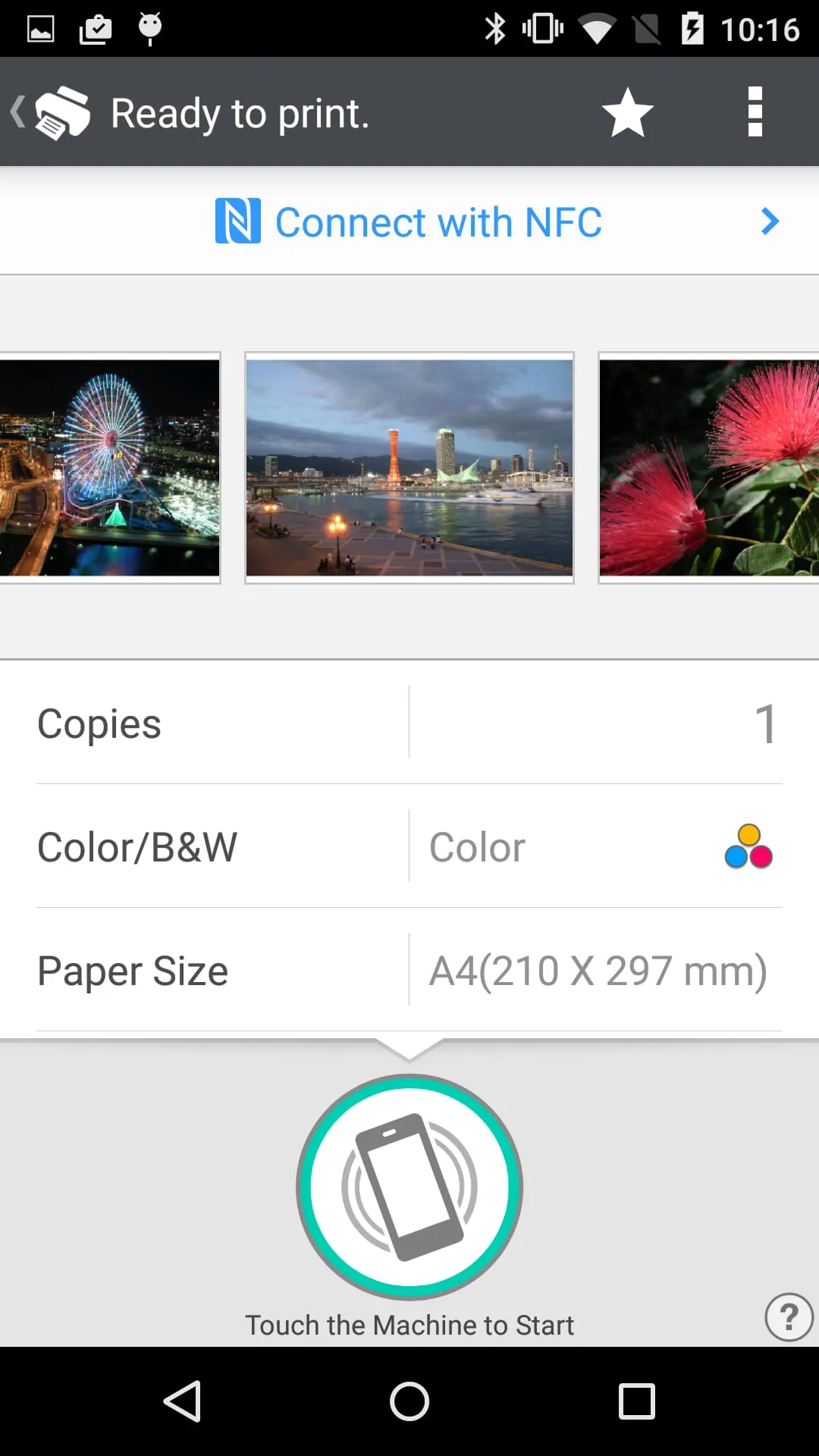
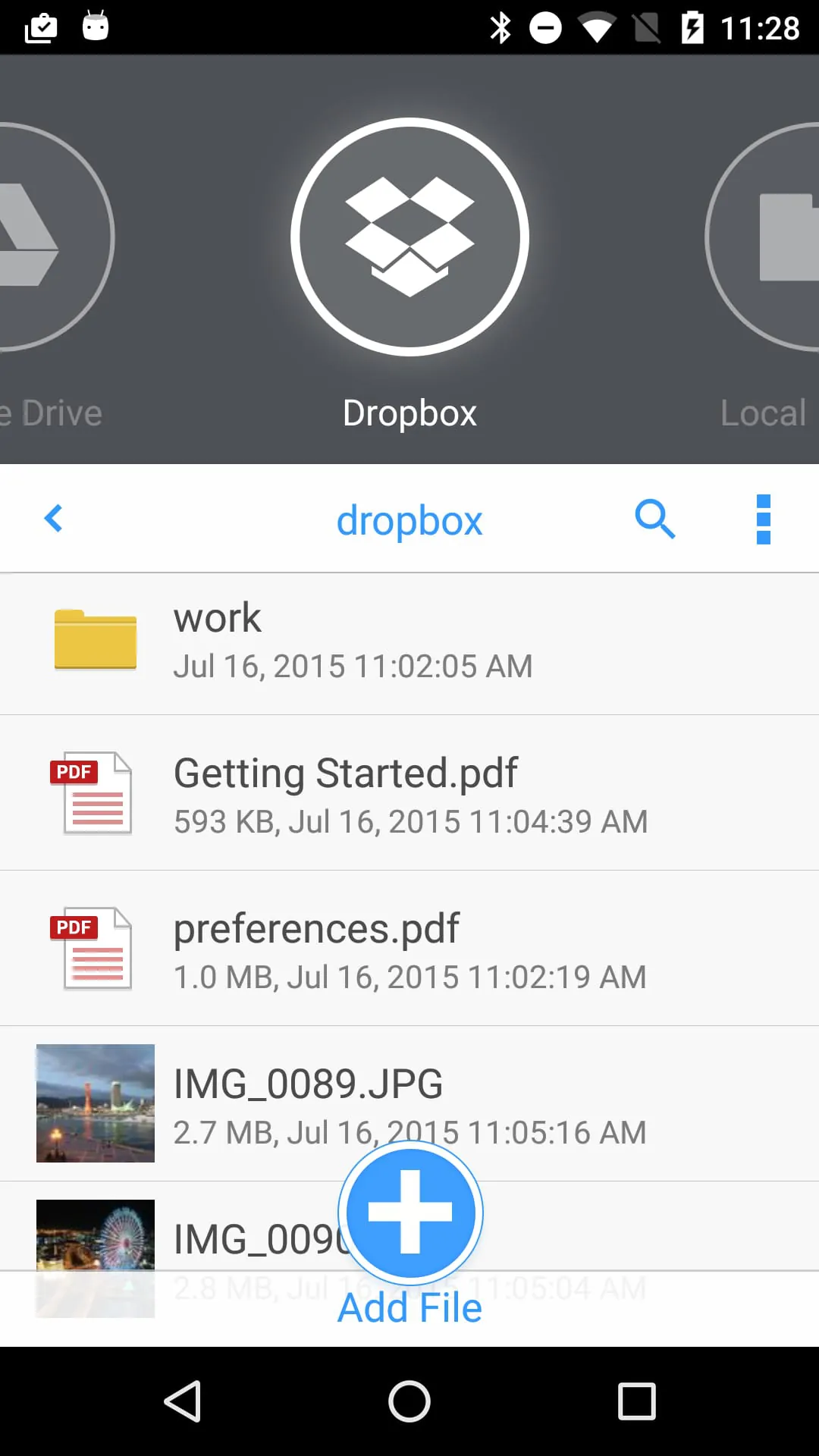
The RICOH Smart Device Connector is a versatile tool that allows users to easily connect their smart devices to RICOH multifunction printers (MFPs) and projectors through various methods such as NFC, Bluetooth Low Energy, QR codes, or IP addresses. This connectivity enables users to access a wide range of features for printing, scanning, and projecting documents and images. Users can conveniently print or project files stored on their smart devices or cloud services like Box, Dropbox, Google Drive, and Microsoft OneDrive. Additionally, the ability to print emails, file attachments, webpages, and even from print servers enhances the functionality of the Smart Device Connector.
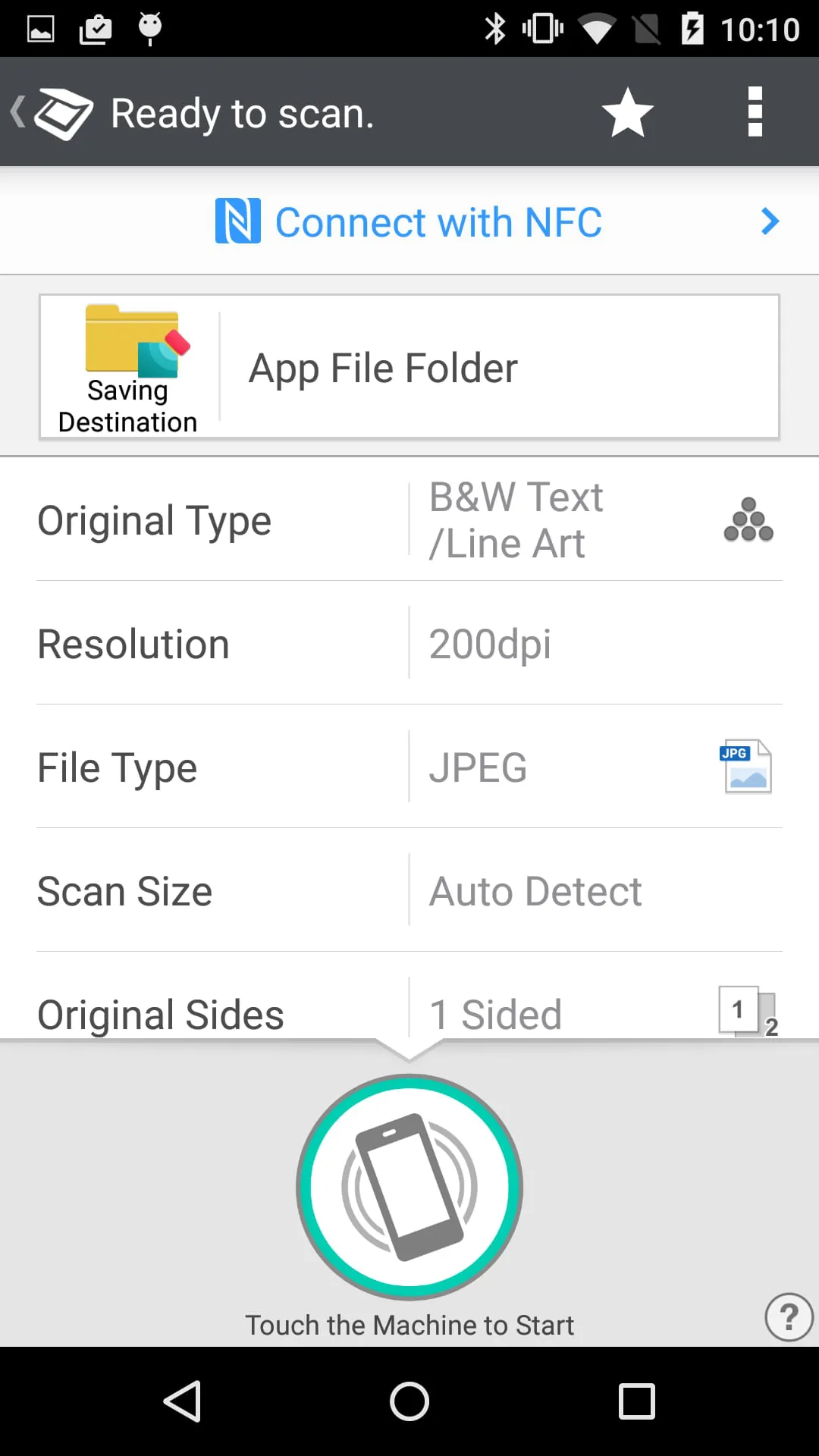
In terms of scanning capabilities, the Smart Device Connector enables users to scan documents directly to their smart devices or cloud storage services like Box, Dropbox, Google Drive, and Microsoft OneDrive. This feature streamlines the scanning process and allows for easy digital storage and sharing of documents. Moreover, the Connector supports projection features that enable users to project documents, images, emails, file attachments, and webpages from their smart devices or cloud storage to RICOH projectors and Interactive Whiteboards. Users can also save annotated documents from the Interactive Whiteboard for future reference or collaboration.
Apart from printing, scanning, and projecting functionalities, the RICOH Smart Device Connector offers additional features such as user authentication using smart devices and automatic detection of available machines on the network. This enhances security and convenience for users accessing RICOH MFPs and projectors. The Connector supports a wide range of languages to cater to diverse user preferences and is compatible with various RICOH models. By providing a seamless connection between smart devices and RICOH devices, the Smart Device Connector simplifies document management, collaboration, and presentation tasks for users in different settings.





 APK
APK  Google Play
  iOS
iOS  3.30
3.30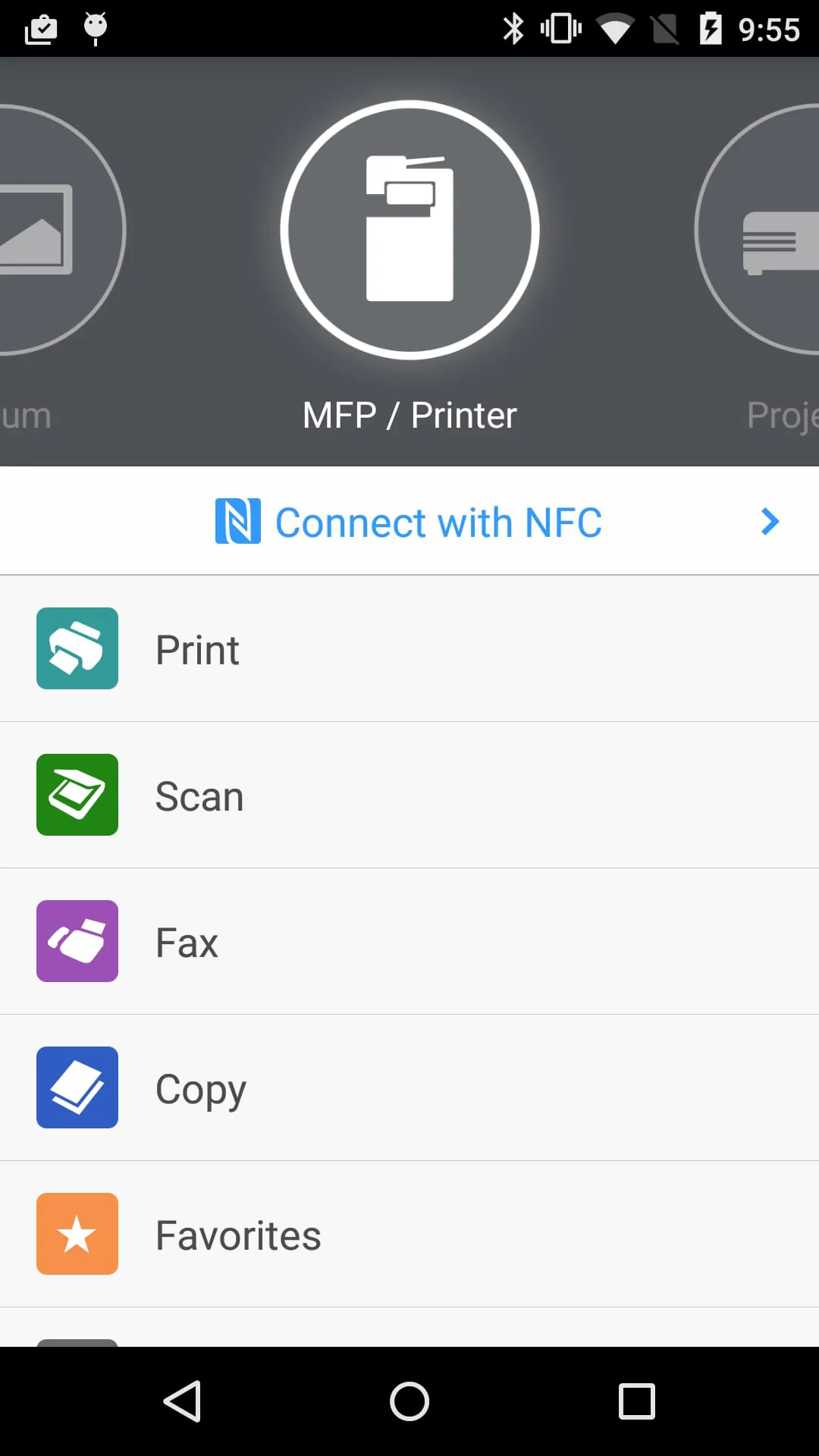
 Download








