LandGlide is a professional mobile and web application designed for accessing detailed parcel and property data directly on a map, allowing users to quickly view land boundaries, ownership information, and key characteristics for virtually any location in the United States. It serves as a powerful tool for real estate professionals, outdoor enthusiasts, and landowners who need instant, reliable geographic and property insights.
Key Features of the Application
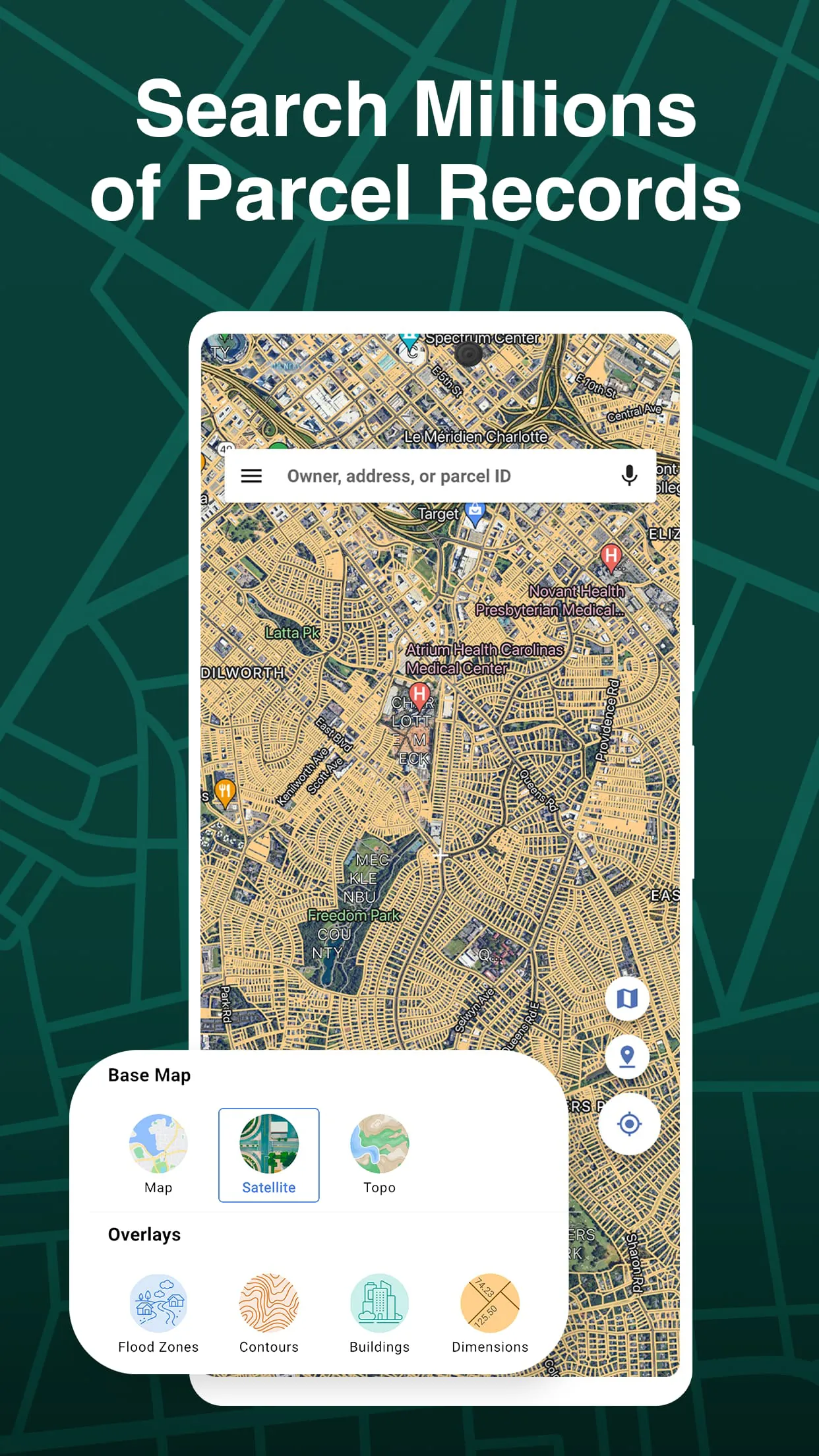
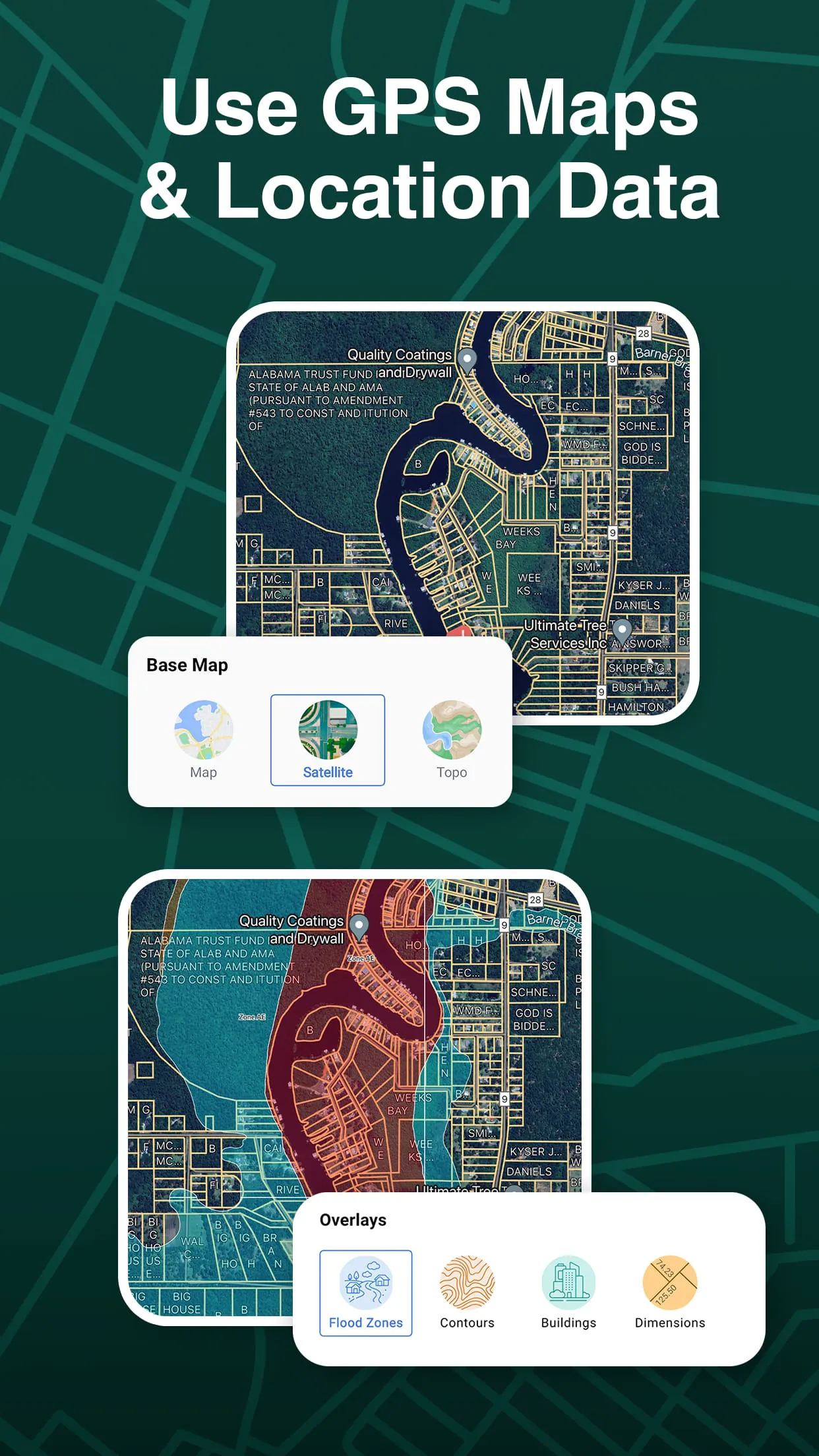
The app stands out with its comprehensive and user-centric features. It provides an interactive, map-based interface that overlays parcel boundaries in real-time. Users can tap on any parcel to pull up a detailed report containing the owner's name and mailing address, lot size, tax assessment information, and more. Crucially, it works offline once maps are downloaded, which is invaluable for fieldwork in areas with poor connectivity. The data is regularly updated to ensure accuracy and reliability for making informed decisions.
Pros and Cons to Consider
Evaluating LandGlide reveals distinct advantages and some limitations.
- Pros: It offers an incredibly intuitive and easy-to-use interface that makes complex land data accessible to non-experts. The depth and accuracy of the parcel data are generally excellent for a consumer-grade app. The offline functionality is a major benefit for remote use. It saves considerable time compared to traditional county recorder office searches.
- Cons: The subscription model can be a recurring cost. Data accuracy, while high, is not 100% guaranteed as it relies on county records, which can sometimes be outdated. Advanced GIS analysis or highly specialized commercial real estate research may require more powerful, desktop-based software solutions.
Core Functions and Uses
LandGlide is built around several core functions that facilitate a variety of tasks.
- Parcel Identification: Instantly identify property lines and parcel boundaries for any selected area on the map.
- Ownership Research: Access current deed owner information and associated tax data without visiting a government office.
- Land Measurement: Use built-in tools to measure distances and calculate acreage directly on the map.
- Data Organization: Save and favorite parcels of interest, add custom notes, and generate shareable reports for clients or personal records.
- Navigation Integration: Get driving directions to the perimeter of a specific parcel for site visits.
How to Begin Using LandGlide
Click the button "Check All Versions" below to download and install it. After installation, you will need to create an account and choose a subscription plan that fits your needs, such as a monthly or annual option. Upon launching the app, allow it to access your location for the best experience, or simply search for an address or place manually. You can then explore the map, tap on colored parcels to see details, and use the toolbar for measurements. For use in the field, remember to download the map layers for your target area via the app's settings while on Wi-Fi to enable full offline functionality later.





 APK
APK  Google Play
  iOS
iOS  4.30
4.30