Turo is the world's largest peer-to-peer car sharing marketplace, often described as the "Airbnb for cars," which allows individuals to rent vehicles directly from local car owners rather than from traditional corporate rental agencies. Operating across thousands of cities in the United States, Canada, the United Kingdom, Australia, and France, the platform connects travelers looking for unique or affordable transportation with everyday entrepreneurs who want to earn extra income by sharing their personal vehicles. Users can browse an extensive and diverse inventory that ranges from everyday economy cars and family SUVs to rare classic automobiles, exotic sports cars, and electric vehicles, seeing the exact car they will drive before booking, complete with owner ratings and transparent pricing.
Key Features
Turo offers a highly flexible and personalized rental experience that differs greatly from the standard counter-based model, highlighted by several standout features:
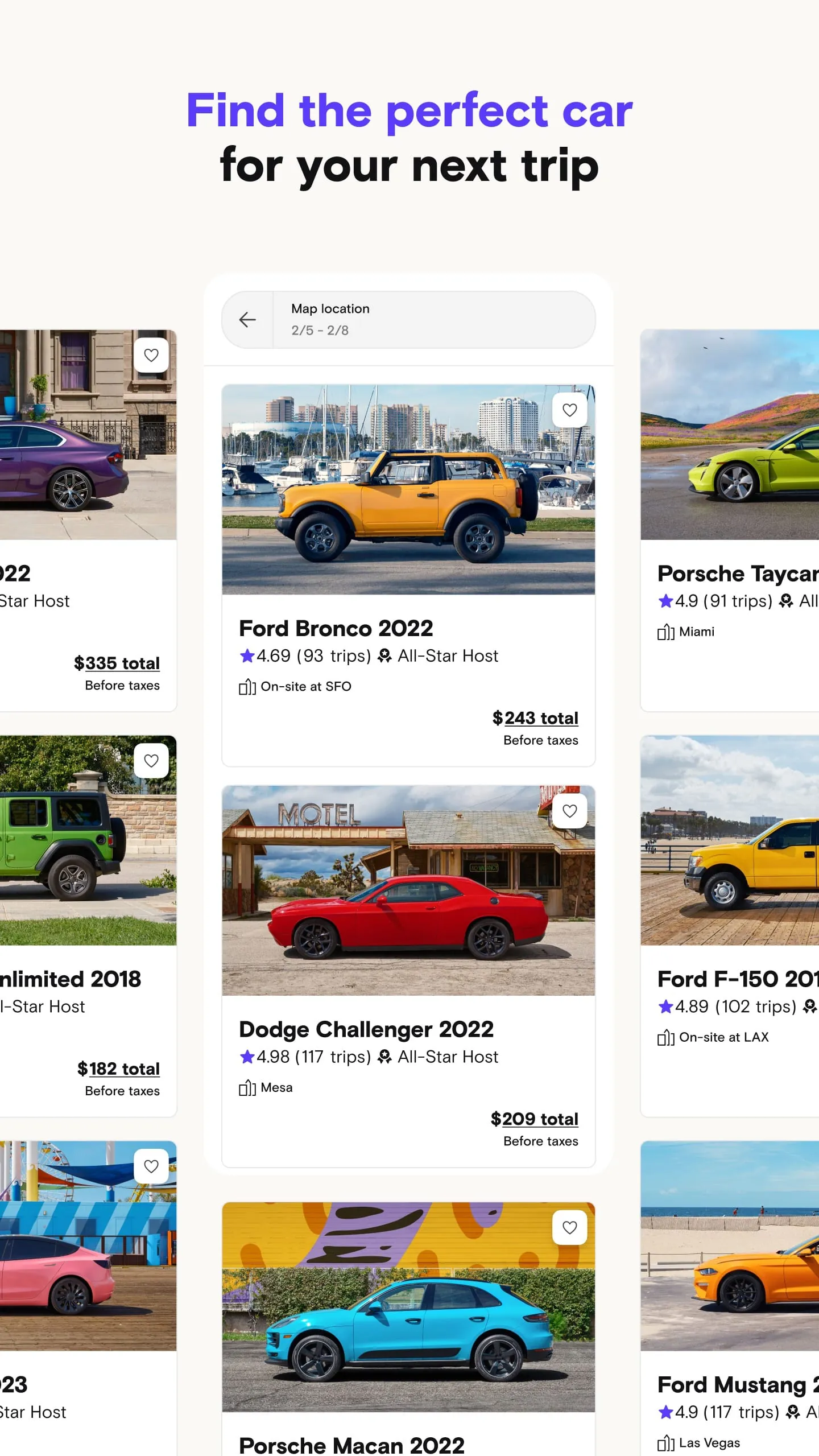
- Exact Vehicle Selection: Unlike traditional rentals where you book a category (like "compact" or "SUV") and receive a similar available car, Turo lets you book the specific make, model, year, and color of the vehicle listed by the host.
- Diverse Fleet: The app hosts over 1,600 unique makes and models, including hard-to-find luxury brands, vintage classics, off-road trucks, and eco-friendly electric cars that are rarely available at standard rental desks.
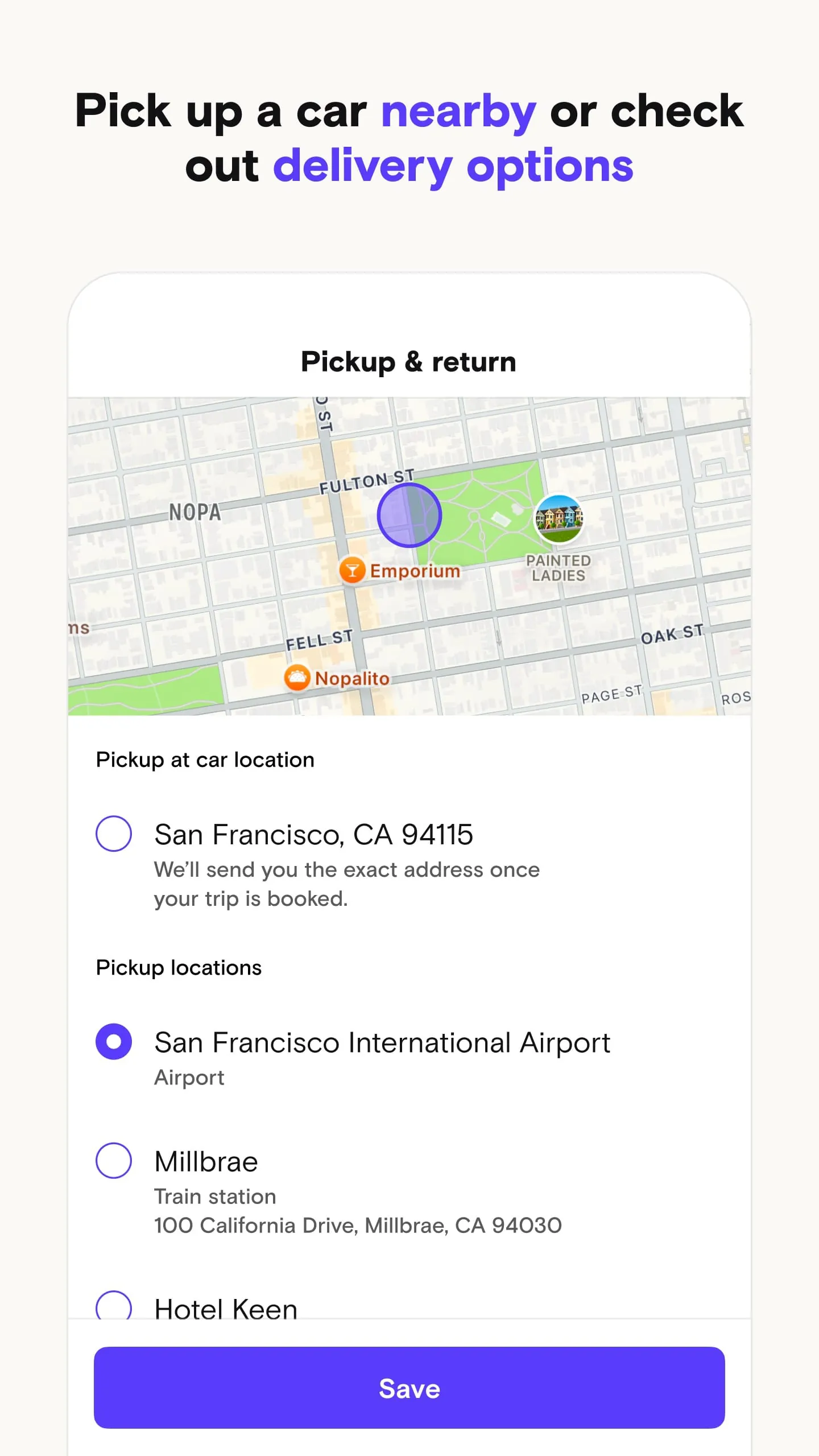
- Flexible Pickup and Delivery: Guests can arrange to pick up the car from the host's location, meet at convenient spots like airports, train stations, hotels, or even have the car delivered directly to their home or vacation rental for a fee set by the host.
- Multiple Key Handoff Options: Depending on the host, you can meet in person for a key exchange, retrieve keys from a secure lockbox using a code sent via the app, or utilize remote unlock technology if the vehicle is equipped with a connected manufacturer app.
- Customizable Protection Plans: Renters can choose from three tiers of physical damage protection (Premier, Standard, or Minimum) and are always covered by third-party liability insurance included with every trip.
- Host and Vehicle Ratings: A robust two-way review system allows guests to rate their experience and for hosts to review guests, helping build a trusted community where users can filter for "All-Star Hosts" known for high response rates and reliability.
Pros & Cons
When deciding whether to use Turo over a traditional rental company, it is helpful to weigh the distinct advantages and potential drawbacks of the peer-to-peer model:
- Pros:
- Unmatched Variety: Access to unique, luxury, and classic vehicles that traditional rental fleets do not carry.
- Competitive Pricing: Often cheaper than major agencies, especially for longer-term rentals, with many hosts offering weekly and monthly discounts.
- Convenience: Skip the long rental counter lines and paperwork; arrange for curbside airport pickup or home delivery.
- Transparency: Know exactly which car you are getting, including its condition and features, backed by real user reviews.
- Personalized Service: Local hosts often provide tips about the area, and the in-app messaging keeps personal contact information private.
- Cons:
- Variable Reliability: Since cars are owned by individuals, last-minute cancellations by hosts can occur, though Turo assists with rebooking.
- Inconsistent Availability: Selection may be limited in rural areas compared to major cities, and popular cars book up fast during peak travel seasons.
- Host-Dependent Rules: Mileage limits, fuel policies, cleaning standards, and delivery fees vary widely from one host to another.
- Insurance Complexity: Coverage terms differ from traditional rentals, and personal auto insurance or credit card coverage may not always apply to peer-to-peer rentals.
Functions
The Turo app serves a dual purpose, functioning seamlessly for both those looking to rent a car (guests) and those looking to rent out their car (hosts):
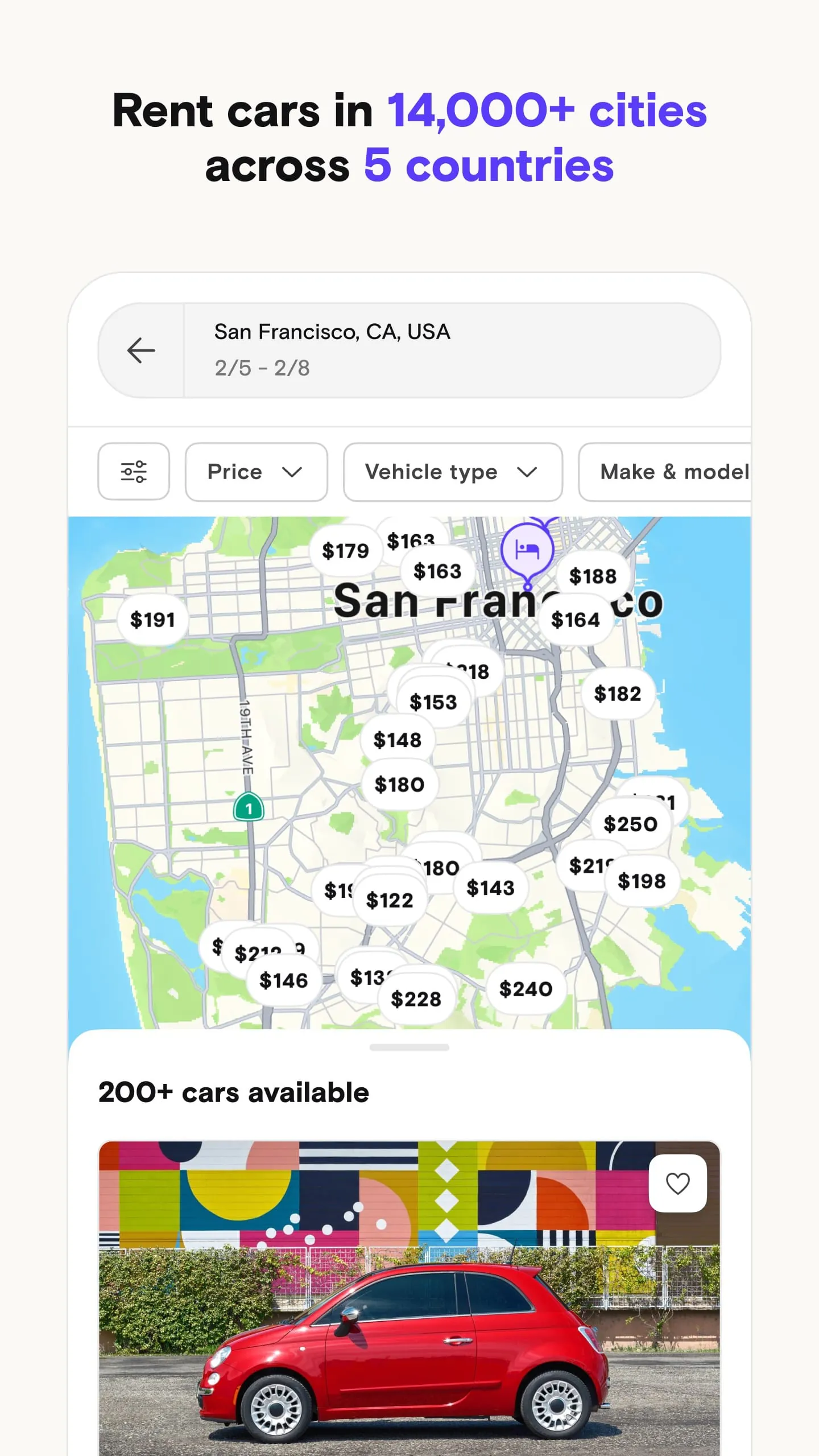
- For Guests (Renters): The app allows users to search for available vehicles by entering a location and date range, filtering results by price, car type, features (such as all-wheel drive or convertible), and host ratings. Users can communicate with hosts via secure in-app messaging, book trips instantly or send requests, manage their upcoming and past trips, handle trip modifications or extensions, check in and out digitally, and access 24/7 roadside assistance and customer support.
- For Hosts (Owners): Car owners can list their vehicles for free, upload photos, set their own daily prices or use dynamic pricing tools, define availability calendars, and establish rules such as mileage limits and delivery fees. The app facilitates the entire hosting workflow, including receiving and approving booking requests, coordinating key handoff logistics, tracking earnings, viewing upcoming trips, and receiving direct deposits for completed rentals. Hosts can also choose their preferred protection plan which dictates their reimbursement level and commission rate.
How to Use
Click the button "Check All Versions" below to download and install it. To rent a car as a guest, start by creating an account and getting approved to drive by submitting a valid driver's license and basic personal information; most approvals are instant. Once approved, enter your desired pickup location (such as an airport code or city address) and the dates and times you need the vehicle, then browse the listings to find a car that fits your budget and style, utilizing filters to narrow down the options. Tap on a listing to view photos, read reviews from past renters, check the host's response rate, and review the specific trip details like mileage limits and delivery fees. When ready, either book instantly or send a request to the host; once confirmed, coordinate the pickup details with your host through the app's messaging feature. On the day of the trip, follow the host's instructions to obtain the keys—whether that is meeting them in person, opening a lockbox, or arranging a delivery—perform a quick check-in via the app, and enjoy your rental. To return the vehicle, simply refill the fuel to the agreed level, clean out personal belongings, meet the host or leave the car and keys as instructed, and complete the trip checkout in the app.





 APK
APK  Google Play
  iOS
iOS  4.90
4.90