The Celebrity Cruises app is your official digital companion for managing every aspect of your cruise vacation, from the planning stages to the final disembarkation. Designed specifically for guests sailing with Celebrity Cruises, this mobile tool centralizes your itinerary, onboard account, and daily activities into one convenient, easy-to-navigate interface. It enhances the guest experience by providing real-time information and interactive features that keep you connected and informed throughout your journey, whether you are exploring the high seas or relaxing on a private island.
Key Features
- Personalized Itinerary: Access your daily schedule, including entertainment, dining times, and port arrivals, all synced in real-time.
- Mobile Check-In: Streamline your boarding process by completing necessary check-in steps and uploading travel documents directly from your phone.
- Onboard Account Management: Monitor your onboard spending, view charges, and settle your bill without needing to visit the guest services desk.
- Interactive Deck Plans: Navigate the ship with ease using detailed, searchable maps of all public areas, staterooms, and amenities.
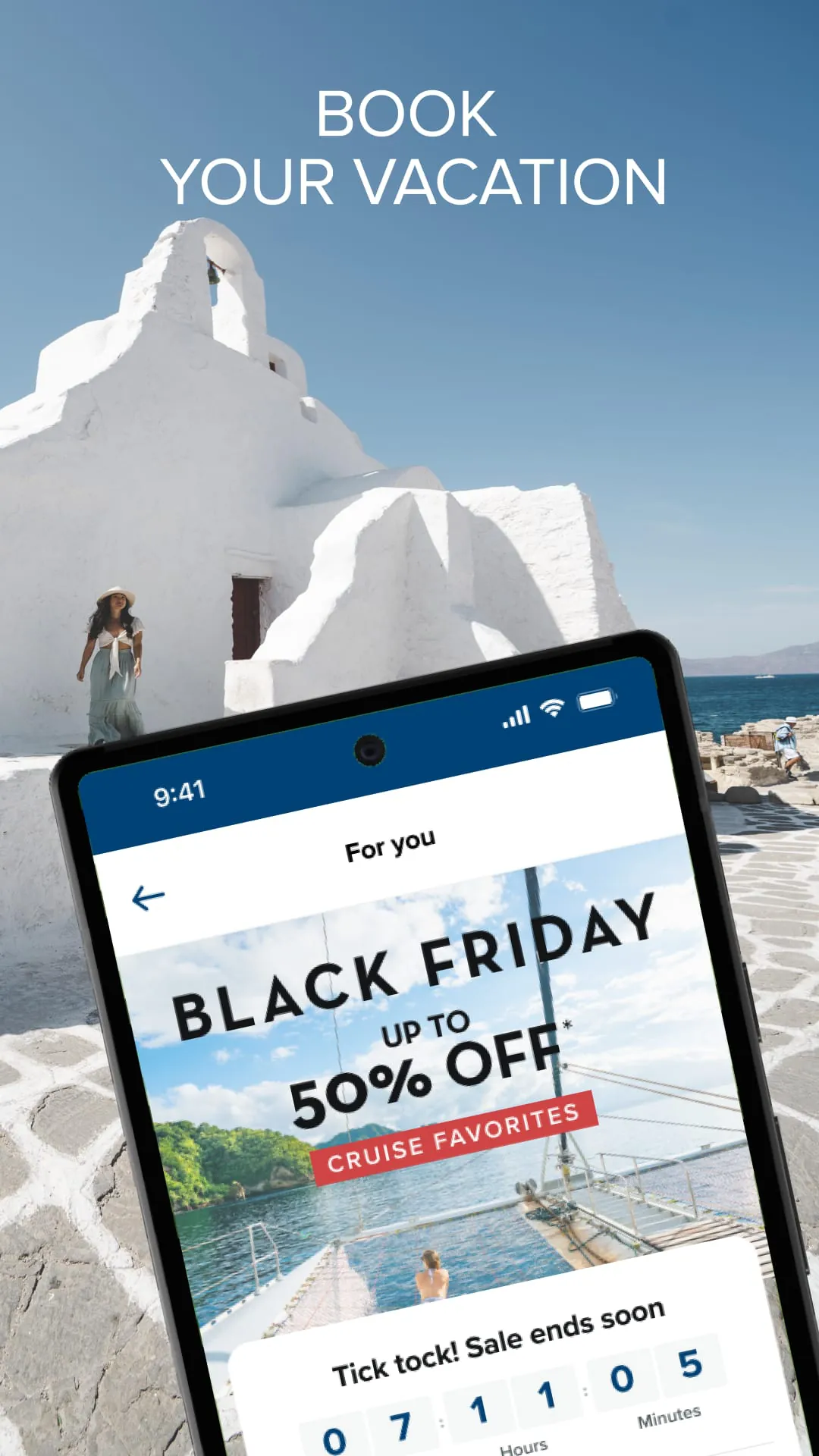
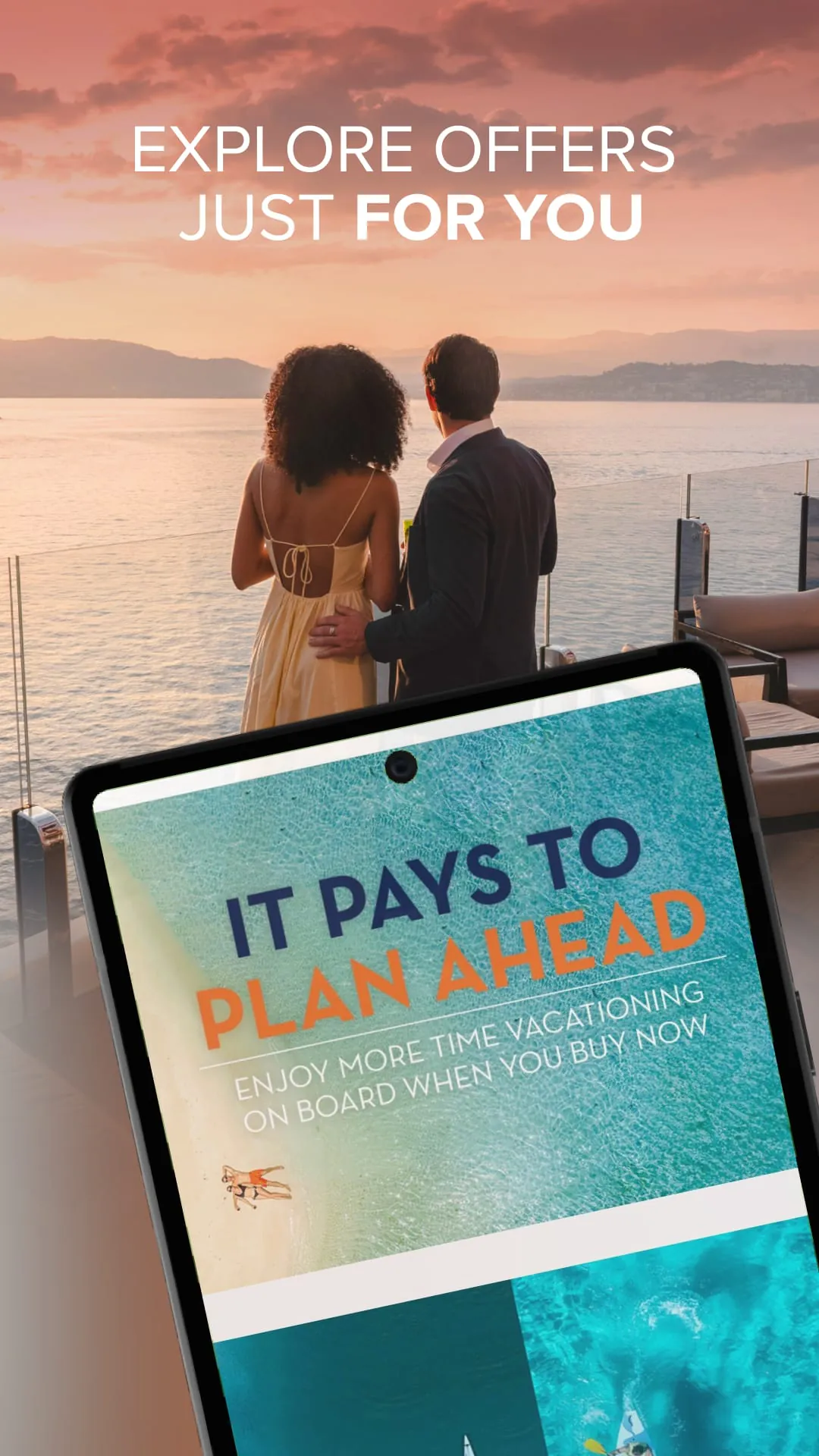
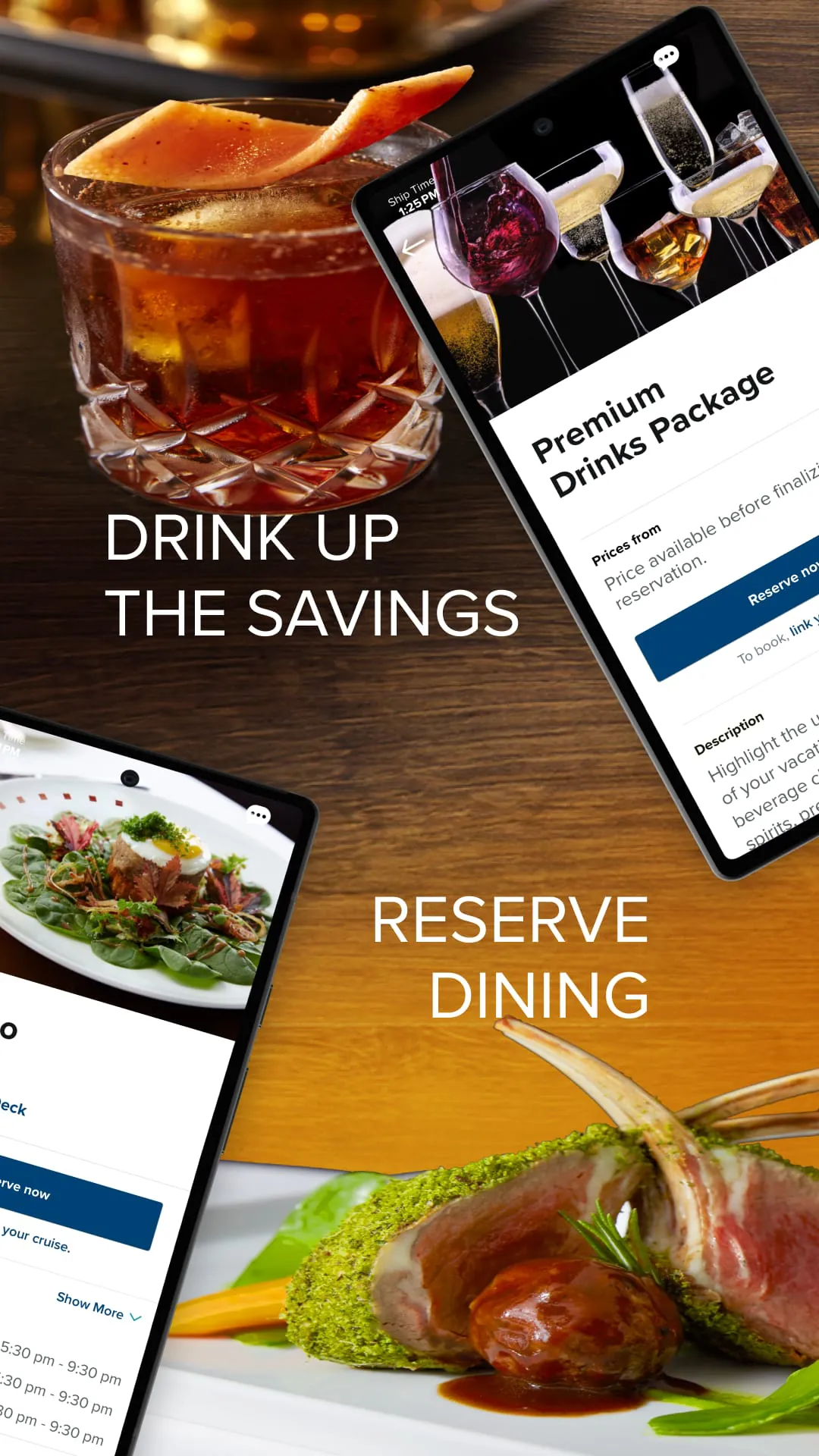
- Exclusive Deals & Booking: Browse and reserve shore excursions, specialty dining, spa treatments, and other premium experiences, often with app-exclusive offers.
Pros & Cons
- Pros: The app significantly reduces wait times and paperwork during embarkation. Its intuitive design makes it simple for guests of all ages to discover onboard events and connect with fellow travelers. The ability to manage expenses in real-time helps avoid unexpected charges at the end of the cruise.
- Cons: Functionality is heavily dependent on the ship's Wi-Fi network, which can be unreliable or slow in certain areas of the vessel or in remote ports. Some advanced features, such as messaging other guests, may require the purchase of an internet package.
Functions
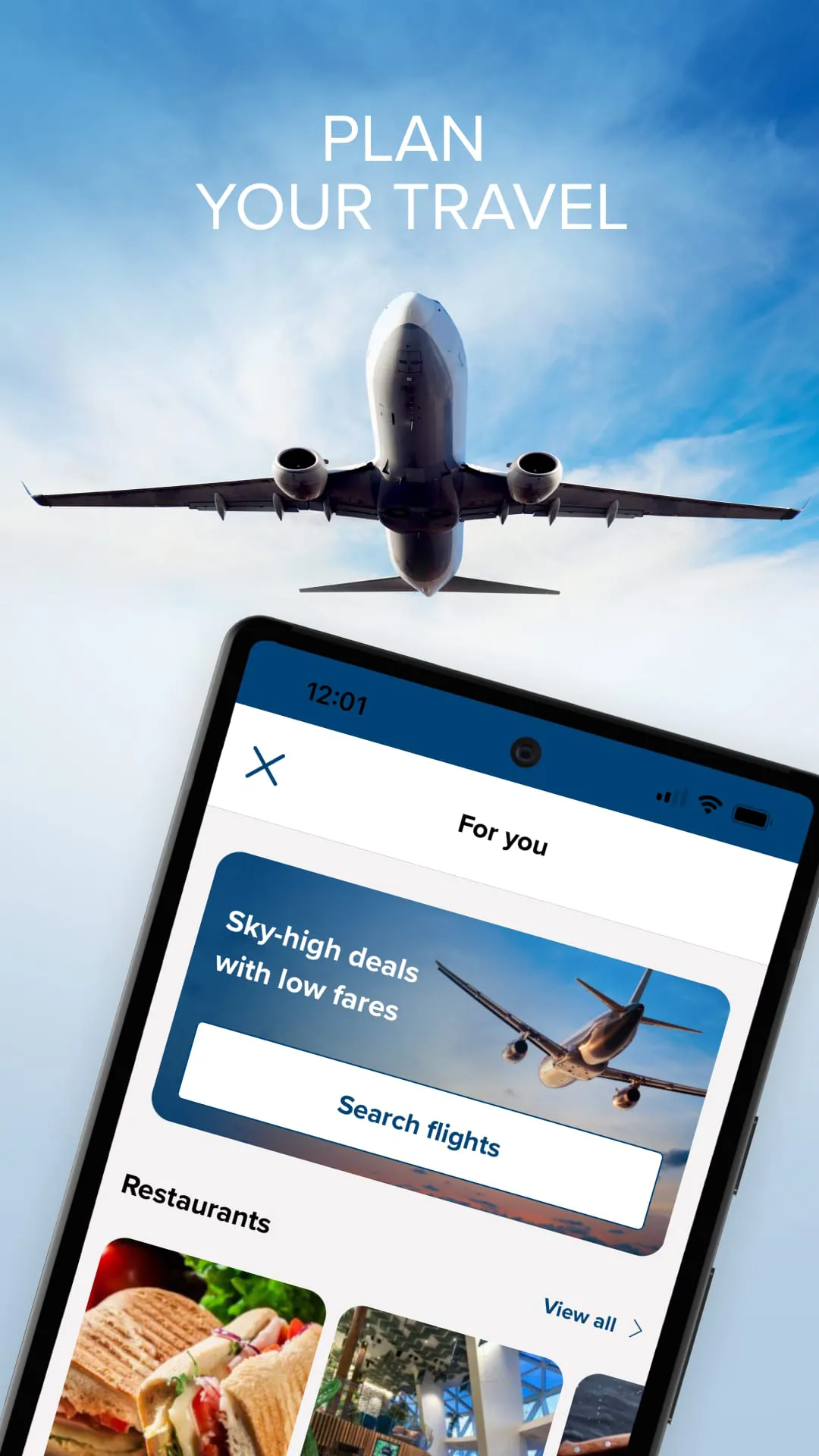
- Pre-Cruise Planning: Complete your online check-in, select preferred dining options, and book premium packages before you even set foot on the ship.
- Onboard Navigation: Use the interactive map to find your way around the massive ship, locate restaurants, pools, and even find the nearest restroom.
- Daily Planner: Receive personalized notifications about shows, sales, and activities, ensuring you never miss an event that interests you.
- Digital Key & Safety: Access important safety information, including muster station details, and in some cases, use your phone as a digital key for your stateroom.
How to Use
Click the button "Check All Versions" below to download and install it. Once installed, open the app and create an account or log in using your existing Celebrity Cruises credentials. You will then be prompted to link your specific sailing by entering your reservation number. After your cruise is linked, you can explore all the features, complete your check-in, and start building your personalized agenda for the voyage. For the best experience, it is recommended to download the app and complete these steps before you arrive at the terminal.





 APK
APK  Google Play
  iOS
iOS  4.60
4.60