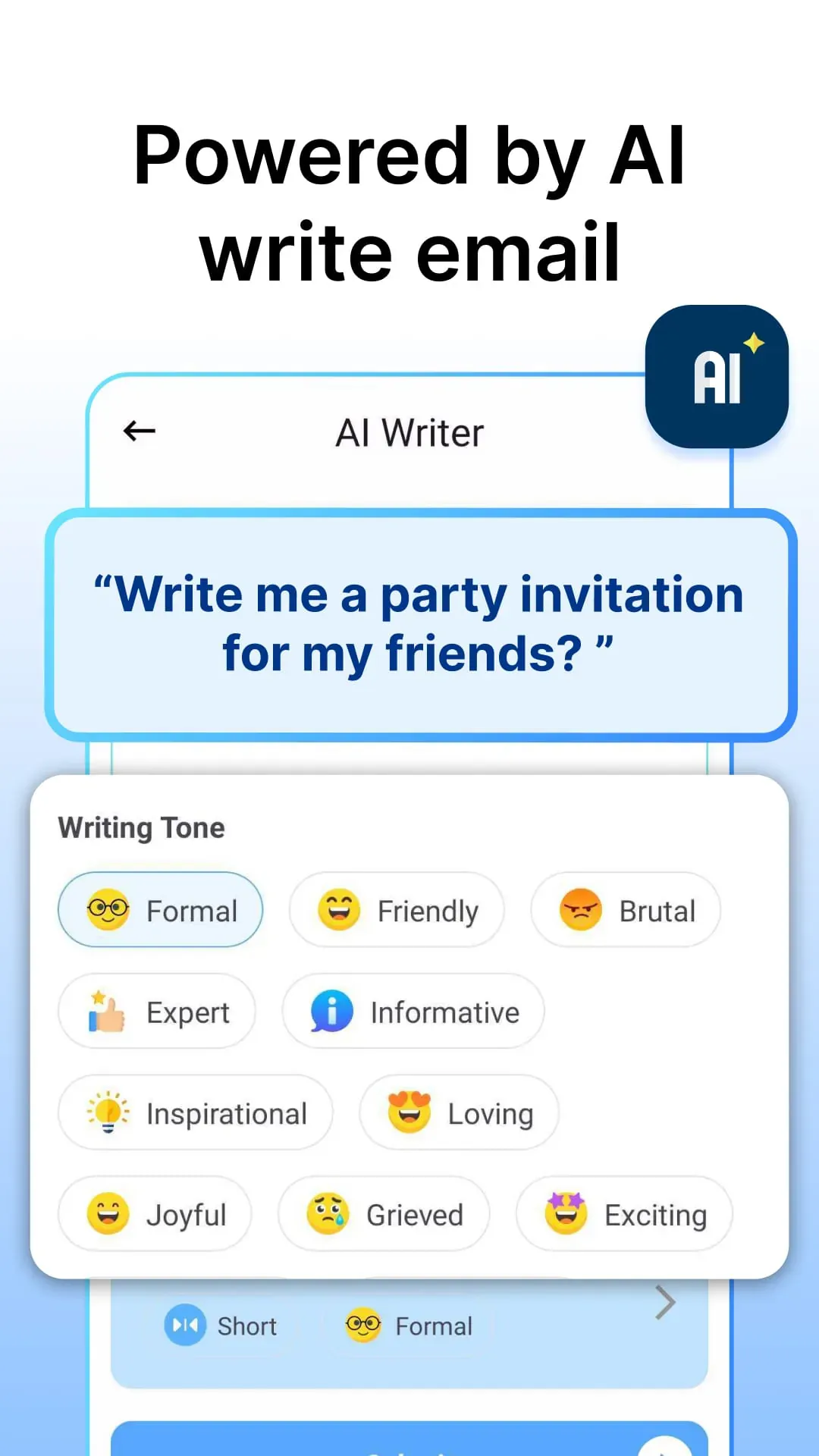
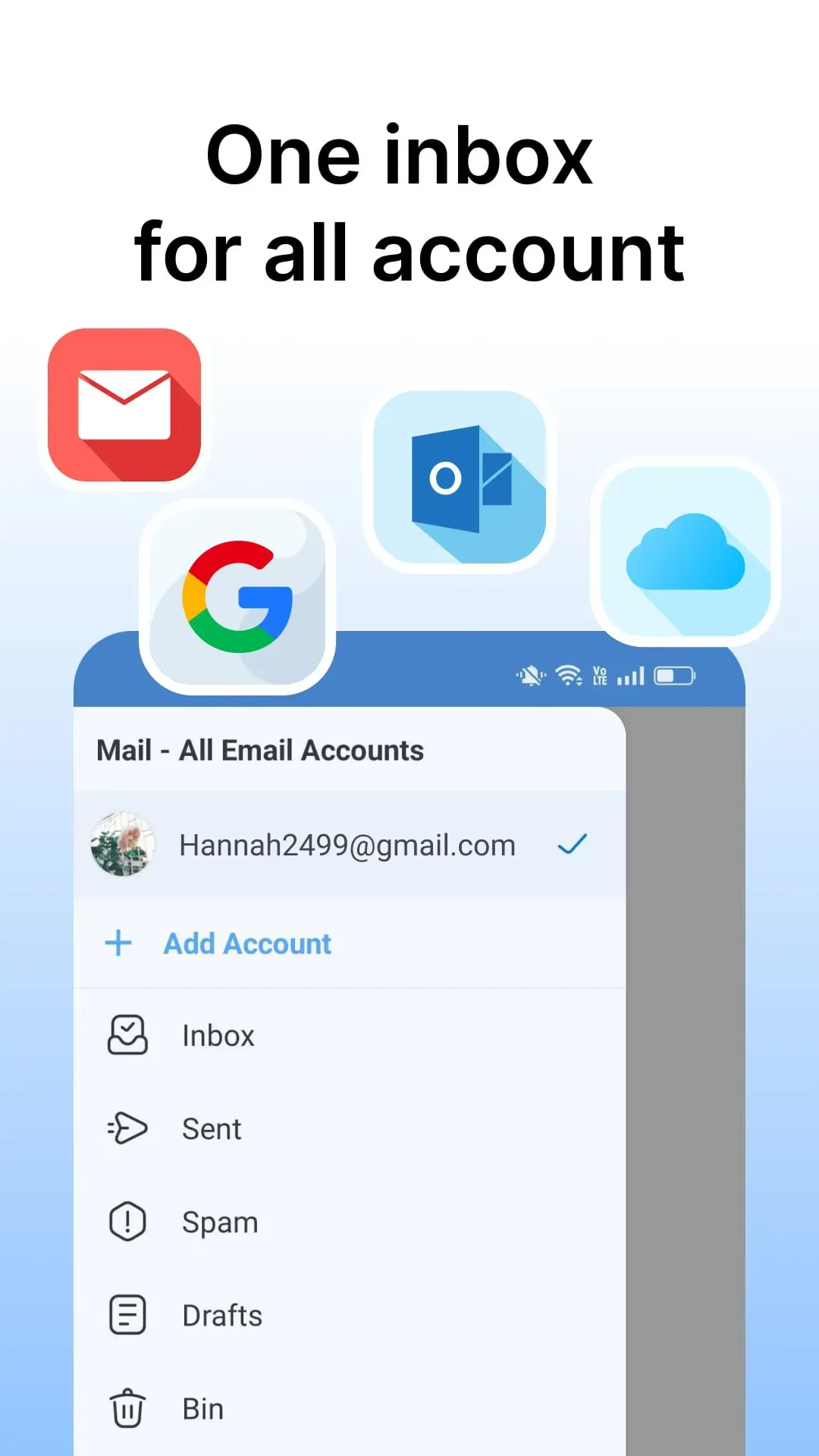
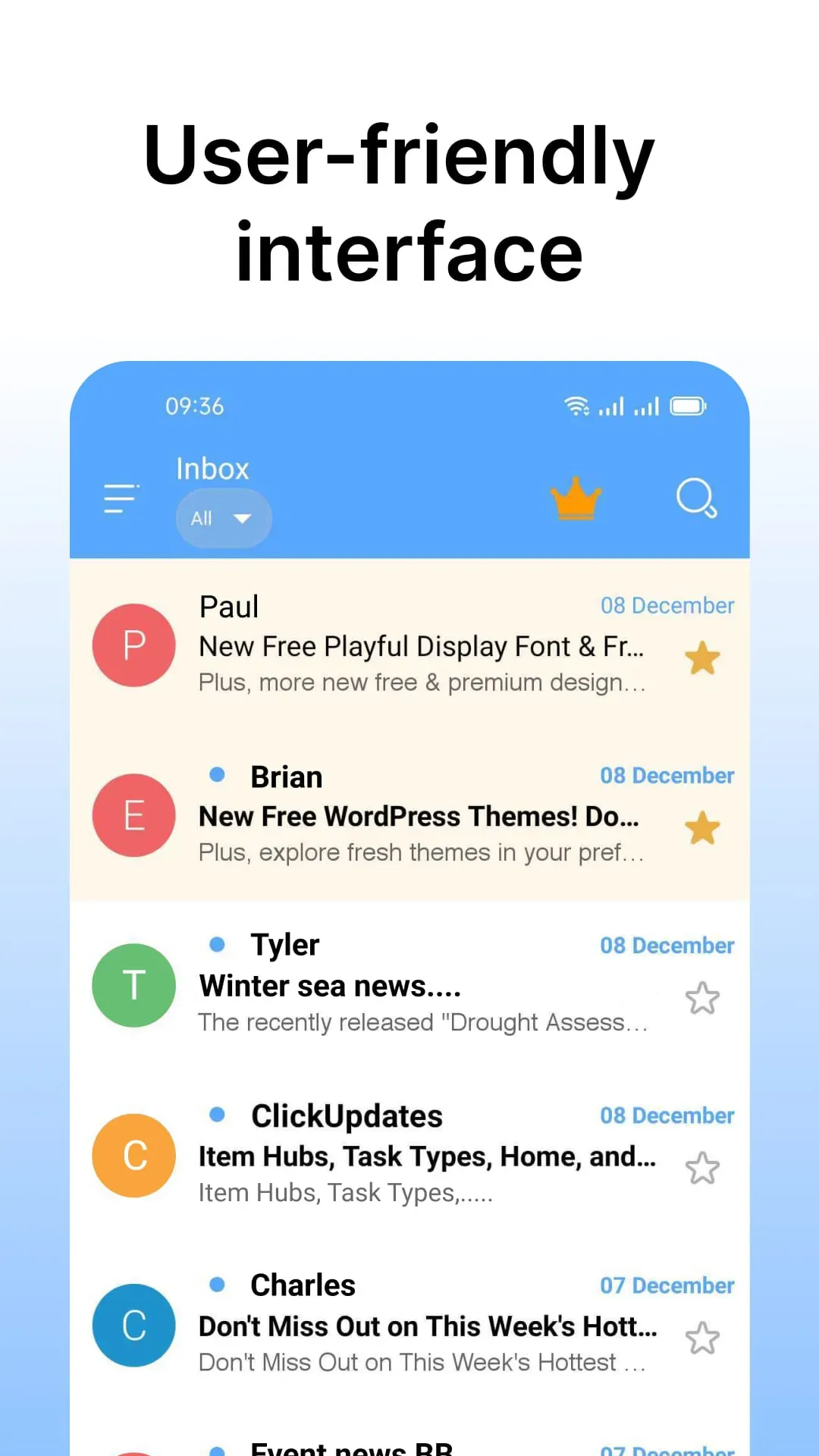
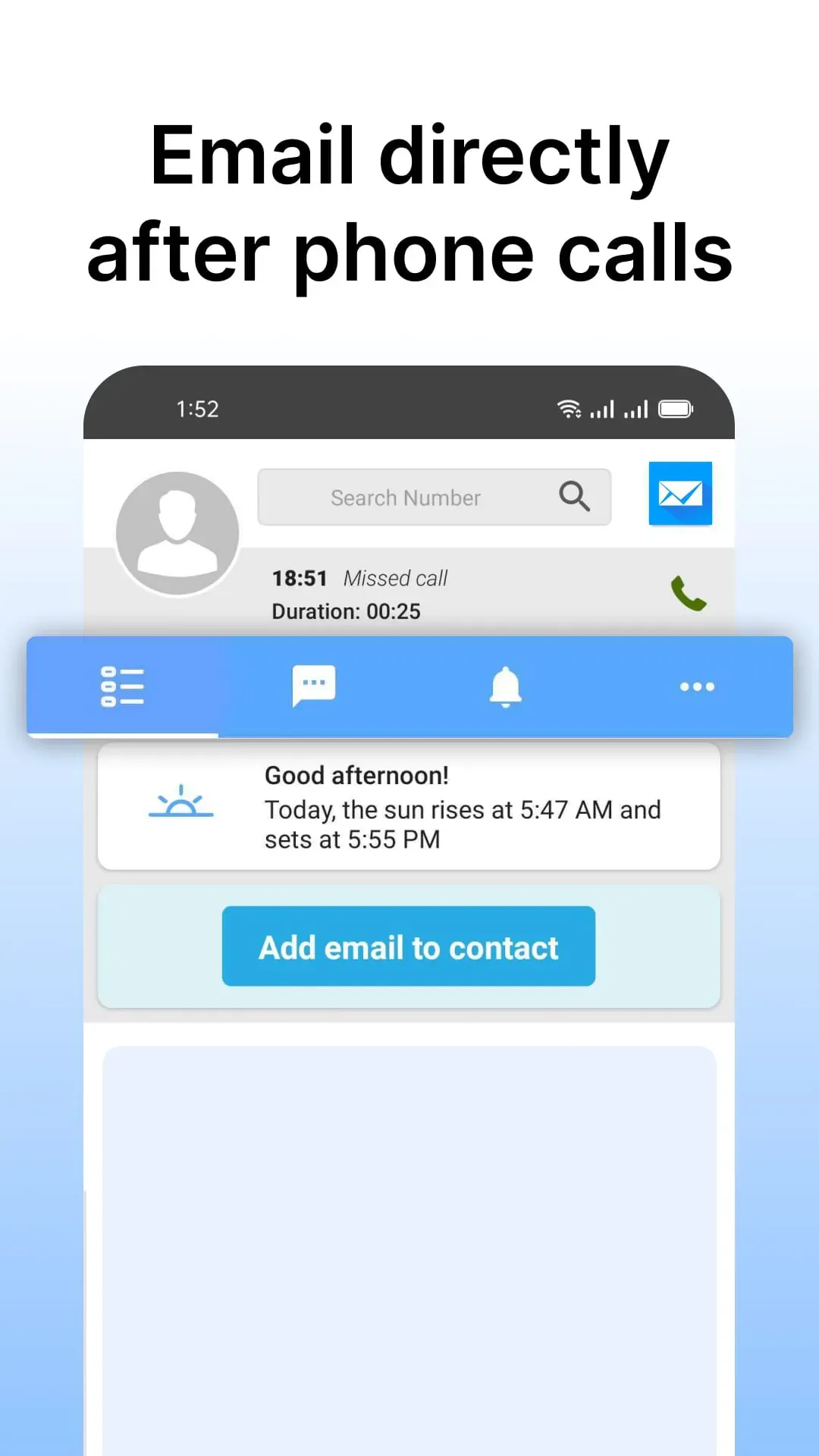
The new email application is designed to streamline and simplify email management, particularly for users of Outlook and Hotmail accounts. It addresses the common challenges of handling a high volume of emails by providing a user-friendly interface and a range of features aimed at improving efficiency and organization. The application supports comprehensive email management, allowing users to easily organize their inboxes, access sent items, and manage deleted messages. New message notifications are immediate, ensuring that users never miss important communications. Security is a paramount concern, and the app incorporates advanced security measures to protect user information and ensure safe access to email accounts, maintaining the confidentiality of sensitive data. The app's ability to manage multiple accounts is a significant advantage, allowing users to seamlessly switch between different email addresses within a single interface. This is particularly useful for individuals who manage both personal and professional email accounts. The application boasts several key features, including a simple and intuitive interface for smooth email account operation. Full Japanese language support ensures a comfortable email experience for Japanese-speaking users. A user-friendly search function enables quick and efficient retrieval of specific emails. Timely notifications guarantee that important messages are never overlooked, keeping users informed and responsive. Furthermore, the application offers efficient email management during and after phone calls, integrating email access seamlessly into the communication workflow. This integration allows users to access their email inbox instantly after a call, view contact details, and access calendars and notifications with a single click. The app simplifies the organization of emails into different folders such as inbox, sent items, and spam, with easy-to-use functions for flagging, moving to spam, and deleting emails. All of these features are designed to enable users to manage their emails effectively during breaks between calls. One of the standout features of this email application is its offline accessibility. Received emails are stored in the phone's memory, allowing users to access and read their messages even without an internet connection. This feature is particularly beneficial for individuals who need to stay connected while on the move or in areas with limited connectivity. The filter function further enhances the user experience by enabling quick searches for messages by subject, sender, or recipient, streamlining the process of finding specific emails. The app also supports the creation of personalized email signatures, adding a professional touch to email communications. Users can easily create and manage their signatures, ensuring consistency and professionalism in all their email correspondence. The application encourages users to download and update to the latest version to take full advantage of its features and improvements. Overall, the new email application is a valuable tool for anyone looking to improve their email management efficiency, especially those using Outlook and Hotmail accounts. Its user-friendly interface, robust feature set, and strong emphasis on security make it a compelling choice for individuals seeking to streamline their email communication.
The email application's robust functionality extends beyond basic email management, offering a suite of tools designed to enhance productivity and ensure seamless communication. The ability to efficiently manage multiple email accounts within a single application is a significant time-saver for users who juggle personal and professional correspondence. The app supports various email providers, including Outlook and Hotmail, allowing users to consolidate their email activities into one centralized platform. The application's interface is designed with simplicity in mind, making it easy for users of all technical skill levels to navigate and utilize its features. The intuitive design ensures that even novice users can quickly learn to manage their inboxes, send emails, and organize their messages effectively. The Japanese language support is a crucial feature for users in Japan, providing a localized experience that caters to their linguistic preferences. The application's ability to accurately process and display Japanese characters ensures that users can communicate effectively in their native language. The search function is another key component of the email application, enabling users to quickly locate specific emails based on various criteria, such as sender, recipient, subject, or keywords. The search tool is designed to be fast and accurate, ensuring that users can find the information they need without wasting time sifting through countless emails. The notification system keeps users informed of new messages in real-time, ensuring that they never miss important communications. Notifications can be customized to suit individual preferences, allowing users to prioritize certain types of emails or disable notifications for less important messages. The integration of email management with phone call functionality is a unique and valuable feature of the application. Users can seamlessly access their email inbox after a phone call, view contact details, and access calendars and notifications with a single click. This integration streamlines the communication workflow and enhances productivity. The application simplifies the process of organizing emails by providing easy-to-use tools for sorting messages into different folders, flagging important emails, and deleting unwanted messages. Users can quickly manage their inboxes and keep their email accounts organized and clutter-free. Offline access is a crucial feature for users who need to access their emails while on the go or in areas with limited internet connectivity. The application stores received emails on the phone's memory, allowing users to read their messages even without an internet connection. The filter function allows users to quickly search for messages based on specific criteria, such as sender, recipient, subject, or keywords. This feature is particularly useful for users who receive a large volume of emails and need to quickly locate specific information. The application also supports the creation of personalized email signatures, allowing users to add a professional touch to their email communications. Users can easily create and manage their signatures, ensuring consistency and professionalism in all their email correspondence. The application is continuously updated with new features and improvements, ensuring that users always have access to the latest technology. Users are encouraged to download and install the latest updates to take full advantage of the application's capabilities. Overall, the email application is a comprehensive and user-friendly tool for managing email communications. Its robust feature set, intuitive interface, and strong emphasis on security make it an excellent choice for users of all technical skill levels.
Beyond the core functionalities of email management, the application integrates advanced features tailored to enhance user experience and productivity. The application's sophisticated security measures ensure the protection of sensitive information and maintain the confidentiality of user data. Advanced encryption techniques and secure authentication protocols safeguard email accounts from unauthorized access and cyber threats. Regular security updates and vulnerability assessments are conducted to ensure the application remains resilient against emerging security risks. The application's multi-account management capabilities allow users to seamlessly switch between different email accounts without the need for constant logins and logouts. This feature is particularly beneficial for professionals who manage multiple email addresses for different clients or projects. The user-friendly interface is designed to be intuitive and easy to navigate, even for users who are not familiar with email management software. The application's clean and uncluttered layout ensures that users can quickly find the features they need without getting lost in a maze of menus and options. The Japanese language support is comprehensive and accurate, ensuring that Japanese-speaking users can fully utilize the application's features without any language barriers. The application's ability to handle complex Japanese characters and grammar ensures a seamless and natural user experience. The search function is optimized for speed and accuracy, allowing users to quickly find specific emails even in large inboxes. The application's intelligent search algorithms analyze email content and metadata to deliver relevant search results in a matter of seconds. The notification system is highly customizable, allowing users to configure notifications based on their specific needs and preferences. Users can set up notifications for specific senders, subjects, or keywords, ensuring that they only receive alerts for the emails that are most important to them. The integration with phone call functionality streamlines communication workflows by allowing users to access their email inboxes directly after a phone call. This feature is particularly useful for sales professionals and customer service representatives who need to quickly follow up with clients or customers after a phone conversation. The application's email organization tools make it easy to sort, filter, and categorize emails, ensuring that inboxes remain clean and organized. Users can create custom folders, apply tags, and set up rules to automatically route emails to the appropriate locations. The offline access feature allows users to read and compose emails even when they are not connected to the internet. This feature is particularly useful for travelers and remote workers who need to stay productive while on the go. The application's filter function allows users to quickly find specific emails based on various criteria, such as sender, recipient, date, or attachment type. This feature is essential for users who receive a large volume of emails and need to quickly locate specific information. The application's email signature creation tool allows users to easily create and manage personalized email signatures. This feature is essential for maintaining a professional image and ensuring that all outgoing emails include the necessary contact information. The application is continuously updated with new features and improvements, ensuring that users always have access to the latest technology and the best possible user experience. The developers are committed to providing regular updates and bug fixes to ensure that the application remains secure, reliable, and efficient.





 APK
APK  Google Play
  iOS
iOS  4.40
4.40