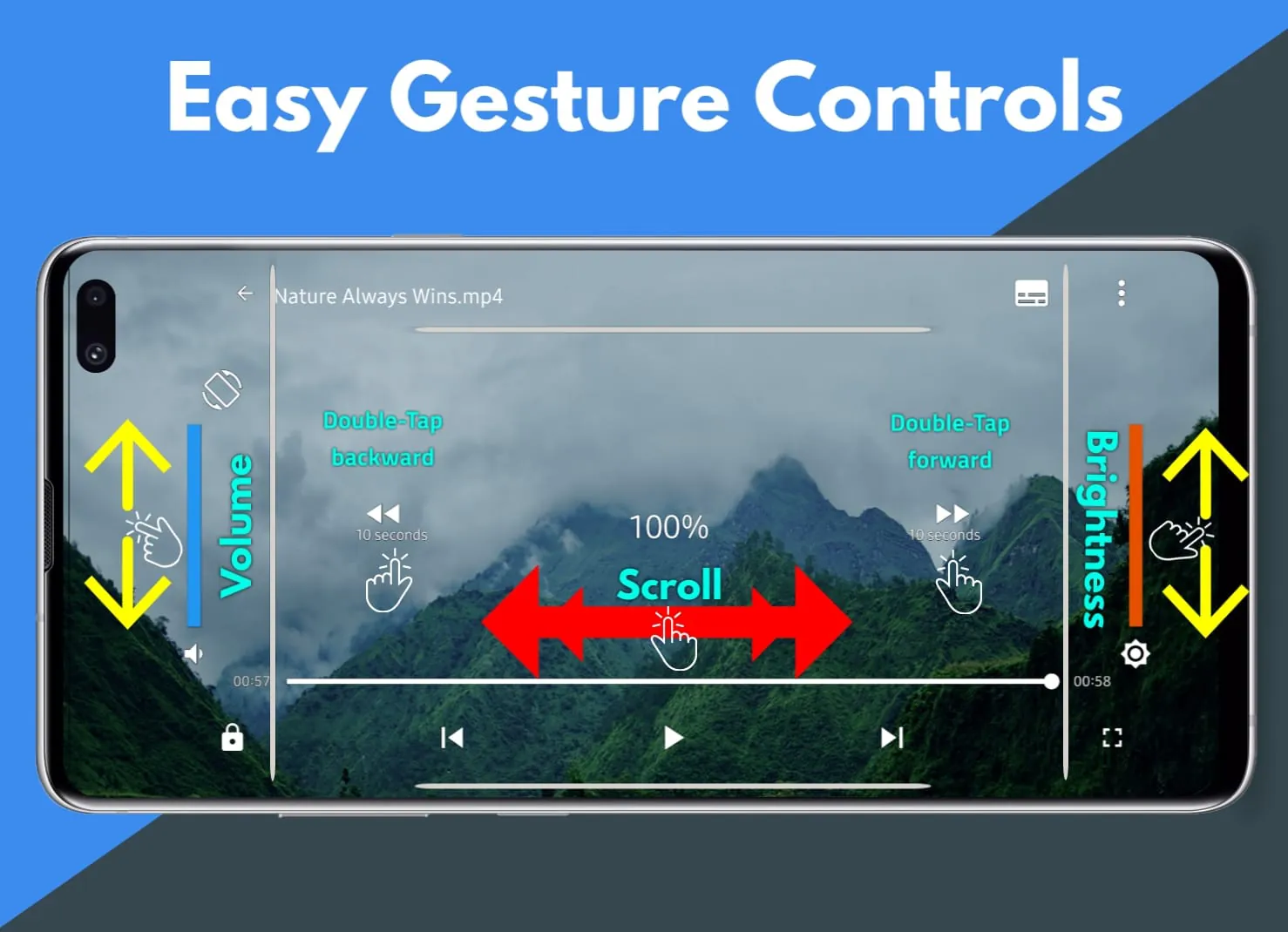
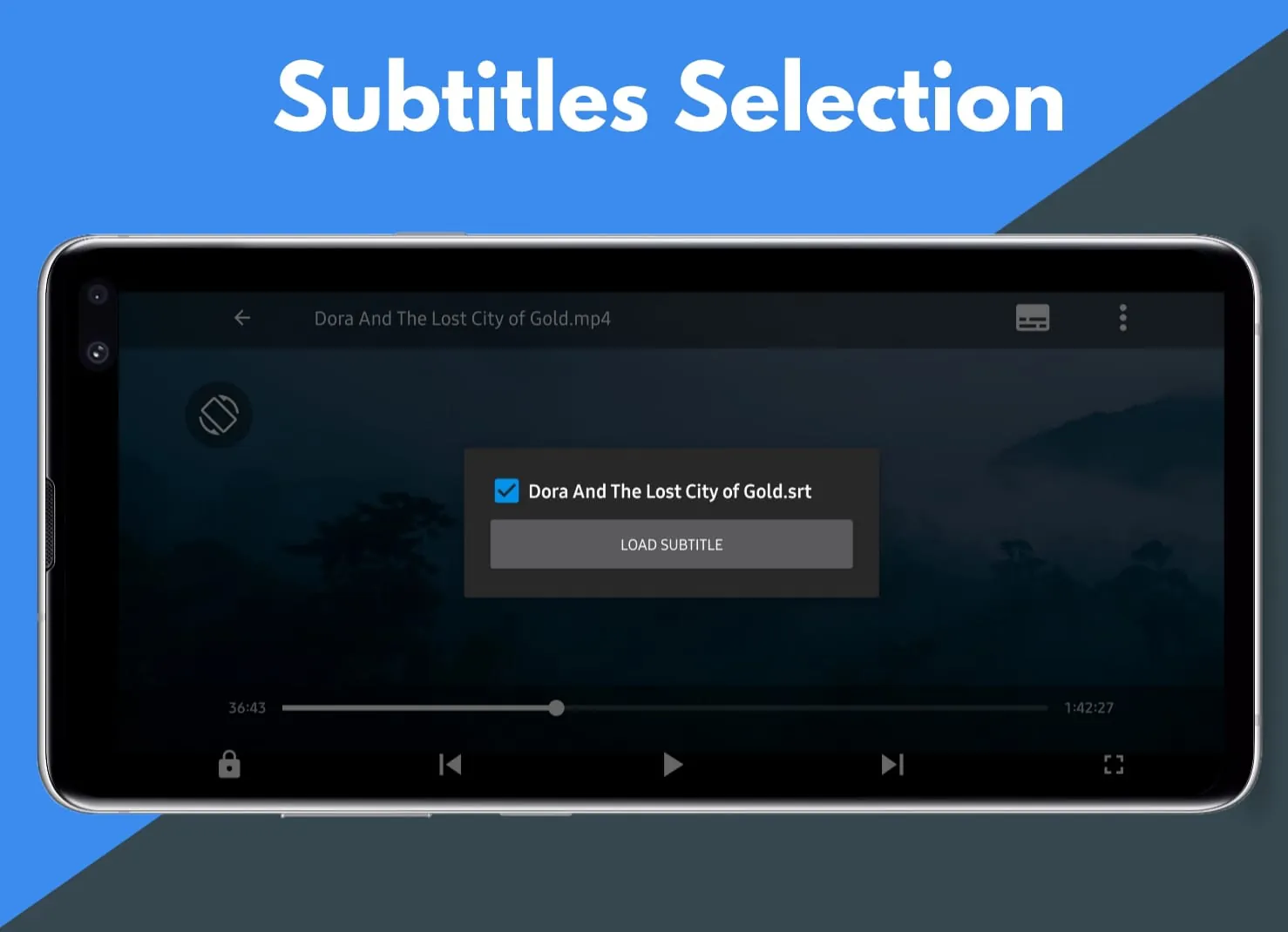
Pi Video Player is presented as the premier video player available on the Google Play Store for Android devices, offering comprehensive support for a wide array of video formats and high-definition playback capabilities. The application is designed to provide users with an optimal video watching experience through its various features and functionalities. The core proposition of Pi Video Player revolves around its ability to seamlessly play videos in various formats, including HD, 4K, and even 8K UHD quality, ensuring that users can enjoy their media content without compatibility issues. This all-format support is a significant advantage, as it eliminates the need for users to convert videos or use multiple players to accommodate different file types. In addition to format compatibility, Pi Video Player boasts an intuitive folder browser that simplifies the process of locating and playing videos stored on the device. This feature allows users to quickly navigate through their files and folders, making it easier to find the desired video content. The HD video playback capability is a central aspect of the player, promising smooth and high-quality playback of videos up to 4K and 8K UHD resolutions. This ensures that users can enjoy their videos in stunning detail and clarity, provided their device supports such resolutions. The video playback controls offered by Pi Video Player are designed to provide users with precise control over their viewing experience. These controls include standard options such as play, pause, forward, and backward, as well as more advanced features like seek to, screen lock, orientation change, and aspect ratio control. The seek to function allows users to quickly jump to specific points in the video, while the screen lock feature prevents accidental interruptions during playback. The orientation change control allows users to switch between portrait and landscape mode, and the aspect ratio control ensures that videos are displayed correctly on different screen sizes and resolutions. Gesture controls are also integrated into Pi Video Player, enabling users to control various aspects of playback using simple gestures. For example, users can adjust the volume by swiping up or down on the screen, control the brightness by swiping left or right, and seek through the video by swiping horizontally. These gesture controls provide a convenient and intuitive way to manage the playback experience. Subtitle support is another key feature of Pi Video Player, allowing users to easily load and display subtitles for their videos. This is particularly useful for watching foreign language films or videos with dialogue that may be difficult to understand. The application makes it easy to find and load subtitle files, ensuring that users can enjoy their videos with accurate and synchronized subtitles. The inclusion of a dark theme is a welcome addition, as it reduces eye strain and improves the viewing experience in low-light environments. The dark theme can be easily enabled or disabled, depending on the user's preference. Furthermore, Pi Video Player supports headset controls for video playback, allowing users to control the player using the buttons on their headset. This is particularly useful for hands-free operation, such as when exercising or commuting. The application also remembers the last played location for all videos, ensuring that users can easily resume playback from where they left off. This feature is particularly convenient for long videos or series, as it eliminates the need to manually search for the last viewed point. Overall, Pi Video Player is presented as a feature-rich and versatile media player that offers a comprehensive solution for playing videos on Android devices.
The description highlights Pi Video Player as a media player designed to offer a superior video-watching experience through a combination of format compatibility, high-definition playback, and user-friendly controls. The application's ability to support a wide range of video formats is a key differentiator, as it eliminates the need for users to rely on multiple players or perform video conversions. This all-format support extends to high-definition videos, including 4K and 8K UHD content, ensuring that users can enjoy their media in the highest possible quality. The folder browser feature simplifies video discovery, allowing users to quickly locate and play their desired content. The playback controls are designed to provide users with precise control over their viewing experience, with options such as play, pause, forward, backward, seek to, screen lock, orientation change, and aspect ratio control. These controls, combined with gesture support for volume, brightness, and seeking, offer a comprehensive and intuitive way to manage playback. Subtitle support is another important aspect of Pi Video Player, enabling users to easily load and display subtitles for their videos. This is particularly useful for watching foreign language films or videos with complex dialogue. The application's dark theme reduces eye strain in low-light environments, while headset controls allow for hands-free operation. The ability to remember the last played location for each video is a convenient feature that enhances the overall user experience. Pi Video Player is positioned as a powerful and versatile media player that caters to a wide range of user needs. Its combination of format compatibility, high-definition playback, user-friendly controls, and thoughtful features make it a compelling choice for Android users seeking a superior video-watching experience. The developers emphasize their commitment to continuous improvement, encouraging users to provide feedback and suggestions to further enhance the application's functionality and performance. The overall message is that Pi Video Player is the best media player for Android, offering a comprehensive and user-friendly solution for playing videos on mobile devices. The application's features and functionalities are designed to provide users with an optimal video-watching experience, whether they are watching movies, TV shows, or personal videos. The emphasis on format compatibility, high-definition playback, and user-friendly controls makes Pi Video Player a compelling choice for Android users seeking a versatile and reliable media player.
In conclusion, the text promotes Pi Video Player as a top-tier media player for Android, emphasizing its comprehensive format support, high-definition playback capabilities, and user-centric design. The player's ability to handle a wide array of video formats, including HD, 4K, and 8K UHD, positions it as a versatile solution for users with diverse media libraries. The intuitive folder browser and playback controls, including gesture-based options, contribute to a seamless and enjoyable viewing experience. The inclusion of subtitle support, a dark theme, and headset controls further enhances the player's usability and appeal. The feature that remembers the last played location for each video adds a layer of convenience, allowing users to easily resume their viewing sessions. The developers' commitment to continuous improvement and responsiveness to user feedback underscores their dedication to providing a high-quality product. Pi Video Player is presented as a powerful and user-friendly media player that caters to the needs of Android users seeking a superior video-watching experience. The text positions the application as the best media player for Android, highlighting its comprehensive features, intuitive controls, and commitment to user satisfaction. The emphasis on format compatibility, high-definition playback, and user-friendly design makes Pi Video Player a compelling choice for users seeking a versatile and reliable media player. The developers' responsiveness to user feedback and commitment to continuous improvement further solidify the application's position as a top-tier media player for Android. The overall message is that Pi Video Player is the ultimate solution for playing videos on Android devices, offering a comprehensive and user-friendly experience that caters to the needs of a wide range of users. The application's features and functionalities are designed to provide users with an optimal video-watching experience, whether they are watching movies, TV shows, or personal videos. The emphasis on format compatibility, high-definition playback, and user-friendly controls makes Pi Video Player a compelling choice for Android users seeking a versatile and reliable media player.





 APK
APK  Google Play
  iOS
iOS  4.30
4.30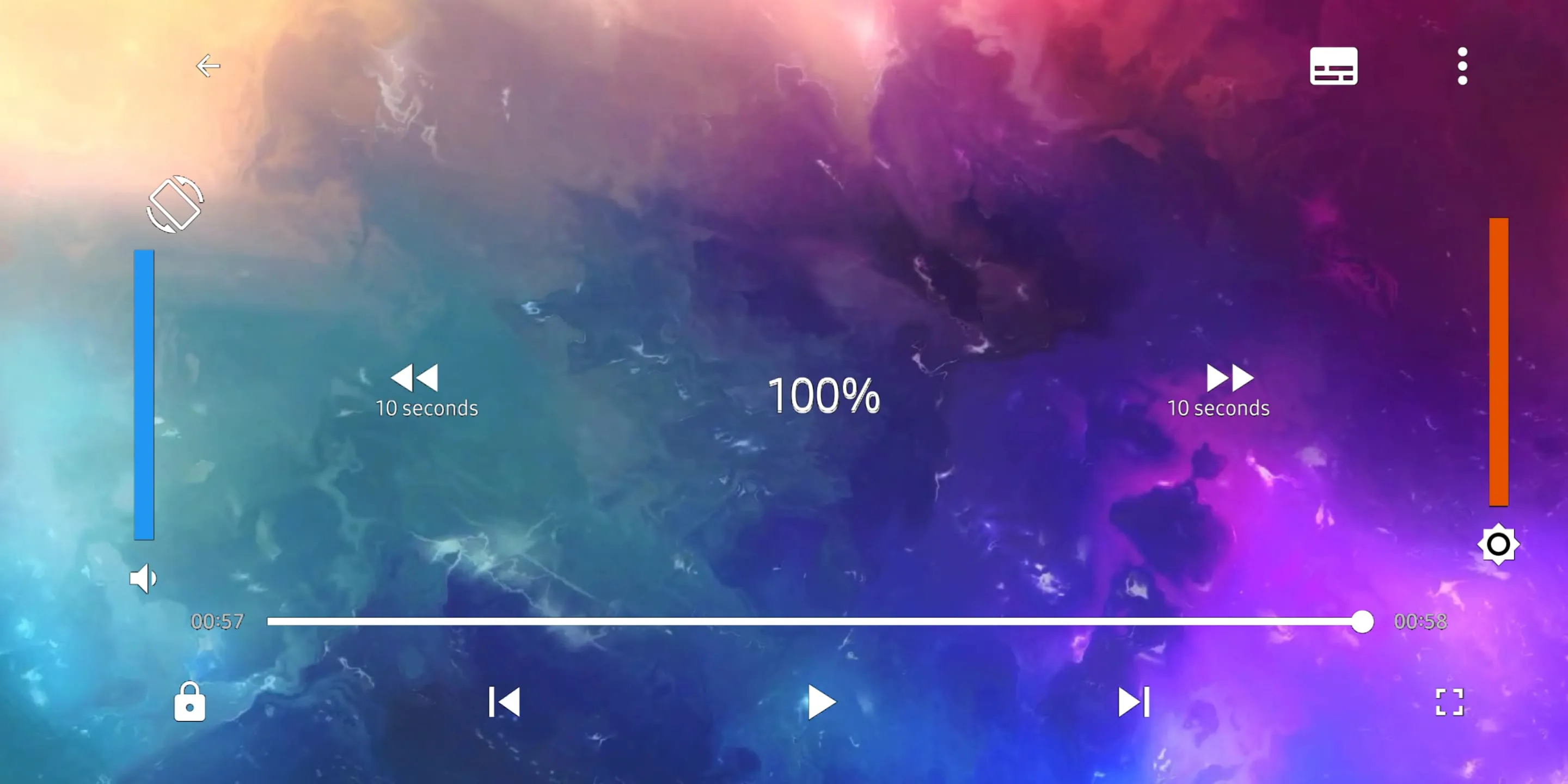
 Download








