



Screen Mirroring Screen Mirroring
Category
ToolsTag
Screen Mirroring | Media Casting | TV Remote Control | Smart Cast Media | Wireless Display
Rate
4.40
★★★★★
Reviews
500 +
Installs
5M +
Developer
GAM Mobile App
Content Rating
Everyone
Smart remote control for all TVs. Real time screen mirroring for TV with HD
 APK
APK  Google Play
  iOS
iOS  4.40
4.40 Author's Review
Appspicked Review
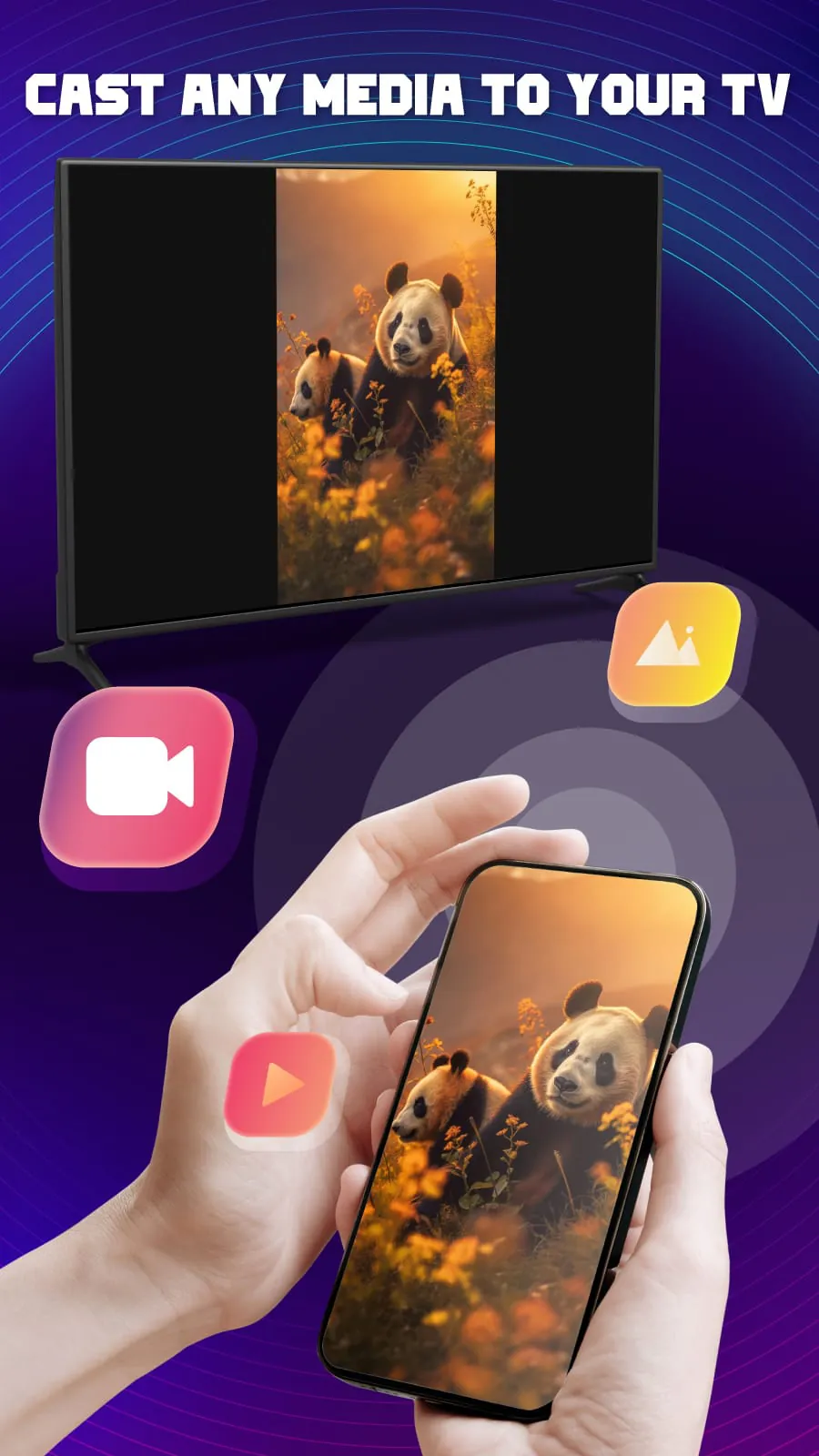
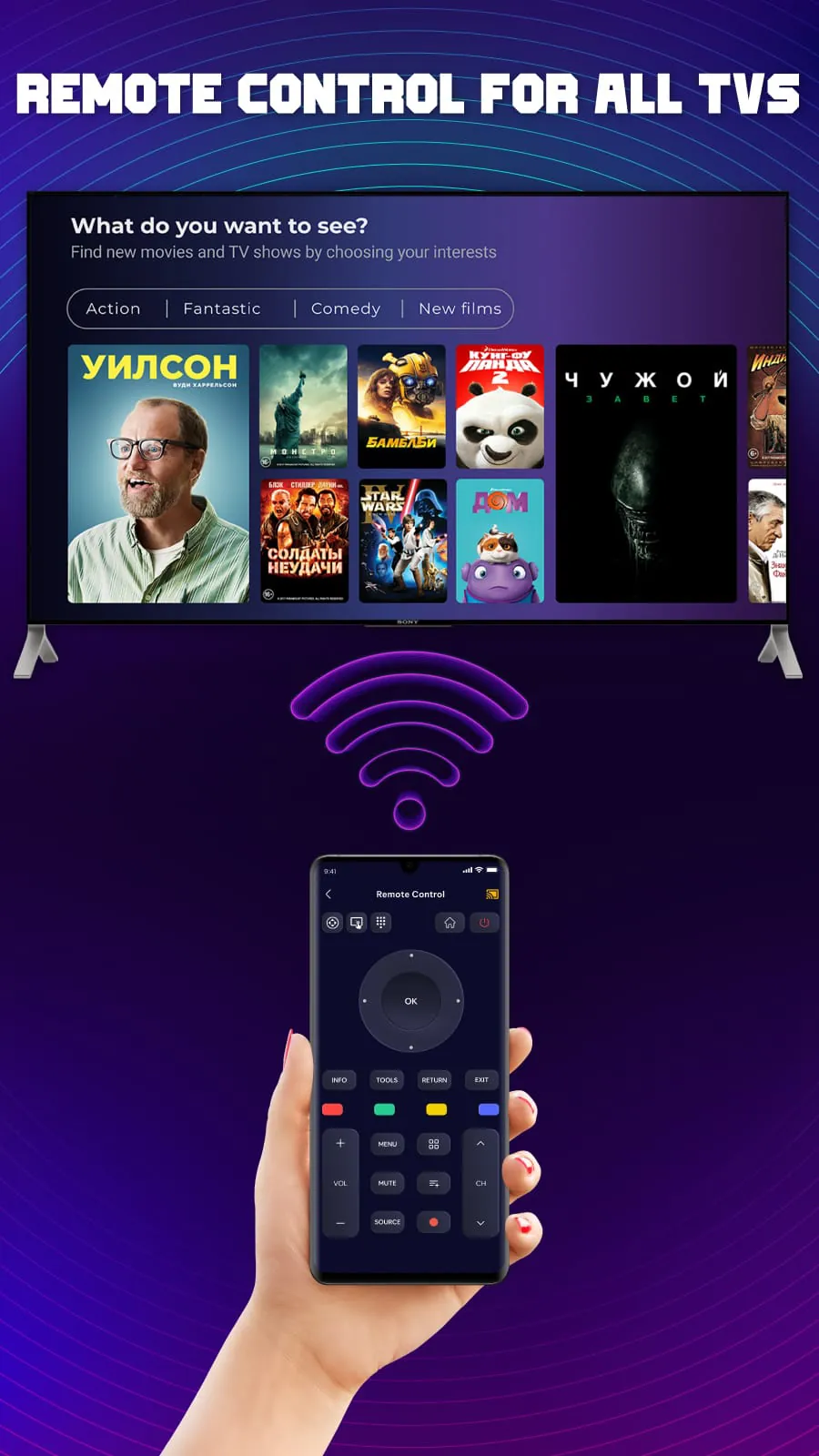
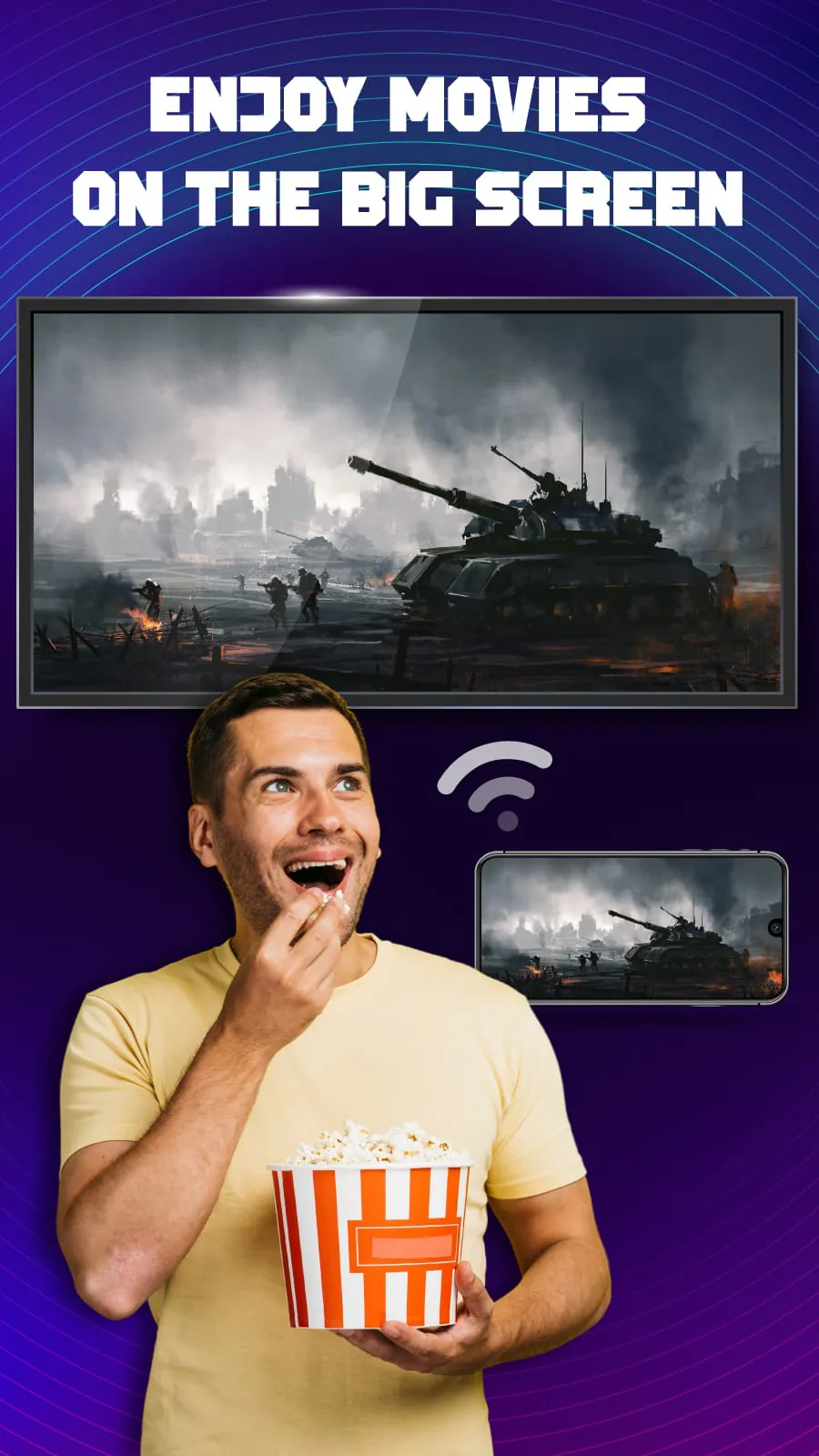
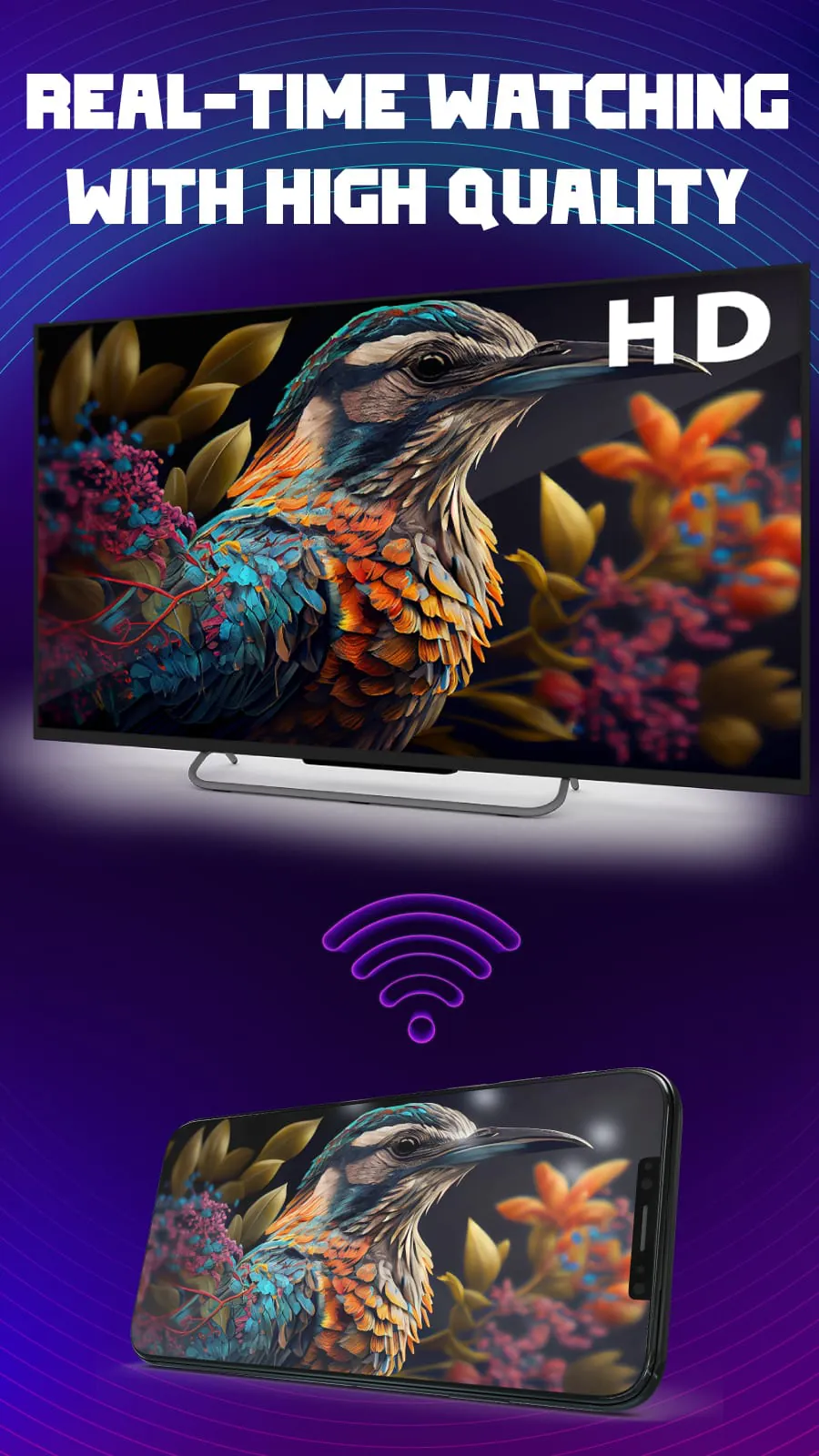
The screen mirroring app offers a seamless and efficient way to enhance your entertainment and productivity by casting your device's screen onto a larger display, such as a smart TV or projector. This application is designed to be compatible with a wide range of devices, including all smart TVs, wireless adapters, and even browser websites, ensuring that you can easily connect and share your content regardless of the technology you have available. The primary function of the app is to allow users to effortlessly search for and connect to their TVs, providing a stable and smooth media casting experience. The key feature of the screen mirroring app is its ability to display your device's screen on a larger display, transforming how you share presentations, videos, photos, or any other content with a larger audience. This feature enables users to immerse themselves in their device's screen in real-time, providing a captivating visual experience. In addition to screen mirroring, the app also includes a TV remote control function, turning your phone into a smart remote control for your TV. This allows you to easily adjust the volume, control channels, change navigation mode, power on/off the TV, and access the menu button. The remote control feature also provides quick access to your favorite channels and apps on TV with just one tap, enhancing convenience and flexibility, and giving you total control from the palm of your hand. The screen mirroring app also supports smart cast media to TV, allowing you to share your favorite media content effortlessly. This feature enables seamless media casting to your TV or other connected devices, allowing you to stream web videos, view photos on your smart TV, play video games on TV, and even read books or view documents on a larger screen. This provides a convenient and immersive experience for sharing and experiencing your media content. The app stands out due to its ability to quickly search and connect with all devices, its ease of use with simple operations, its multiple language support, its ability to cast media to the TV screen, its compatibility with most devices, its ability to share the screen with high-quality, its fast display of the phone screen on the TV, and its real-time screen mirroring capabilities. To use the app, you simply need to launch the app, make sure your phone/tablet and smart TV are connected to the same Wi-Fi network, enable wireless display on your phone, search and connect with your devices, and then enjoy watching videos on a big screen. The app offers a convenient and efficient way to relax by enjoying a football match or watching videos on a big screen. With its wide range of features and easy-to-use interface, the screen mirroring app is the perfect solution for anyone looking to enhance their entertainment and productivity. The app is designed to be compatible with a wide range of devices, including all smart TVs, wireless adapters, and browser websites, ensuring that you can easily connect and share your content regardless of the technology you have available. The app also includes a TV remote control function, turning your phone into a smart remote control for your TV. This allows you to easily adjust the volume, control channels, change navigation mode, power on/off the TV, and access the menu button. The remote control feature also provides quick access to your favorite channels and apps on TV with just one tap, enhancing convenience and flexibility, and giving you total control from the palm of your hand.
The screen mirroring app revolutionizes the way users interact with their digital content by providing a versatile and user-friendly platform for seamless screen sharing and media casting. Designed with compatibility in mind, the app supports a wide array of devices, including all smart TVs, wireless adapters, and browser websites, ensuring that users can effortlessly connect and share their content regardless of their technological setup. The app's primary function revolves around enabling users to effortlessly search for and connect to their TVs, facilitating a stable and smooth media casting experience that enhances both entertainment and productivity. One of the key features of the screen mirroring app is its ability to display a device's screen on a larger display, transforming how presentations, videos, photos, and other content are shared with a broader audience. This functionality allows users to immerse themselves in their device's screen in real-time, creating a captivating and engaging visual experience that transcends the limitations of smaller screens. Whether it's for professional presentations, collaborative projects, or simply enjoying multimedia content with friends and family, the screen mirroring app offers a convenient and effective solution for maximizing the impact of digital displays. In addition to its screen mirroring capabilities, the app also incorporates a TV remote control function, effectively turning a smartphone into a smart remote control for the TV. This feature provides users with the ability to easily adjust the volume, control channels, change navigation modes, power on/off the TV, and access the menu button, all from the convenience of their mobile device. The remote control functionality also offers quick access to favorite channels and apps on the TV with just a single tap, further enhancing convenience and flexibility, and granting users total control from the palm of their hand. This integration of remote control features streamlines the user experience and eliminates the need for multiple remote devices, simplifying the process of interacting with the TV and accessing desired content. Furthermore, the screen mirroring app facilitates smart cast media to TV, allowing users to effortlessly share their favorite media content on a larger screen. This feature enables seamless media casting to the TV or other connected devices, supporting the streaming of web videos, viewing of photos, playing of video games, and even the reading of books or viewing of documents on a larger screen. By providing a convenient and immersive experience for sharing and experiencing media content, the app enhances the overall entertainment value and allows users to fully appreciate their digital assets on a grander scale. Whether it's watching movies with family, sharing vacation photos with friends, or presenting business proposals to colleagues, the screen mirroring app transforms the way users engage with their media content.
What sets this smart screen share app apart from its competitors is its commitment to providing a user-friendly and feature-rich experience that caters to a wide range of needs and preferences. The app's ability to quickly search and connect with all devices ensures that users can seamlessly establish connections without encountering compatibility issues or technical hurdles. Its ease of use, characterized by simple operations and intuitive controls, makes it accessible to users of all skill levels, regardless of their prior experience with screen mirroring or media casting applications. The app's multiple language support further enhances its appeal by catering to a global audience and ensuring that users can navigate and utilize its features in their preferred language. Moreover, the app's ability to cast media to the TV screen, share the screen with high-quality resolution, and display the phone screen on the TV in real-time contributes to an immersive and visually stunning experience that rivals traditional methods of screen sharing. These features, coupled with the app's compatibility with most devices, ensure that users can enjoy seamless screen mirroring and media casting regardless of their device's make, model, or operating system. To fully leverage the capabilities of the screen mirroring app, users are encouraged to follow a few simple steps to ensure a smooth and optimized experience. First, it is essential to launch the smart TV cast app on both the mobile device and the smart TV. Next, users must ensure that their phone/tablet and smart TV are connected to the same Wi-Fi network to facilitate seamless communication and data transfer. Once the devices are connected to the same network, users should enable wireless display on their phone to allow the app to detect and connect to the TV. After enabling wireless display, the app will automatically search for and connect to available devices, allowing users to select their desired TV from the list of available options. Finally, after successfully connecting to the TV, users can enjoy watching videos, viewing photos, playing games, and accessing other content on a larger screen, transforming their entertainment and productivity experiences. In conclusion, the screen mirroring app offers a compelling solution for users seeking a convenient, versatile, and user-friendly way to share their device's screen and cast media content to a larger display. With its wide range of features, compatibility with most devices, and easy-to-use interface, the app empowers users to enhance their entertainment, productivity, and collaboration experiences by transforming the way they interact with their digital content. By following a few simple steps, users can seamlessly connect their devices and enjoy the benefits of screen mirroring and media casting, unlocking a world of possibilities for sharing, presenting, and enjoying their favorite content on a grander scale.
Screenshots
 Download
 Additional Information
Category
ToolsVersion
Unknown
Tag
Screen Mirroring | Media Casting | TV Remote Control | Smart Cast Media | Wireless Display
Rate
4.40
★★★★★
Reviews
500 +
Installs
5M +
Developer
GAM Mobile App
Content Rating
Everyone
Smart remote control for all TVs. Real time screen mirroring for TV with HD
Previous Versions
ZIP files require a Split APKs Installer (e.g., SAI) from Google Play to install. Steps: 1. Download SAI from Google Play; 2. Open SAI and tap "Install APKs"; 3. Select the ZIP file; 4. Complete installation.
You Might Like









