



PDF Reader App PDF Reader App
Category
ToolsVersion
V1.1.1
Tag
PDF reader | Document Management | PDF tools | PDF conversion | Mobile PDF
Rate
4.60
★★★★★
Reviews
500 +
Installs
100k +
Developer
Skyprincetech
Content Rating
Everyone
All-in-one PDF Reader & Tools, View documents, convert images to PDF
 APK
APK  Google Play
  iOS
iOS  4.60
4.60 Author's Review
Appspicked Review
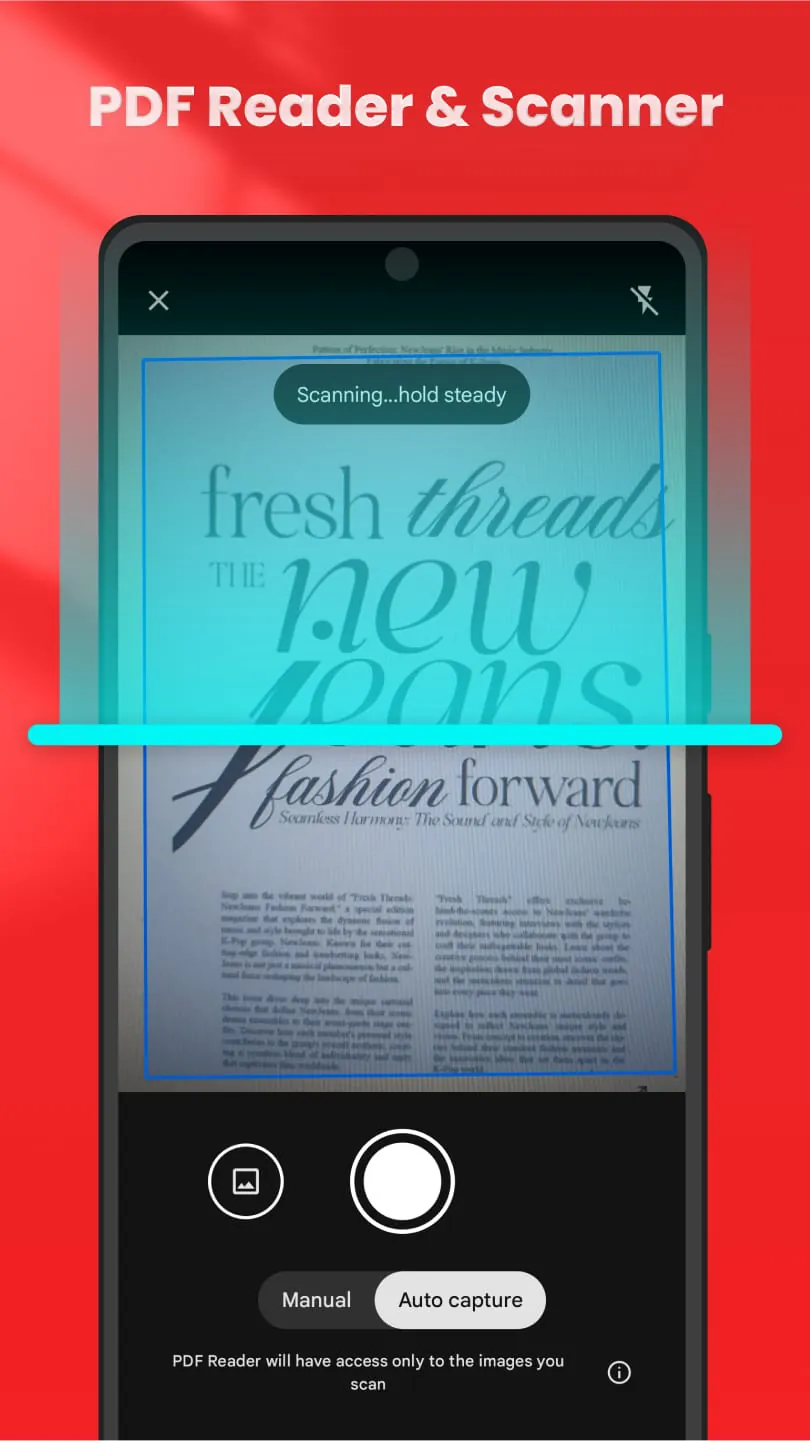
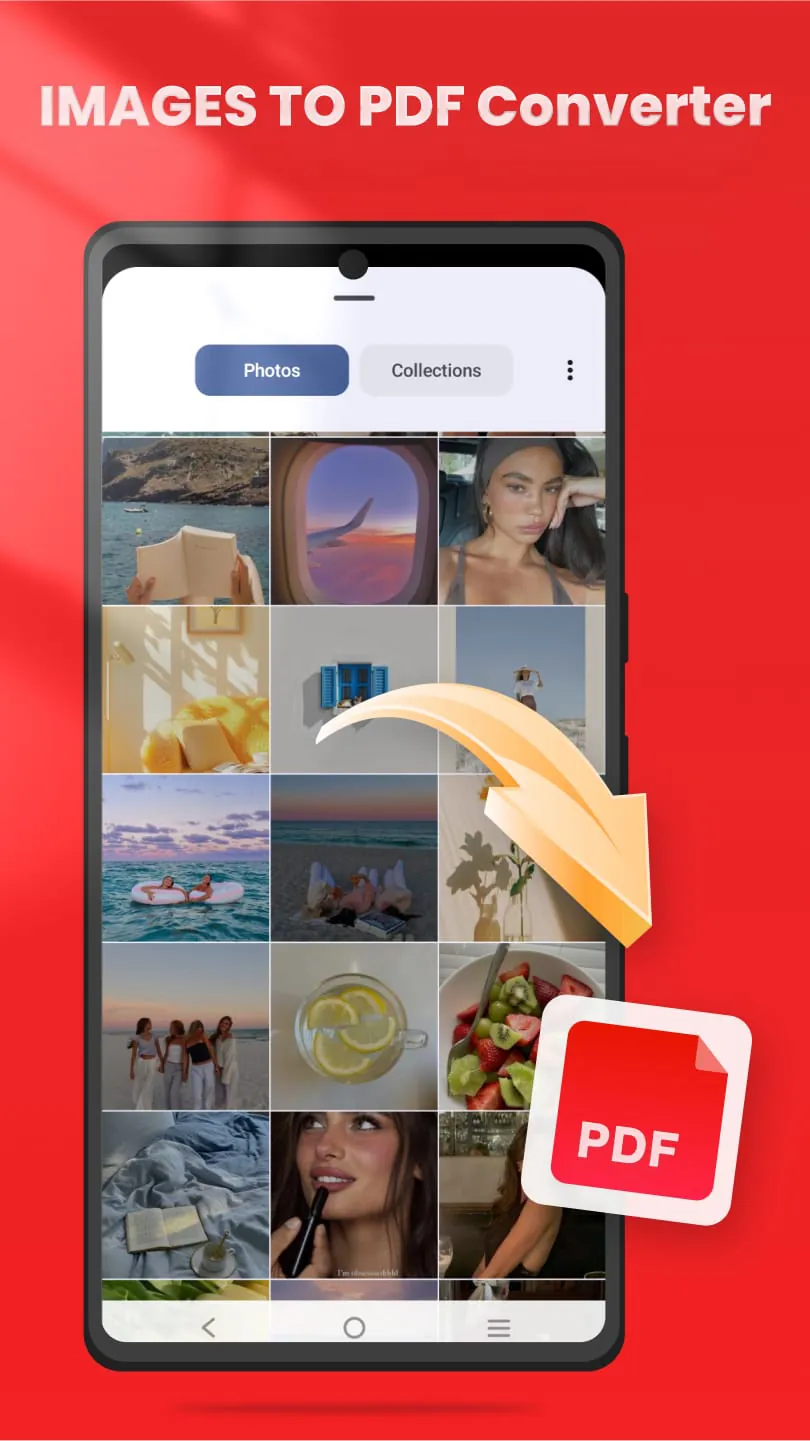
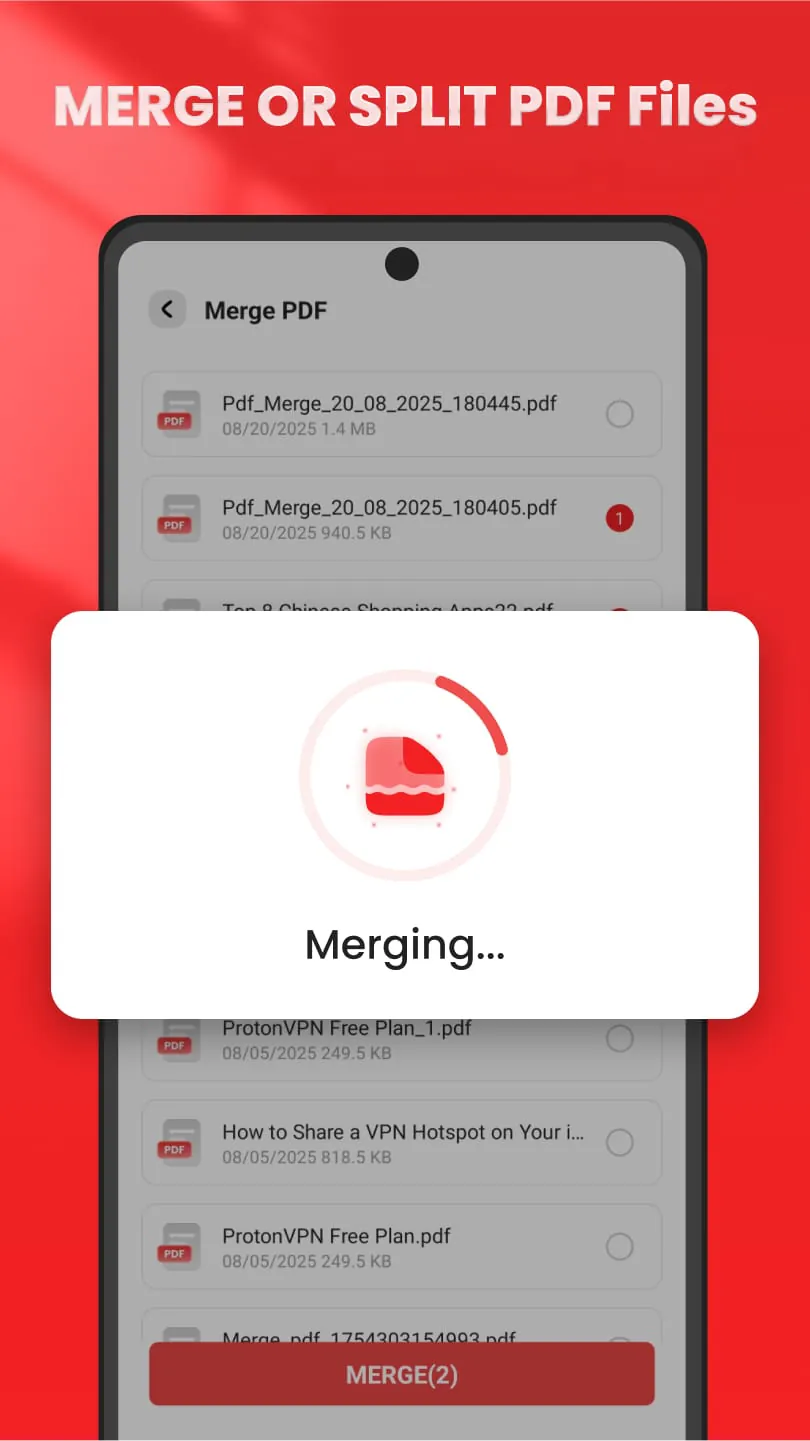
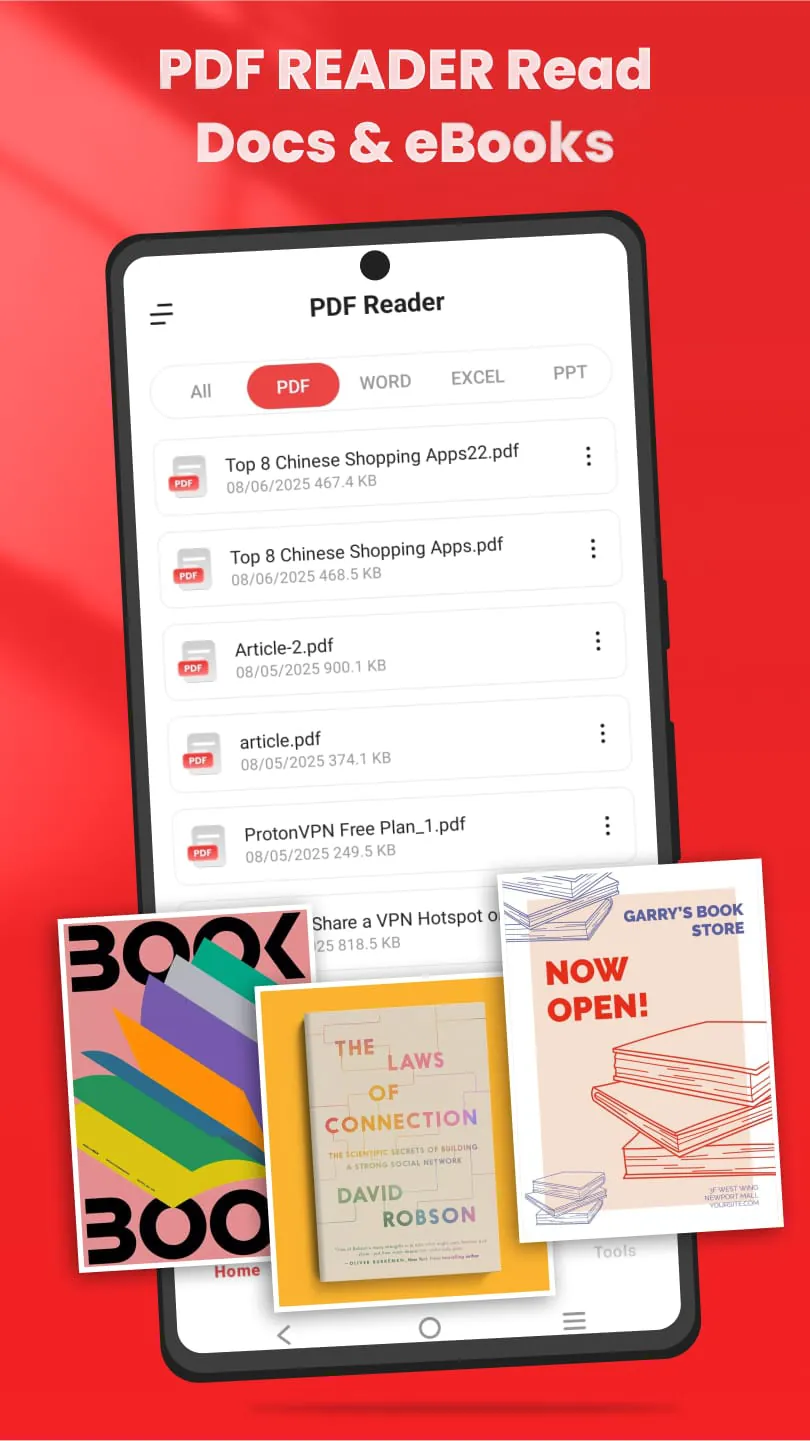
This all-in-one PDF reader application is designed to be a fast, simple, and convenient tool for managing PDF documents in daily tasks. It addresses the need for a smart and easy-to-use PDF reader and document viewer that can handle various PDF-related operations in one place. The app's primary function is to allow users to view, manage, and convert all their PDF files efficiently. It boasts a range of features including merging, splitting, locking, unlocking, scanning, and printing PDF documents, making it an ideal PDF expert application for both work and study. Whether the user needs to read business reports, scan receipts, or convert images to PDF, this PDF viewer aims to simplify and streamline document management processes. The app emphasizes its ability to automatically scan and display all PDF and Office files on a smartphone, ensuring quick and easy access. This eliminates the need to manually search for documents, saving time and effort. The merging and splitting capabilities allow users to combine multiple PDFs into a single document or divide large files into smaller, more manageable parts. This is particularly useful for organizing and sharing documents. The app's locking and unlocking features enable users to protect sensitive files with passwords or remove encryption from secured PDFs, providing an additional layer of security for confidential information. This functionality is especially beneficial for managing business-related PDF documents. The scanning functionality allows users to create digital PDFs from paper documents, receipts, and notes using the device's camera. This is highly convenient for creating digital records of physical documents while on the go. Users can also convert images in formats like JPG, PNG, and JPEG to high-quality PDFs, simplifying the management of photos and PDF files within a single application. Furthermore, the app supports direct PDF printing from smartphones, making it easy to produce hard copies of documents when needed. The app also allows for offline viewing of PDF files, enabling users to access their documents even without an internet connection. File management features such as folder organization and sorting options help users maintain a tidy and efficient document library. The app claims to be lightweight and fast, ensuring smooth performance even on devices with limited resources. It also emphasizes its ability to easily view, manage, and share all PDF documents, enhancing user productivity. Targeting both students and professionals, the app aims to be a versatile document solution for various needs. It also supports multiple file formats including Excel, Word, and image files, making it a comprehensive document management tool. The all-in-one PDF toolkit includes features for merging, splitting, locking, unlocking, and compressing PDF files, as well as scanning capabilities for digitizing documents. The app facilitates PDF file sharing and printing and uses automatic detection and fast search to quickly locate desired PDFs. It also offers features for marking favorites and organizing files for easy management. The app is presented as the ultimate free PDF reader for Android, offering smooth browsing, fast access, and complete privacy. It does not require account registration or an internet connection, and all processing is done on the device, ensuring data security. The overall goal of this application is to provide a comprehensive and user-friendly PDF tool that simplifies document management for both personal and professional use, offering a range of features in a single, convenient app.
The application's extensive feature set aims to cater to a wide range of PDF-related needs, making it a valuable tool for various users. One of the key features highlighted is the high-speed PDF viewer and document reader, which automatically scans all PDF and Office files stored on the smartphone for immediate access. This auto-scan functionality streamlines the process of locating and opening documents, eliminating the need for manual searching and improving overall efficiency. The ability to merge and split PDF files is another notable function. Merging allows users to combine multiple PDF documents into a single file, which is useful for consolidating related information or creating comprehensive reports. Splitting, on the other hand, enables users to divide large PDF files into smaller, more manageable sections, making it easier to share or work with specific parts of the document. This feature is particularly helpful when dealing with lengthy or complex files. The app also includes robust PDF locking and unlocking capabilities. Locking PDF files with passwords provides an added layer of security, protecting sensitive information from unauthorized access. Conversely, the unlocking feature allows users to remove passwords from encrypted PDFs, enabling them to access and modify files that were previously restricted. This is essential for users who need to work with password-protected documents but lack the original password. The scan-to-PDF conversion feature is a significant asset, transforming paper documents, receipts, and notes into digital PDF files using the smartphone's camera. This feature is especially useful for professionals who need to digitize physical documents while on the move. It eliminates the need for a separate scanner, making it a convenient and portable solution for document capture. The ability to convert images to PDF format is another practical function. Users can quickly transform images in formats such as JPG, PNG, and JPEG into high-quality PDF documents. This is particularly useful for creating portfolios, presentations, or archives of visual content. The app also supports direct PDF printing from smartphones, providing a seamless way to produce hard copies of documents when needed. This eliminates the need to transfer files to a computer for printing, saving time and effort. The offline viewing feature ensures that users can access their PDF documents even without an internet connection. This is especially useful for users who need to review documents while traveling or in areas with limited connectivity. The app also offers file management features such as folder organization and sorting options, enabling users to maintain a well-organized document library. This makes it easier to locate and access specific files, improving overall productivity. The application is designed to be lightweight and fast, ensuring optimal performance even on devices with limited resources. This makes it accessible to a wide range of users, regardless of their device specifications. The app's compatibility with multiple file formats, including Excel, Word, and image files, further enhances its versatility as a document management tool. This allows users to manage a variety of file types within a single application, streamlining their workflow.
Beyond its core features, the application offers a comprehensive suite of tools aimed at enhancing productivity and simplifying document management. The all-in-one PDF toolkit includes functions for merging, splitting, locking, unlocking, and compressing PDF files, providing users with a complete set of options for manipulating their documents. The scan feature enables users to digitize physical documents, creating digital copies that can be easily stored and shared. The app also facilitates PDF file sharing and printing, enabling users to easily distribute their documents to others or produce hard copies when needed. The automatic detection and fast search capabilities allow users to quickly locate desired PDFs, even within large document libraries. The app also offers features for marking favorites and organizing files, making it easy to access frequently used documents and maintain a well-organized document library. The application is presented as a definitive free PDF reader for Android, offering a seamless browsing experience, fast access to documents, and complete privacy. It does not require account registration or an internet connection, ensuring that all processing is done on the device and that user data remains secure. This emphasis on privacy and security is a key selling point for users who are concerned about the protection of their sensitive information. The app aims to be a high-performance PDF viewer and reader that is suitable for both work and study, offering a range of features that cater to the needs of students, professionals, and anyone who works with PDF documents on a regular basis. By providing a comprehensive set of tools in a single, user-friendly application, the app aims to simplify document management and enhance productivity for its users. The design philosophy centers around ease of use, speed, and security, ensuring that users can efficiently manage their PDF documents without compromising their privacy. The all-in-one approach eliminates the need for multiple apps, streamlining the workflow and making it easier to manage documents on the go. The app's intuitive interface and comprehensive feature set make it a valuable tool for anyone who needs to view, manage, or convert PDF documents on their Android device. The focus on offline functionality ensures that users can access their documents even without an internet connection, making it a reliable tool for travel and other situations where connectivity may be limited. The combination of speed, security, and comprehensive features makes this application a strong contender in the crowded market of PDF readers and document management tools. Its emphasis on user privacy and offline functionality sets it apart from many competitors, making it an attractive option for users who prioritize these features. The app's overall goal is to provide a seamless and efficient document management experience, empowering users to take control of their PDF files and streamline their workflow.
Screenshots
Additional Information
Category
ToolsVersion
V1.1.1
Tag
PDF reader | Document Management | PDF tools | PDF conversion | Mobile PDF
Rate
4.60
★★★★★
Reviews
500 +
Installs
100k +
Developer
Skyprincetech
Content Rating
Everyone
All-in-one PDF Reader & Tools, View documents, convert images to PDF
Previous Versions
ZIP files require a Split APKs Installer (e.g., SAI) from Google Play to install. Steps: 1. Download SAI from Google Play; 2. Open SAI and tap "Install APKs"; 3. Select the ZIP file; 4. Complete installation.
V1.1.1

Package Name
com.pdf.reader.file.view
Version Name
V1.1.1
Version Code
V1.1.1
File Size
26.73 MB
Update time
2025-12-25
You Might Like









