The Fresh Start application presents itself as a streamlined and user-friendly solution designed to address two common issues that plague smartphone users: the accumulation of unnecessary files and the proliferation of unused applications. By focusing on these core functionalities, Fresh Start aims to provide a simple yet effective method for users to maintain a clean and organized digital environment on their mobile devices. The app's primary objective is to empower users to reclaim valuable storage space by identifying and removing redundant files that often clutter devices over time. These files can range from temporary internet files and cached data to residual files left behind by previously uninstalled applications. Fresh Start employs intelligent scanning algorithms to detect these space-wasting files, categorizing them based on their type and potential impact on device performance. This allows users to make informed decisions about which files to remove, ensuring that no critical data is inadvertently deleted. Furthermore, the app offers a user-friendly interface that simplifies the file deletion process, making it accessible to users of all technical skill levels. Whether it's clearing out old download folders or eliminating cached data from various applications, Fresh Start provides a centralized hub for managing and optimizing device storage. In addition to its file organization capabilities, Fresh Start also tackles the issue of app uninstallation. Many smartphone users accumulate a large number of applications over time, some of which may be rarely used or no longer needed. These unused apps not only consume valuable storage space but can also drain battery life and contribute to overall device slowdown. Fresh Start simplifies the process of identifying and removing these unwanted apps by providing a comprehensive list of all installed applications, along with information on their size, last usage date, and potential impact on device performance. This allows users to quickly identify apps that are no longer serving a purpose and uninstall them with ease. The app also includes a batch uninstallation feature, which allows users to select multiple apps for removal simultaneously, further streamlining the cleanup process. By combining file organization and app uninstallation functionalities into a single, user-friendly package, Fresh Start offers a comprehensive solution for maintaining a clean, organized, and optimized mobile device. The app's simplicity and ease of use make it an attractive option for users of all technical backgrounds, while its focus on core functionalities ensures that it remains a practical and effective tool for managing device storage and performance.
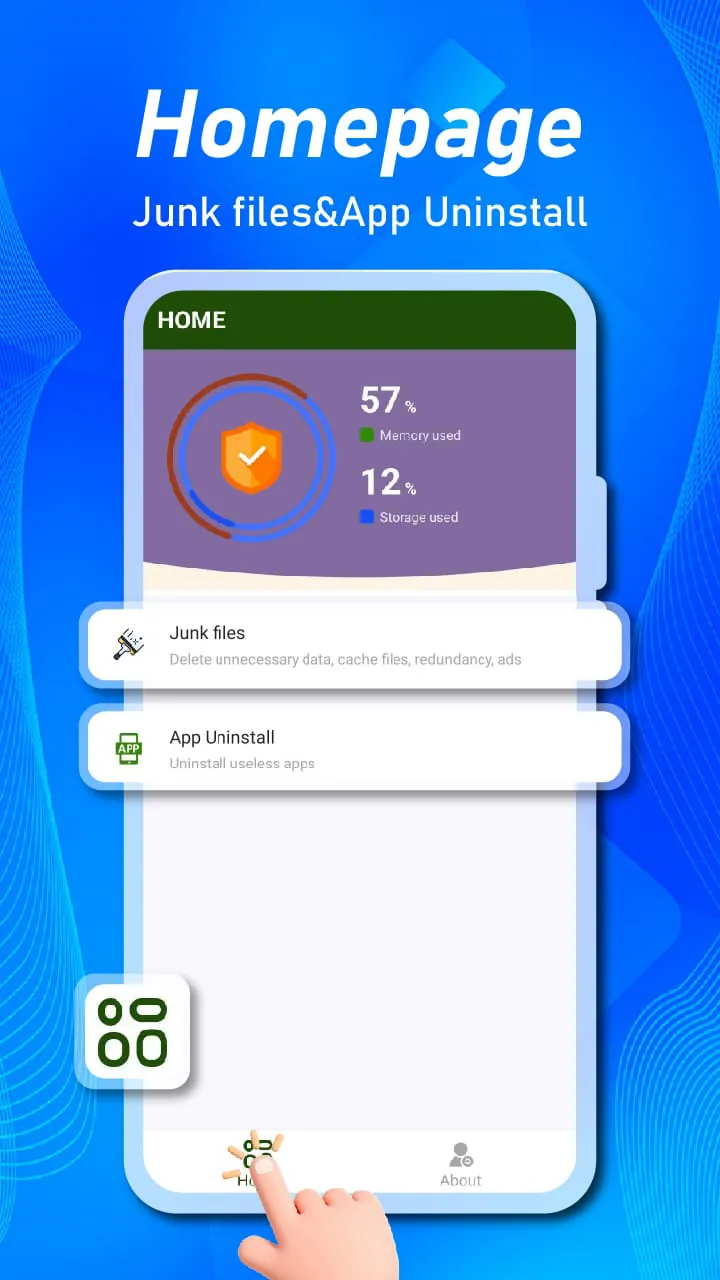
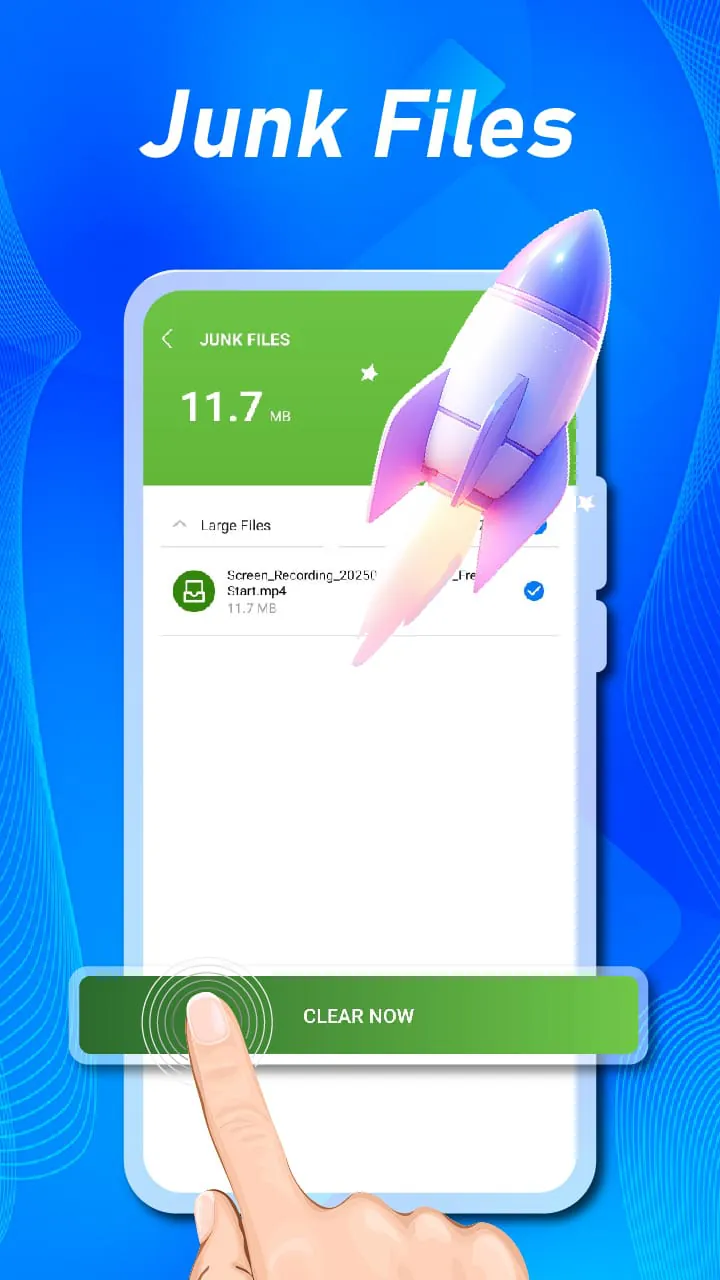
The design philosophy behind Fresh Start emphasizes simplicity and ease of use, making it accessible to a wide range of users, regardless of their technical expertise. The app's interface is clean and intuitive, with a clear focus on the two primary functions: file organization and app uninstallation. Upon launching the app, users are presented with a straightforward dashboard that provides an overview of their device's storage status, including the amount of free space available and the total number of installed applications. From this dashboard, users can easily navigate to the file organization and app uninstallation sections, where they can begin the process of cleaning up their devices. The file organization section of Fresh Start employs a user-friendly approach to identifying and removing unnecessary files. The app scans the device's storage, categorizing files based on their type and potential impact on performance. Users are then presented with a list of file categories, such as temporary internet files, cached data, and residual files, along with information on the amount of space each category is consuming. This allows users to make informed decisions about which files to remove, ensuring that no critical data is inadvertently deleted. The app also provides a preview feature that allows users to view the contents of individual files before deleting them, further enhancing the user's control over the cleanup process. The app uninstallation section of Fresh Start simplifies the process of identifying and removing unwanted apps. The app displays a comprehensive list of all installed applications, along with information on their size, last usage date, and potential impact on device performance. This allows users to quickly identify apps that are no longer serving a purpose and uninstall them with ease. The app also includes a batch uninstallation feature, which allows users to select multiple apps for removal simultaneously, further streamlining the cleanup process. In addition to its core functionalities, Fresh Start also offers a range of customization options that allow users to tailor the app's behavior to their specific needs. For example, users can set up scheduled scans to automatically clean up their devices on a regular basis, ensuring that they remain optimized over time. They can also customize the app's notification settings to receive alerts when their device's storage is running low or when new files are detected. Overall, Fresh Start is designed to be a simple, effective, and user-friendly tool for managing device storage and performance. Its clean interface, intuitive navigation, and focus on core functionalities make it an attractive option for users of all technical backgrounds.
Fresh Start distinguishes itself from other device cleanup apps by its unwavering commitment to simplicity and its singular focus on the two most critical aspects of device maintenance: file organization and app uninstallation. While many similar apps attempt to incorporate a wide range of features, often resulting in a cluttered and confusing user experience, Fresh Start takes a minimalist approach, prioritizing ease of use and effectiveness. This focused approach allows the app to excel in its core functionalities, providing users with a streamlined and efficient way to maintain a clean and optimized device. One of the key advantages of Fresh Start is its intelligent scanning algorithms, which are designed to accurately identify and categorize unnecessary files without compromising user data. The app employs sophisticated techniques to distinguish between essential system files and redundant files that can be safely removed, ensuring that no critical data is inadvertently deleted. This level of precision is particularly important for users who are not technically savvy and may be hesitant to manually delete files for fear of causing harm to their devices. In addition to its intelligent scanning capabilities, Fresh Start also offers a user-friendly interface that makes the file deletion process simple and straightforward. The app presents users with a clear and concise list of file categories, along with information on the amount of space each category is consuming. This allows users to make informed decisions about which files to remove, based on their individual needs and preferences. The app also provides a preview feature that allows users to view the contents of individual files before deleting them, further enhancing the user's control over the cleanup process. The app uninstallation feature of Fresh Start is equally well-designed, providing users with a comprehensive list of all installed applications, along with information on their size, last usage date, and potential impact on device performance. This allows users to quickly identify apps that are no longer serving a purpose and uninstall them with ease. The app also includes a batch uninstallation feature, which allows users to select multiple apps for removal simultaneously, further streamlining the cleanup process. By focusing on these two core functionalities and prioritizing simplicity and ease of use, Fresh Start offers a refreshing alternative to the often-bloated and confusing device cleanup apps that dominate the market. The app's minimalist approach allows it to excel in its core functionalities, providing users with a streamlined and efficient way to maintain a clean and optimized device. This makes it an ideal choice for users of all technical backgrounds who are looking for a simple and effective solution for managing their device storage and performance.





 APK
APK  Google Play
  iOS
iOS  3.90
3.90
 Download








