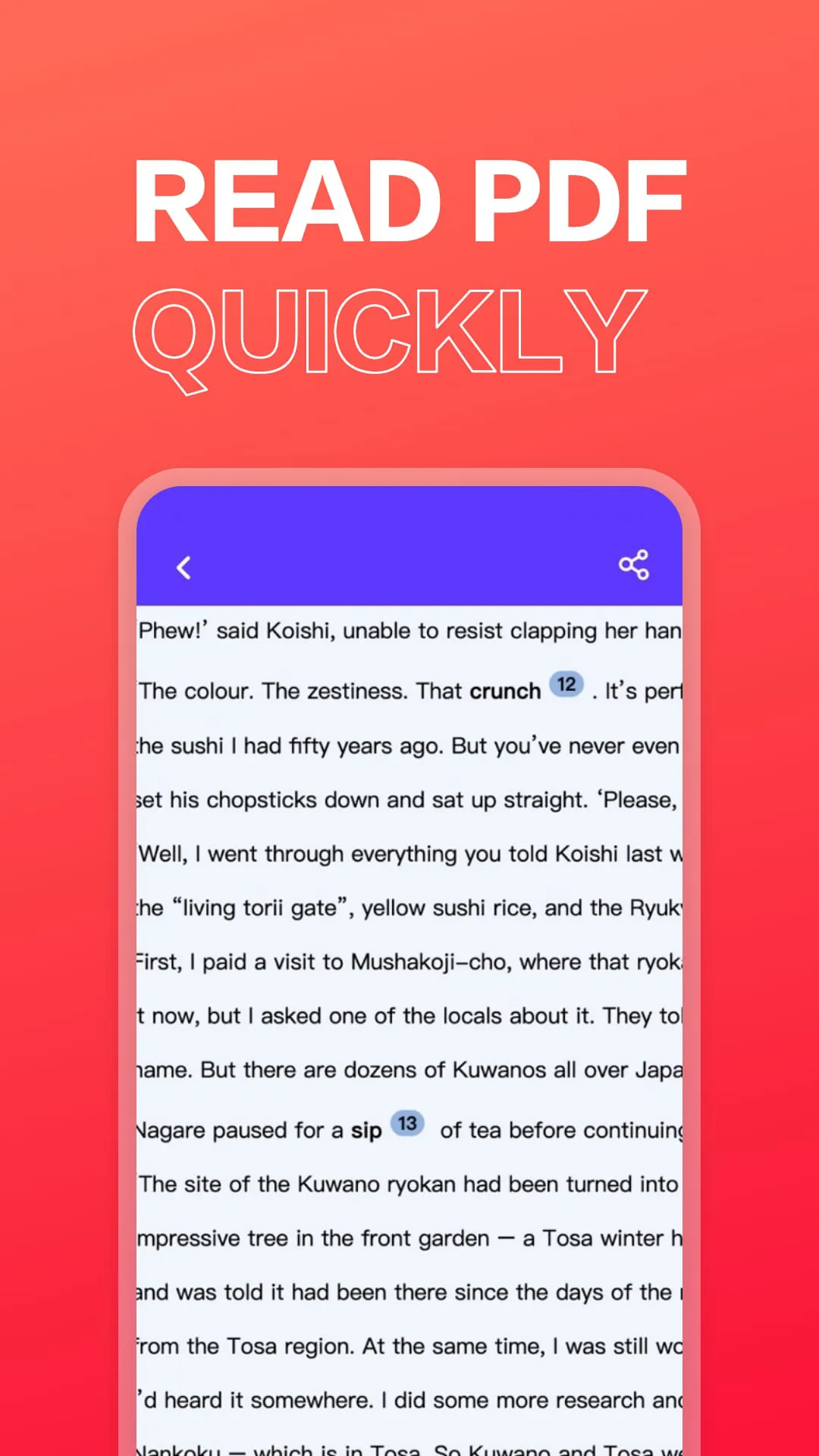
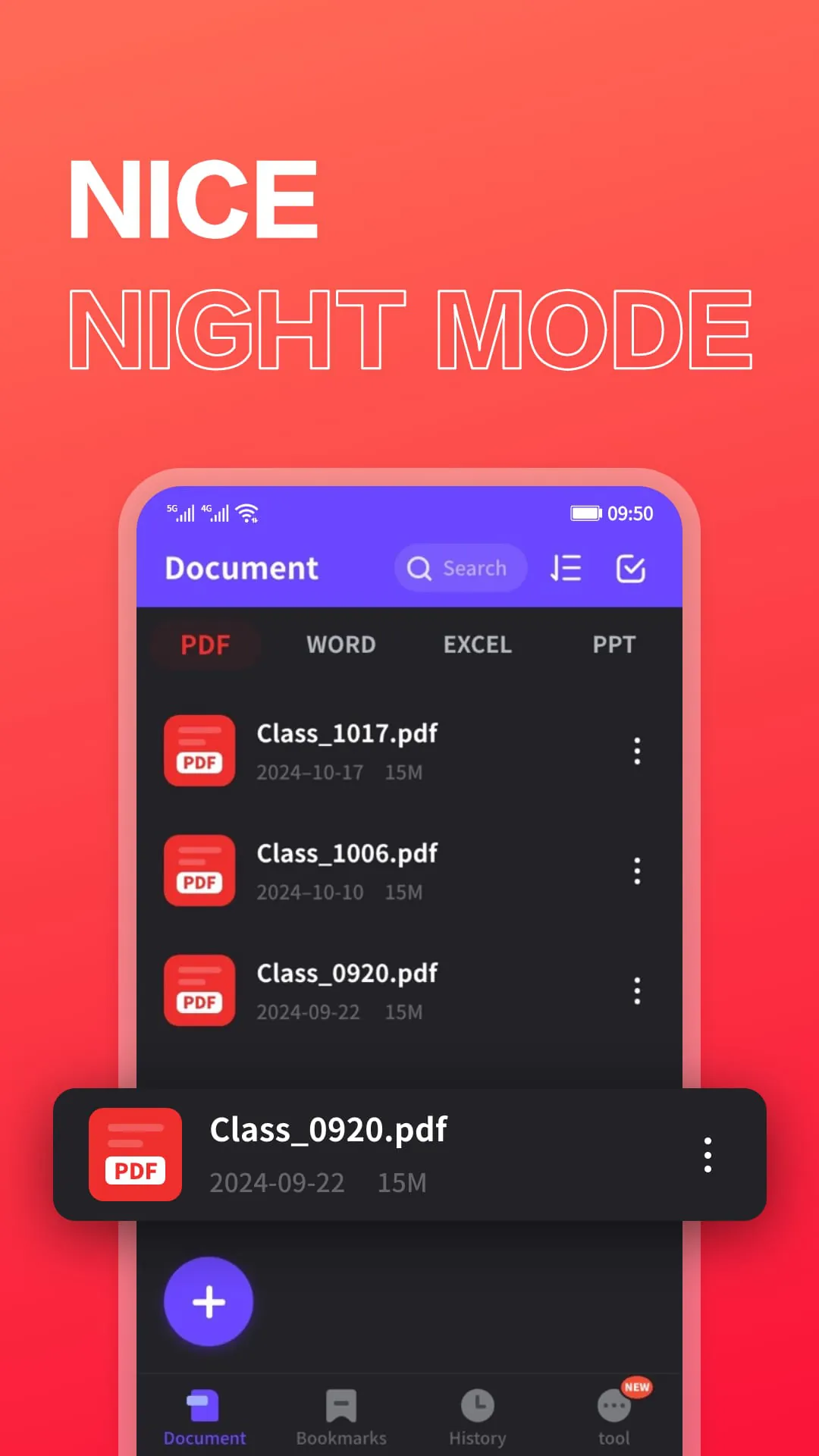
This Android PDF application serves as an exceptional viewer, offering a seamless and immersive experience for reading and interacting with PDF documents. The application prioritizes user convenience and functionality, ensuring that users can efficiently access, view, and manage their PDF files directly from their Android devices. Its core function is to provide a high-quality PDF reading experience, enabling users to open and view PDF documents with ease and clarity. The application supports full-screen reading mode, maximizing screen real estate and eliminating distractions for a more focused and immersive reading experience. This feature is particularly beneficial for users who read extensively or require a comfortable viewing environment. Beyond basic viewing, the application extends its capabilities to support the display of various file types, including Microsoft Office documents such as Word, Excel, and PowerPoint files. This versatility eliminates the need for users to switch between different applications to access different types of documents, streamlining their workflow and improving overall efficiency. The quick file viewing feature allows users to rapidly preview documents without having to open them fully, saving time and enabling them to quickly locate the desired file. The PDF editing capabilities are a significant highlight of this application, empowering users to annotate and modify PDF documents directly from their mobile devices. The ability to highlight important points within the document is crucial for emphasizing key information and facilitating review or collaboration. The application also provides tools for adding strikethroughs, underlining text, and creating brush markings, further enhancing the user's ability to interact with and personalize PDF documents. The signature feature allows users to digitally sign documents, which is particularly useful for contracts, agreements, and other important documents that require authentication. This feature eliminates the need for printing, signing, and scanning documents, making the signing process more efficient and environmentally friendly. The application requires system file reading permissions to access and display PDF files stored on the device's file system. This permission is essential for enabling the application to locate and open PDF documents, providing users with seamless access to their files. The application prioritizes user privacy and security by only requesting the necessary permissions and ensuring that user data is handled responsibly. This fast PDF reader allows users to read PDF books and PDF notes on the go, providing a convenient and portable solution for accessing and reviewing documents. The application's lightweight design and optimized performance ensure that it runs smoothly on a variety of Android devices, providing a consistent and reliable user experience. The user interface is intuitive and easy to navigate, making it accessible to users of all skill levels. The application also offers a range of customization options, allowing users to tailor the reading experience to their preferences. This includes options for adjusting font size, background color, and screen brightness. The application's commitment to providing a comprehensive and user-friendly PDF viewing and editing experience makes it an invaluable tool for anyone who regularly works with PDF documents on their Android device. The application's features and capabilities are constantly being updated and improved, ensuring that it remains at the forefront of PDF technology.




 APK
APK  Google Play
  iOS
iOS  4.10
4.10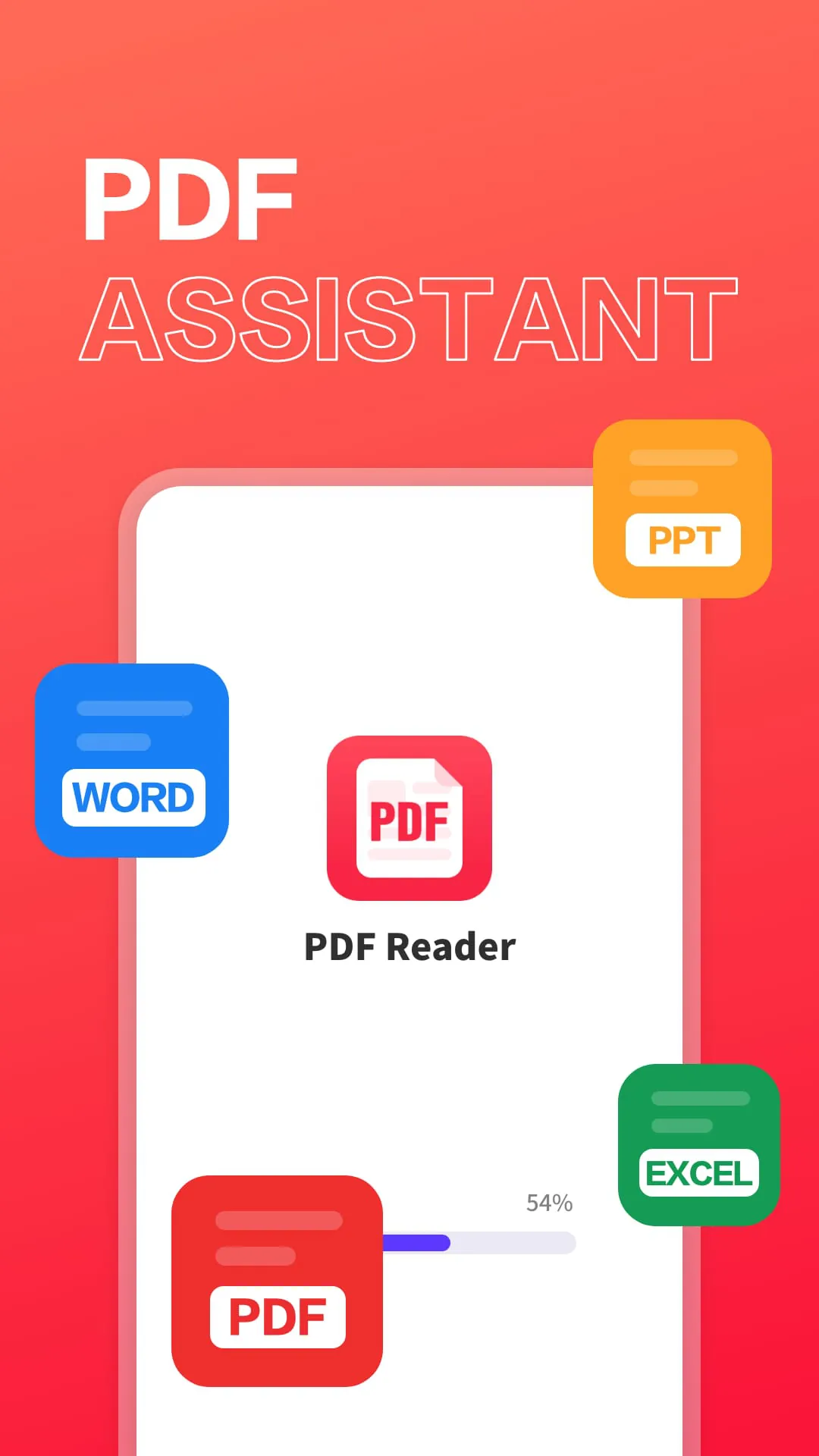
 Download








