Language Translator is a versatile mobile application designed to break language barriers by offering instant text, voice, and image translation across dozens of global languages. Whether you're traveling abroad, communicating with international colleagues, or simply exploring foreign media, this app provides reliable and accurate translations in real time, making cross-language communication smoother and more accessible for everyone.
Key Features
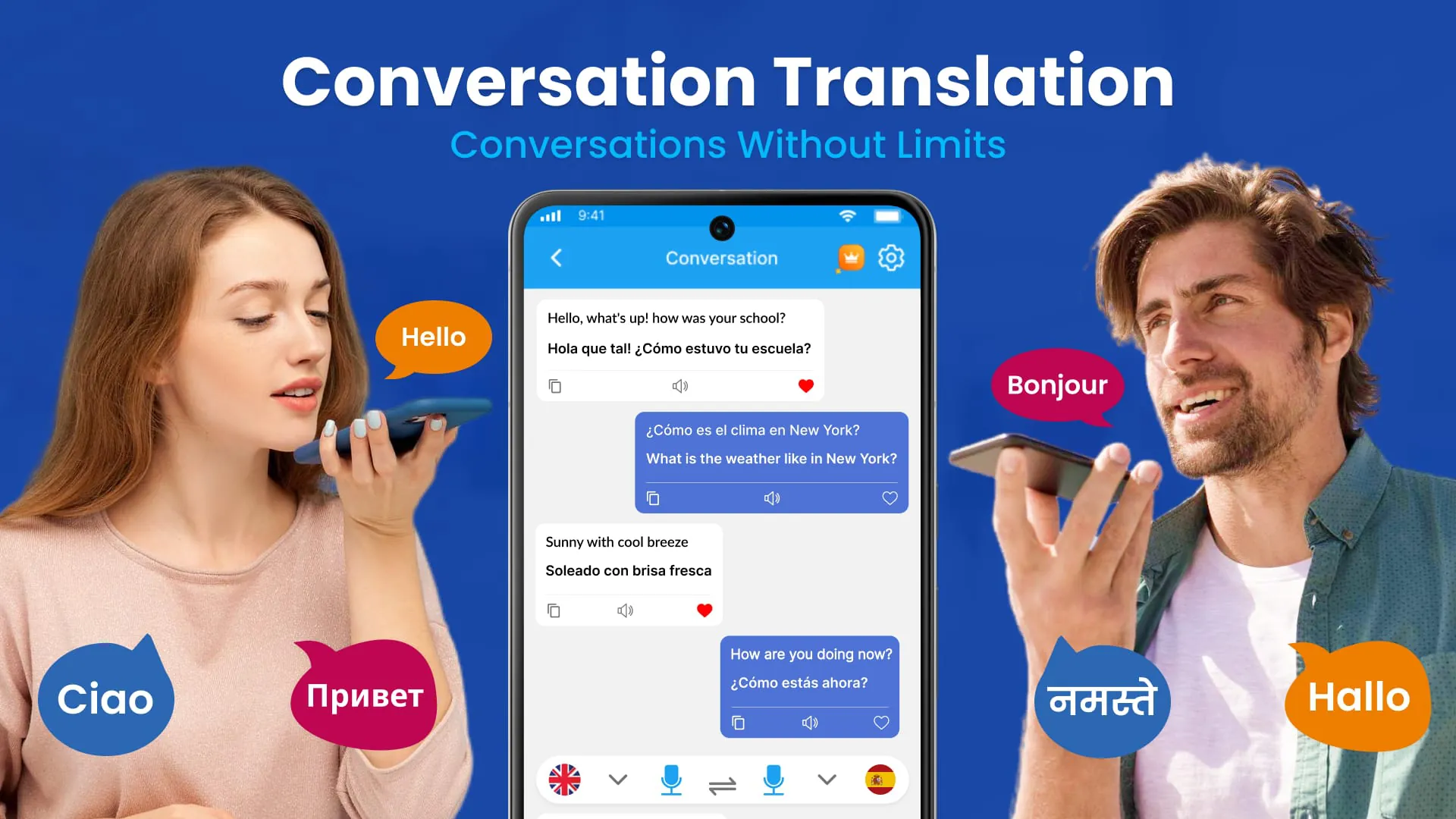
- Real-time voice translation for seamless conversations
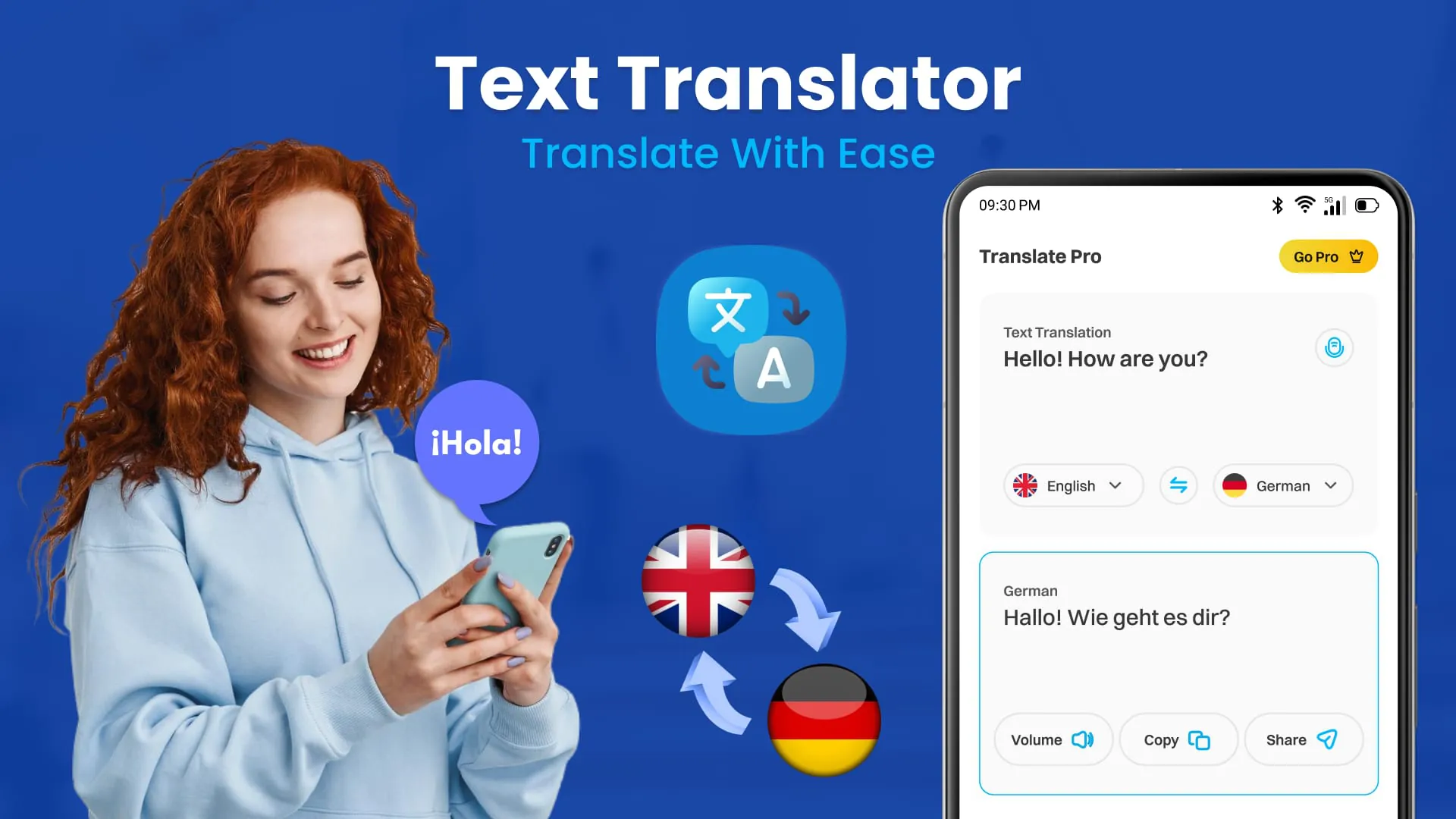
- Text input translation supporting over 100 languages
- Camera-based image translation for signs, menus, and documents
- Offline translation mode for use without internet access
- Phrasebook with commonly used expressions for travelers
- Auto-detection of source language for faster results
Pros & Cons
- Pros:
- Fast and accurate translations in most major languages
- User-friendly interface suitable for all age groups
- Supports offline use, ideal for travel
- Frequent updates improving accuracy and adding features
- Cons:
- Some dialects may not be fully supported
- Image translation can struggle with complex fonts
- Occasional ads in the free version
Functions
- Voice-to-voice conversation translation for bilingual dialogue
- Text scanning through camera with instant overlay translation
- History saving for quick reference to past translations
- Favorites list to bookmark frequently used phrases
- Pronunciation guides with native speaker audio
- Multi-platform synchronization for use across devices
How to Use
Click the button "Check All Versions" below to download and install it. Once installed, open the app and select your preferred languages for translation. You can type text directly into the input box, speak into the microphone for voice translation, or point your camera at written text for instant image translation. Adjust settings such as offline packs or auto-detect options in the menu to customize your experience. Save important translations to your favorites for quick access when needed.





 APK
APK  Google Play
  iOS
iOS  4.10
4.10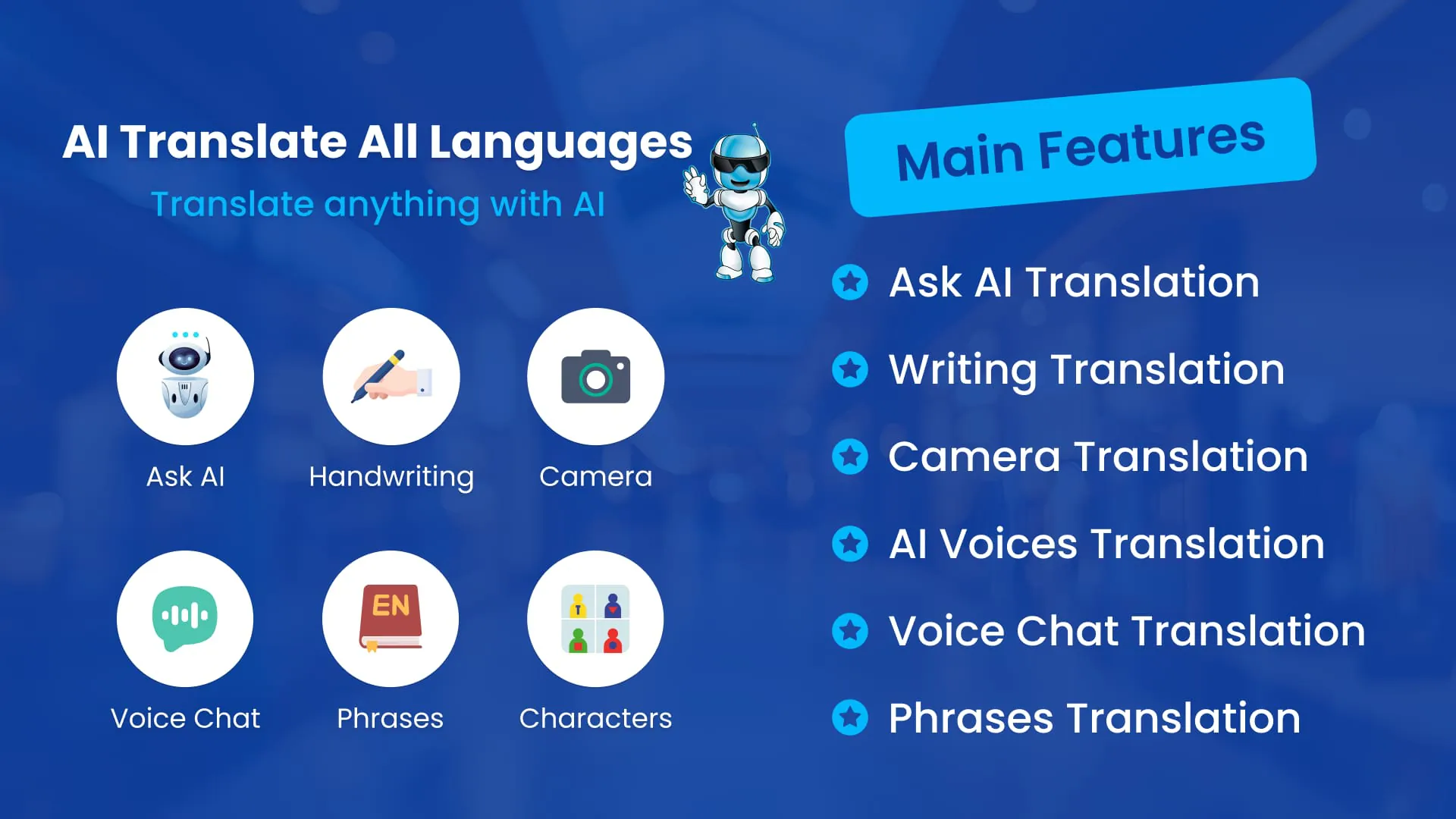

 Download








