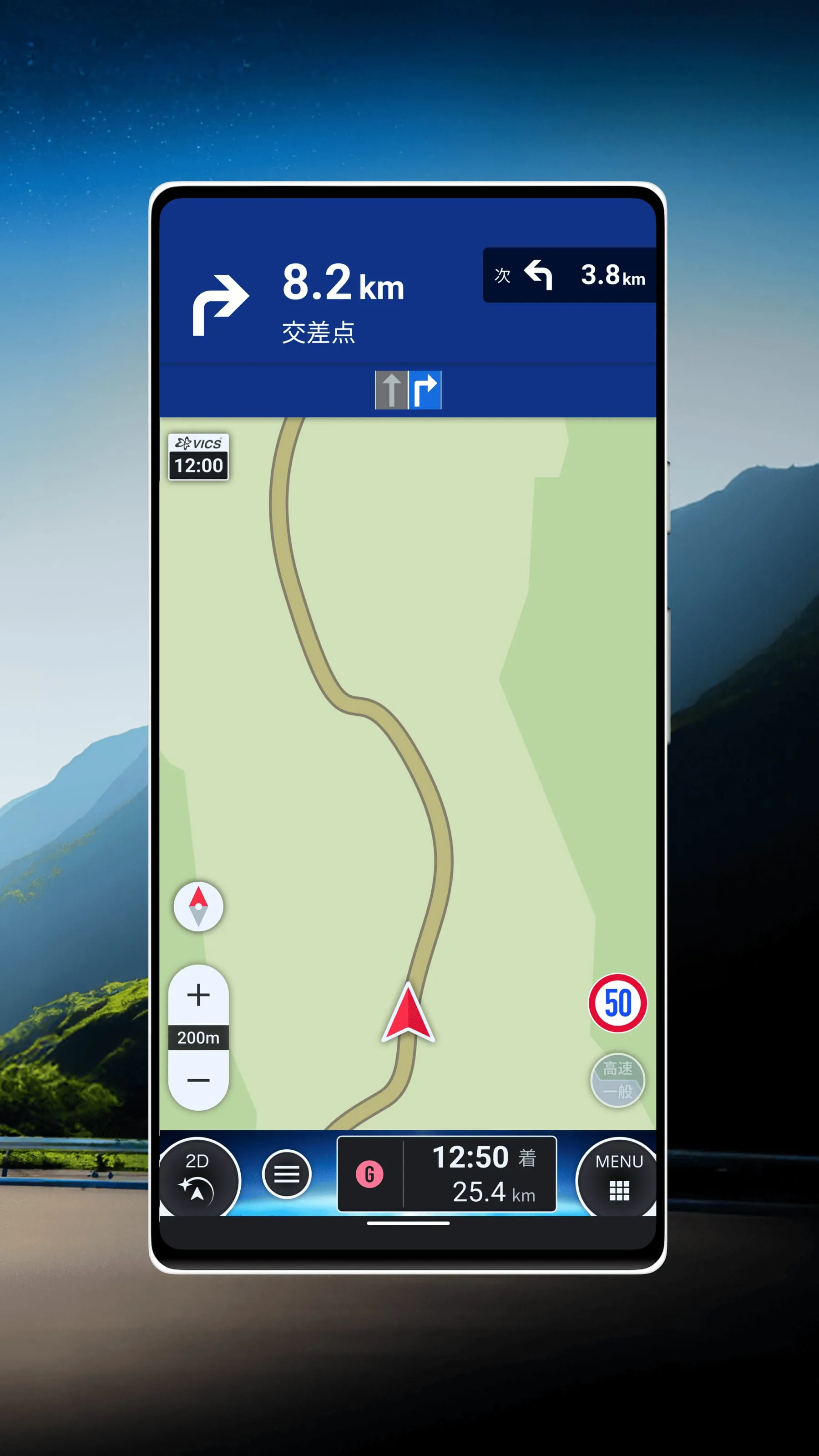
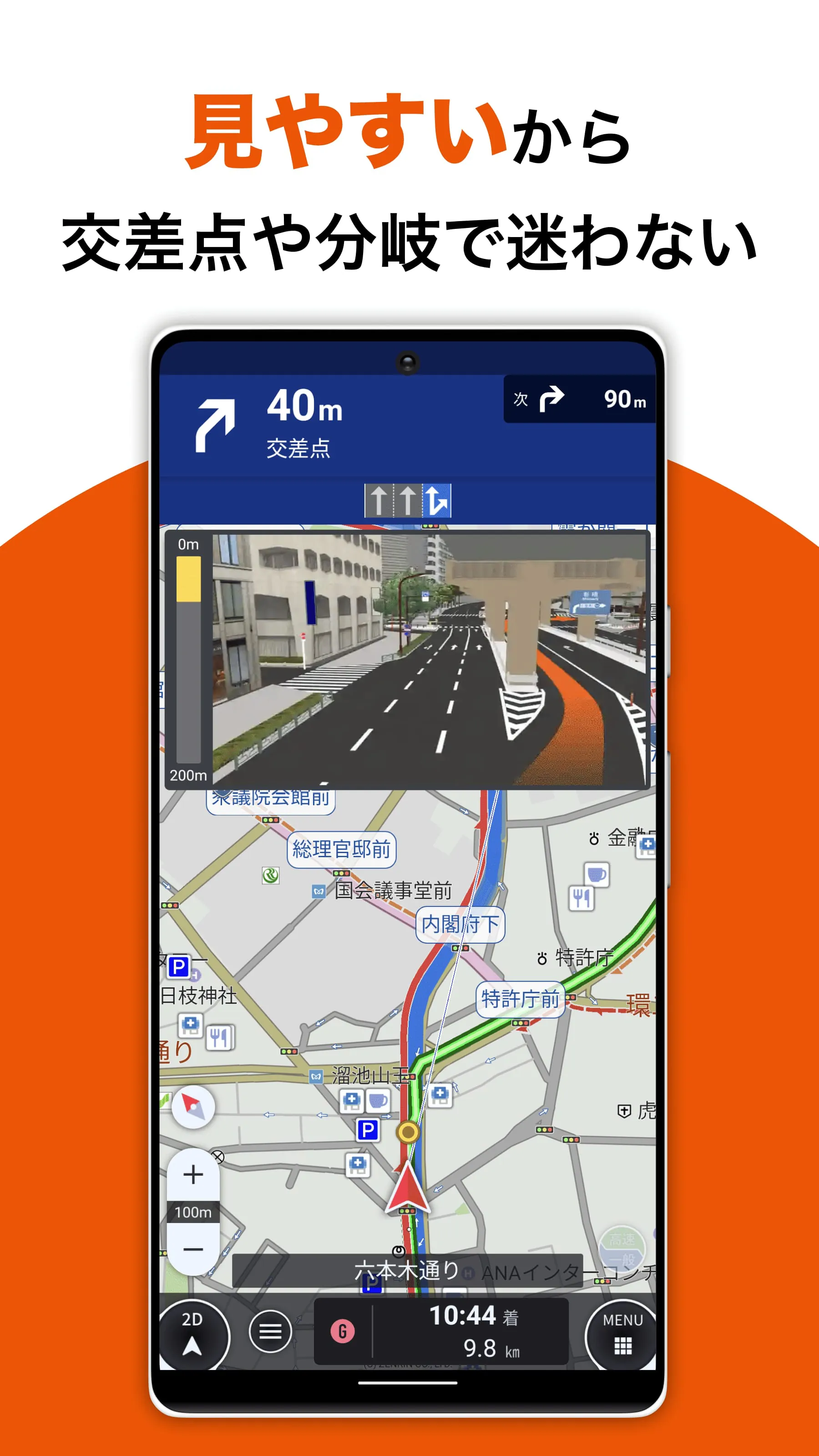
The au Car Navi is a car navigation app that offers offline navigation capabilities. It allows users to navigate smoothly even without an internet connection and provides the latest maps and real-time information when online. The app includes a route search function that considers VICS traffic information and traffic conditions, enabling users to find alternative routes to avoid congestion. It also allows users to search for point-of-interest information such as service areas and parking areas, enhancing the overall driving experience. The app is compatible with Android smartphones running OS version 5.0 or above.
One of the standout features of au Car Navi is its compatibility with Android Auto. By connecting to an Android Auto compatible display, users can safely and comfortably use Android applications while driving. The app also offers offline route search and voice navigation using downloaded maps on the device. It provides the latest maps when online and offers multiple route options, with up to 7 routes to choose from. The app personalizes routes based on the user's driving history and takes into account real-time VICS traffic information for real-time rerouting suggestions. It also displays real-time parking lot congestion information on the map and shows toll fees based on the vehicle type. Additionally, it offers route suggestions that consider vehicle height and width.
The monthly subscription fee for au Car Navi is 600 yen (tax included), with a 31-day free trial period for new subscribers. The app has a download size of approximately 80MB, while the map data size is about 2.4GB. It is recommended to download the app using a Wi-Fi connection. The app requires certain permissions, such as accessing the device's current location for displaying the user's position on the map and providing accurate navigation. It also requires full internet access for downloading traffic and guidance information. Payment transactions are processed through the Google Play billing service, and the app requires permission to display network status and make phone calls for contacting facilities or services.





 APK
APK  Google Play
  iOS
iOS  0.00
0.00