Minecraft Education Edition is a specialized version of the popular sandbox game, meticulously designed for classroom learning. It transforms the creative and exploratory essence of Minecraft into a powerful educational tool, providing teachers and students with a collaborative digital environment to engage with subjects ranging from history and mathematics to computer science and art. This platform goes beyond traditional gameplay by integrating lesson plans, classroom management tools, and unique in-game features that facilitate immersive project-based learning and the development of critical 21st-century skills.
Key Features
Minecraft Education Edition is packed with features that bridge the gap between play and pedagogy. It allows educators to tailor the experience to their specific curriculum needs while maintaining a safe and controlled environment for students. The features are designed to encourage collaboration, creativity, and problem-solving in a context that students find inherently engaging and motivating.
- Camera and Portfolio: Students can capture screenshots of their work and document their learning journey within the game.
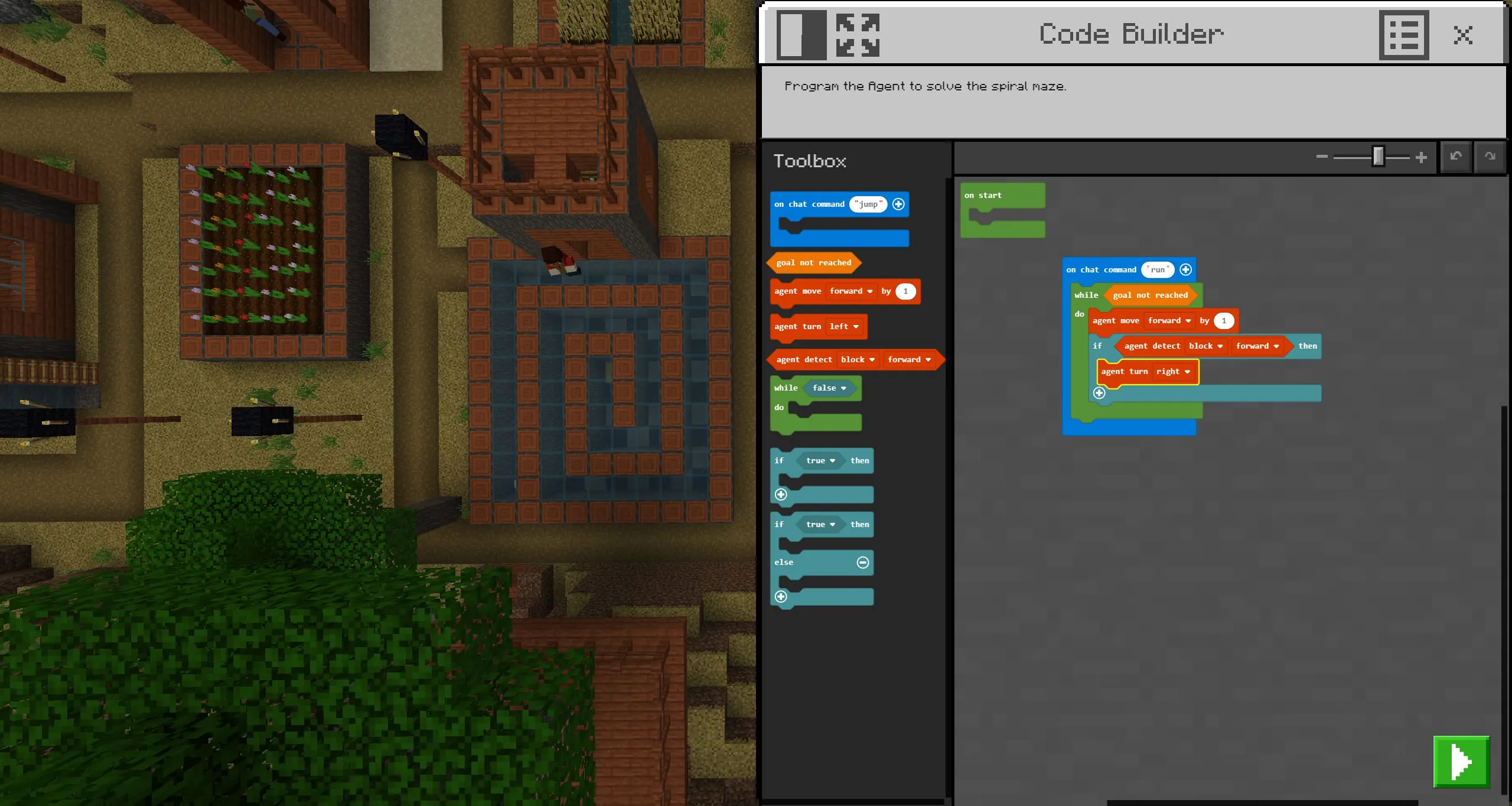
- Code Builder: Integrates with Microsoft MakeCode, Tynker, and a beta feature for Python, allowing students to learn coding by controlling in-game agents.
- Chalkboards: Educators can place signs, slates, posters, and boards to provide instructions, learning objectives, or challenges within the game world.
- Non-Player Characters (NPCs): Teachers can create custom guide characters to deliver information, give tasks, or provide external web links for further research.
- Classroom Mode: A companion application that gives teachers a map view of the world, the ability to communicate with students, manage inventory, and teleport players to focus learning.
- Lesson Library: A vast, cross-curricular collection of ready-to-use lessons and worlds created by educators and partners like NASA and the BBC.
- Multiplayer Collaboration: Enables whole classes to work together in the same world, building projects and solving problems as a team.
Pros & Cons
Like any educational tool, Minecraft Education Edition has distinct advantages and some limitations that are important to consider for effective implementation.
- Pros: It significantly increases student engagement and motivation by leveraging a familiar and beloved game. The platform excels at promoting collaboration, creativity, and systems thinking. Its strong support for STEM and coding education is exceptional. The built-in classroom management tools give teachers necessary control, and the extensive lesson library greatly lowers the barrier to entry for educators new to game-based learning.
- Cons: There is a learning curve for teachers who are not familiar with Minecraft mechanics. It requires a reliable IT infrastructure and device management. The subscription-based licensing model represents an ongoing cost for schools. Without clear pedagogical framing, activities can sometimes prioritize play over specific learning outcomes. Some students may also need time to transition from a "play" mindset to a "learning" mindset within the same environment.
Functions
The core functions of Minecraft Education Edition are the actionable applications of its features within an academic setting. These functions transform the virtual world into a dynamic classroom.
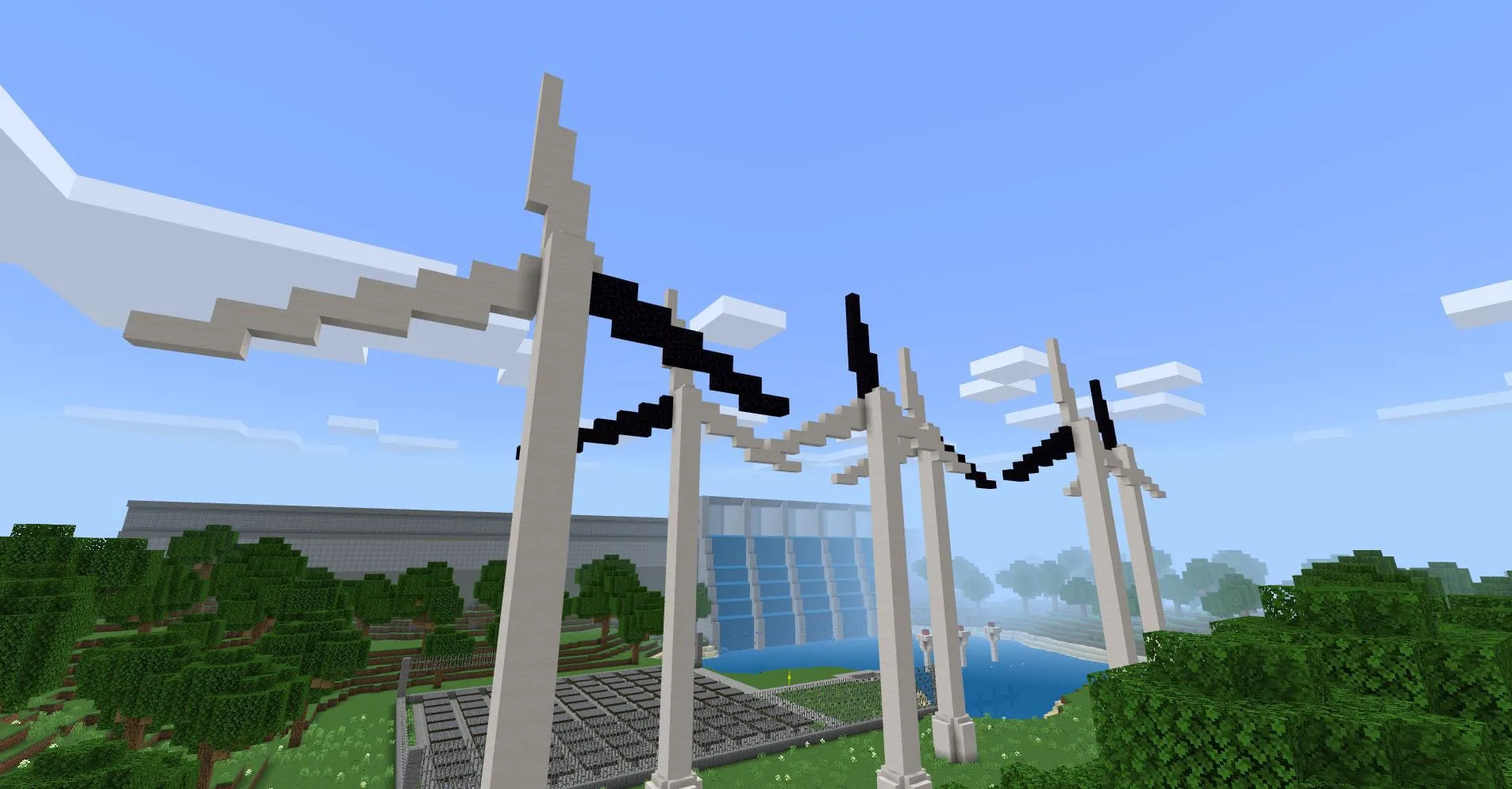
- Immersive Simulations: Students can recreate historical sites, model biological ecosystems, or simulate sustainable city planning, learning through interactive construction and role-play.
- Computational Thinking: Through Code Builder, learners program agents to perform tasks, automating builds and solving logical problems, which introduces core programming concepts in a tangible way.
- Formative Assessment: Educators can use student-built structures, portfolio entries, and in-game behavior as direct evidence of understanding, problem-solving approaches, and creative application of knowledge.
- Cross-Curricular Projects: A single project can integrate multiple subjects; for example, building a scale model of an ancient civilization can encompass math (measurement), history (research), art (design), and language arts (presentation).
- Social-Emotional Learning (SEL): Collaborative projects necessitate communication, negotiation, shared responsibility, and resilience when plans need revision, fostering teamwork and emotional intelligence.
How to Use
Click the button "Check All Versions" below to download and install it. To begin using Minecraft Education Edition, an eligible educational institution, educator, or student must first obtain a valid license, which is typically managed through an IT administrator. Once licensed, users can download the application onto supported devices, which include Windows, macOS, iPadOS, and ChromeOS. Educators are encouraged to start by exploring the in-game Tutorial World to understand the controls and basic features, and then visit the online Lesson Library to find pre-built worlds aligned with their teaching subjects. Using the Classroom Mode app on a second device, such as a tablet, is highly recommended for teachers to effectively guide the lesson, manage student interactions, and focus the class's activities without being immersed in the first-person view themselves. Successful implementation often involves starting with a short, structured activity before progressing to more open-ended, student-driven projects.




 APK
APK  Google Play
  iOS
iOS  4.10
4.10