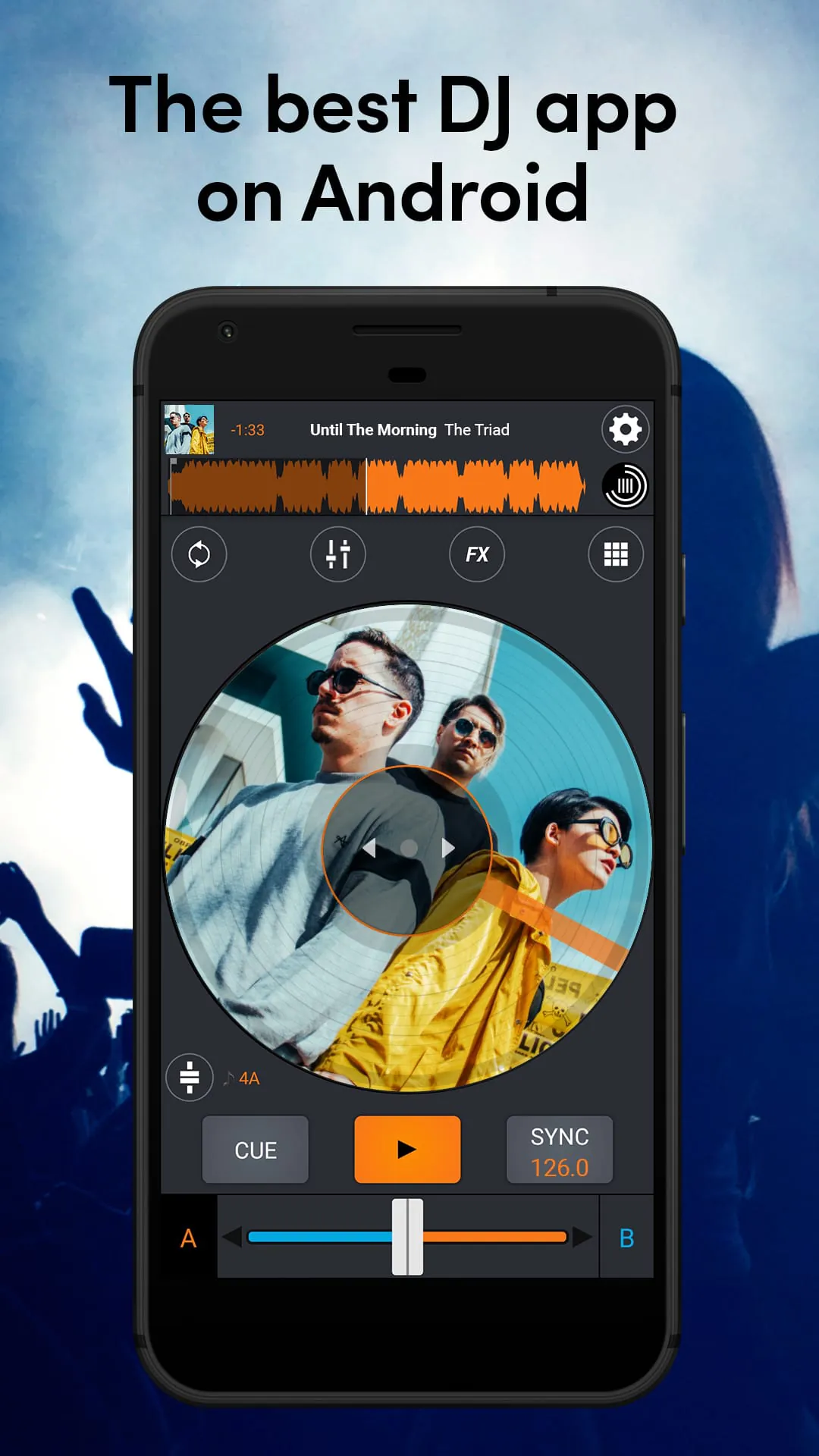
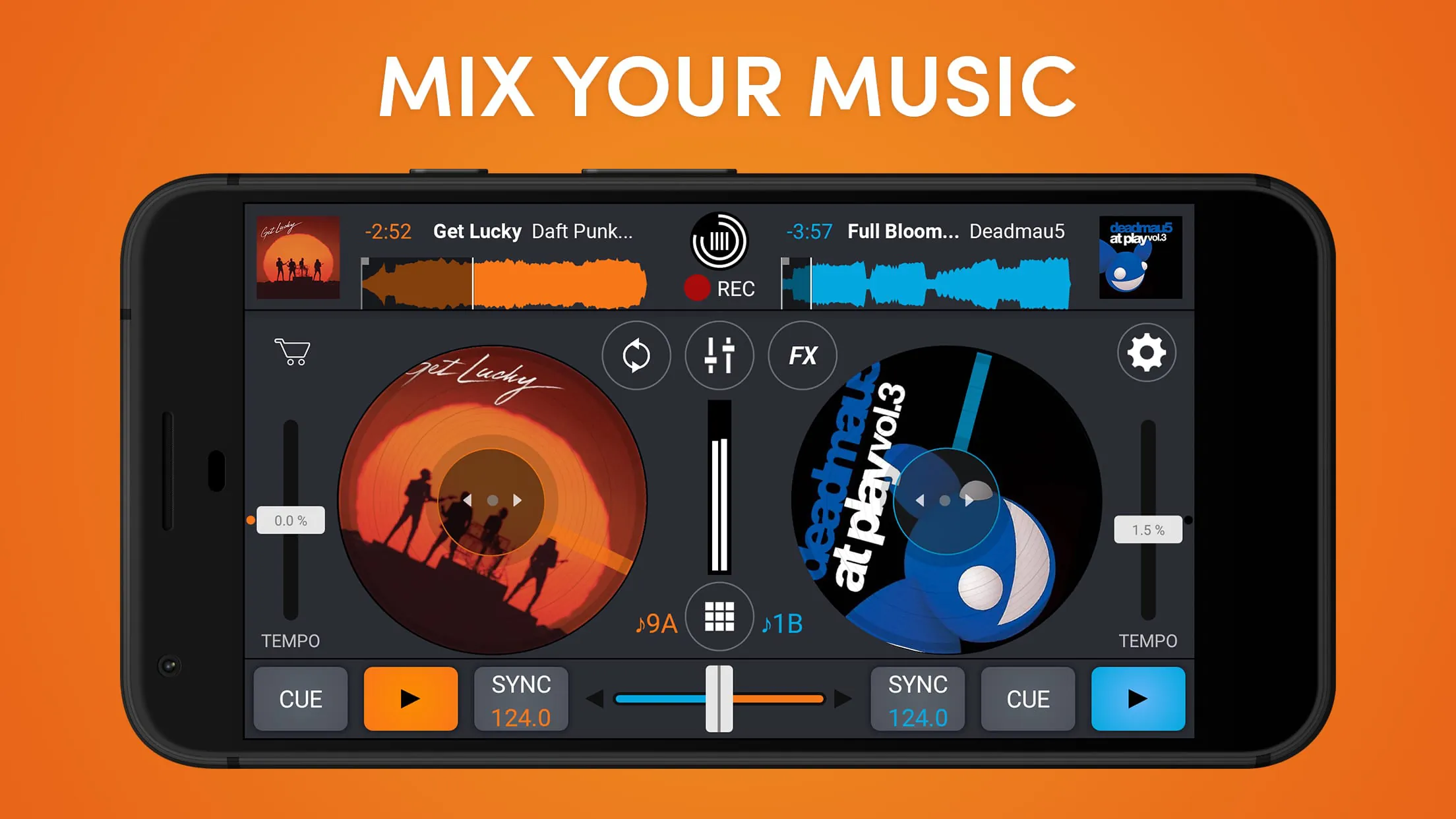
Cross DJ is a professional digital DJ mixing application designed for both aspiring and experienced DJs. It transforms your computer or mobile device into a full-featured virtual turntable, allowing you to mix music, apply effects, and perform live sets using your digital music library.
Key Features
Cross DJ stands out with a suite of tools that mimic professional hardware. It offers a high-quality audio engine for pristine sound, beat and tempo synchronization to seamlessly blend tracks, and a comprehensive set of effects. The software supports a wide range of controllers for tactile mixing and includes advanced capabilities like key detection, sampler decks, and recording your live mixes directly within the app.
Pros & Cons
Every software has its strengths and weaknesses, and Cross DJ is no exception.
- Pros: The interface is intuitive and user-friendly, lowering the barrier for beginners. It provides exceptional value, offering many professional features at a competitive price. The stability and performance are reliable for live performances. Support for various hardware controllers enhances the hands-on experience.
- Cons: The free version has significant limitations, requiring a purchase to unlock full potential. Some advanced features found in top-tier industry software may be absent. The initial learning curve for all functions can be steep for complete newcomers.
Functions
The application is built around core DJ functions that facilitate creative mixing.
- It features two or four deck layouts for loading and controlling multiple tracks simultaneously.
- The automatic beat-matching and sync function aligns the tempo of different songs perfectly.
- An extensive library includes filters, flangers, echoes, and loop functions for dynamic transitions.
- Visual waveforms on each deck help with cue point setting and visual mixing.
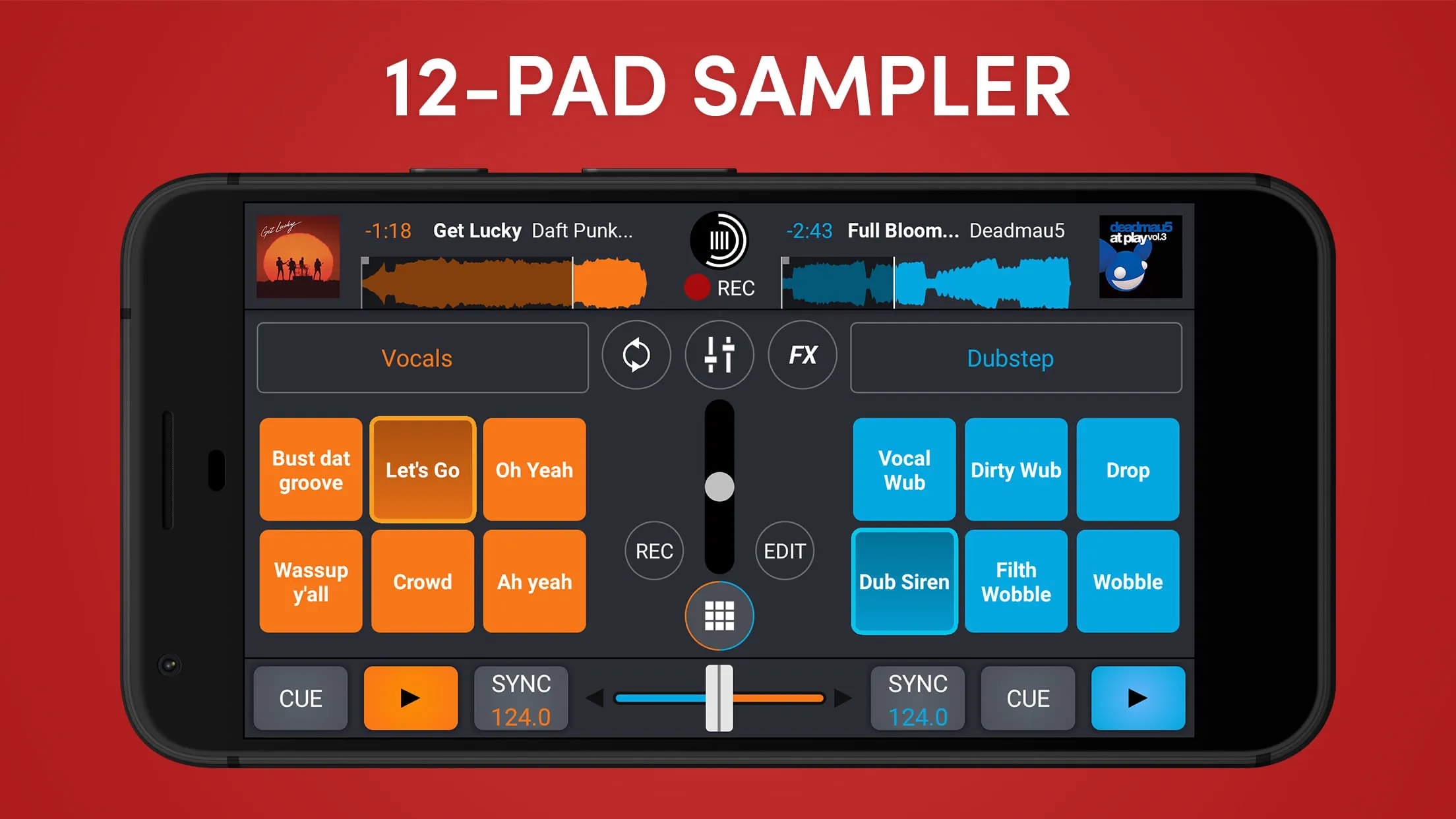
- It includes a sampler with slots for loading sound effects or audio clips during a mix.
How to Use
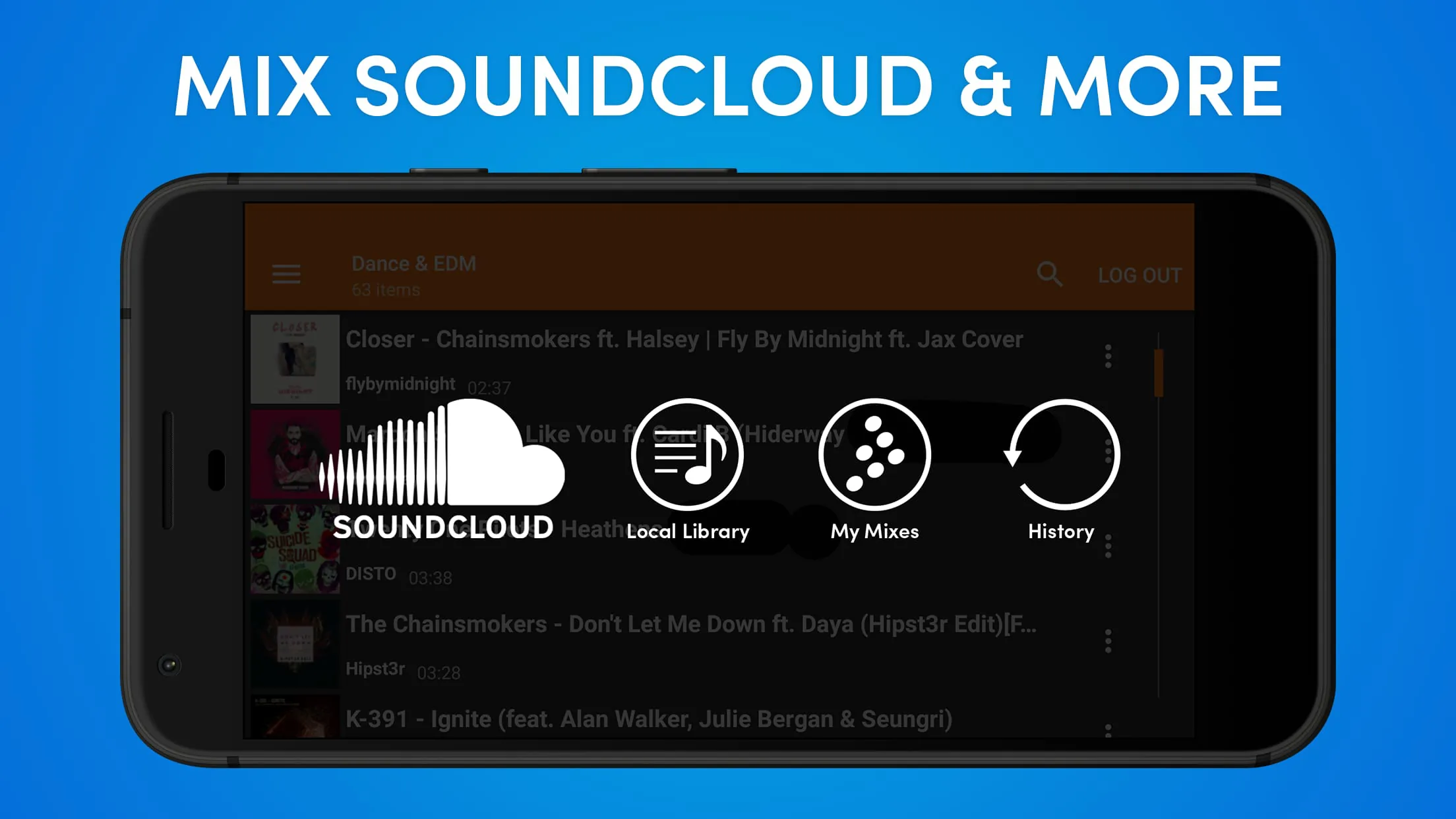
Click the button "Check All Versions" below to download and install it. Once installed, launch the application and begin by importing your music files into the software's media library. Drag and drop tracks onto the virtual decks. Use the sync button to match the tempos automatically, or adjust the pitch faders manually. Set cue points at desired locations in a track to jump to them instantly during your mix. Experiment with the crossfader to transition between decks and apply effects from the panel to add flair. Finally, use the built-in recording function to capture your performance for review or sharing.





 APK
APK  Google Play
  iOS
iOS  4.10
4.10