Planning Center Services is a comprehensive church management application designed to streamline the intricate planning and execution of worship services and ministry events. It serves as a central hub for church staff and volunteers, enabling collaborative scheduling of people, coordinating music and media, and organizing all the logistical details that go into creating meaningful gatherings for congregations.
Key Features
The application distinguishes itself through a suite of interconnected tools focused on service coordination. Its primary strength lies in centralizing information that various teams need, reducing miscommunication and last-minute changes. By bringing different aspects of service planning into one ecosystem, it ensures that everyone from the pastoral team to the audio-visual crew is working from the same, up-to-date plan, which significantly enhances preparedness and reduces administrative overhead.
Pros & Cons
When evaluating Planning Center Services, users will encounter several distinct advantages and a few potential drawbacks.
- Pros: The platform offers exceptional depth and integration with other Planning Center products, creating a unified ecosystem. Its collaborative features are robust, allowing real-time updates and clear communication. The user interface is generally intuitive, and the ability to manage complex scheduling for people, songs, and items is powerful. Excellent mobile app support keeps volunteers connected on the go.
- Cons: The extensive feature set can lead to a steeper learning curve for new users or smaller teams. The pricing model, based on the number of people in the database, can become costly for larger congregations. Some users may find that they are paying for more functionality than they need, and initial setup requires a significant time investment to configure workflows properly.
Functions
The core functionality of Planning Center Services is divided into several key operational areas that work in concert.
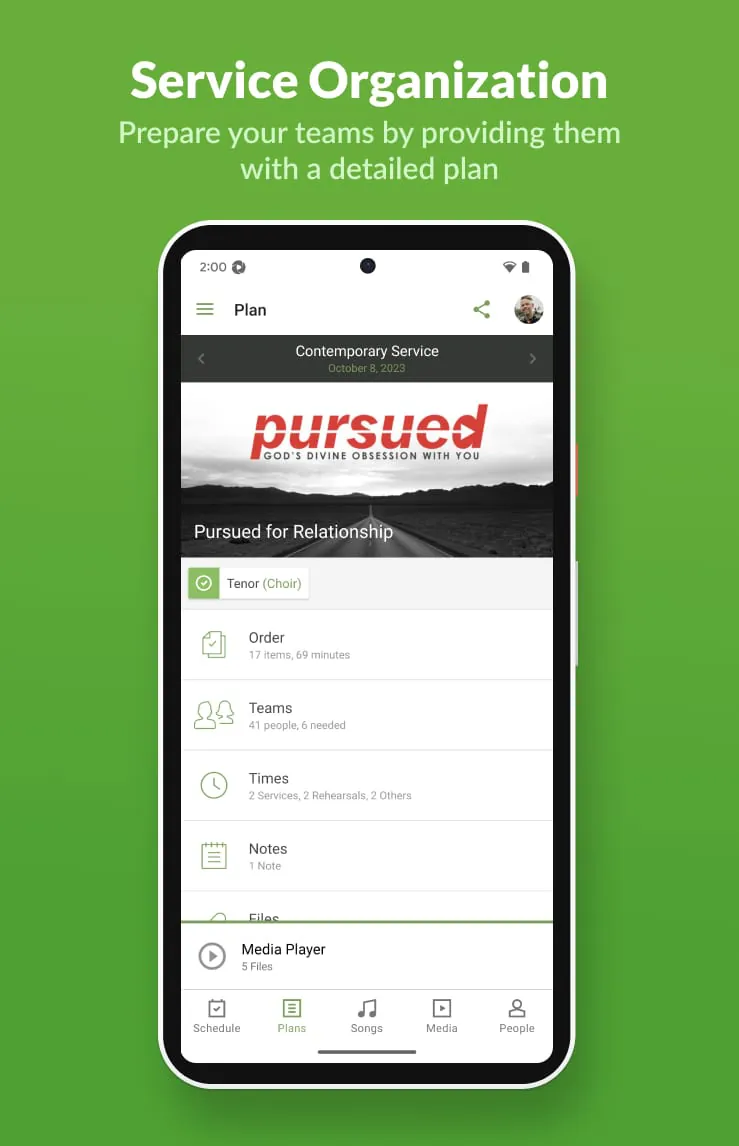
- Service Planning: Create and outline entire service flows, including songs, prayers, scripture readings, sermons, and media cues in a visual timeline.
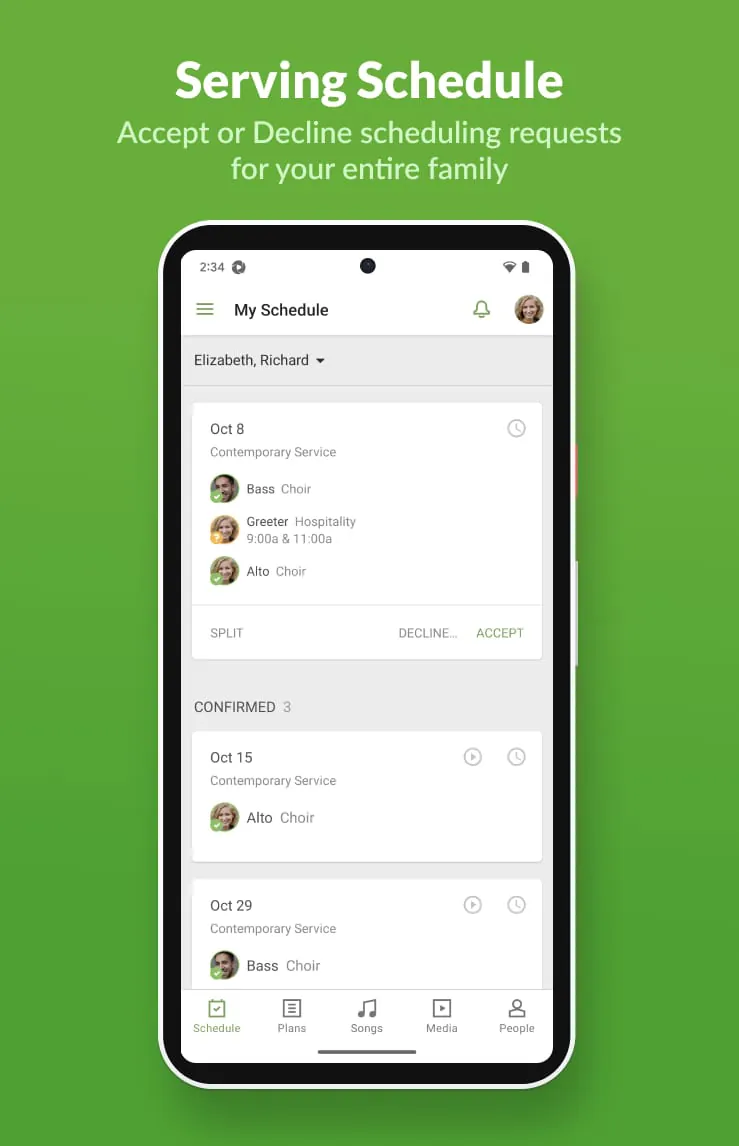
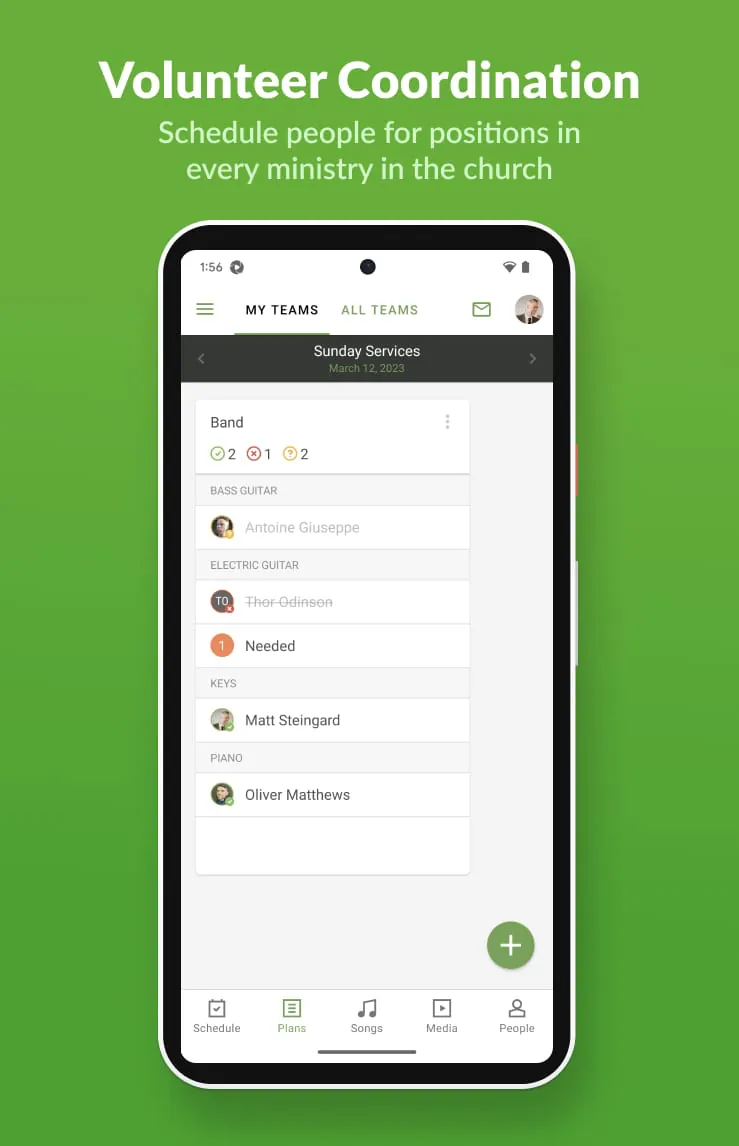
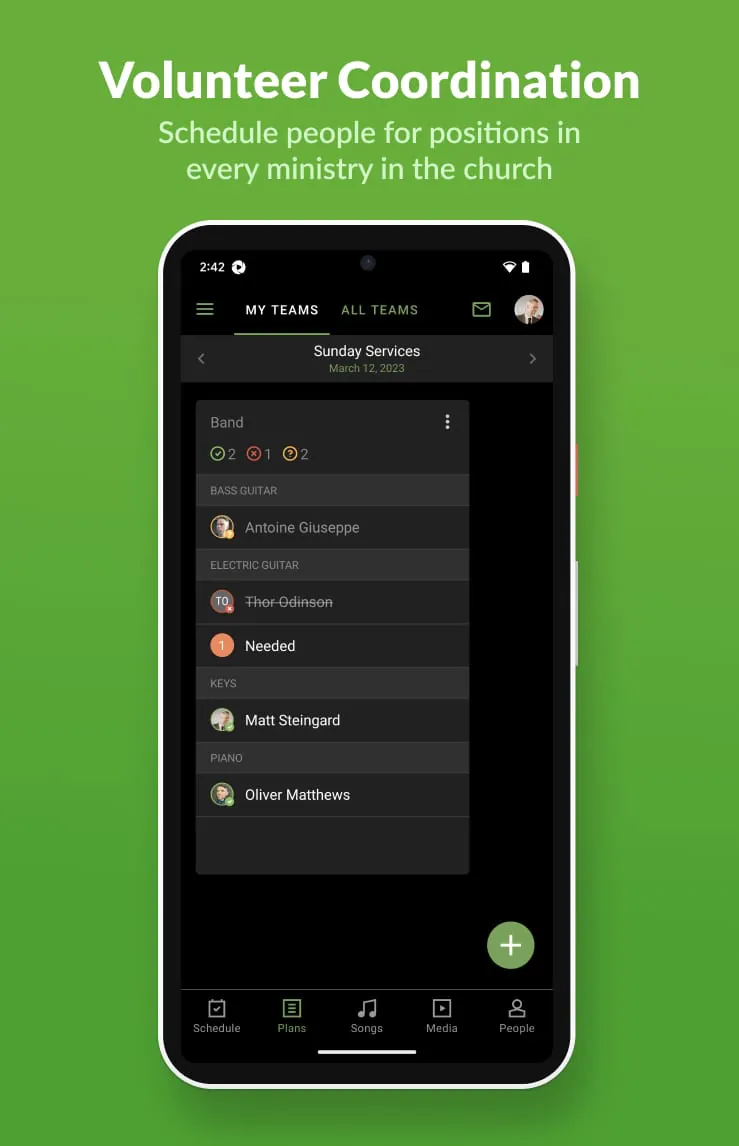
- People Scheduling: Schedule volunteers and staff for specific roles (e.g., musicians, vocalists, greeters, technicians) weeks or months in advance, with automated confirmation and reminder emails.
- Media Integration: Attach chord charts, lyric presentations, audio files, and sermon notes directly to service items for easy access by the team.
- Communication Hub: Facilitate team discussion through plan-specific comments, direct messaging, and the ability to publish plans for mobile access.
- Rehearsal Tools: Generate rehearsal schedules, set lists, and sheet music, allowing musicians to prepare independently before group practice.
How to Use
Click the button "Check All Versions" below to download and install it. To begin using Planning Center Services, you first need to create an account and subscribe to the appropriate product suite on the Planning Center website. Once your account is set up, you can access the web application from any browser or download the dedicated "Services" mobile app from your device's app store. The initial setup involves inputting your team members, defining service templates, and establishing your schedule. From there, you create a new plan for each service, drag and drop items into the timeline, assign your team members to roles, and publish the plan. Your volunteers will receive notifications and can confirm their availability, access all necessary materials, and communicate with the team directly through their own login, creating a seamless collaborative workflow from planning to execution.





 APK
APK  Google Play
  iOS
iOS  4.20
4.20