Mindbody is a comprehensive business management and marketplace application designed specifically for the wellness industry, serving as a central hub that connects fitness studios, salons, spas, and their clients. It allows users to discover, book, and pay for a wide array of wellness and beauty services, while providing businesses with powerful tools to manage operations, scheduling, and customer engagement seamlessly.
Key Features
The application stands out by bridging the gap between service providers and seekers. For clients, it offers a unified platform to explore local wellness activities, from yoga classes to massage appointments. The real-time booking and integrated payment system provide great convenience. For businesses, the backend dashboard is a robust suite for handling appointments, staff management, marketing campaigns, and processing payments, all within a single ecosystem.
Pros & Cons
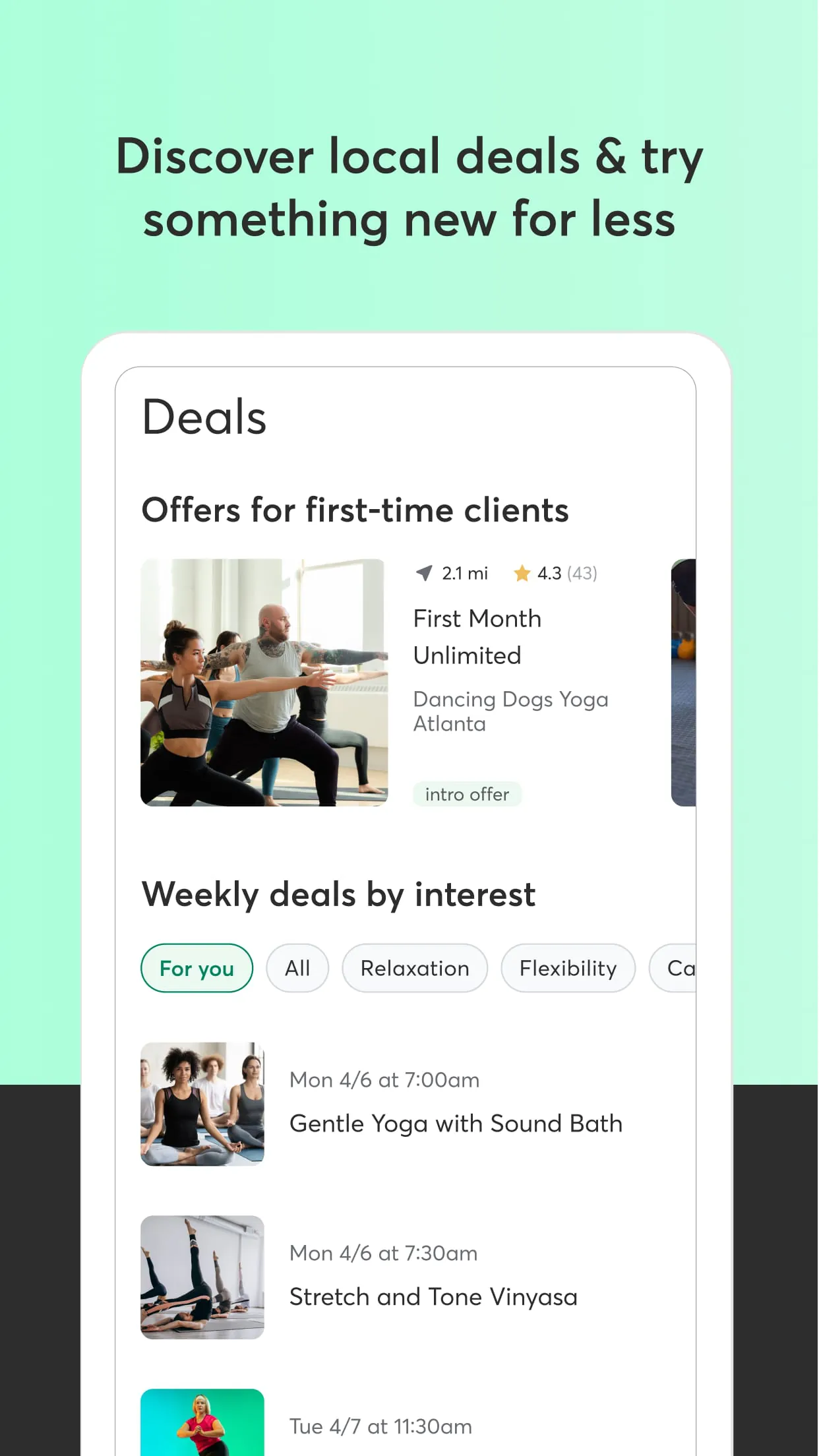
The platform's main advantage is its extensive network, making it incredibly easy for users to find and book diverse services. The user interface is generally intuitive, and features like personalized recommendations and class reminders are highly valued.
- Pros: Vast directory of wellness businesses; convenient all-in-one booking and payment; useful reminder and scheduling notifications; powerful backend tools for business owners.
- Cons: Service availability and booking experience can vary by business; occasional app syncing issues with studio schedules; some users find the multitude of features for businesses slightly complex initially.
Functions
Mindbody operates with dual core functionalities tailored to its two main user bases. For consumers, the app functions primarily as a discovery and booking engine.
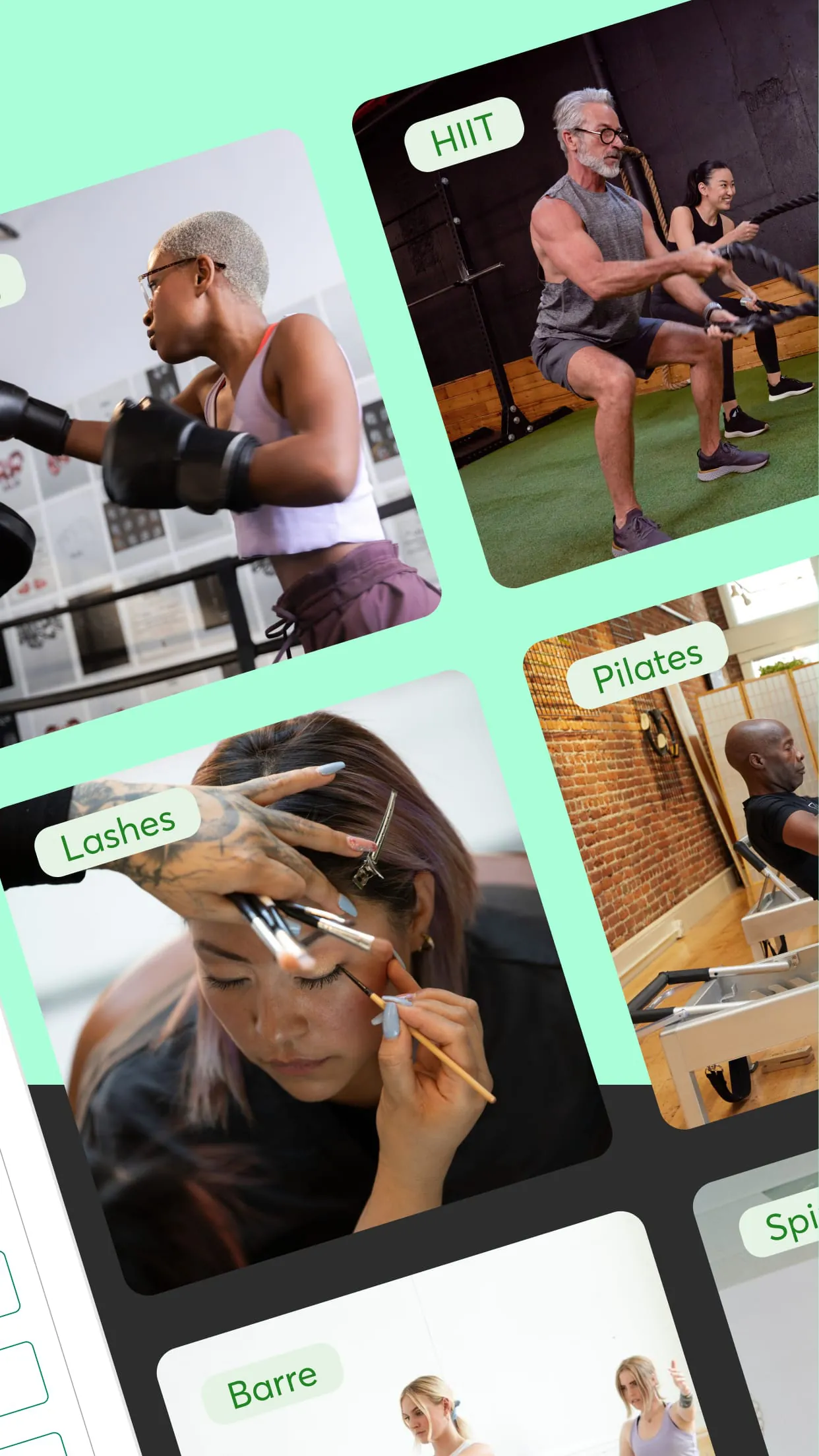
- Search and filter local fitness classes, beauty appointments, and wellness events.
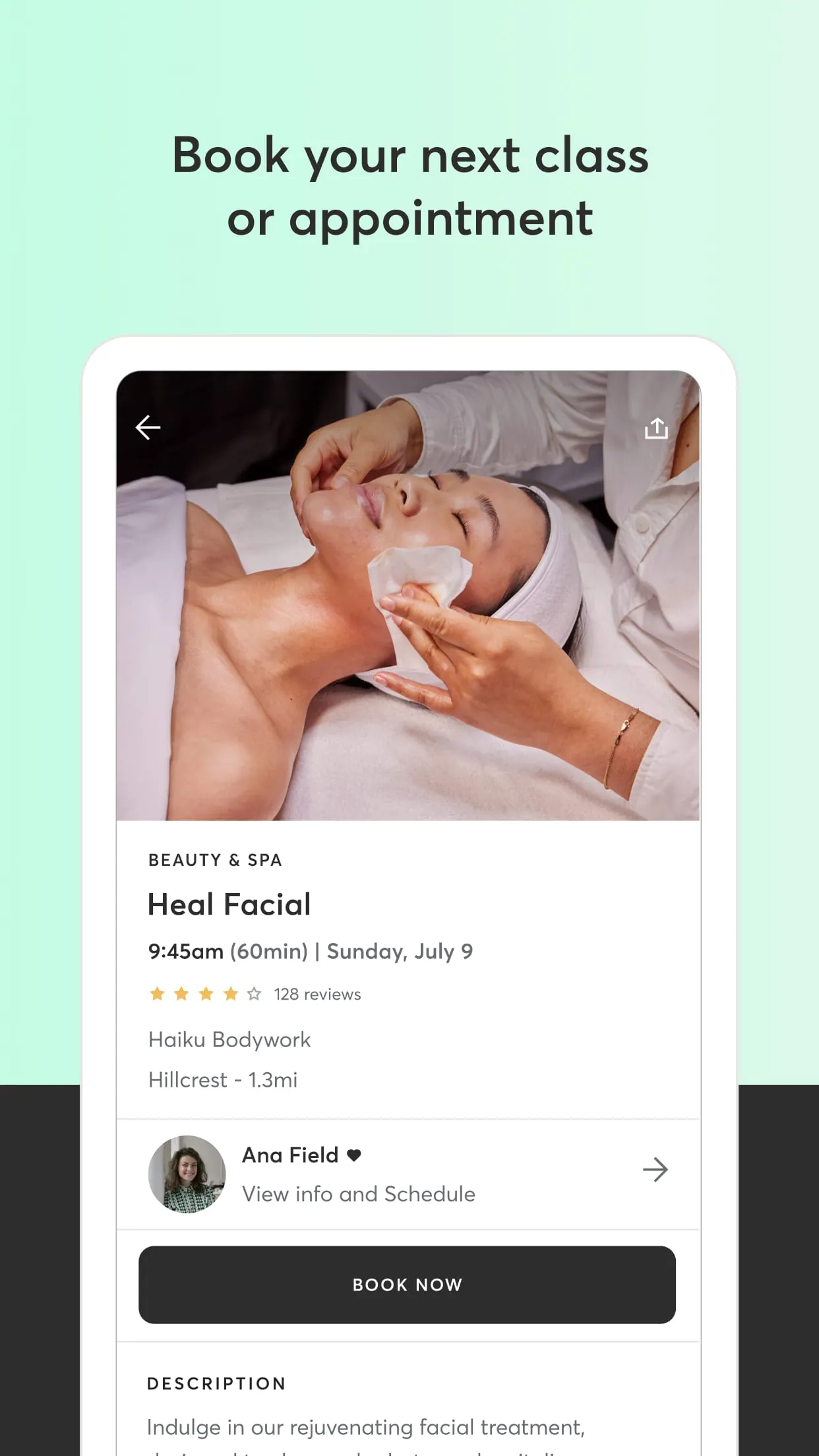
- View detailed service descriptions, instructor profiles, and real-time availability.
- Securely book and pay for appointments directly within the app.
- Manage personal schedules, receive reminders, and save favorite studios.
For businesses, it acts as an enterprise management platform.
- Comprehensive calendar and staff scheduling tools.
- Client relationship management (CRM) and marketing automation features.
- Point-of-sale and financial reporting systems.
- Inventory management for retail products or service packages.
How to Use
Click the button "Check All Versions" below to download and install it. Once installed, open the app and create a personal account using your email or social media profile. As a client, you can immediately browse services by allowing location access or searching for a specific studio. To book, select a service, choose your preferred time and provider, and follow the prompts to confirm with a payment method. For business owners, after downloading, you will need to sign up for a business account, which guides you through setting up your business profile, importing your service catalog, and configuring your scheduling parameters before going live.





 APK
APK  Google Play
  iOS
iOS  4.90
4.90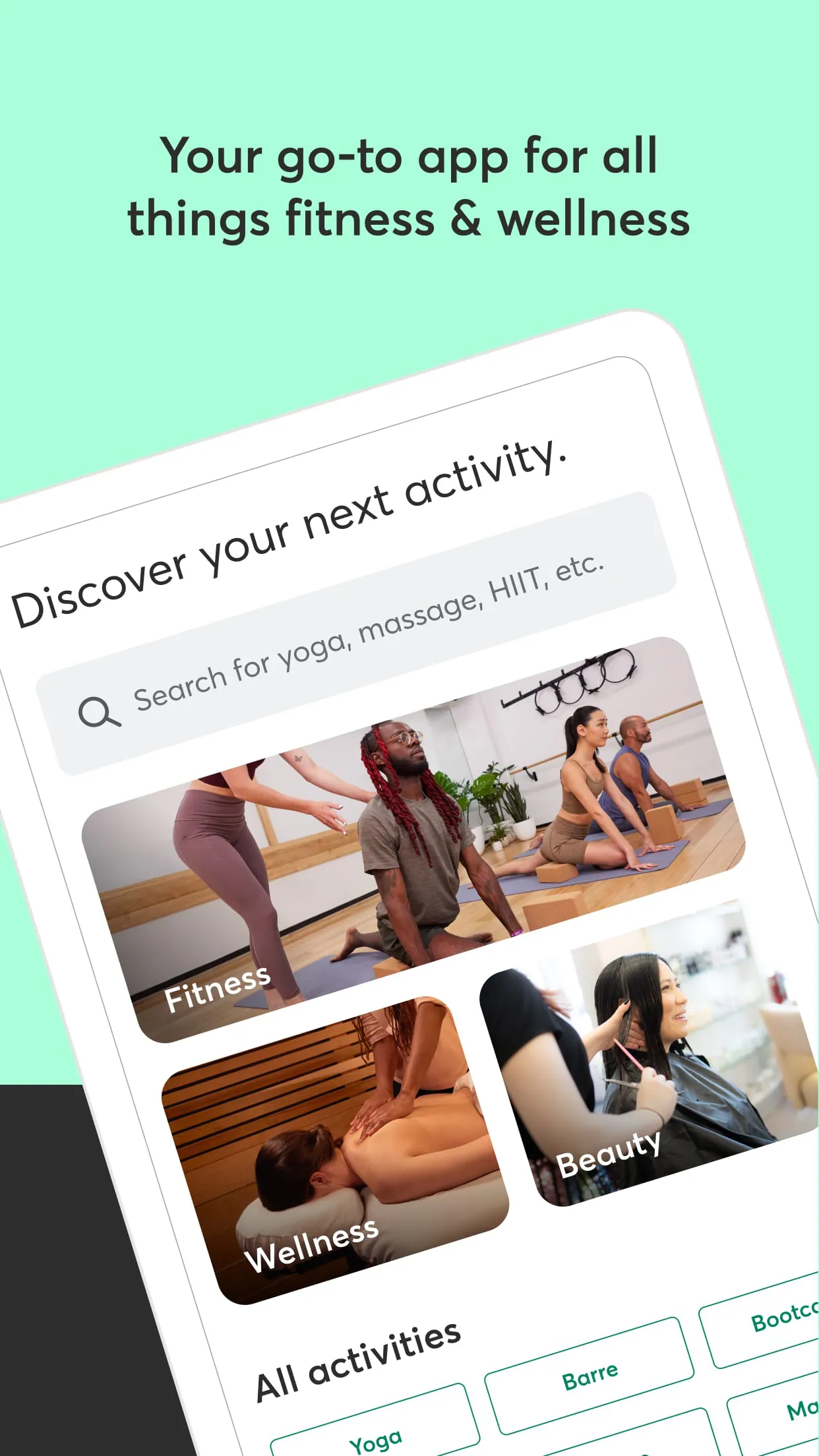
 Download








