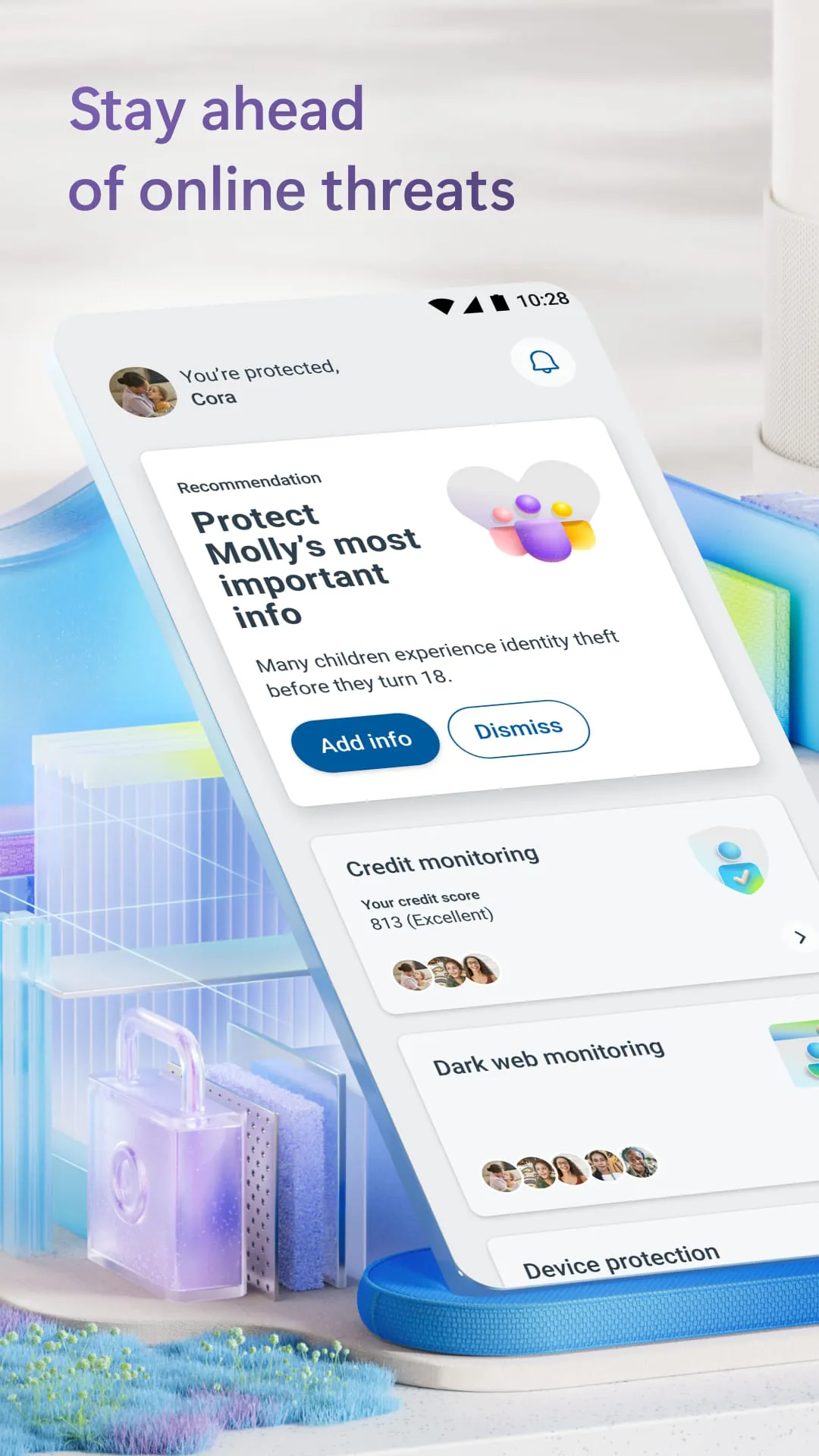
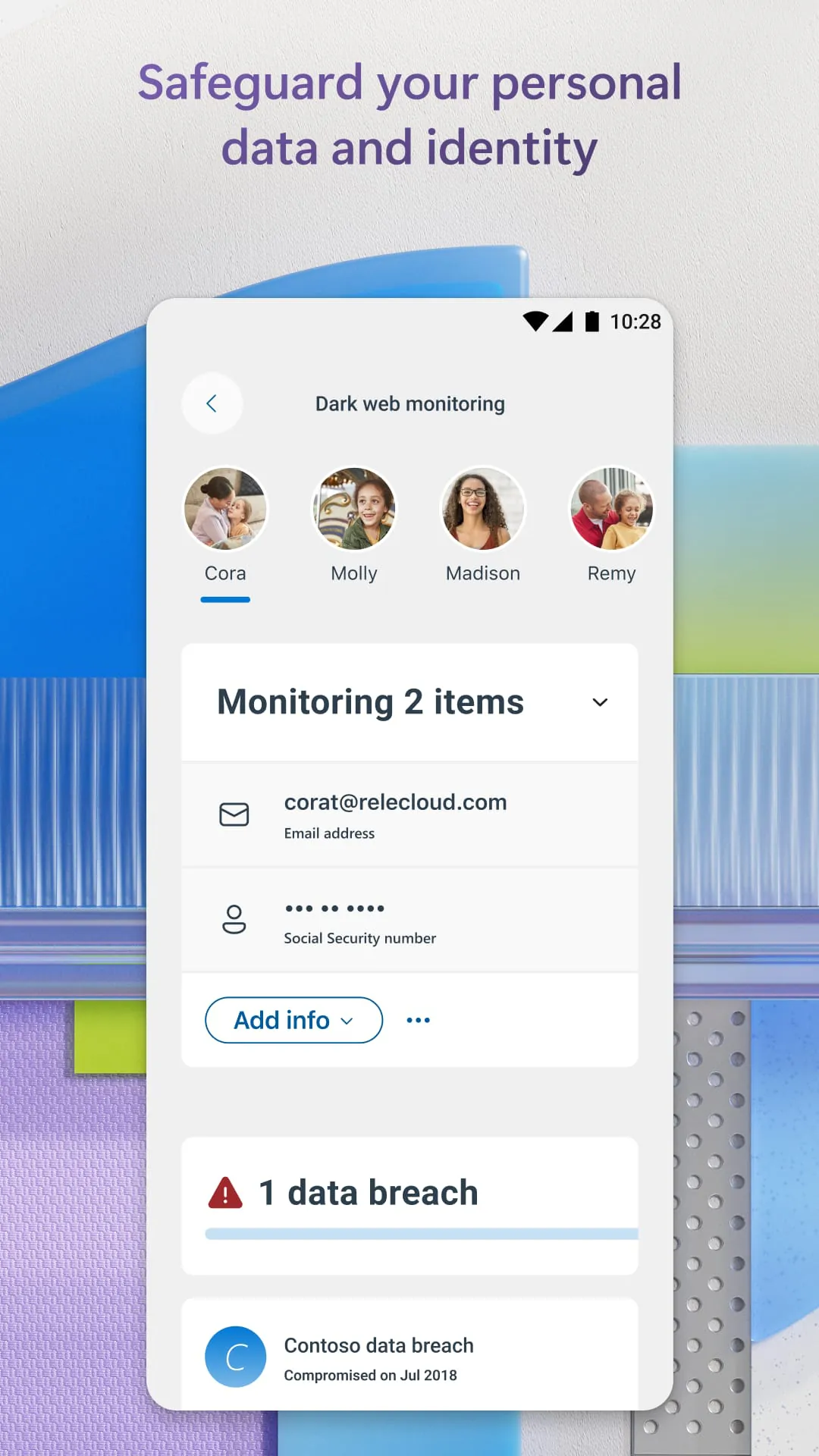
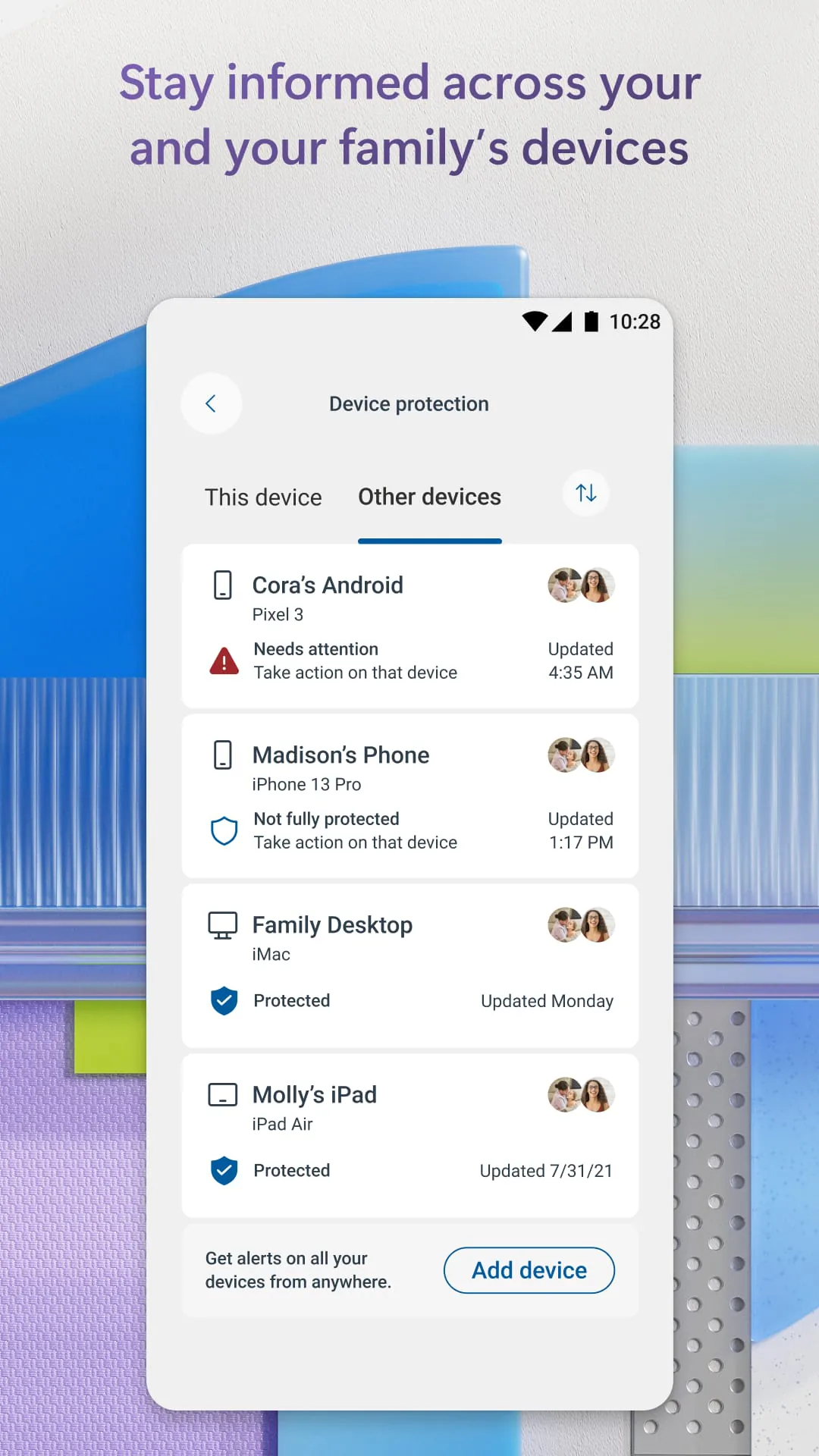
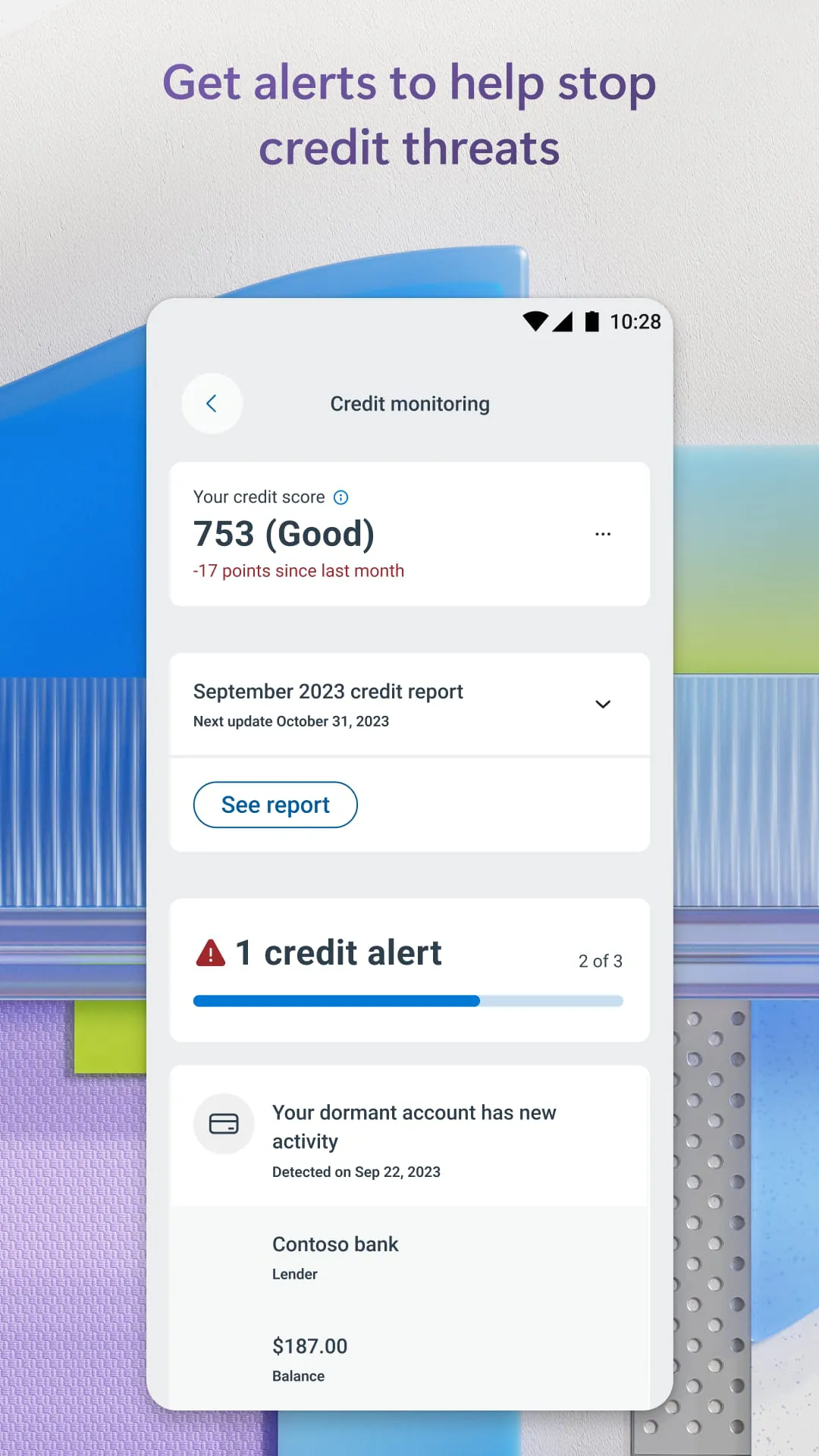
Microsoft Defender is positioned as a comprehensive online security application designed to safeguard digital lives for both personal and professional use. This all-in-one security solution is engineered to provide robust protection against a wide array of malicious threats, ensuring the safety of data and devices whether users are at home or on the move. A central feature of Microsoft Defender is its proactive threat prevention capability, which aims to identify and neutralize potential security risks before they can impact users and their families. This proactive approach is facilitated through continuous antivirus scanning, multi-device alerts, and expert guidance, all integrated into a user-friendly interface that simplifies online security management. Microsoft Defender is exclusively available as part of a Microsoft 365 Personal or Family subscription, highlighting its focus on individual and family-oriented security needs. The application serves as a centralized platform for managing security across multiple devices, providing users with a consolidated view of their security status and enabling them to take timely action against potential threats. One of the key benefits of Microsoft Defender is its ability to monitor the security status of family devices, offering peace of mind by ensuring that all connected devices are protected under a unified security umbrella. The application delivers timely threat alerts, push notifications, and security tips across all devices, keeping users informed and empowered to address potential security issues promptly. This multi-device support ensures that users receive consistent protection regardless of the type of device they are using, whether it's a desktop computer, laptop, tablet, or smartphone. The continuous scanning feature of Microsoft Defender plays a crucial role in protecting devices from both new and existing malware, spyware, and ransomware threats. By constantly monitoring devices for suspicious activity and known malware signatures, the application can quickly identify and neutralize potential threats before they can cause harm. In the event that a malicious application is detected, Microsoft Defender provides users with alerts across all their devices, along with recommended steps to uninstall and remove the threat. This proactive approach to malware protection helps to minimize the risk of infection and data loss, ensuring that users can safely use their devices without fear of compromising their security. Microsoft Defender also leverages accessibility services to automatically block malicious web pages accessed through links in SMS messages, messaging apps, browsers, and emails. This feature provides an additional layer of protection against phishing attacks and other web-based threats, helping to prevent users from inadvertently visiting dangerous websites that could compromise their security. The application's ability to seamlessly integrate with existing security measures on iOS and Windows devices further enhances its overall effectiveness. While Microsoft Defender does not replace existing malware protection on these platforms, it complements them by providing additional layers of security and threat detection capabilities. This comprehensive approach to security ensures that users receive the best possible protection against a wide range of online threats. The requirement of a Microsoft 365 Family or Personal subscription underscores the application's focus on providing security solutions for individuals and families. By bundling Microsoft Defender with its productivity suite, Microsoft aims to offer users a comprehensive package that addresses both their productivity and security needs. Overall, Microsoft Defender offers a robust and user-friendly solution for managing online security across multiple devices, providing proactive threat protection and peace of mind for individuals and families.
Microsoft Defender offers continuous antivirus scanning, which constantly monitors devices for malicious software and other threats. This proactive approach ensures that any new or existing malware, spyware, or ransomware threats are quickly detected and neutralized before they can cause significant damage. The application's multi-device alerting system keeps users informed about potential security risks across all their connected devices, providing timely notifications and security tips to help them take appropriate action. This centralized alerting system ensures that users are always aware of the security status of their devices and can respond quickly to any emerging threats. Expert guidance is also provided within the application, offering users clear and actionable advice on how to improve their security posture and protect themselves from online threats. This guidance is tailored to the specific needs of individual users and families, providing personalized recommendations based on their device usage and security preferences. By combining continuous scanning, multi-device alerts, and expert guidance, Microsoft Defender provides a comprehensive and proactive approach to online security. The application's seamless integration with existing security measures on iOS and Windows devices further enhances its effectiveness, providing users with a layered defense against a wide range of threats. Microsoft Defender for Endpoint, a related product, is described as an industry-leading cloud-powered endpoint security solution designed to protect all platforms from ransomware, fileless malware, and other advanced attacks. This highlights Microsoft's commitment to providing comprehensive security solutions for both individual users and enterprises. The reference to Microsoft Defender's use of accessibility services to automatically block malicious web pages accessed through links in various communication channels underscores its proactive approach to threat prevention. By blocking access to dangerous websites before users can even visit them, the application helps to prevent phishing attacks and other web-based threats. The requirement for users to sign in with a Microsoft account or a work/school email address (in the case of enterprise users) emphasizes the application's integration with Microsoft's ecosystem and its focus on providing secure access to online services and resources. Overall, Microsoft Defender is a comprehensive and versatile security solution that offers a range of features to protect users from online threats. Its proactive approach to threat prevention, multi-device support, and expert guidance make it an ideal choice for individuals and families looking to enhance their online security posture. The application's seamless integration with existing security measures and its ability to block malicious web pages further enhance its effectiveness, providing users with a layered defense against a wide range of threats.
Microsoft Defender simplifies online security by offering a single, easy-to-use application that protects users and their families from a variety of online threats. This all-in-one approach eliminates the need for multiple security solutions, streamlining the process of managing security across multiple devices. The application's user-friendly interface makes it easy for users of all skill levels to understand and manage their security settings. Microsoft Defender is available exclusively with a Microsoft 365 Personal or Family subscription, highlighting its focus on providing security solutions for individuals and families. This bundling strategy allows Microsoft to offer a comprehensive package that addresses both productivity and security needs. The application enables users to manage their security in one central location, providing a consolidated view of their security status and enabling them to take timely action against potential threats. This centralized management capability simplifies the process of monitoring and maintaining security across multiple devices. Microsoft Defender allows users to check the security status of family devices, ensuring that all connected devices are protected under a unified security umbrella. This feature provides peace of mind for parents and guardians, who can rest assured that their family members are protected from online threats. The application provides timely threat alerts, push notifications, and security tips across all devices, keeping users informed and empowered to address potential security issues promptly. This multi-device support ensures that users receive consistent protection regardless of the type of device they are using. Microsoft Defender protects devices from new and existing malware, spyware, and ransomware threats through continuous scanning. This proactive approach ensures that potential threats are quickly detected and neutralized before they can cause significant damage. In the event that a malicious application is detected, Microsoft Defender provides users with alerts across all their devices, along with recommended steps to uninstall and remove the threat. This helps to minimize the risk of infection and data loss. Microsoft Defender for Endpoint is a cloud-powered endpoint security solution designed to protect all platforms from ransomware, fileless malware, and other advanced attacks. This highlights Microsoft's commitment to providing comprehensive security solutions for both individual users and enterprises. Microsoft Defender uses accessibility services to automatically block malicious web pages accessed through links in various communication channels, providing an additional layer of protection against phishing attacks and other web-based threats. The application integrates seamlessly with existing security measures on iOS and Windows devices, complementing these measures by providing additional layers of security and threat detection capabilities. Overall, Microsoft Defender is a comprehensive and user-friendly security solution that offers a range of features to protect users from online threats. Its proactive approach to threat prevention, multi-device support, and centralized management capabilities make it an ideal choice for individuals and families looking to enhance their online security posture.





 APK
APK  Google Play
  iOS
iOS  4.40
4.40