




Microsoft Loop Microsoft Loop
Category
BusinessTag
team collaboration | Task Management | Microsoft Loop | Co-creation | Microsoft 365
Rate
2.80
★★★★★
Reviews
500 +
Installs
500k +
Developer
Unknown
Content Rating
Everyone
Think, plan & create together
 APK
APK  Google Play
  iOS
iOS  2.80
2.80 Author's Review
Appspicked Review
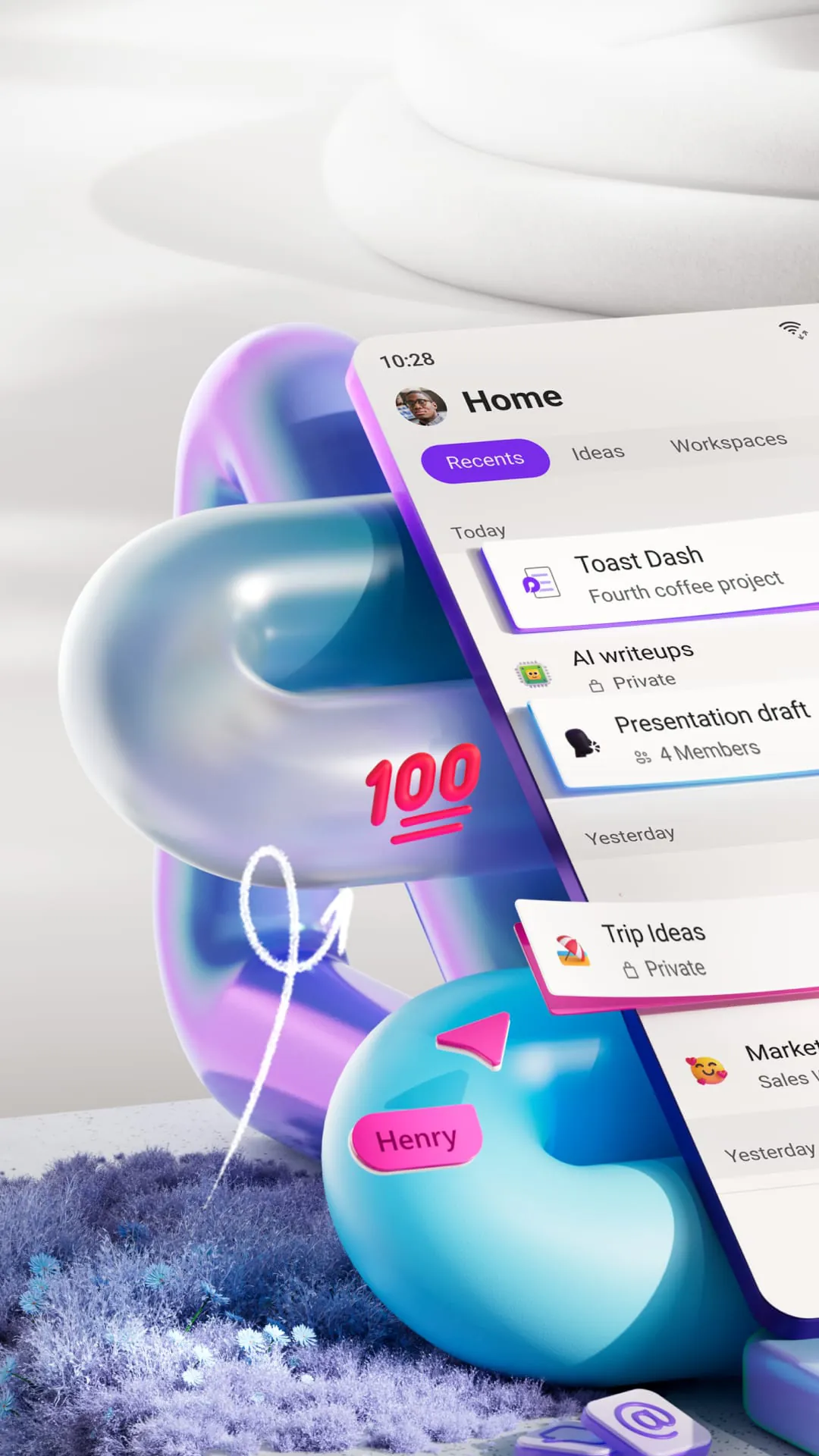
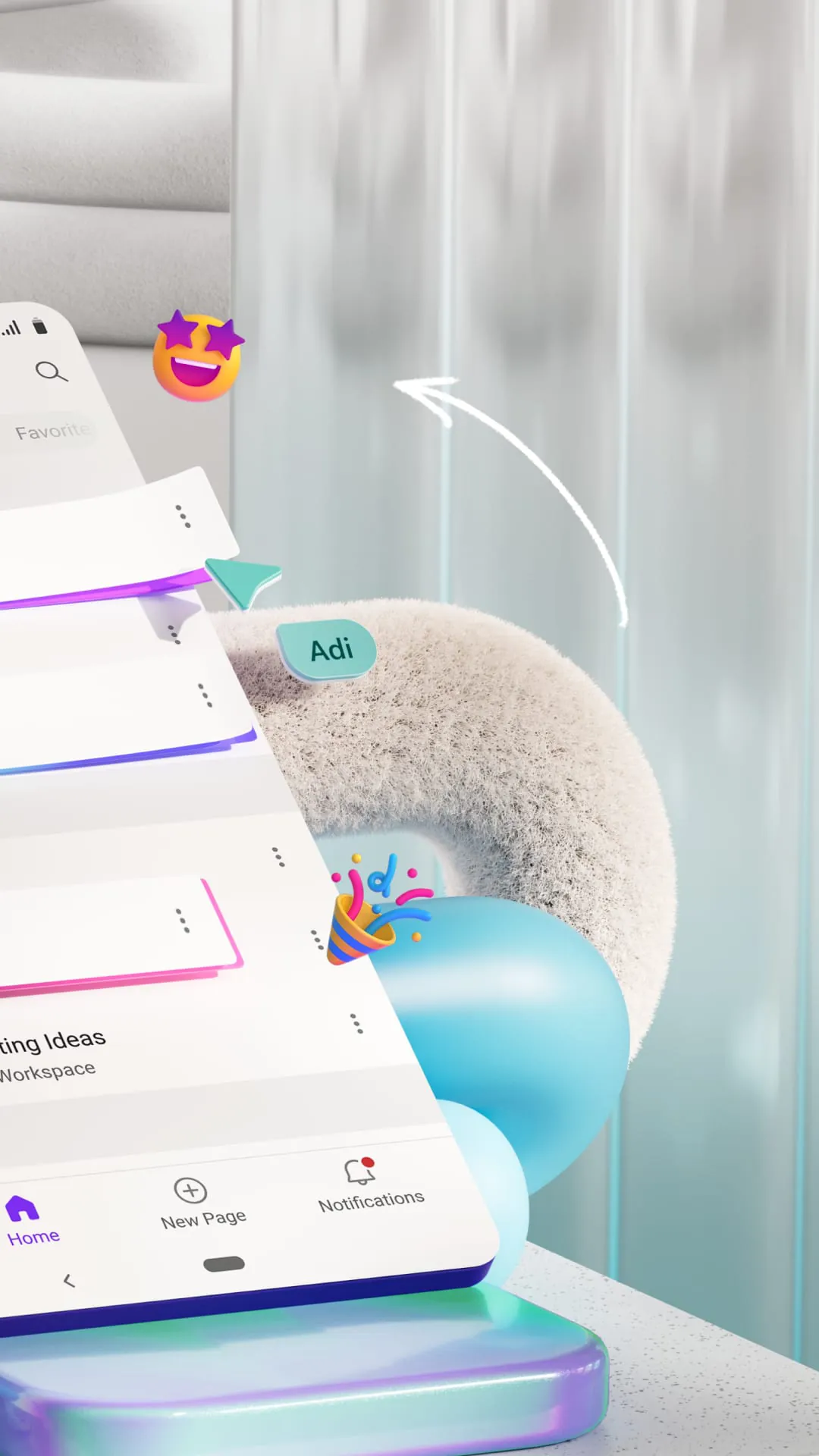
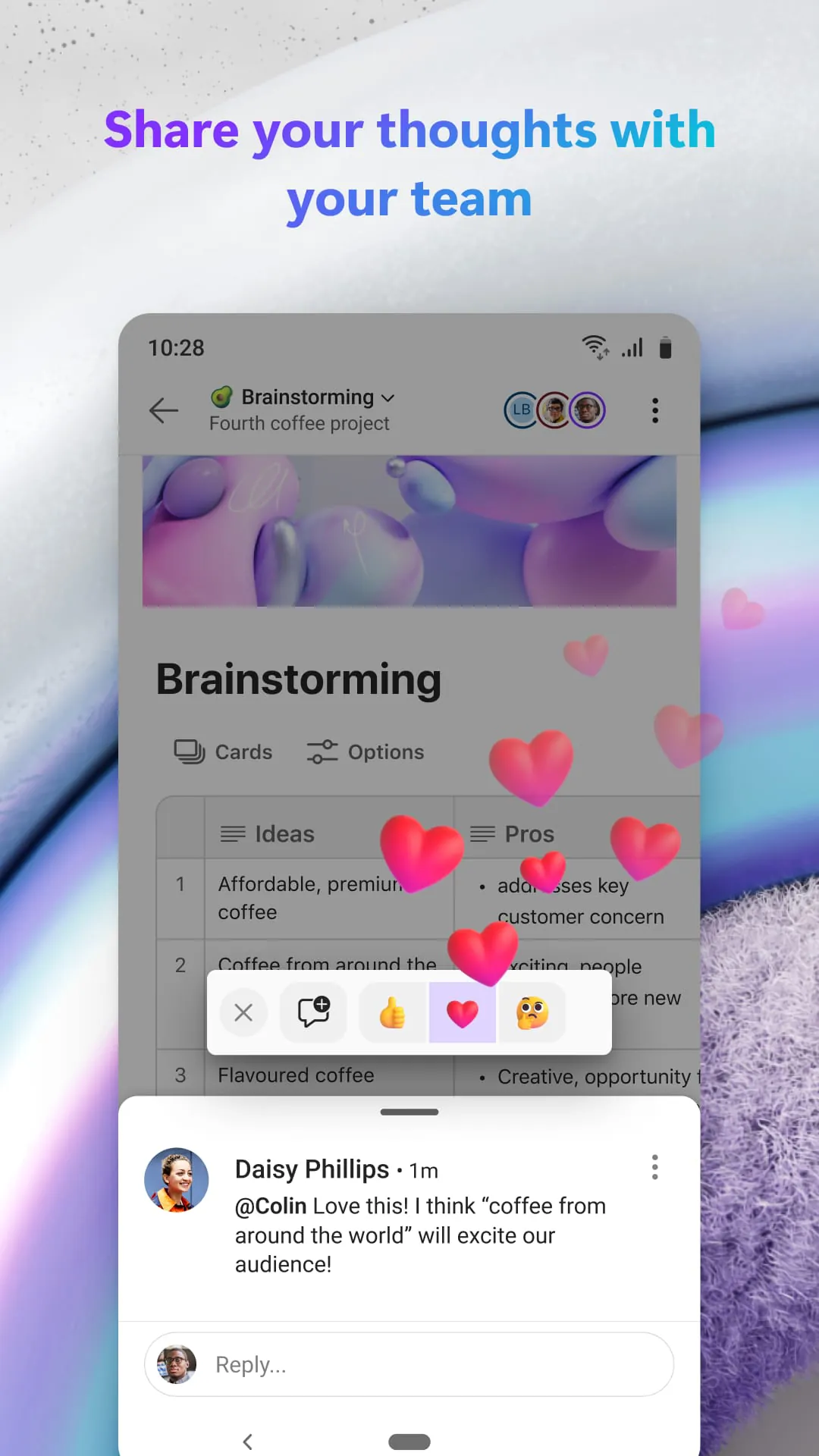
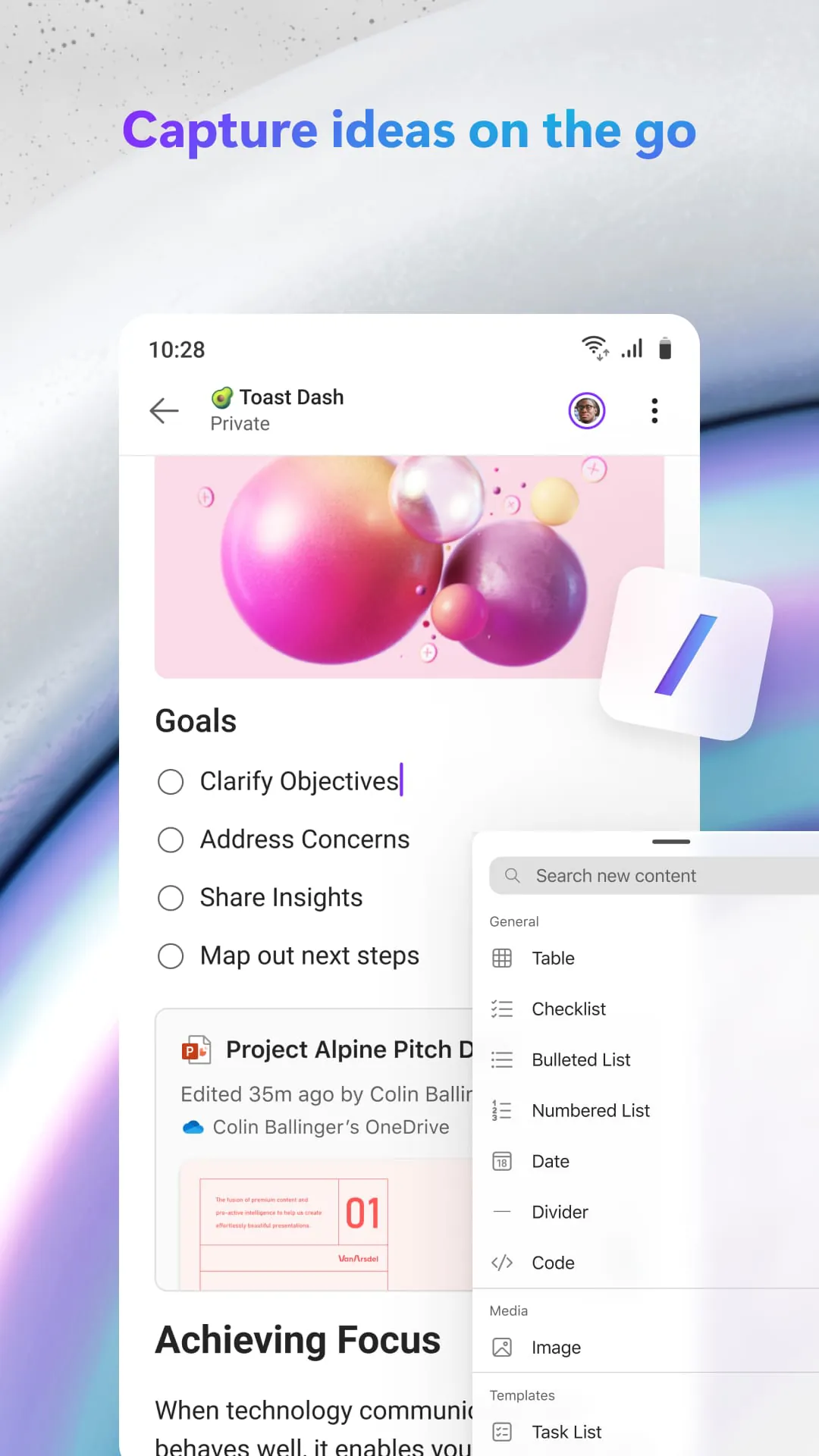
Microsoft Loop is presented as a transformative co-creation experience designed to unify teams, content, and tasks across various tools and devices, tailoring itself to the user's workflow to facilitate thinking, planning, and collaborative creation. This application allows users to capture ideas by creating task lists, incorporating photos, and expressing thoughts within Loop pages, fostering an environment of dynamic input and visual augmentation. It centralizes project content into a Loop workspace, enhancing team focus on critical tasks and streamlining collaborative efforts by consolidating all necessary resources in one accessible location. Real-time collaboration is supported through commenting and reacting features within the app, enabling quick and efficient communication on the go. Furthermore, the notification system is designed to minimize distractions by delivering only pertinent alerts, allowing users to promptly address what requires the most immediate attention. The ability to edit and share Loop components across the Microsoft 365 ecosystem ensures that team members remain synchronized and operate from a unified information base, regardless of their location or device. The initial step involves downloading the Loop application and logging in using a Microsoft Account or an account provided by the user's workplace or educational institution. The application's architecture is geared towards enhancing productivity and ensuring seamless integration with existing Microsoft services, making it an invaluable tool for modern collaborative work environments. This seamless integration is crucial because it reduces the friction often associated with using multiple applications for different aspects of a project. By centralizing these functions, Microsoft Loop streamlines the workflow, allowing teams to focus on the creative and strategic aspects of their work rather than spending time navigating between disparate platforms. Additionally, the emphasis on real-time collaboration ensures that everyone is always on the same page, reducing the likelihood of misunderstandings and errors. The notification system is particularly beneficial, as it helps users stay informed without being overwhelmed by irrelevant information. This targeted approach to notifications ensures that users can prioritize their tasks effectively and respond quickly to critical issues. Ultimately, Microsoft Loop aims to create a more efficient, collaborative, and productive work environment by bringing together the tools and resources that teams need in a single, user-friendly application. The design philosophy behind Loop reflects a deep understanding of the challenges faced by modern teams, and its features are carefully crafted to address these challenges in a practical and effective manner. The result is a powerful tool that can help teams achieve their goals more quickly and efficiently, while also fostering a more collaborative and engaging work environment. The application also supports various forms of content integration, allowing users to embed documents, spreadsheets, and other types of files directly into Loop pages. This makes it easy to share and collaborate on complex projects without having to switch between different applications or platforms. The commenting and reacting features are also highly customizable, allowing users to tailor the level of feedback and interaction to their specific needs. This flexibility is essential for supporting a wide range of collaborative styles and preferences. In summary, Microsoft Loop is a comprehensive co-creation platform that offers a wide range of features and capabilities designed to enhance team collaboration and productivity. Its seamless integration with the Microsoft 365 ecosystem, real-time collaboration tools, and customizable notification system make it an invaluable tool for modern teams.
The application's terms and conditions are governed by either Microsoft or a third-party app publisher, with a separate privacy statement applicable depending on the provider. Data generated through the use of the store and the app may be accessible to Microsoft or the third-party app publisher, and this data may be transferred, stored, and processed in the United States or any other country where Microsoft or its affiliates, service providers, or the app publisher maintain facilities. Users are directed to review the End User License Terms for Microsoft Loop, and installation of the app signifies agreement to these terms and conditions. This legal framework is essential to understand because it outlines the responsibilities and rights of both the user and the provider, ensuring transparency and accountability. The data privacy aspect is particularly important in today's digital landscape, where concerns about data security and usage are paramount. By clearly stating that data may be accessed and processed in various locations, the terms and conditions provide users with the information they need to make informed decisions about their use of the app. The reference to the End User License Terms (EULT) further reinforces the importance of understanding the legal obligations associated with using the application. These terms typically cover a wide range of topics, including usage restrictions, liability limitations, and intellectual property rights. By agreeing to these terms, users acknowledge that they have read and understood their rights and responsibilities. The fact that the app may be provided by either Microsoft or a third-party publisher adds another layer of complexity to the legal framework. In cases where a third-party is involved, users may need to review additional privacy statements and terms and conditions specific to that publisher. This underscores the importance of carefully reading and understanding all relevant legal documents before installing and using the app. The potential for data to be transferred, stored, and processed in different countries also raises important considerations about international data privacy laws. Depending on the user's location, these laws may provide additional protections and rights with respect to their personal data. Therefore, users should be aware of the data privacy laws that apply to them and how these laws may affect their use of the app. Overall, the legal framework governing Microsoft Loop is designed to protect both the user and the provider, while also ensuring transparency and accountability. By clearly outlining the rights and responsibilities of each party, the terms and conditions help to foster a trusted and reliable user experience. This is especially important in a collaborative environment, where users need to be confident that their data is being handled securely and responsibly. The emphasis on data privacy and security reflects the growing awareness of these issues in the digital age, and the commitment to providing users with the information they need to make informed decisions about their use of the app. In summary, the legal framework governing Microsoft Loop is a comprehensive and well-defined set of terms and conditions that are designed to protect both the user and the provider. By carefully reviewing and understanding these terms, users can ensure that they are using the app in a responsible and compliant manner.
Microsoft Loop is positioned as a tool that revolutionizes how teams collaborate by integrating content, tasks, and communication across devices, thereby optimizing the co-creation process. It facilitates the capture of ideas through various means, such as task lists and image integration, directly within Loop pages, promoting a dynamic and visually enriched environment for brainstorming. The centralization of project content within a Loop workspace ensures that teams remain focused on essential objectives, streamlining their collaborative endeavors. Real-time interaction is enabled through features like commenting and reacting, which facilitate swift and efficient communication regardless of the user's location. Furthermore, the notification system is designed to minimize distractions by delivering only relevant alerts, allowing users to promptly address critical tasks. The capability to edit and share Loop components throughout the Microsoft 365 ecosystem guarantees that all team members are synchronized and operate from a consistent information base, irrespective of their device or location. To begin using Loop, users are required to download the application and log in using either a Microsoft Account or an account provided by their organization or educational institution. The app's framework is designed to augment productivity and seamlessly integrate with existing Microsoft services, making it an indispensable asset for contemporary collaborative work environments. The legal parameters of the application are dictated either by Microsoft or a third-party app publisher, contingent upon the provider, with distinct privacy statements applicable accordingly. Data generated through the usage of the store and the app may be accessible to Microsoft or the third-party publisher, and this data may be transferred, stored, and processed in the United States or any other country where Microsoft, its affiliates, service providers, or the app publisher maintain operational facilities. Users are advised to consult the End User License Terms for Microsoft Loop, and the act of installing the app implies consent to these terms and conditions. The emphasis on seamless integration within the Microsoft 365 ecosystem is a strategic move to leverage the existing user base and infrastructure. By integrating Loop with other Microsoft applications, users can easily access and share content across different platforms, creating a more unified and efficient workflow. The real-time collaboration features are also crucial for promoting teamwork and ensuring that everyone is on the same page. By allowing users to comment and react to each other's work, Loop fosters a sense of shared ownership and accountability, which can lead to more creative and effective solutions. The notification system is designed to be intelligent and adaptive, learning from the user's behavior to deliver only the most relevant alerts. This helps to minimize distractions and allows users to focus on the tasks that are most important. The legal aspects of the application are also carefully considered, with clear and transparent terms and conditions that outline the rights and responsibilities of both the user and the provider. This helps to build trust and ensure that users feel confident in using the app. Overall, Microsoft Loop is a well-designed and comprehensive co-creation platform that offers a wide range of features and capabilities designed to enhance team collaboration and productivity. Its seamless integration with the Microsoft 365 ecosystem, real-time collaboration tools, and intelligent notification system make it an invaluable tool for modern teams. The application's legal framework is also carefully considered, with clear and transparent terms and conditions that outline the rights and responsibilities of both the user and the provider.
Screenshots
 Download
 Additional Information
Category
BusinessVersion
Unknown
Tag
team collaboration | Task Management | Microsoft Loop | Co-creation | Microsoft 365
Rate
2.80
★★★★★
Reviews
500 +
Installs
500k +
Developer
Unknown
Content Rating
Everyone
Think, plan & create together
Previous Versions
ZIP files require a Split APKs Installer (e.g., SAI) from Google Play to install. Steps: 1. Download SAI from Google Play; 2. Open SAI and tap "Install APKs"; 3. Select the ZIP file; 4. Complete installation.
You Might Like









