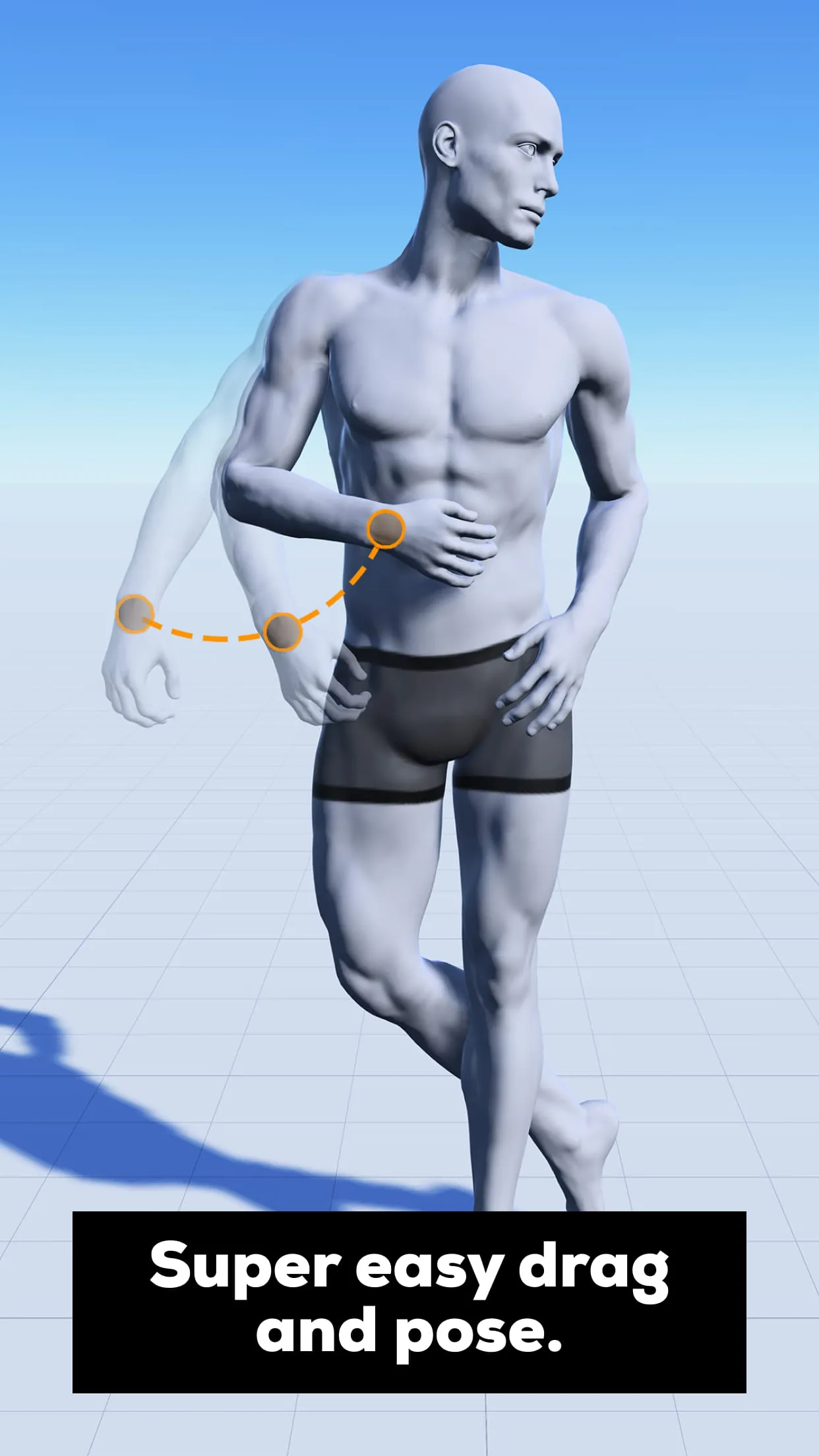
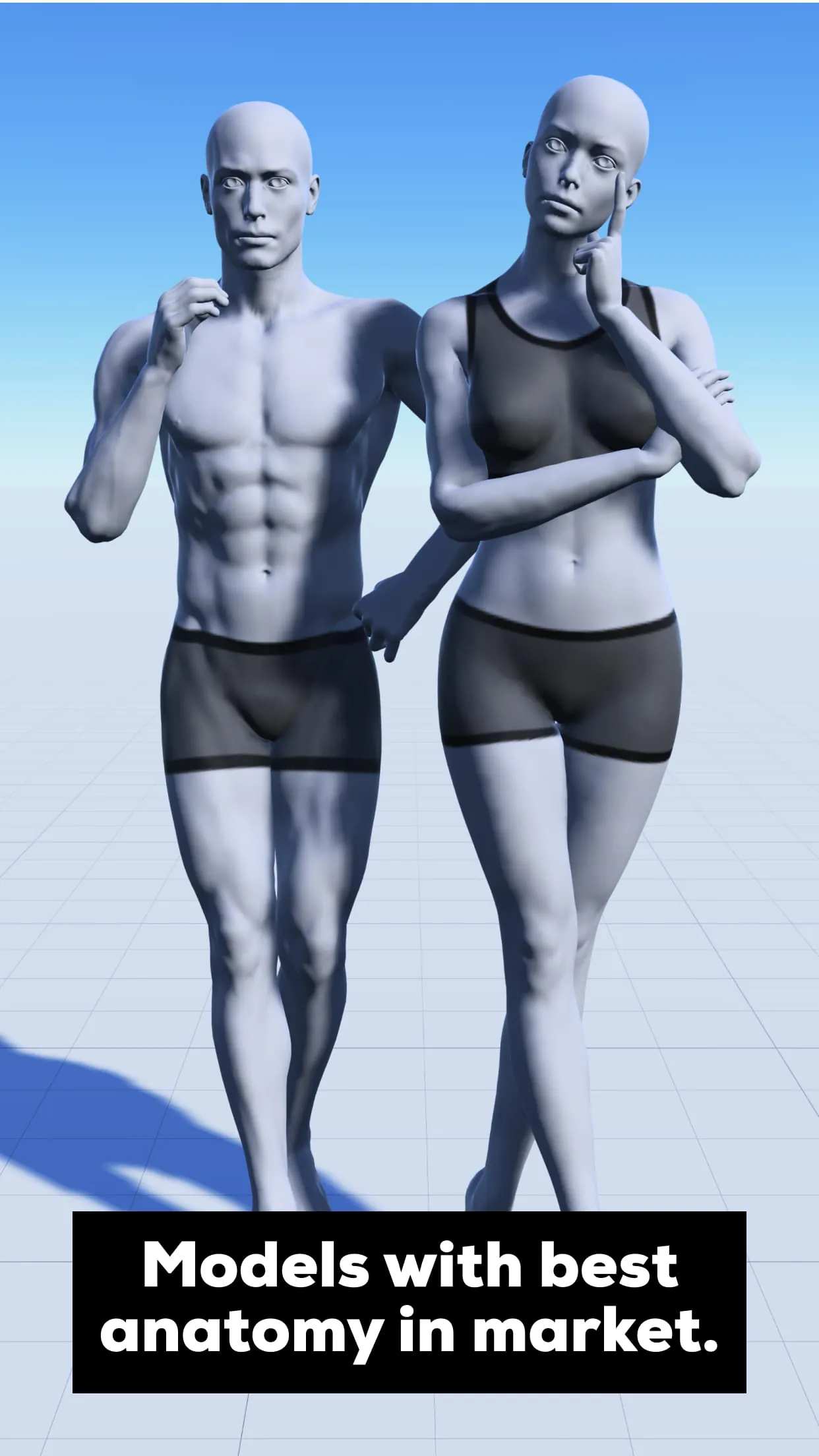
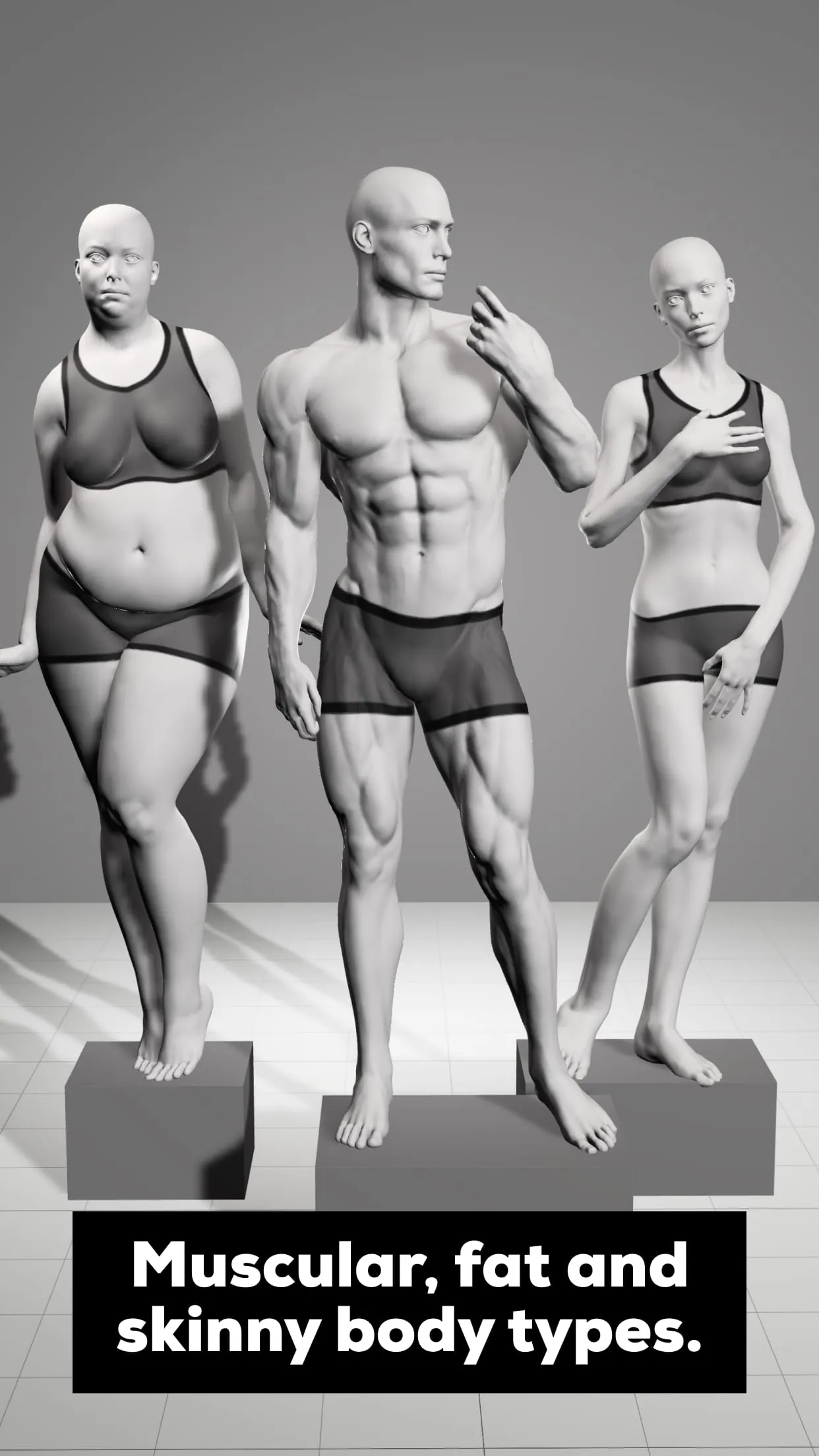
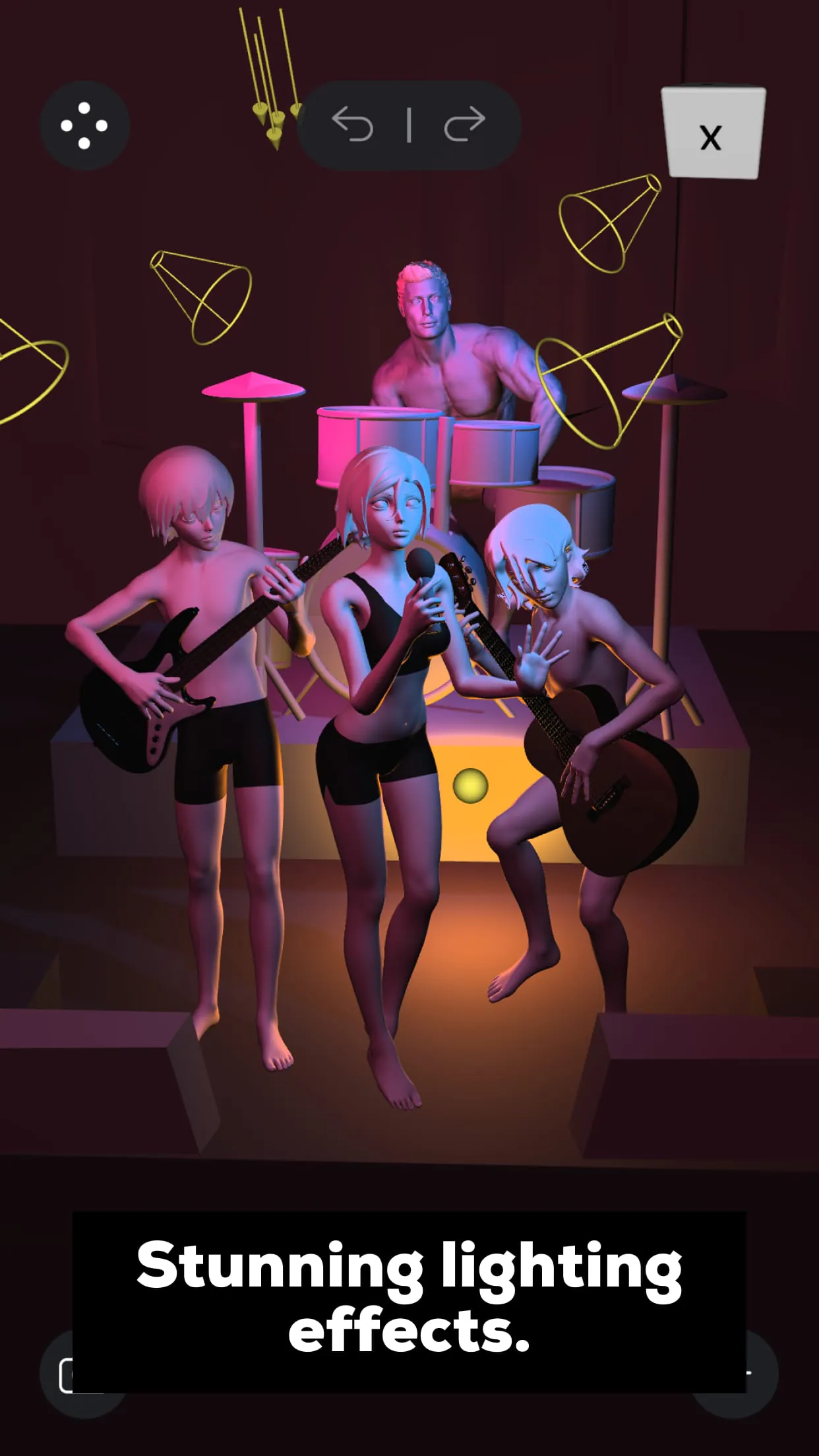
Magic Poser is a powerful 3D posing and figure reference application designed primarily for artists, illustrators, and character designers, allowing users to create and manipulate highly customizable human models in a virtual three-dimensional space to achieve the perfect pose for their artwork, serving as an invaluable digital mannequin tool that eliminates the need for physical references or model photoshoots.
Key Features
The application stands out with its robust and intuitive feature set tailored for artistic workflows.
- It offers a vast library of base human models with adjustable proportions, from average to heroic scales.
- The inverse kinematics (IK) system allows for natural and easy posing by dragging limbs, which automatically adjust connected joints.
- Users can import custom 3D model backgrounds and props to compose entire scenes.
- Multiple figures can be added to a single scene to create interaction and dynamic group compositions.
- It includes versatile lighting controls with adjustable color, intensity, and direction to study shadows and form.
- The app provides a perspective grid and various camera angle locks to help artists understand foreshortening and complex angles.
Pros & Cons
Like any specialized tool, Magic Poser has its distinct strengths and some limitations depending on the user's needs.
- Pros: The intuitive touch controls make posing feel direct and responsive. The ability to save and export poses as images or 3D files is incredibly useful for building a personal reference library. It significantly accelerates the sketching phase by solving anatomical and perspective challenges upfront.
- Cons: Some advanced features, like certain model types or asset imports, are locked behind a subscription paywall. The free version may have limitations on the number of saved poses or scenes. There can be a learning curve to mastering the IK system for extremely nuanced or unnatural poses.
Functions
The core functionality of Magic Poser revolves around providing a dynamic and malleable reference system.
- It functions as a poseable mannequin, enabling artists to block out character stances, action shots, or quiet moments with precise control over every joint.
- It acts as a lighting study tool, allowing users to set up virtual stage lighting to see how light falls on a form from any angle.
- The app serves as a composition assistant, where multiple figures and cameras can be arranged to find the most dynamic or clear shot for a narrative illustration.
- It also operates as a learning tool for human anatomy and perspective, helping artists visualize the structure underneath the pose.
How to Use
Click the button "Check All Versions" below to download and install it. Once the app is installed, begin by selecting a base human model from the library. Use one finger to rotate the entire figure in 3D space and two fingers to pan and zoom the camera. Tap on a specific body part, such as a hand or foot, and drag it to pose the figure using the inverse kinematics system; the connected limbs will adjust realistically. Utilize the menu to add more figures, change the background environment, or adjust the lighting settings. Finally, use the camera tools to frame the perfect shot and export the image to your device for use as a reference in your preferred drawing or painting software.





 APK
APK  Google Play
  iOS
iOS  2.40
2.40