LEGO Builder is an official digital building application that brings the immersive and creative experience of physical LEGO construction to your smartphone, tablet, or computer, allowing users to follow step-by-step 3D interactive instructions for a wide range of LEGO sets.
Key Features
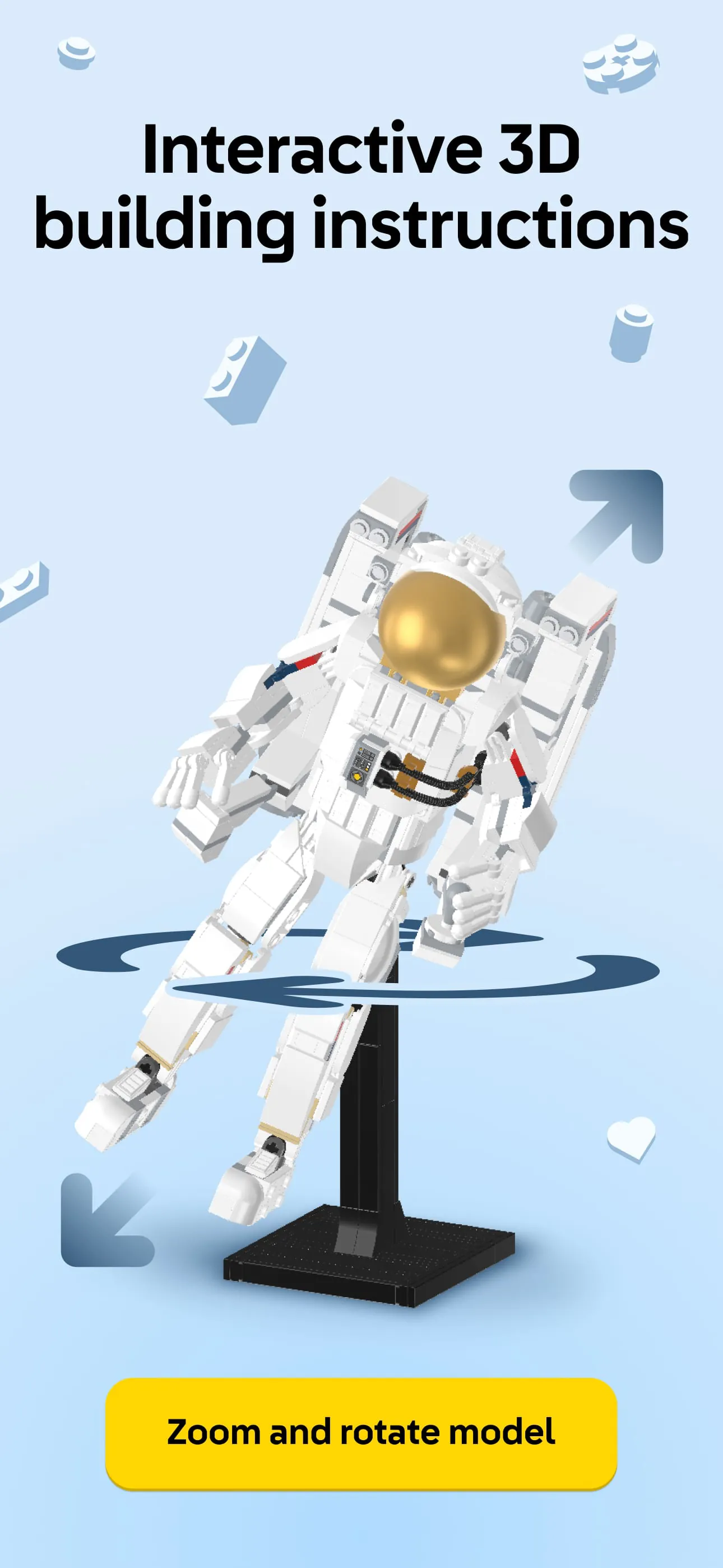
The application stands out with its intuitive and feature-rich platform designed for builders of all ages. It provides a fully rotational 3D viewing mode, enabling you to zoom in and examine models from any angle with a simple touch. A unique ghost mode offers transparency to see where the next pieces belong, and the progress tracker visually highlights which steps you have completed. Furthermore, it includes a comprehensive digital inventory of your owned sets and allows you to manually add sets that may not have official digital instructions.
Pros & Cons
Like any application, LEGO Builder has its distinct advantages and some limitations.
- Portability and convenience, replacing bulky paper manuals.
- Highly interactive and intuitive 3D instructions that are often easier to follow than static diagrams.
- Official and regularly updated content from LEGO.
- Reduces the risk of losing building instructions.
However, some considerations include:
- Requires a compatible device and sufficient storage space for larger sets.
- Not all historical LEGO sets have available digital instructions.
- The experience is entirely screen-based, which some traditional builders may not prefer.
Functions
The app serves multiple core functions to support the building journey from start to finish.
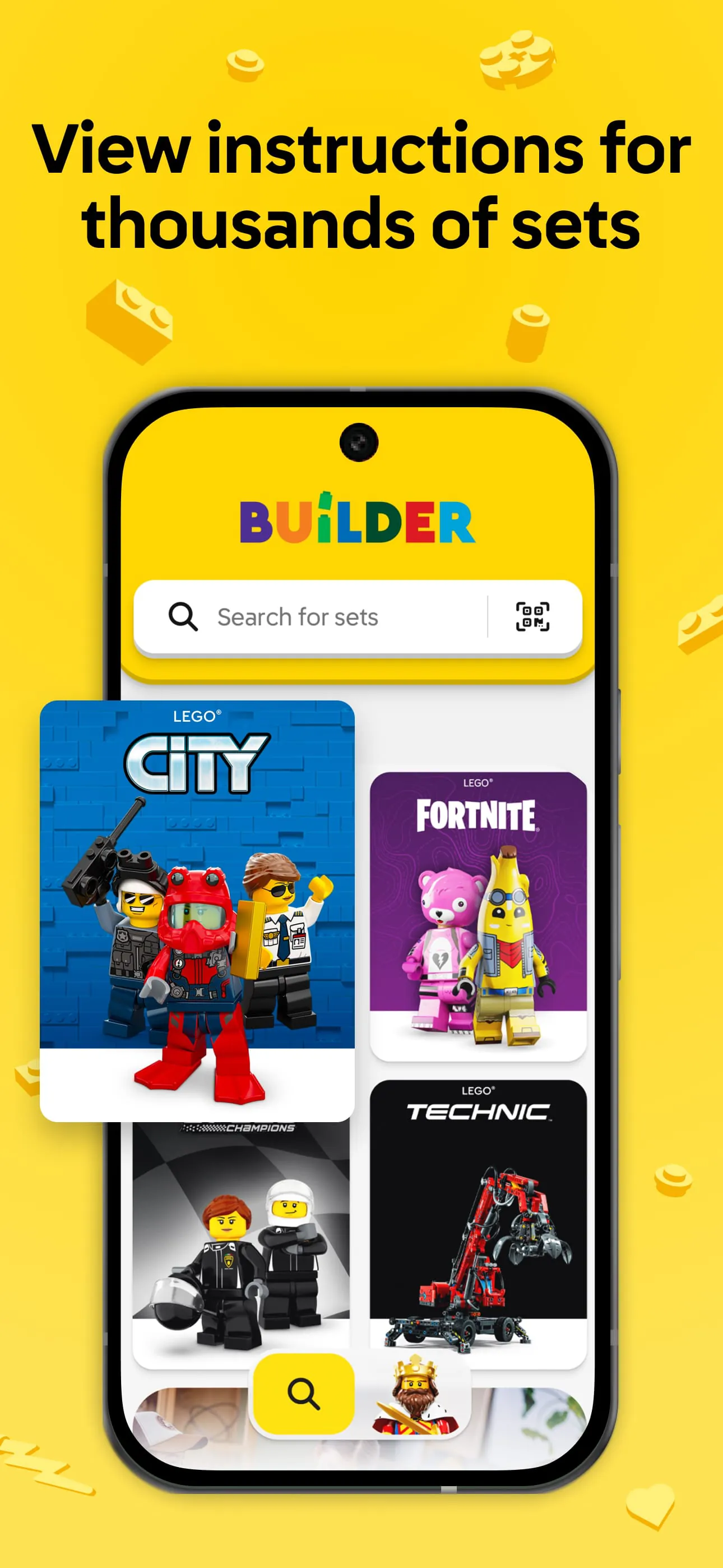
- Instruction Hub: Access and download official step-by-step guides for numerous sets.
- 3D Model Viewer: Manipulate the on-screen model with pinch-to-zoom and rotation gestures.
- Set Management: Create a personal collection by scanning set box codes or searching the database.
- Building Tools: Use features like ghost view, step tracking, and piece highlighting to simplify complex steps.
- Progress Saving: Automatically save your place, allowing you to resume building anytime.
How to Use
Click the button "Check All Versions" below to download and install it. Once installed, open the app and create or sign in to your LEGO account to sync your collection. You can browse instructions by searching for a specific set number or name, or by scanning the QR code on the physical set's manual. After selecting a set, download the instructions to your device. Begin building by following the on-screen steps, using your fingers to rotate the model for a better view, and utilize the ghost mode for tricky sections. The app will automatically save your progress as you complete each step.




 APK
APK  Google Play
  iOS
iOS  4.80
4.80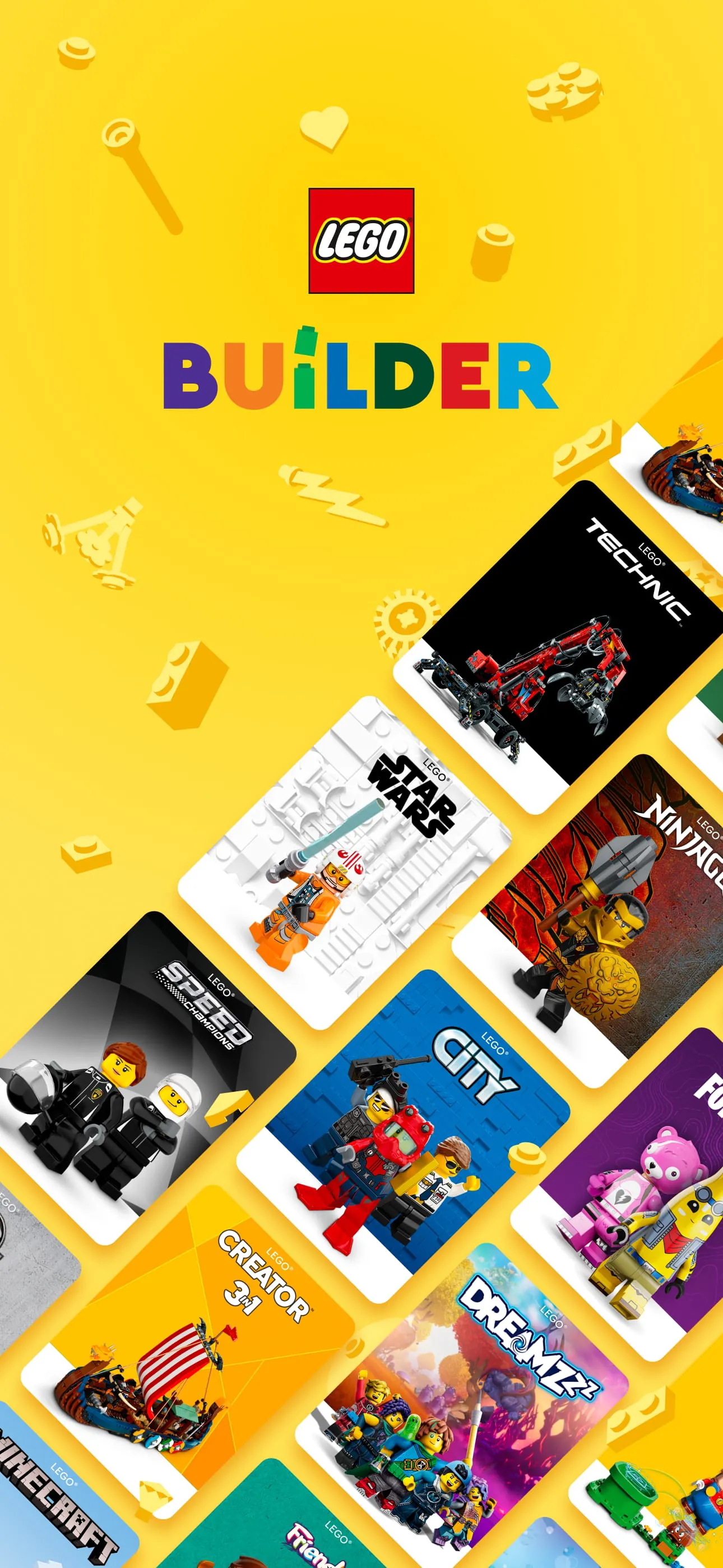
 Download








