LastPass is a password manager that securely stores your passwords and personal information in an encrypted vault. With LastPass, you can store passwords and logins, create online shopping profiles, generate strong passwords, track personal information in notes, and more. All you need to remember is your LastPass master password, and LastPass will autofill web browser and app logins for you. LastPass is available for free on one device type (Computer or Mobile), with unlimited device type access available with LastPass Premium or Families.
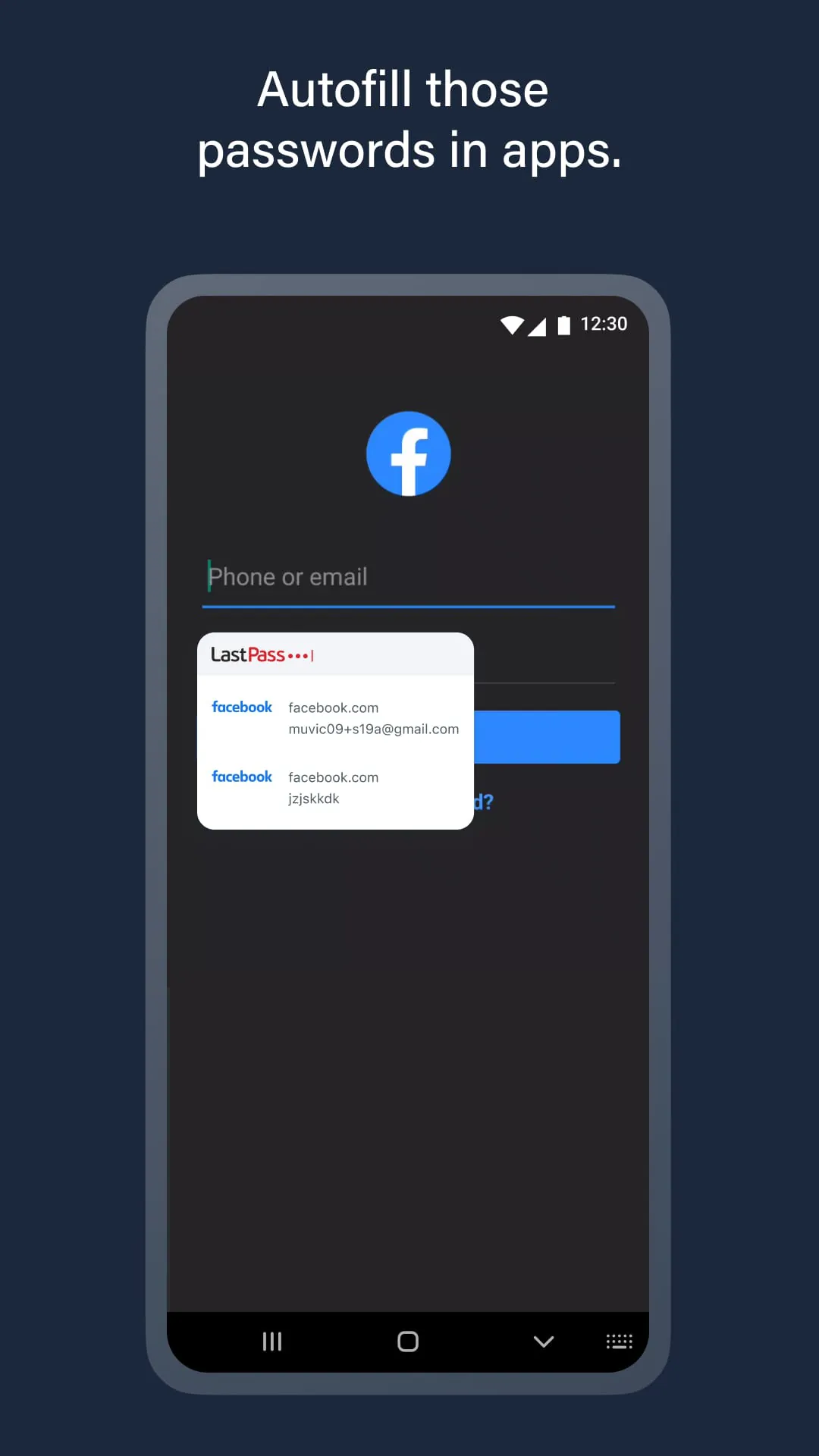
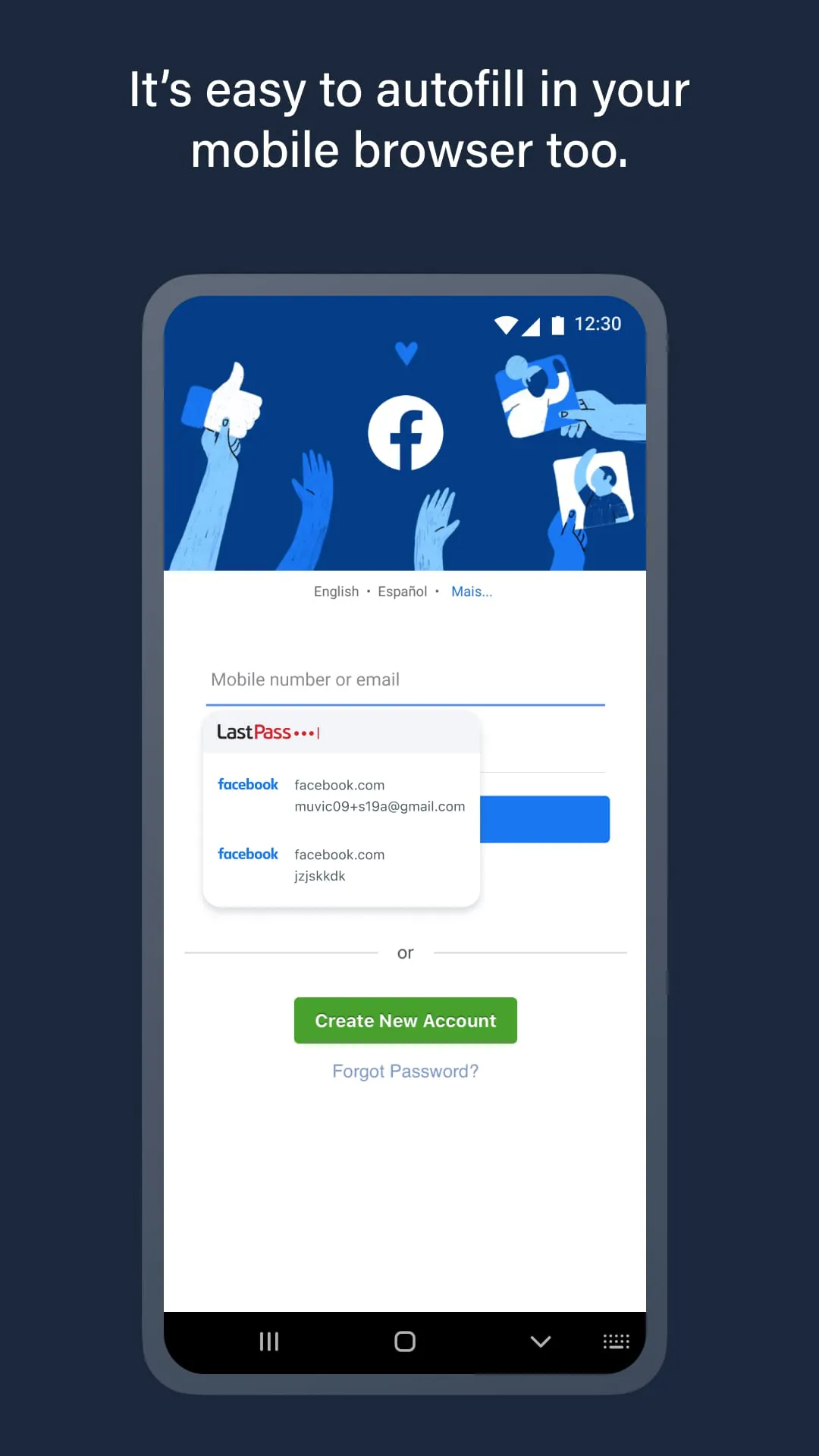
LastPass offers a range of features to keep your online information safe and secure. You can store usernames and passwords for all of your online accounts securely in your LastPass encrypted vault. For Android Oreo and future OS releases, LastPass will automatically save usernames and passwords to the vault as you visit each site and app. Passwords will automatically fill in for you as you visit sites and apps, so you never need to remember them again. With automatic device sync, anything you save on one device is instantly available on other devices.
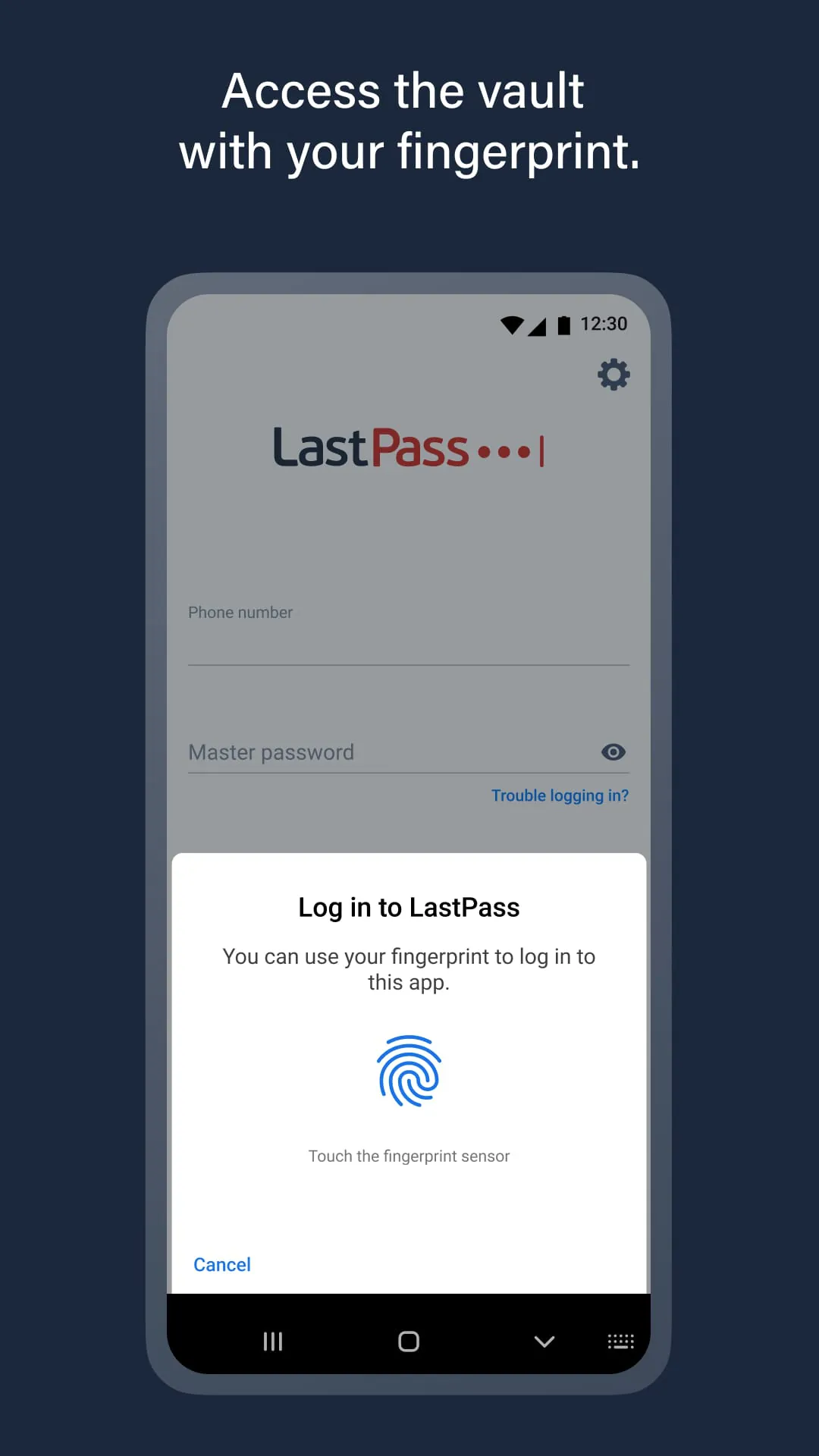
LastPass also allows you to securely store information like credit card numbers and health insurance cards in the encrypted vault. You can log in with your fingerprint for simple, secure access to everything in LastPass. You can safely and conveniently share passwords with others, such as the cable login or WiFi password. LastPass also offers multi-factor authentication to add a second layer of protection on your account. LastPass never has the key to your encrypted data, so your information is available to you, and only you. Your vault is encrypted with bank-level, AES 256-bit encryption.
LastPass Premium offers additional features such as unlimited device type access, unlimited sharing of passwords, items and notes, 1GB encrypted file storage, premium multi-factor authentication like YubiKey, personal support, and desktop fingerprint authentication. Download LastPass today for simple, secure access to your passwords!





 APK
APK  Google Play
  iOS
iOS  3.60
3.60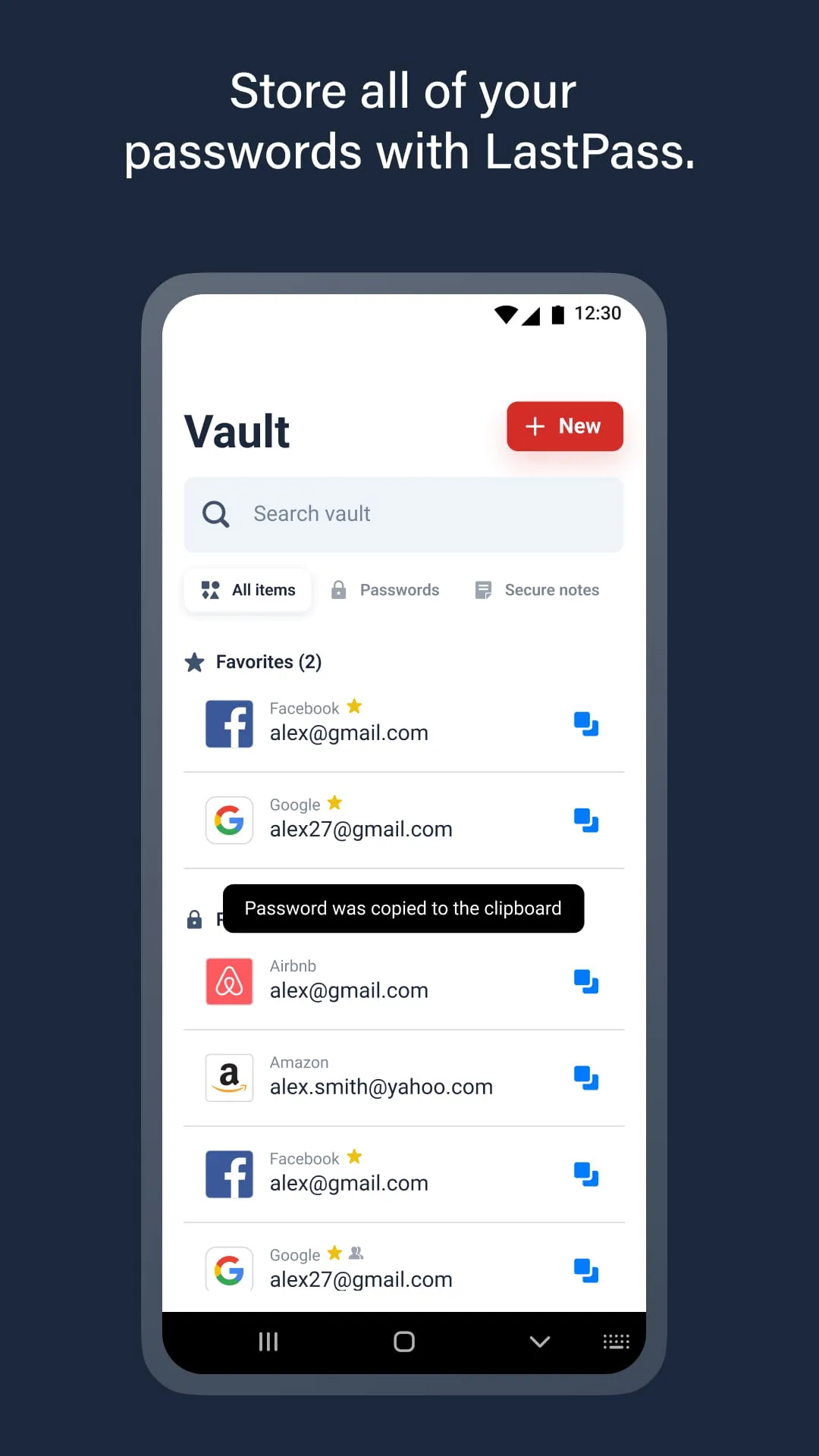
 Download








