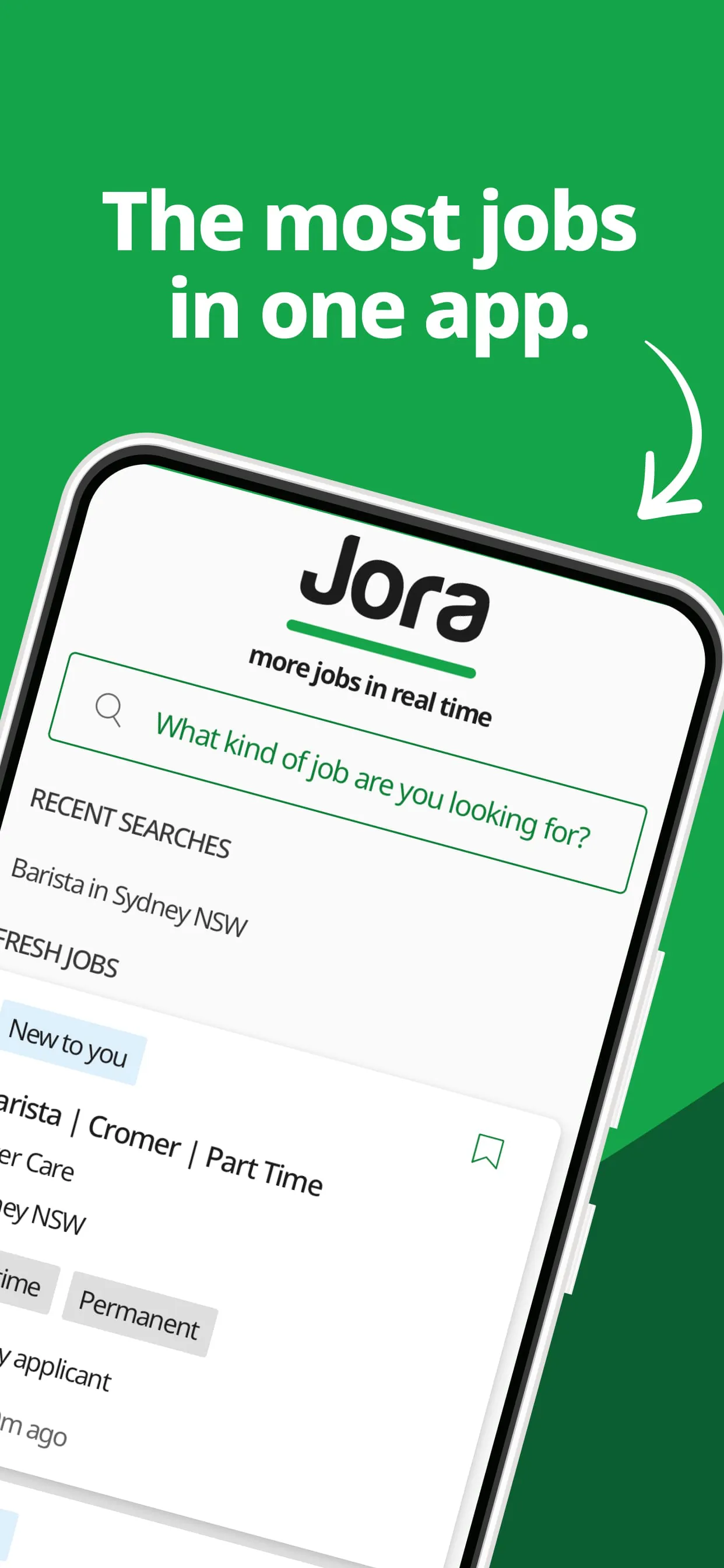
Jora Jobs is a specialized mobile application designed to streamline the job search process, connecting job seekers directly with a wide array of employment opportunities from various industries and companies in an efficient and user-friendly digital environment.
Key Features
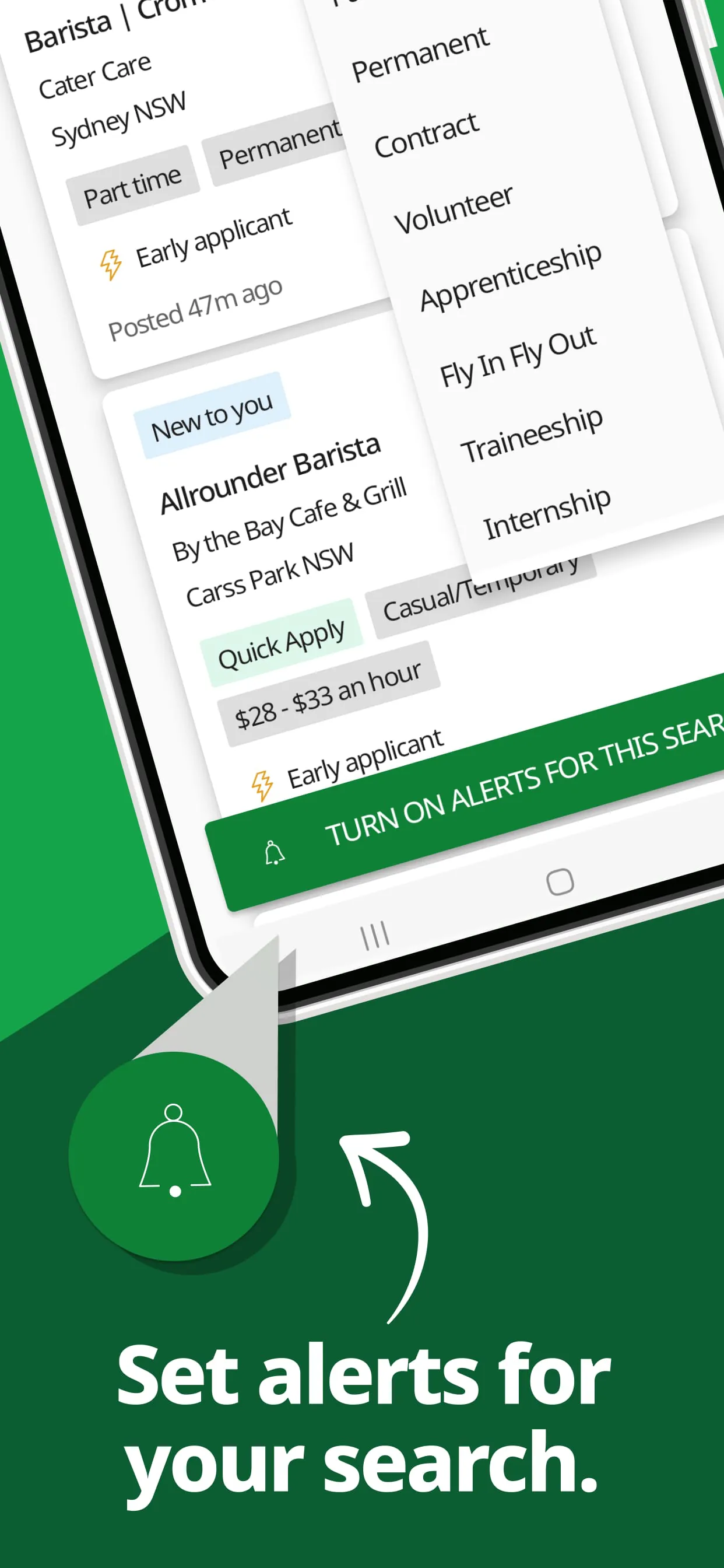
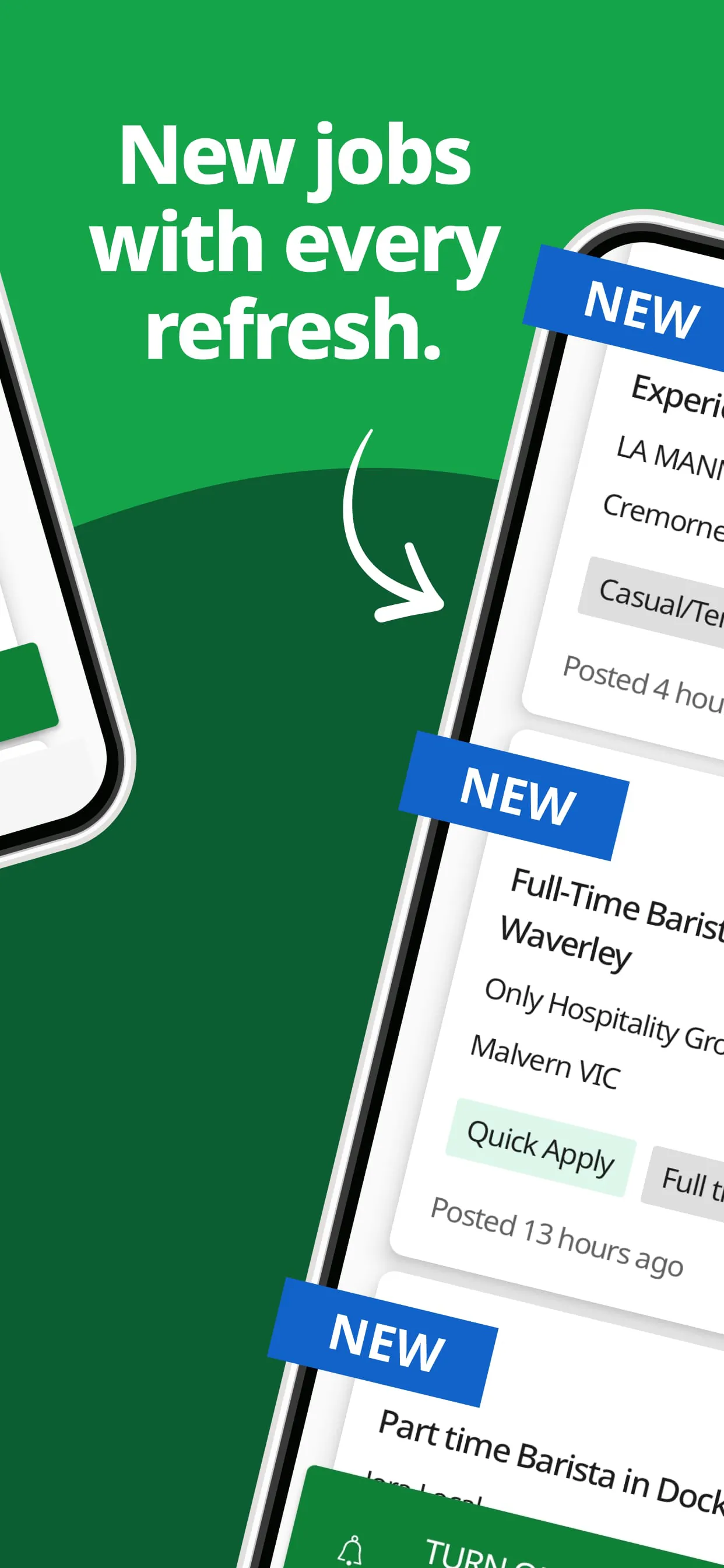
The app stands out by offering a highly personalized and comprehensive job hunting experience. It utilizes intelligent algorithms to match user profiles with suitable vacancies, ensuring relevant opportunities are prioritized. Key features include advanced search filters, real-time notifications for new postings, and the ability to save interesting jobs for later review. Furthermore, it provides detailed insights into companies and allows users to track their application status seamlessly.
Pros & Cons
Every tool has its strengths and areas for improvement, and Jora Jobs is no exception.
- Pros: The interface is intuitive and easy to navigate, even for first-time users. The database of job listings is extensive and updated frequently, increasing the chances of finding a suitable position. The application process is often simplified, allowing for quick, one-tap submissions where possible. The alert system is highly responsive and customizable.
- Cons: Some users may find that certain niche or highly specialized roles are not as well-represented. Occasionally, there can be a delay in listing removals, meaning some applications are sent to positions that are already filled. The free version includes advertisements, which can be distracting for some.
Functions
Jora Jobs operates as a multifunctional platform to support every step of the job search journey. Its core functions are built around discovery, application, and management.
- It aggregates job postings from thousands of company career pages and job boards into one centralized location.
- The app enables direct application submission through the platform or redirects users to the employer's official site.
- Users can build and store multiple versions of their resume and cover letter for tailored applications.
- A built-in calendar and note-taking function helps schedule interviews and record reflections after calls.
- It offers resources such as salary comparison tools and company review sections to aid in decision-making.
How to Use
Click the button "Check All Versions" below to download and install it. Once installed, open the app and begin by creating a detailed profile, including your work experience, skills, education, and career interests. Use the search bar and filters to narrow down job listings by title, location, salary range, or company. You can save searches to run automatically daily. When you find a job of interest, review the details, prepare your documents, and submit your application directly through the app. Remember to regularly check the "My Applications" section to monitor the status of all submissions and manage your upcoming interviews.





 APK
APK  Google Play
  iOS
iOS  4.50
4.50