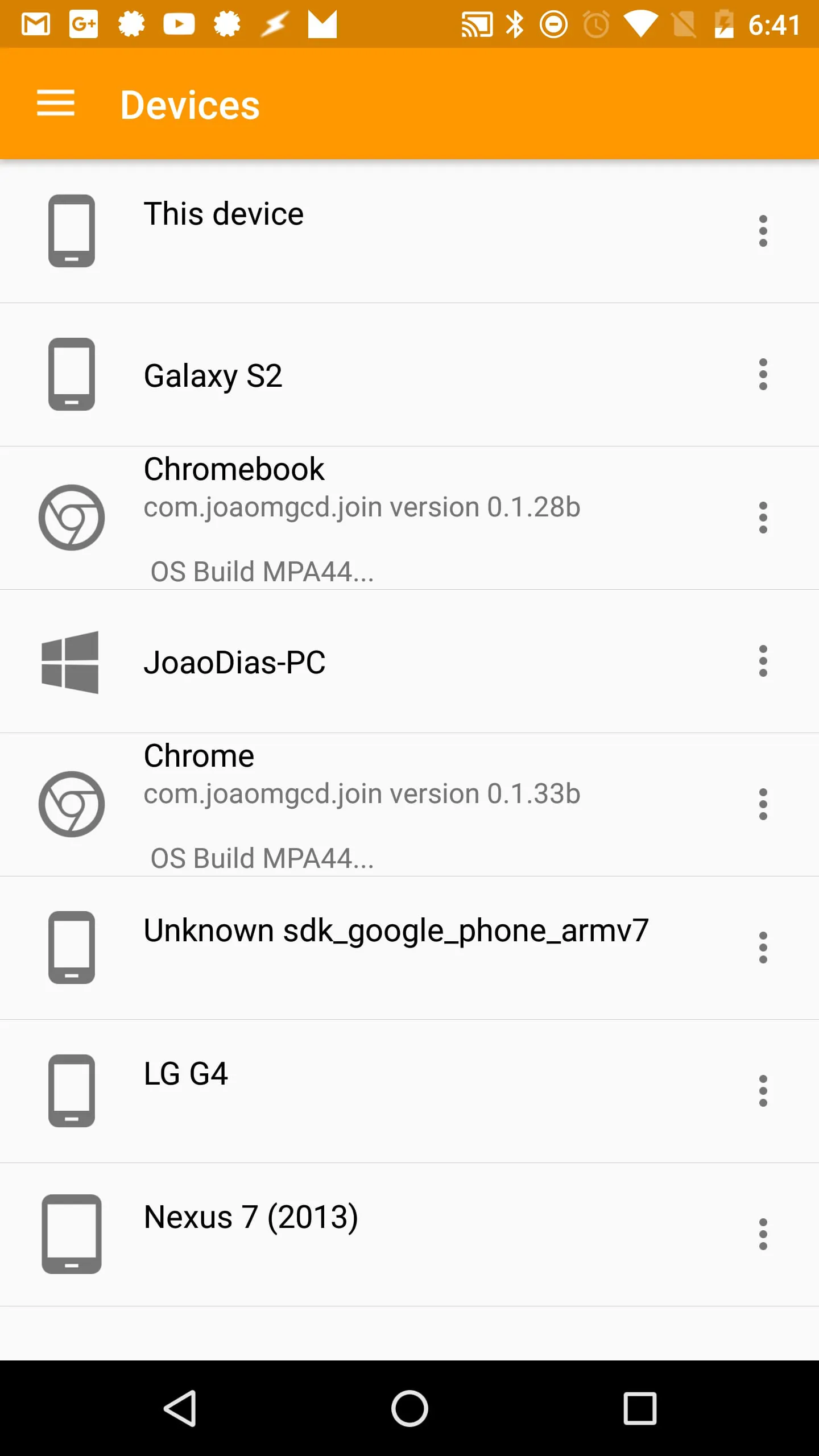
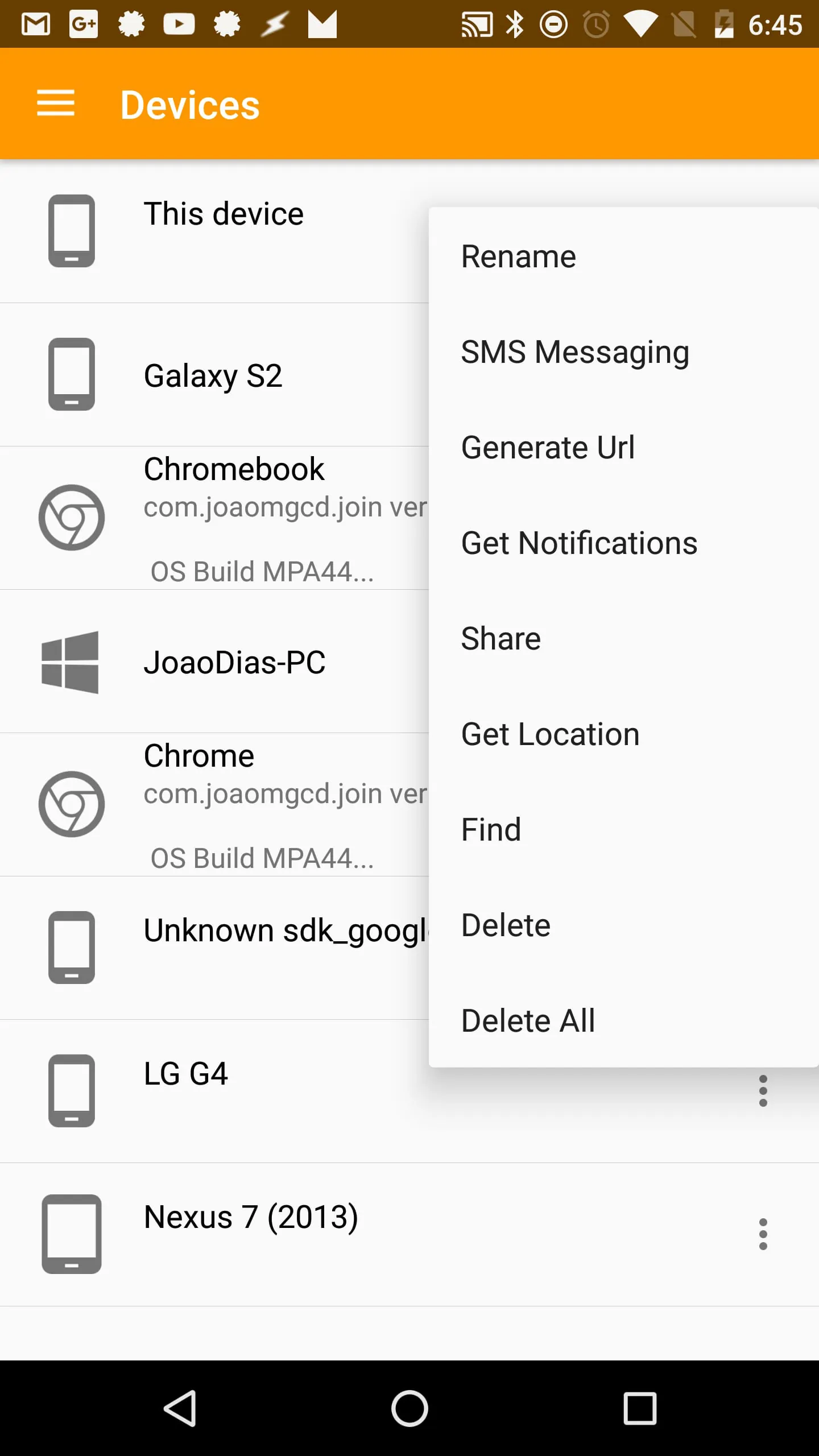
Join is a versatile application designed to seamlessly connect Android and PC devices, enabling a wide range of remote functionalities such as SMS messaging, notification management, clipboard sharing, and more. The app has garnered positive attention from various tech publications, including Android Police, Android Headlines, and AndroidGuys, highlighting its powerful capabilities and user-friendly interface. A notable feature of Join is its 30-day trial period, allowing users to explore its full potential before committing to a one-time payment of $4.99 to unlock the application. This approach provides a risk-free opportunity for individuals to determine if Join aligns with their specific needs and workflow. One of the core functionalities of Join revolves around notification management. Users can receive Android notifications on any device linked to their Google account and interact with them directly. For instance, a user can reply to a WhatsApp message from their PC, streamlining communication across multiple platforms. Join leverages the standard Windows Action Center for notification delivery on Windows 10, ensuring a consistent and familiar user experience. To enable this feature, users must activate the Notification Sync settings within the Android app. This synchronization process ensures that notifications are mirrored accurately and promptly across all connected devices, enhancing productivity and reducing the need to constantly switch between devices. Furthermore, Join facilitates SMS, MMS, and group messaging from any web browser, regardless of the operating system. Whether using Android, PC, or iOS, users can send SMS messages through a web browser using their Google account. This feature eliminates the reliance on a specific device for text communication, providing greater flexibility and convenience. The clipboard sharing functionality of Join further enhances cross-device collaboration. Users can manually or automatically share their clipboard content between devices, enabling seamless transfer of text, links, and other information. On Android devices, Join provides a clipboard bubble for easy access and sharing, similar to chat heads. This intuitive design element simplifies the process of copying and pasting content across different platforms, improving overall efficiency. The integration of Join with Google Assistant and Tasker unlocks advanced automation possibilities. Users can leverage these tools to control various aspects of their devices remotely. This integration allows for customized workflows and personalized experiences, catering to specific user requirements. For example, users can create custom voice commands to trigger actions on their Android device through Google Assistant, or use Tasker to automate tasks based on specific conditions. This level of customization empowers users to tailor Join to their unique needs and preferences.
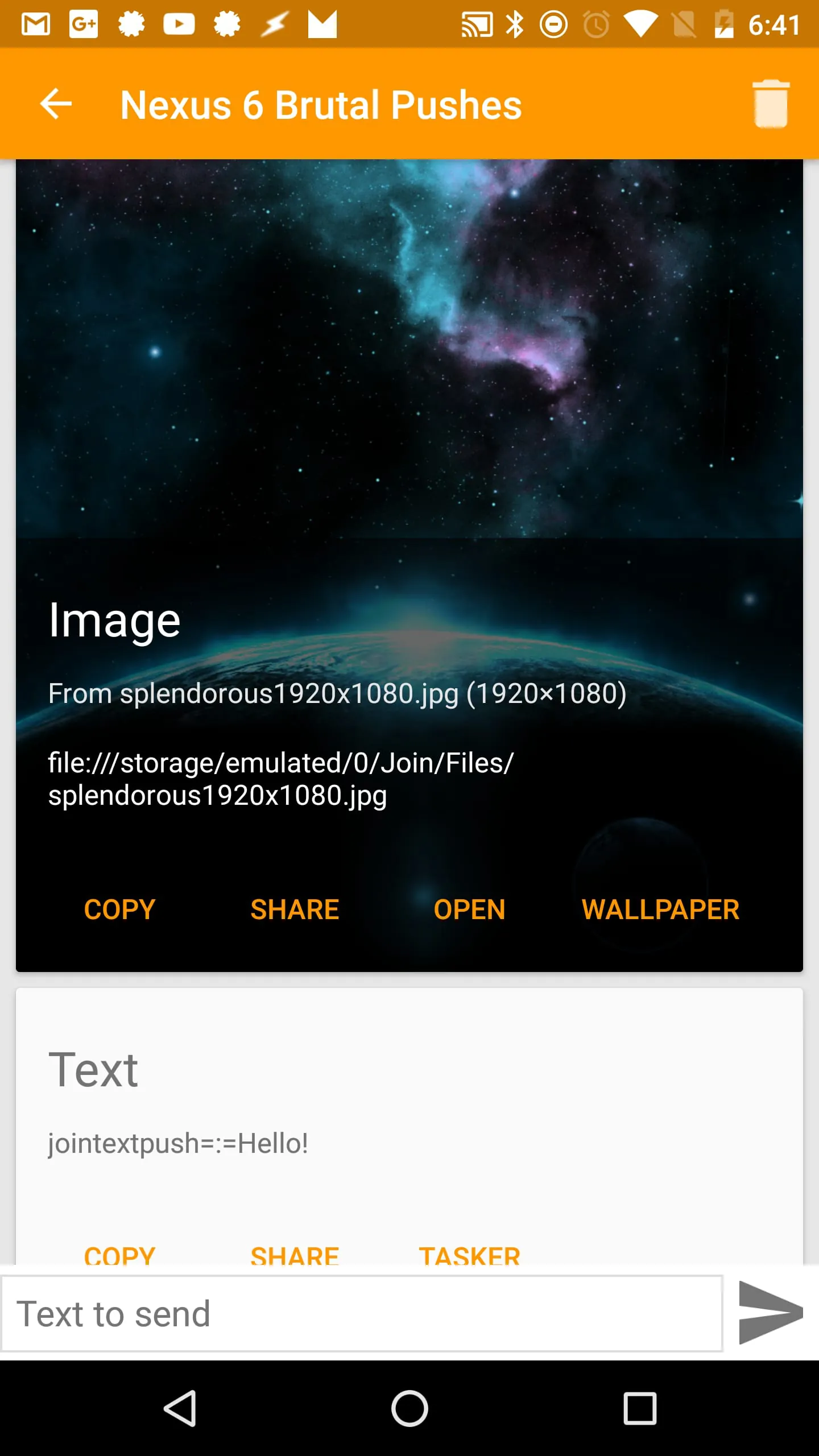
The remote writing feature in Join enables users to directly input text into any Android app from their PC or other connected devices. This functionality is particularly useful for tasks such as writing emails, composing documents, or engaging in social media activities. Join utilizes an accessibility service on the Android device to facilitate remote writing. It is important to note that this service is optional and is solely used for transmitting text to the device. It does not collect or share any personal data, ensuring user privacy and security. This approach prioritizes user data protection while providing a convenient means of controlling Android apps from remote devices. The ability to remotely open web pages on other devices is another valuable feature of Join. Users can quickly send a web page from their PC to their phone or vice versa. This functionality is particularly useful for sharing articles, videos, or other online content across devices. The file-sharing capabilities of Join allow users to send files between any connected devices. Users can optionally configure Join to automatically open files upon arrival, streamlining the process of accessing shared content. This feature is particularly useful for sharing documents, images, and other files across different platforms. Join also offers the ability to remotely install apps on Android devices. Users can send an APK file from their PC to their Android device, where a prompt to install the app will appear. This feature requires the REQUEST_INSTALL_PACKAGES permission. This functionality simplifies the process of installing apps from external sources, providing a convenient alternative to the Google Play Store. With the Join Desktop app, users can remotely browse all files on their Android device from their PC. This feature requires the permission to Manage All Files on the device, as it functions as a remote file browser/manager. This functionality provides a convenient way to access and manage files stored on an Android device without physically connecting it to a PC. Join also supports capturing screenshots from an Android device and displaying them on other connected devices. This feature is particularly useful for troubleshooting issues or sharing visual information across different platforms. Users can quickly capture a screenshot and share it with colleagues or friends without having to manually transfer the image files.
Join allows users to quickly set their Android or PC wallpaper while browsing the web in Chrome. This feature provides a convenient way to personalize devices and maintain a consistent aesthetic across different platforms. The location tracking feature of Join enables users to find their Android device by obtaining its location or making it ring loudly. This functionality is particularly useful for locating a misplaced device or ensuring its security. Join offers deep Tasker integration, enabling users to customize the app's functionality and create personalized workflows. Users can push data from Tasker, modify app settings, and query devices. This level of customization allows for the creation of a highly tailored Join experience. Join prioritizes security by offering end-to-end encryption for sensitive data. Users can set a password to encrypt any data transmitted through Join, ensuring its confidentiality. Join utilizes Google Drive as storage for personal data, such as SMS messages. Shared files are also stored on Google Drive for easy access. This approach ensures that user data is stored securely and privately. Join uses a server on Google App Engine to optimize and simplify message pushing from device to device. This infrastructure ensures reliable and efficient communication between connected devices. The app uses Accessibility services for remote writing functionality. This service is optional and is solely used for transmitting text to the device. It does not collect or share any personal data, ensuring user privacy and security. In summary, Join is a comprehensive application that offers a wide range of features for connecting Android and PC devices. Its capabilities include SMS messaging, notification management, clipboard sharing, remote writing, file sharing, and more. Join prioritizes user privacy and security, offering features such as end-to-end encryption and secure data storage. Its deep Tasker integration and customizable settings allow users to tailor the app to their specific needs and preferences. The app's positive reviews and 30-day trial period make it a compelling option for users seeking a versatile and reliable cross-device communication solution.




 APK
APK  Google Play
  iOS
iOS  4.60
4.60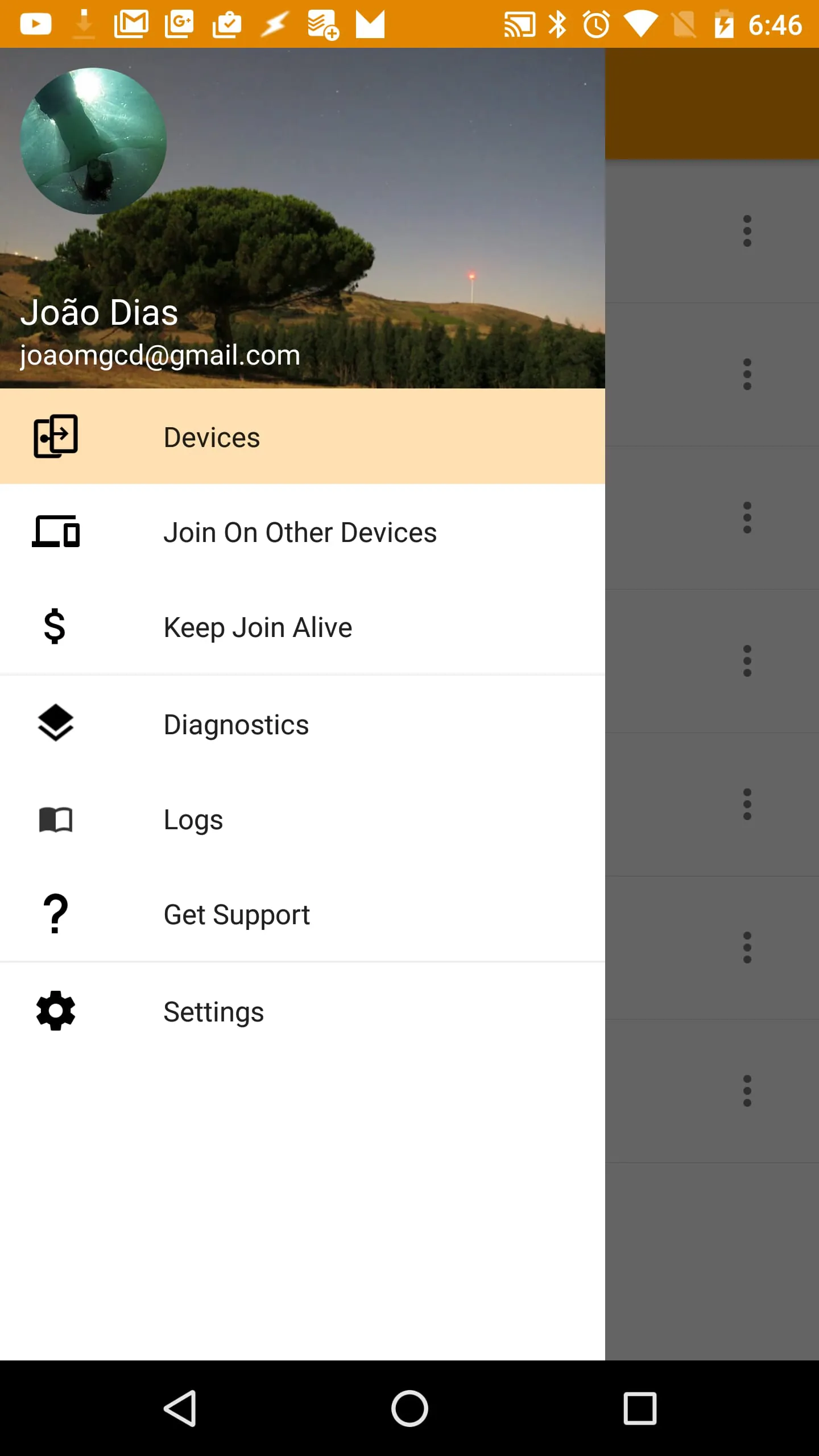
 Download








