Pixel Brush is a user-friendly pixel art creator app that allows users to learn and engage in the hobby of creating pixel art. Unlike color by number apps, Pixel Brush enables users to create their own 8-bit art and use it to create merchandise. The app is designed for both kids and adults, providing an intuitive drawing experience and the ability to draw 8 and 16-bit graphics. Users can also share their creations with the community and receive feedback.
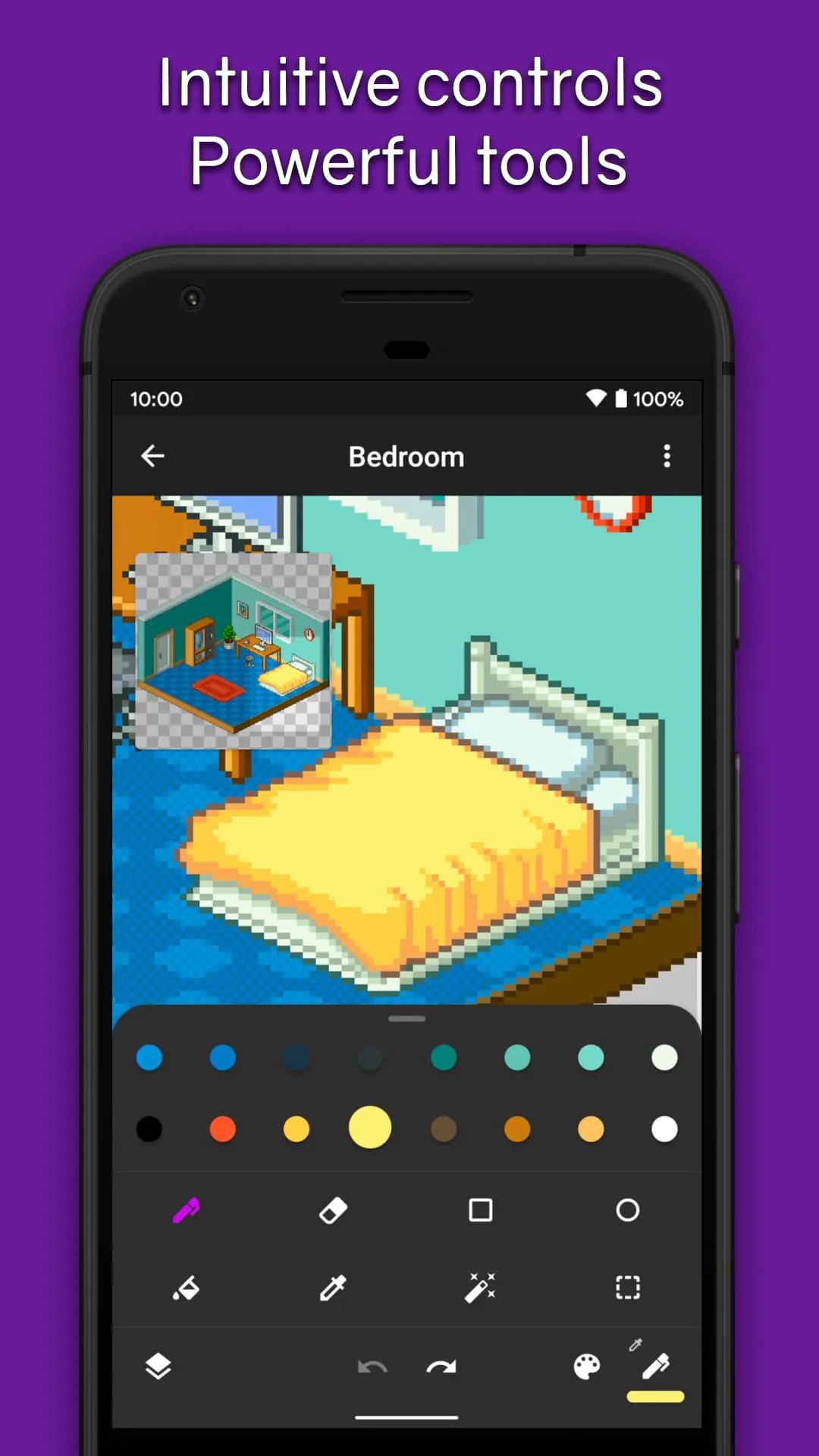
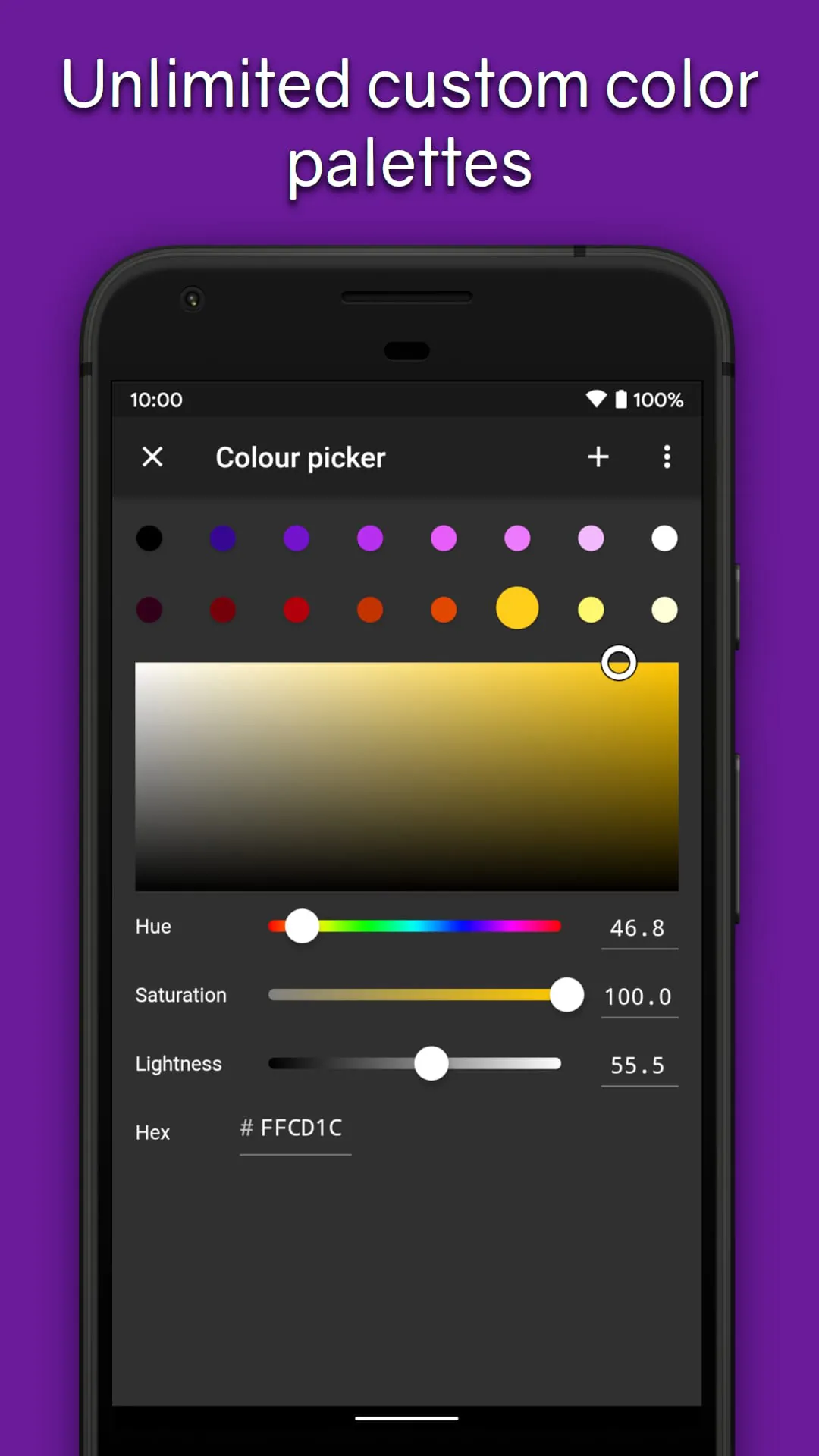
One of the key features of Pixel Brush is its compatibility with Aseprite, a popular pixel art software. Users can import their pixel art from Aseprite into Pixel Brush and export it back to Aseprite. The app also offers a range of tools and features to enhance the drawing experience, such as pinch to zoom and tap to draw, professional built-in color palettes, and the ability to zoom in for a mini-preview of the artwork.
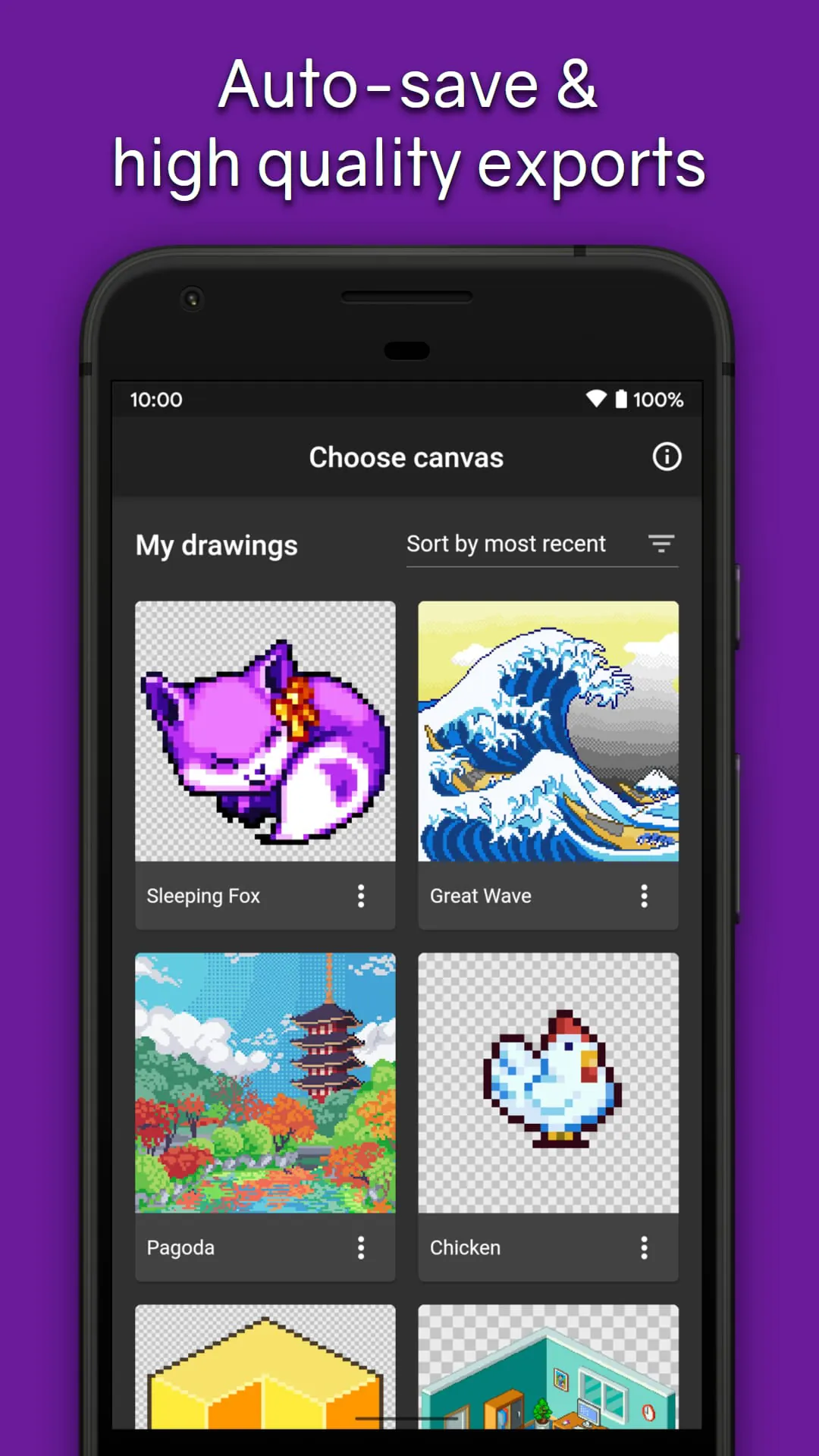
In addition to drawing, Pixel Brush also allows users to create animations with onion-skinning, adjust the speed of individual frames, and organize their artwork using layers. The app supports exporting animations as GIF or MP4 files. Users can also share their pixel art with the friendly community within the app and create art on canvases up to 1024x1024 pixels. Other features include the ability to save unlimited color palettes, export and import Aseprite files, and use a mouse for drawing.
Pixel Brush is designed to be an easy-to-use app for learning how to draw pixel art and starting a new hobby. The app is constantly being updated with new features, and users can stay updated by following the app's social media accounts. With its user-friendly interface and range of tools, Pixel Brush is a great choice for anyone interested in creating pixel art.





 APK
APK  Google Play
  iOS
iOS  4.80
4.80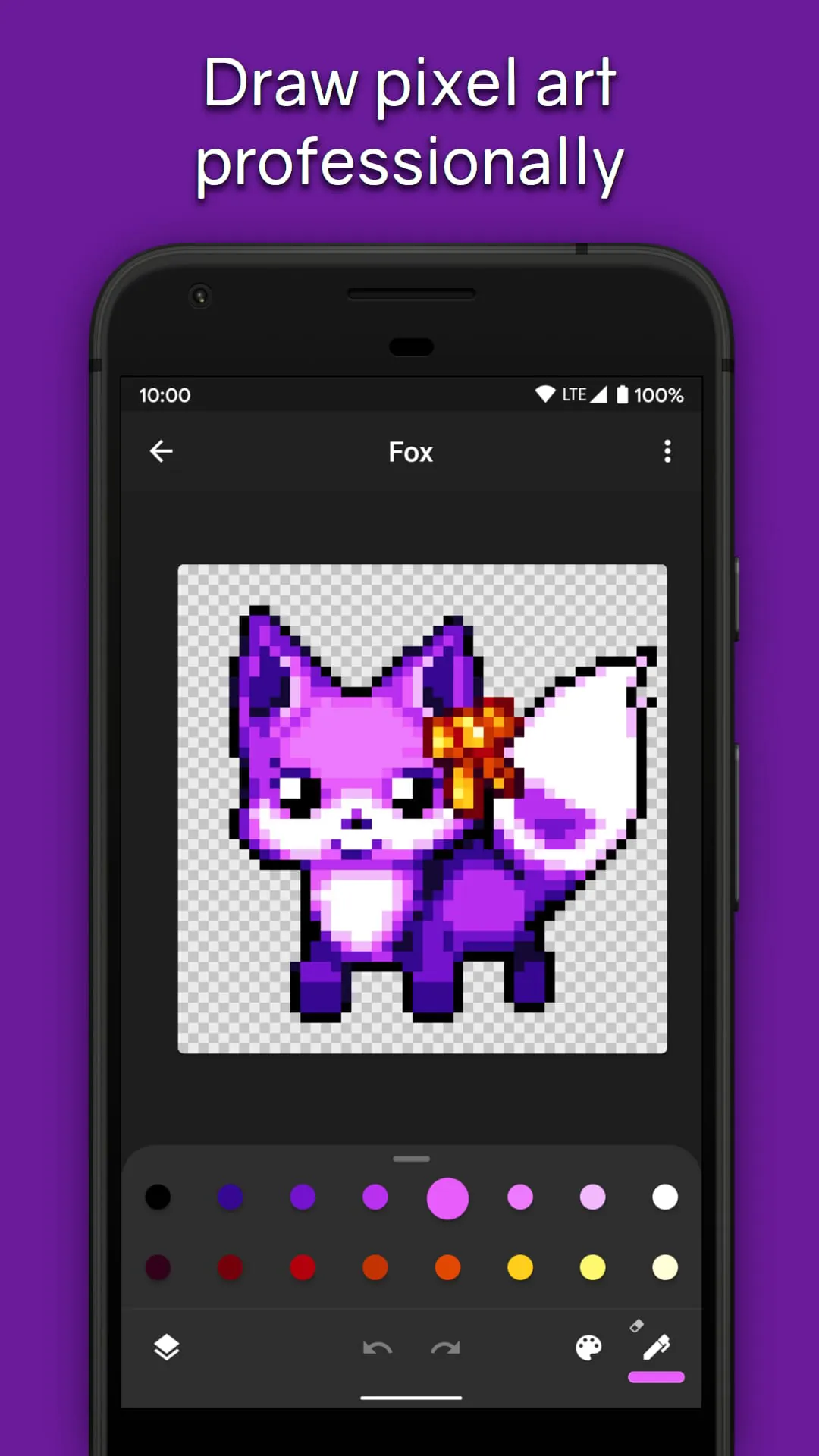
 Download








