



ADVERTISEMENT
ADVERTISEMENT
Xfinity TV Remote Xfinity TV Remote
Category
ToolsTag
Xfinity Remote Control | Universal Remote App | IR Blaster | Device Configuration
Rate
3.20
★★★★★
Reviews
500 +
Installs
50k +
Developer
illlusions Inc
Content Rating
Everyone
Xfinity TV Remote Control App is easy to configure and use.
 APK
APK  Google Play
  iOS
iOS  3.20
3.20ADVERTISEMENT
ADVERTISEMENT
Author's Review
appspicked Review
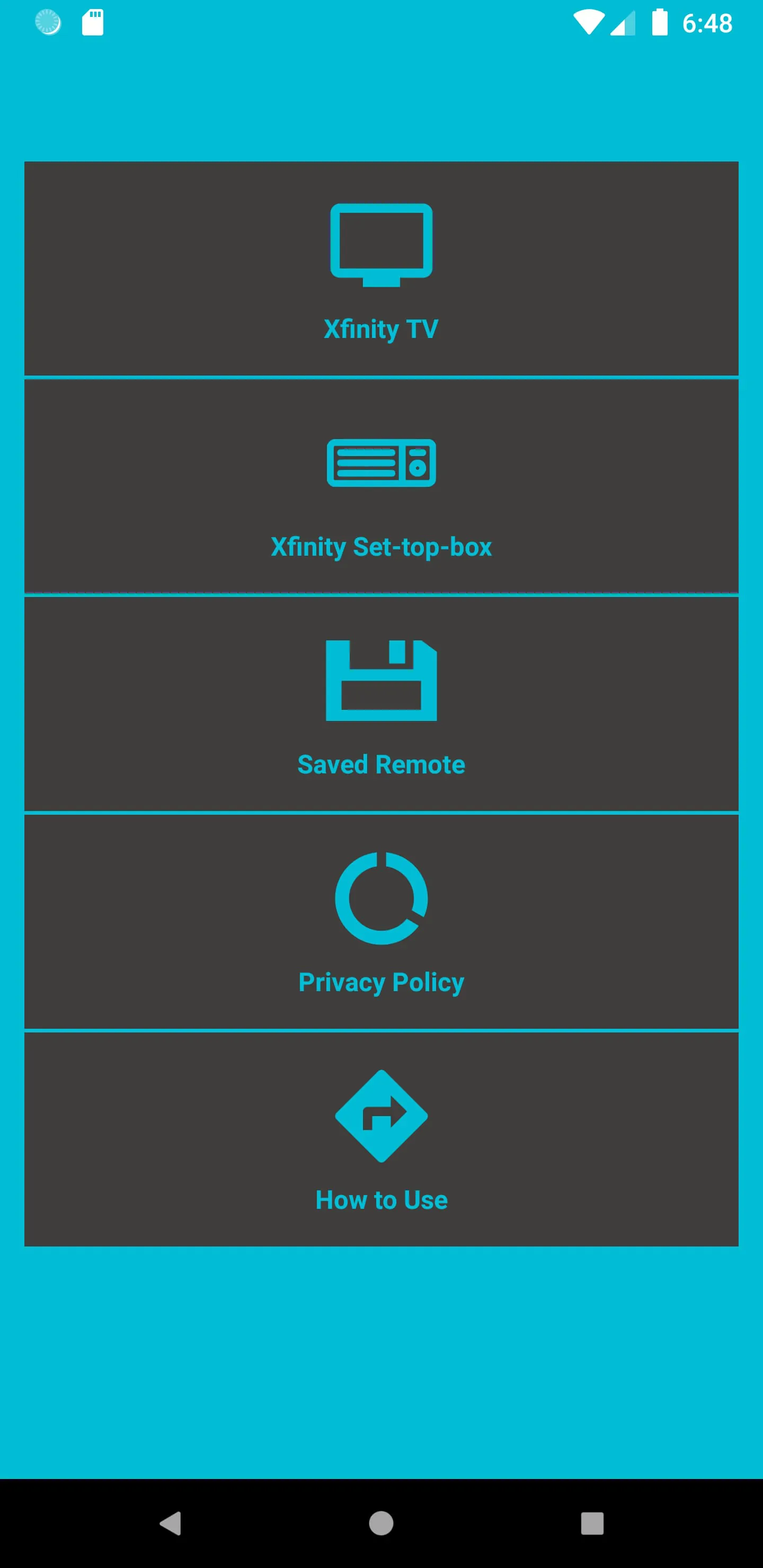
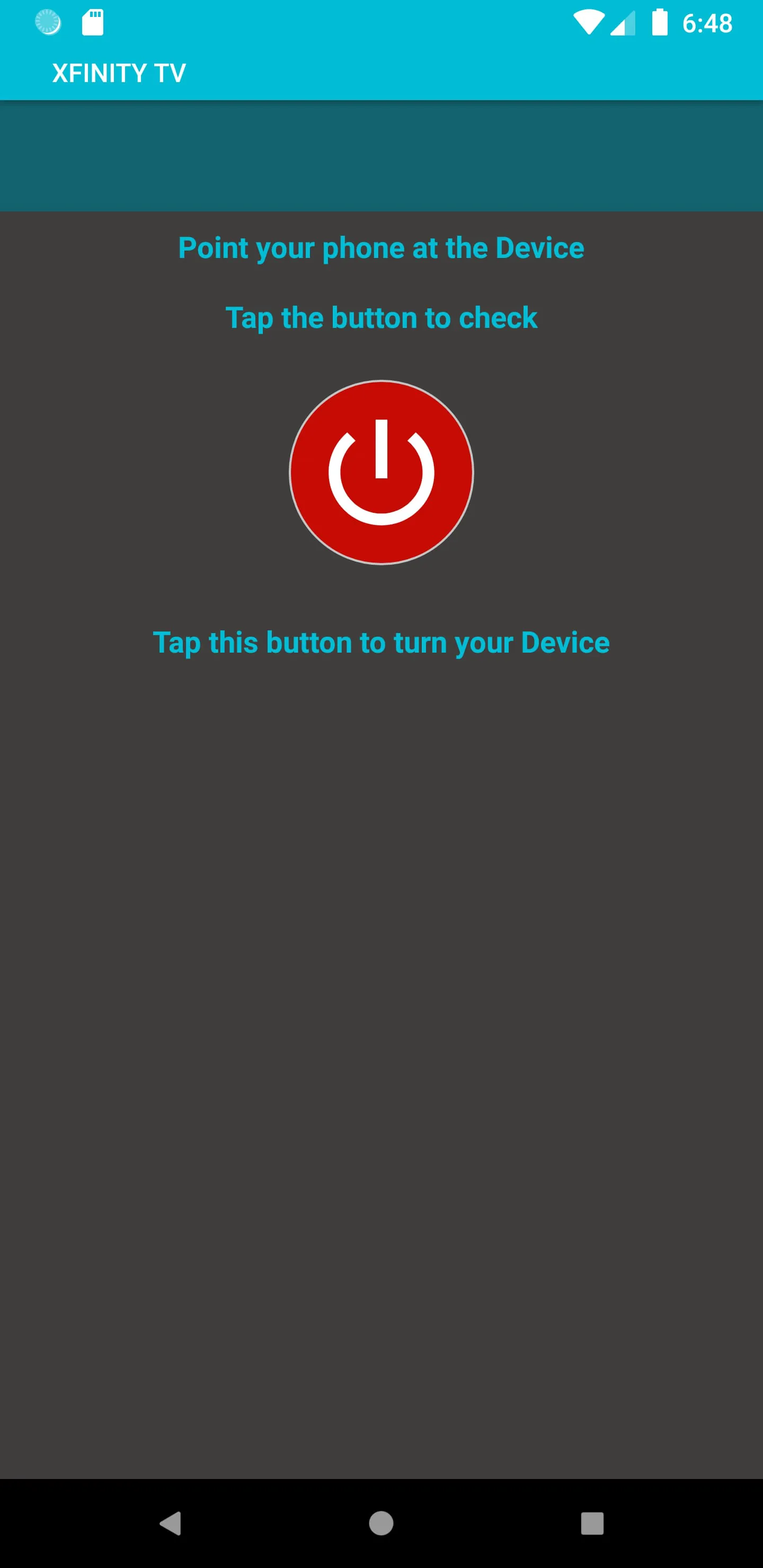
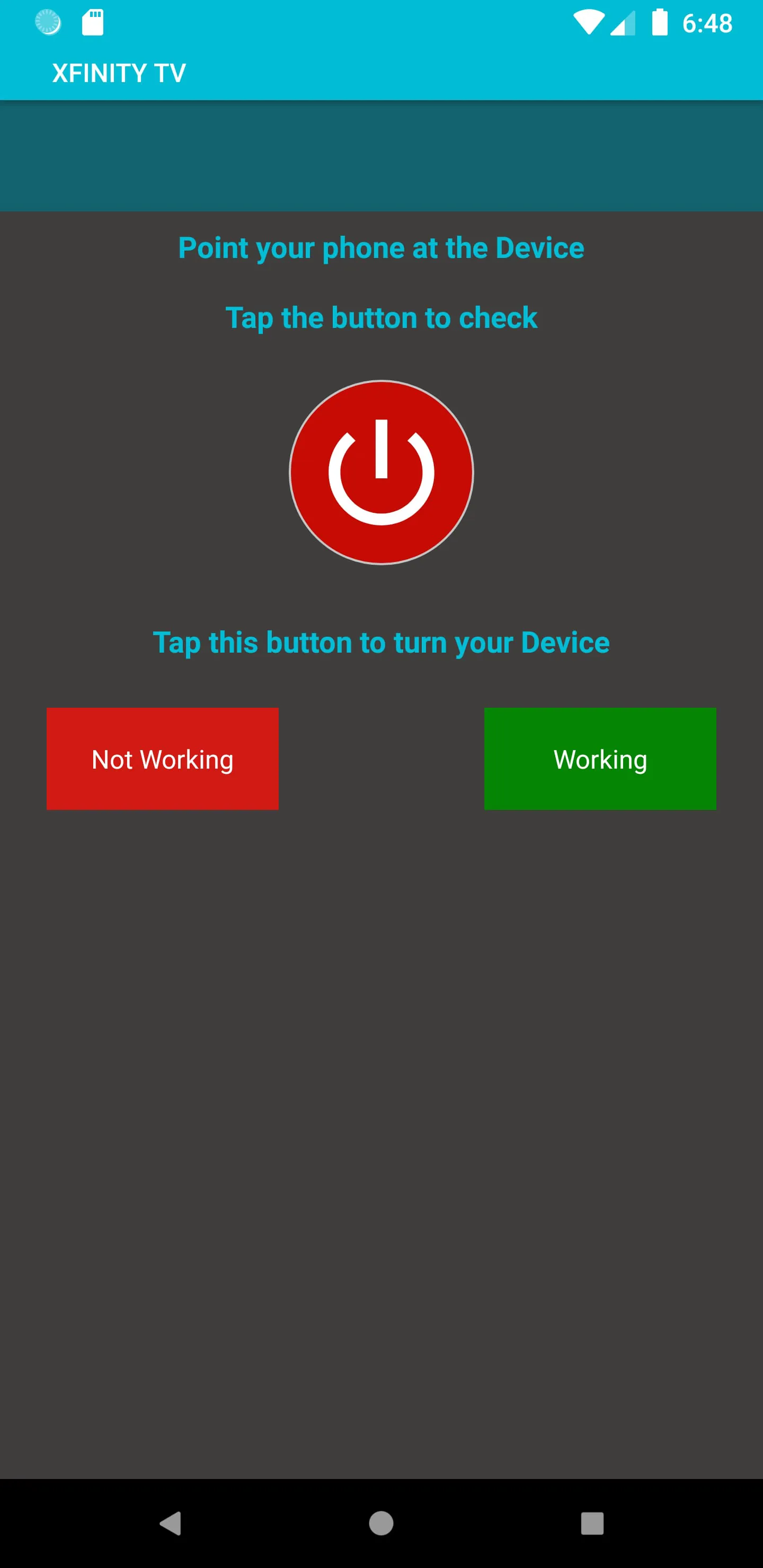
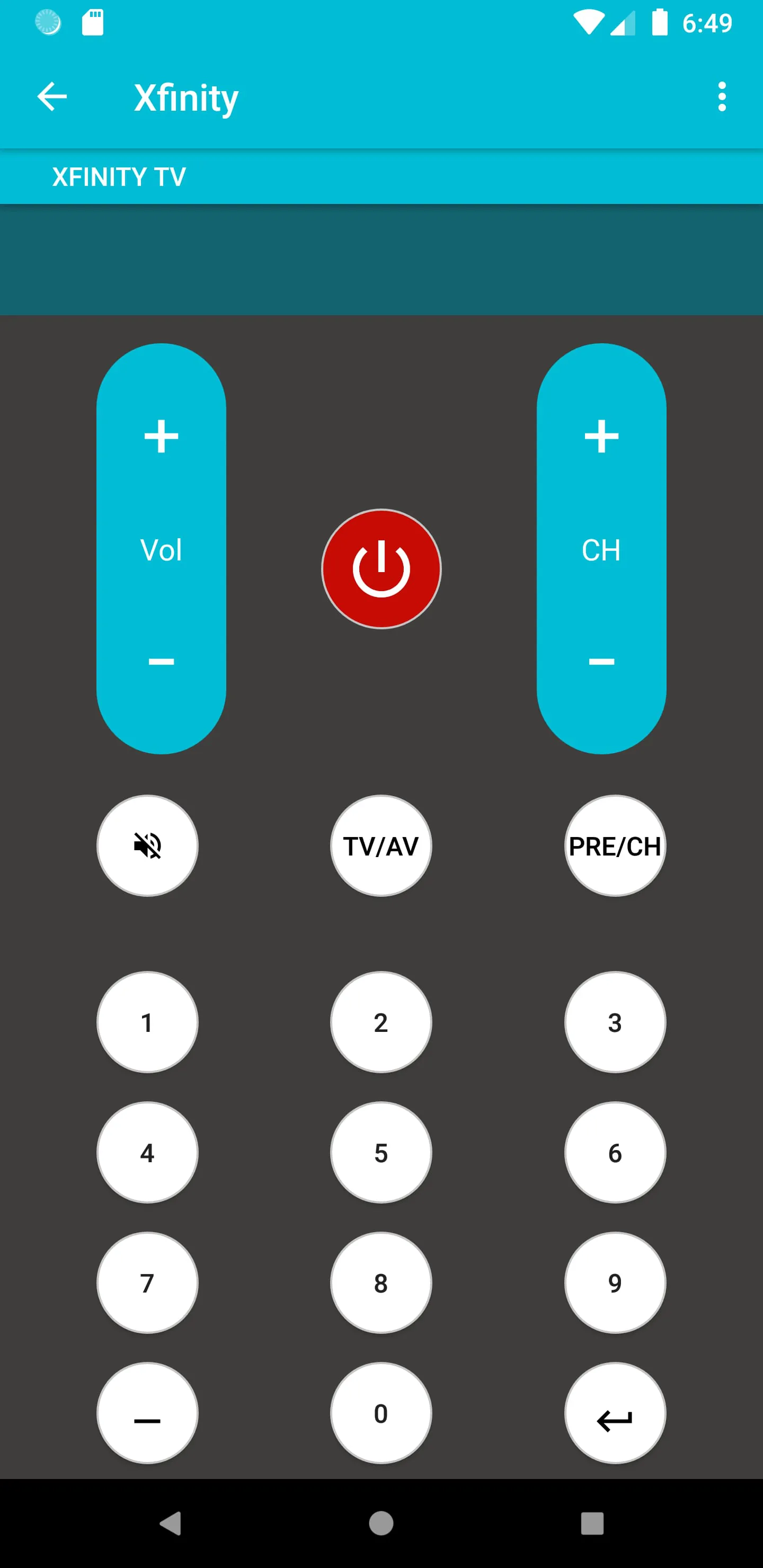
The Xfinity Universal Remote Control application, developed by Illusions Inc, replicates the functionality of a standard Xfinity remote, offering users a seamless and familiar experience. This application is designed with user-friendliness in mind, mirroring the functions of a physical Xfinity remote while being conveniently accessible on a mobile device. The primary aim is to provide a digital alternative that is both easy to use and efficient, catering to users who prefer the convenience of controlling their TV and set-top box through their smartphones. The application is engineered to be lightweight, ensuring that it occupies minimal storage space on the user's device. This is particularly beneficial for users with slower internet connections, as the small application size facilitates quick and easy installation. This focus on accessibility ensures that a broad range of users can benefit from the application's features without encountering technical barriers. The installation process is streamlined and straightforward, requiring minimal effort from the user. The application provides a simple, two-step guideline to assist users in configuring the remote. To further aid the configuration process, the developers have included screenshots as a visual guide. These visual aids walk the user through each step, making the process even more intuitive and less prone to errors. Once the Xfinity Universal Remote application is configured with an Xfinity device, it saves the settings, eliminating the need for repeated configuration. This feature enhances the user experience by providing immediate access to the remote functions whenever the application is launched. The application automatically saves the configured devices in a "Saved Devices" section, allowing users to quickly switch between different Xfinity devices without the hassle of reconfiguring each time. This is particularly useful for households with multiple Xfinity devices. The application supports a wide array of functionalities that mirror those found on a traditional Xfinity remote. These include channel selection, volume control, menu navigation, and power on/off. In addition to the standard functionalities, the application includes features that enhance the user experience, such as customizable vibration feedback when buttons are pressed. This tactile feedback provides confirmation that a command has been registered, improving the overall interaction with the application. Users have the option to enable or disable vibration to suit their preferences. The application’s primary functions include serving as a universal remote for Xfinity TVs, Xfinity set-top boxes, and other compatible devices. It is designed to be a comprehensive remote control solution that can replace traditional remotes, decluttering living spaces and consolidating control into a single mobile application. It can also serve as a replacement for lost or damaged Xfinity remotes, providing a cost-effective alternative. It is intended to replicate the full range of functions offered by physical Xfinity remotes, including channel surfing, volume adjustment, menu navigation, and guide access. It supports multiple devices and configurations. Overall, the application is designed to replicate the functionality of a standard Xfinity remote, offering a digital alternative with user-friendly features, easy configuration, and broad device compatibility. It is a practical solution for users seeking a convenient and efficient way to control their Xfinity devices.
The Xfinity Universal Remote Control application is engineered to function as a versatile replacement for physical Xfinity remotes. It is designed to be compatible with a wide range of Xfinity devices, including TVs and set-top boxes, offering a comprehensive solution for users seeking to consolidate their remote control needs. This application aims to provide a seamless transition from traditional remotes to a digital platform, replicating all the essential functions while adding the convenience of mobile accessibility. The application is designed to be user-friendly, with an emphasis on ease of installation and configuration. The setup process is streamlined to minimize complexity, allowing users to quickly configure the application to control their Xfinity devices. The developers have included a two-step guideline, along with visual aids in the form of screenshots, to assist users through the configuration process. These resources ensure that even users with limited technical expertise can easily set up and use the application. One of the key features of the Xfinity Universal Remote application is its ability to save configured devices. This feature eliminates the need for users to reconfigure the application each time they want to control a particular device. Once a device is configured, it is automatically saved in the "Saved Devices" section, providing quick and easy access for future use. This is particularly useful for households with multiple Xfinity devices, as it allows users to seamlessly switch between devices without the hassle of repeated configuration. The application supports a comprehensive range of functions that mirror those found on a traditional Xfinity remote. These include channel selection, volume control, menu navigation, and power on/off. In addition to these standard functions, the application may include additional features such as customizable button layouts, macro programming, and voice control. These advanced features enhance the user experience and provide greater control over their Xfinity devices. To further enhance the user experience, the Xfinity Universal Remote application includes customizable vibration feedback. This feature provides tactile confirmation when a button is pressed, improving the overall interaction with the application. Users have the option to enable or disable vibration to suit their preferences. This flexibility ensures that the application can be tailored to meet the individual needs of each user. The application is designed to be compatible with a wide range of Android devices equipped with an infrared (IR) blaster. The IR blaster is a hardware component that allows the device to transmit infrared signals, which are used to control TVs and other electronic devices. The application relies on the IR blaster to communicate with Xfinity devices, replicating the functionality of a traditional remote control. It is important to note that the application requires an IR blaster to function. Users whose devices do not have a built-in IR blaster may not be able to use the application. Some devices may require an external IR transmitter to be connected in order to use the application.
The Xfinity Universal Remote Control application functions as a comprehensive replacement for physical Xfinity remotes, providing users with a digital alternative that is both convenient and feature-rich. It is designed to be compatible with a wide array of Xfinity devices, including TVs and set-top boxes, offering a consolidated solution for remote control needs. The application replicates all the essential functions of a traditional remote, while also incorporating advanced features that enhance the user experience. One of the primary advantages of the Xfinity Universal Remote application is its ease of use. The installation and configuration process is streamlined to minimize complexity, allowing users to quickly set up the application and begin controlling their Xfinity devices. The developers have included a two-step guideline, along with visual aids such as screenshots, to assist users through the configuration process. These resources ensure that even users with limited technical expertise can easily set up and use the application. The application also features a user-friendly interface, with intuitive controls and clear visual cues. The application saves configured devices, eliminating the need for repeated configuration. Once a device is configured, it is automatically saved in the "Saved Devices" section, providing quick and easy access for future use. This feature is particularly beneficial for households with multiple Xfinity devices, as it allows users to seamlessly switch between devices without the hassle of reconfiguring each time. The application supports a comprehensive range of functions that mirror those found on a traditional Xfinity remote. These include channel selection, volume control, menu navigation, and power on/off. In addition to these standard functions, the application may include advanced features such as customizable button layouts, macro programming, and voice control. These features enhance the user experience and provide greater control over their Xfinity devices. The application includes customizable vibration feedback. This feature provides tactile confirmation when a button is pressed, improving the overall interaction with the application. Users have the option to enable or disable vibration to suit their preferences. This flexibility ensures that the application can be tailored to meet the individual needs of each user. The Xfinity Universal Remote application is designed to be compatible with a wide range of Android devices equipped with an infrared (IR) blaster. The IR blaster is a hardware component that allows the device to transmit infrared signals, which are used to control TVs and other electronic devices. The application relies on the IR blaster to communicate with Xfinity devices, replicating the functionality of a traditional remote control. The application requires an IR blaster to function. Users whose devices do not have a built-in IR blaster may not be able to use the application. The application serves as a versatile tool for controlling Xfinity devices, offering a convenient and feature-rich alternative to traditional remotes. It is designed to be user-friendly, easy to configure, and compatible with a wide range of devices, making it a valuable addition to any Xfinity user's toolkit.
Screenshots
 Download
 Additional Information
Category
ToolsVersion
Unknown
Tag
Xfinity Remote Control | Universal Remote App | IR Blaster | Device Configuration
Rate
3.20
★★★★★
Reviews
500 +
Installs
50k +
Developer
illlusions Inc
Content Rating
Everyone
Xfinity TV Remote Control App is easy to configure and use.
ADVERTISEMENT
ADVERTISEMENT
Previous Versions
ZIP files require a Split APKs Installer (e.g., SAI) from Google Play to install. Steps: 1. Download SAI from Google Play; 2. Open SAI and tap "Install APKs"; 3. Select the ZIP file; 4. Complete installation.
ADVERTISEMENT
You Might Like









