



PDF Reader PDF Reader
Category
ProductivityTag
PDF reader | PDF Editor | Document Management | PDF Scanner | PDF Converter
Rate
4.10
★★★★★
Reviews
500 +
Installs
10M +
Developer
iKame Applications - Begamob Global
Content Rating
Everyone
The PDF Converter аpр is a professional tool to read, convert and edit PDF.
 APK
APK  Google Play
  iOS
iOS  4.10
4.10 Author's Review
Appspicked Review
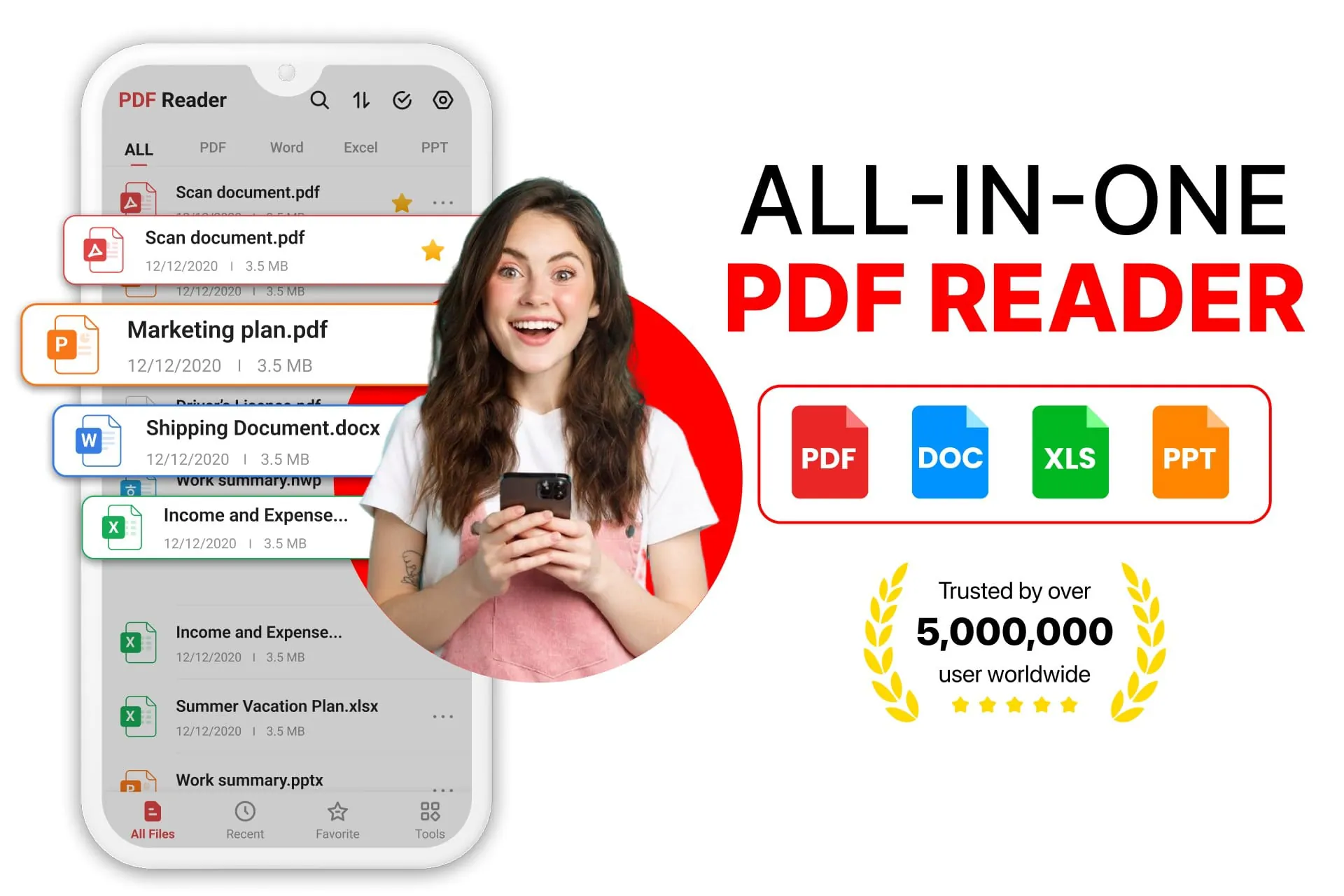
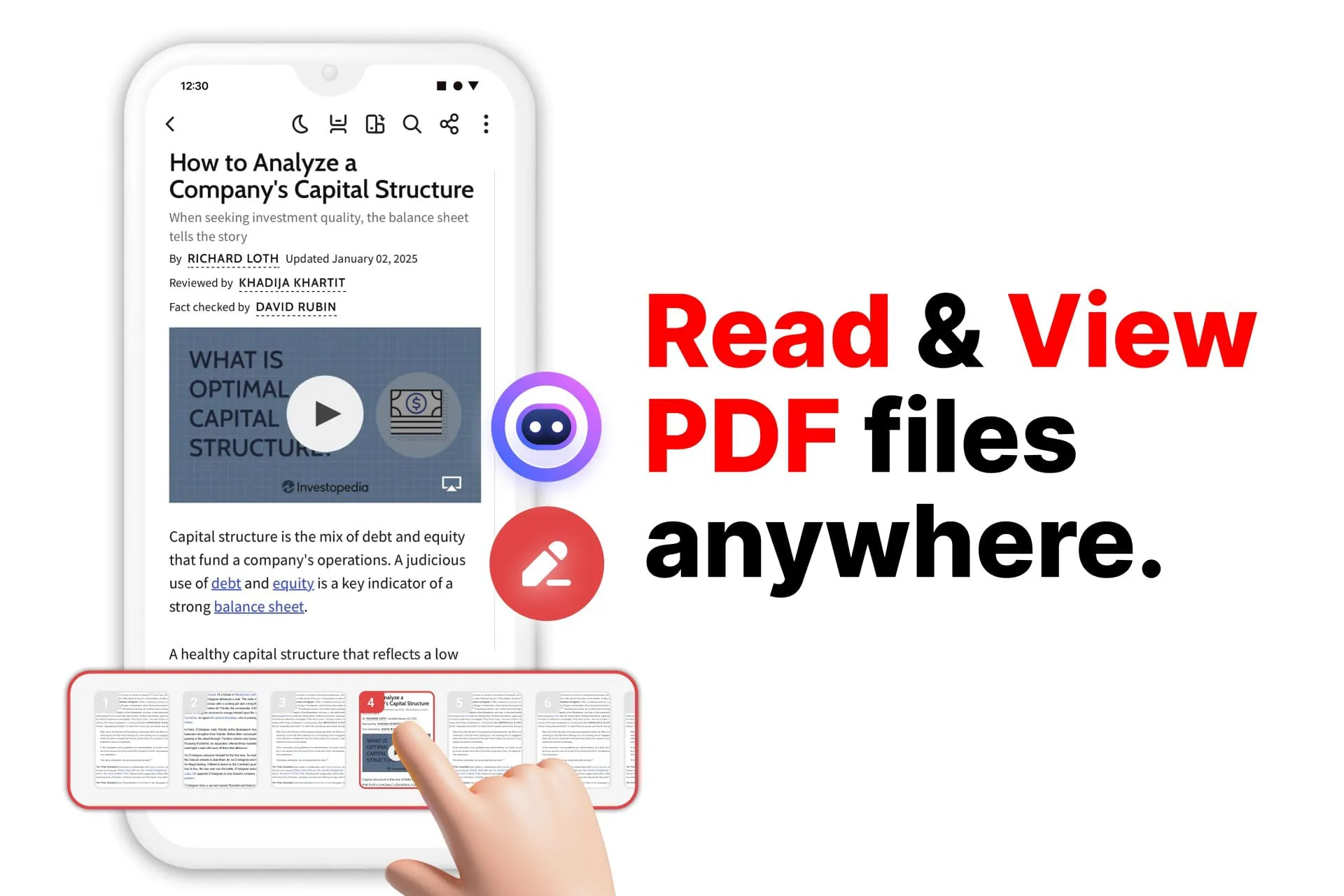
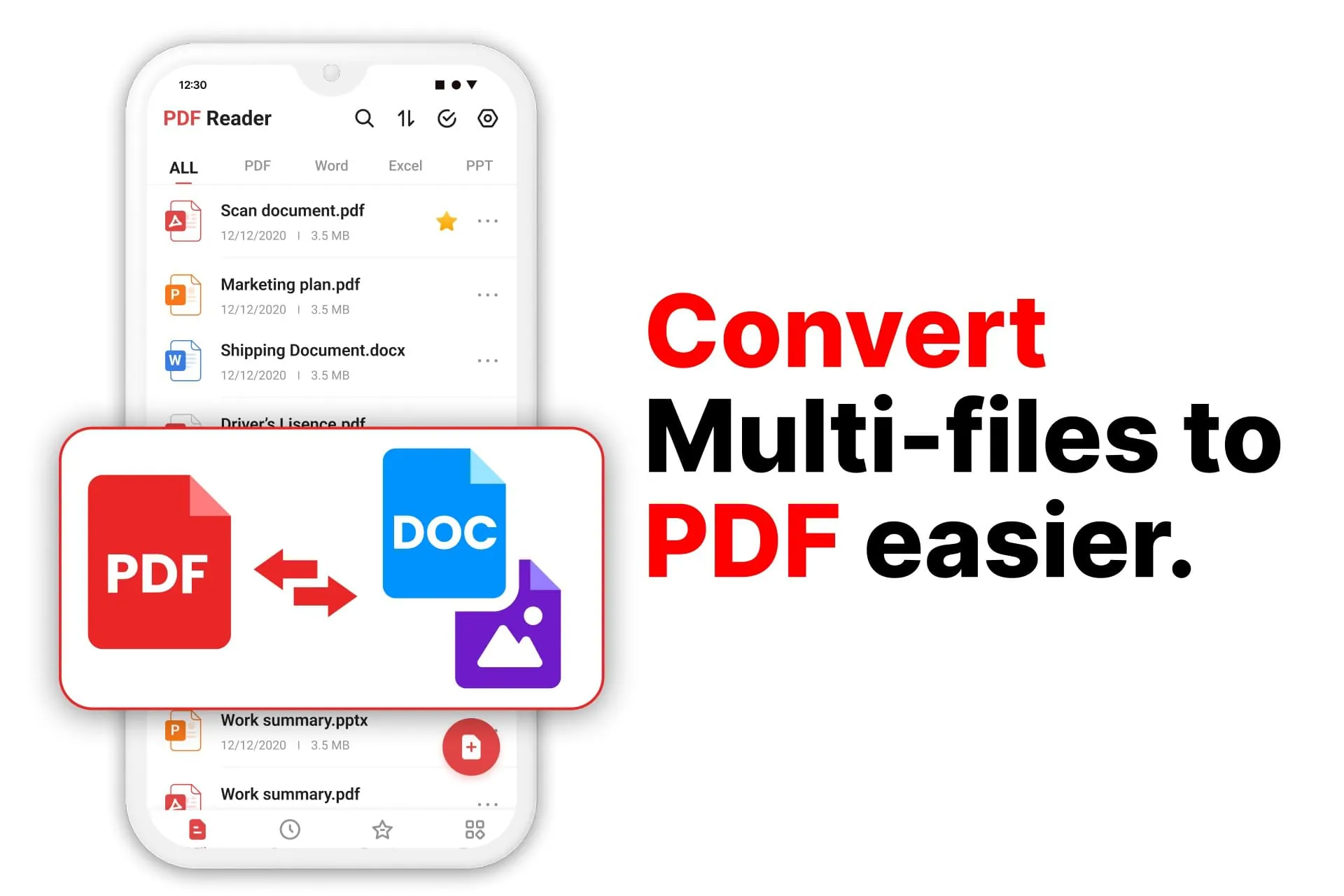
The PDF Reader - All PDF Viewer emerges as a versatile and comprehensive solution designed to streamline the management, editing, and conversion of PDF files for a wide range of users, from students to working professionals and researchers. This all-in-one application integrates the functionalities of a feature-packed PDF Scanner, an advanced PDF editor, and a powerful PDF converter, ensuring seamless document handling and enhancing productivity. The app distinguishes itself through its user-friendly interface, robust editing capabilities, and efficient conversion tools, making it an indispensable asset for anyone dealing with digital documents. The intuitive home screen provides quick access to recent PDF files, facilitating a smooth start to any document management task. The built-in PDF converter enables instant file format conversion, while the powerful PDF editor ensures hassle-free modifications. Furthermore, the smart PDF maker allows users to create new documents from scratch, catering to diverse document creation needs. The efficient PDF expert tools further simplify the process of organizing and editing PDFs, enhancing the overall user experience. The app's comprehensive file management system allows users to organize, rename, and categorize their PDF files effectively. The seamless transformation of different formats through the built-in PDF converter makes it an essential tool for both professionals and students. As a highly efficient PDF reader, the app ensures quick navigation through large document libraries, saving users valuable time and effort. The high-speed PDF viewer delivers a flawless reading experience, allowing users to review legal documents, eBooks, and work reports with ease. Smooth scrolling, zooming, and easy navigation further enhance the reading experience, while the integrated PDF editor enables quick annotations, highlights, and comments. The advanced editing features empower users to take full control of their PDF files. The high-performance PDF editor allows for modifying text, inserting annotations, and highlighting key sections, ensuring that documents can be tailored to specific needs. The intelligent PDF converter seamlessly converts Word, Excel, PowerPoint, and images into high-quality PDF format, enhancing compatibility and accessibility. Additionally, the feature-rich PDF maker allows users to generate professional PDFs on the go, boosting productivity and efficiency. The intuitive PDF editor simplifies the process of inserting images, drawing freely, and modifying text, making it easy to fill forms, sign contracts, and revise reports. The versatile PDF converter ensures that all files remain compatible across different platforms, facilitating seamless collaboration and sharing. Whether working with scanned documents, images, or other file types, the PDF expert features guarantee professional results. The app's versatility and comprehensive feature set make it an ideal choice for professionals, students, and anyone needing a reliable PDF reader, PDF editor, and PDF converter. By integrating these essential tools into a single application, the PDF Reader - All PDF Viewer streamlines document workflows and enhances productivity, making it an indispensable tool for modern document management.
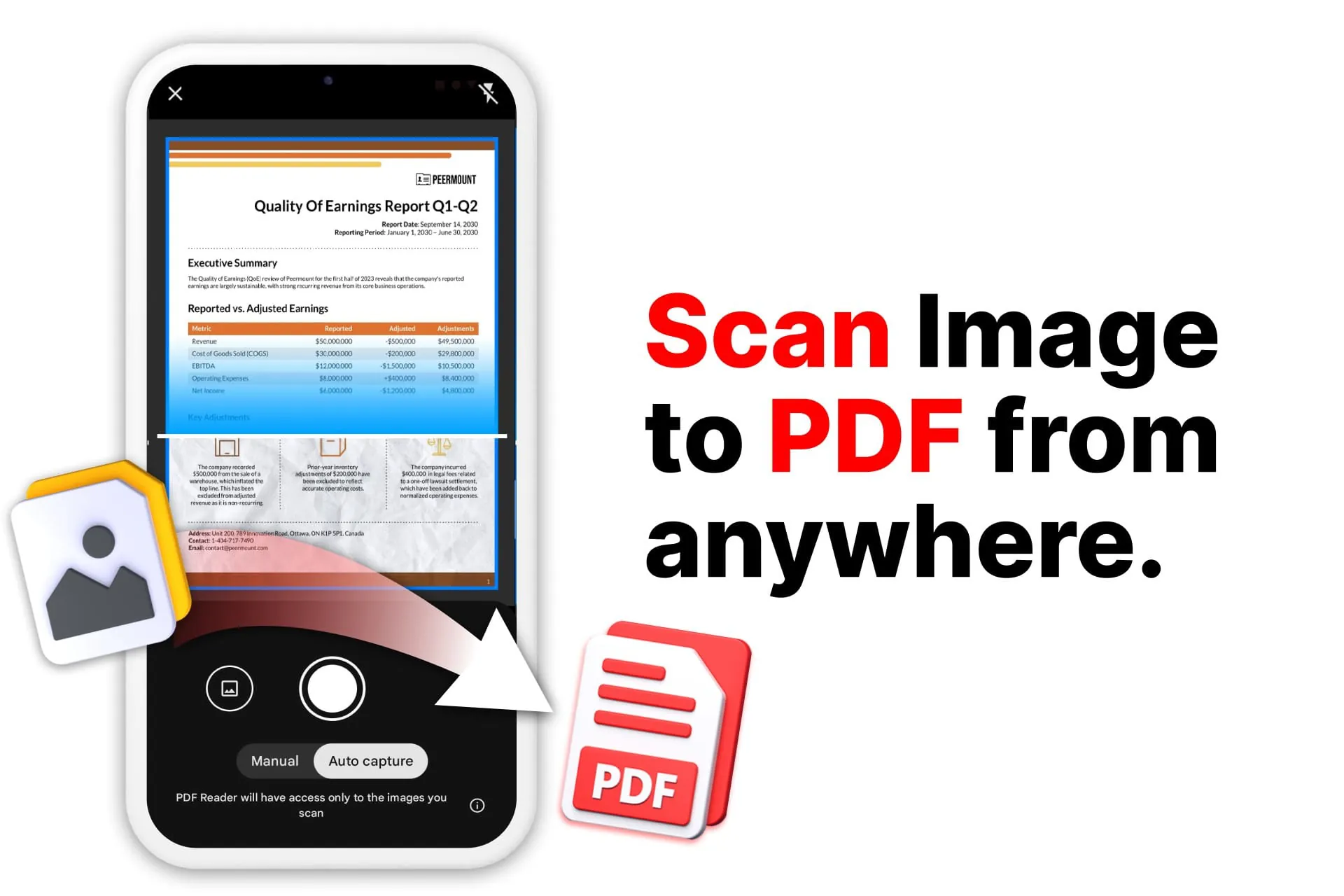
The PDF Reader - All PDF Viewer application offers a range of features designed to enhance document management and editing capabilities, catering to a diverse user base with varying needs. The PDF scanner functionality simplifies the process of digitizing physical documents, allowing users to quickly convert paper documents into editable PDF files. The advanced PDF editor enables users to modify existing PDF documents, add annotations, highlight important sections, and insert images or drawings. The PDF converter tool supports the conversion of PDF files to various formats, including Word, Excel, PowerPoint, and image files, and vice versa, ensuring compatibility and ease of sharing across different platforms. The app's user-friendly interface and intuitive design make it easy for users to navigate and access its various features. The home screen provides quick access to recently opened files, while the file management system allows users to organize and categorize their PDF documents efficiently. The seamless document viewing experience ensures smooth scrolling, zooming, and navigation, even with large and complex PDF files. The PDF reader supports various viewing modes, including single-page, continuous scroll, and thumbnail view, allowing users to customize their reading experience. The app also includes advanced annotation tools, such as highlighting, underlining, and adding comments, enabling users to collaborate and provide feedback on PDF documents. The PDF editor provides a range of editing options, including text modification, image insertion, and drawing tools. Users can easily add, delete, or modify text within a PDF document, as well as insert images or drawings to enhance its visual appeal. The PDF converter supports batch conversion, allowing users to convert multiple files simultaneously. The app also offers OCR (Optical Character Recognition) technology, which enables users to convert scanned documents or images into editable text. The PDF maker feature allows users to create new PDF documents from scratch, or from existing files. Users can add text, images, and other elements to create professional-looking PDF documents. The app supports various security features, including password protection and encryption, ensuring the confidentiality and integrity of PDF documents. Users can also add digital signatures to PDF documents, verifying their authenticity and preventing unauthorized modifications. The PDF Reader - All PDF Viewer application is compatible with various devices and platforms, including smartphones, tablets, and computers. The app also integrates with cloud storage services, such as Dropbox and Google Drive, allowing users to access and manage their PDF documents from anywhere.
The PDF Reader - All PDF Viewer stands out as a comprehensive and user-friendly application, meticulously crafted to simplify the intricate tasks of managing, editing, and converting PDF files. Its versatility caters to a wide spectrum of users, ranging from students and working professionals to avid researchers, offering a seamless solution for all document-related needs. This all-encompassing application seamlessly integrates the functionalities of a high-performance PDF Scanner, an advanced PDF editor, and a robust PDF converter, thereby ensuring effortless document handling and significantly boosting productivity. The app's exceptional features include an intuitive interface, powerful editing capabilities, and efficient conversion tools, which collectively contribute to making it an indispensable tool for anyone who frequently interacts with digital documents. The thoughtfully designed home screen provides immediate access to recently accessed PDF files, thereby facilitating a smooth and efficient start to any document management task. The integrated PDF converter enables instant file format conversion, while the advanced PDF editor guarantees hassle-free modifications, empowering users to tailor their documents to specific requirements. Moreover, the smart PDF maker empowers users to create new documents from scratch, catering to a diverse range of document creation needs. The efficient PDF expert tools further streamline the process of organizing and editing PDFs, thereby significantly enhancing the overall user experience. The app's comprehensive file management system enables users to effectively organize, rename, and categorize their PDF files, ensuring that documents are easily accessible and well-managed. The seamless transformation of different formats through the built-in PDF converter makes it an essential tool for both professionals and students alike, facilitating collaboration and ensuring compatibility across various platforms. As a highly efficient PDF reader, the app guarantees swift navigation through even the most extensive document libraries, saving users valuable time and effort. The high-speed PDF viewer delivers an impeccable reading experience, allowing users to effortlessly review legal documents, eBooks, and work reports. The smooth scrolling, zooming, and intuitive navigation further enhance the reading experience, while the integrated PDF editor enables quick annotations, highlights, and comments, fostering collaboration and facilitating effective communication. The advanced editing features empower users to assume complete control over their PDF files, enabling them to modify text, insert annotations, and highlight key sections. The intelligent PDF converter seamlessly converts Word, Excel, PowerPoint, and images into high-quality PDF format, ensuring compatibility and accessibility across various devices and platforms. Furthermore, the feature-rich PDF maker allows users to generate professional-grade PDFs on the go, thereby boosting productivity and efficiency. The intuitive PDF editor simplifies the process of inserting images, drawing freely, and modifying text, making it easy to fill out forms, sign contracts, and revise reports. The versatile PDF converter ensures that all files remain compatible across different platforms, further facilitating seamless collaboration and sharing. Whether users are working with scanned documents, images, or other file types, the PDF expert features guarantee professional results, ensuring that all documents meet the highest standards of quality and presentation. The PDF Reader - All PDF Viewer application is an ideal choice for professionals, students, and anyone seeking a reliable and versatile PDF reader, editor, and converter. By integrating these essential tools into a single, user-friendly application, it streamlines document workflows and enhances productivity, making it an indispensable asset for modern document management.
The PDF Reader - All PDF Viewer application is a robust and versatile tool designed to streamline the management, editing, and conversion of PDF files for a wide range of users. It combines the functionalities of a PDF scanner, an advanced PDF editor, and a powerful PDF converter into a single, user-friendly application, ensuring seamless document handling and enhancing productivity. The app is designed to be intuitive and easy to use, making it accessible to both novice and experienced users. Its streamlined home interface provides quick access to recent PDF files, allowing users to quickly resume their work. The built-in PDF converter enables instant file format conversion, while the powerful PDF editor ensures hassle-free modifications. The smart PDF maker allows users to create new documents from scratch, and the efficient PDF expert tools make it easier to organize and edit PDFs. The app's comprehensive file management system allows users to organize, rename, and categorize their PDF files, making it easy to find and access the documents they need. The built-in PDF converter enables seamless transformation of different formats, making it an essential tool for professionals and students alike. The app's seamless document viewing experience is designed to provide a flawless reading experience. Whether users are reviewing legal documents, eBooks, or work reports, the optimized PDF reader delivers smooth scrolling, zooming, and easy navigation. The integrated PDF editor allows users to make quick annotations, highlights, or comments. The app's advanced editing features provide users with full control over their PDF files. The high-performance PDF editor allows users to modify text, insert annotations, and highlight key sections. The intelligent PDF converter converts Word, Excel, PowerPoint, and images into high-quality PDF format. The feature-rich PDF maker allows users to generate professional PDFs on the go, enhancing their productivity. The app's PDF editor simplifies the process of inserting images, drawing freely, and modifying text. Whether users are filling forms, signing contracts, or revising reports, the comprehensive PDF Editor app guarantees a seamless experience. The versatile PDF converter ensures that all files remain compatible across different platforms. The app's PDF converter ensures instant format conversion, while the PDF maker allows users to create new files from scratch. The PDF Converter exports documents in different formats and maintains high-quality resolution. The app's PDF expert features guarantee professional results, whether users are working with scanned documents, images, or other file types. The PDF Reader - All PDF Viewer is perfect for professionals, students, and anyone needing a reliable PDF reader, PDF editor, and PDF converter. It offers a comprehensive set of features that make it easy to manage, edit, and convert PDF files, and its user-friendly interface makes it accessible to users of all skill levels.
Screenshots
 Download
 Additional Information
Category
ProductivityVersion
Unknown
Tag
PDF reader | PDF Editor | Document Management | PDF Scanner | PDF Converter
Rate
4.10
★★★★★
Reviews
500 +
Installs
10M +
Developer
iKame Applications - Begamob Global
Content Rating
Everyone
The PDF Converter аpр is a professional tool to read, convert and edit PDF.
Previous Versions
ZIP files require a Split APKs Installer (e.g., SAI) from Google Play to install. Steps: 1. Download SAI from Google Play; 2. Open SAI and tap "Install APKs"; 3. Select the ZIP file; 4. Complete installation.
You Might Like









