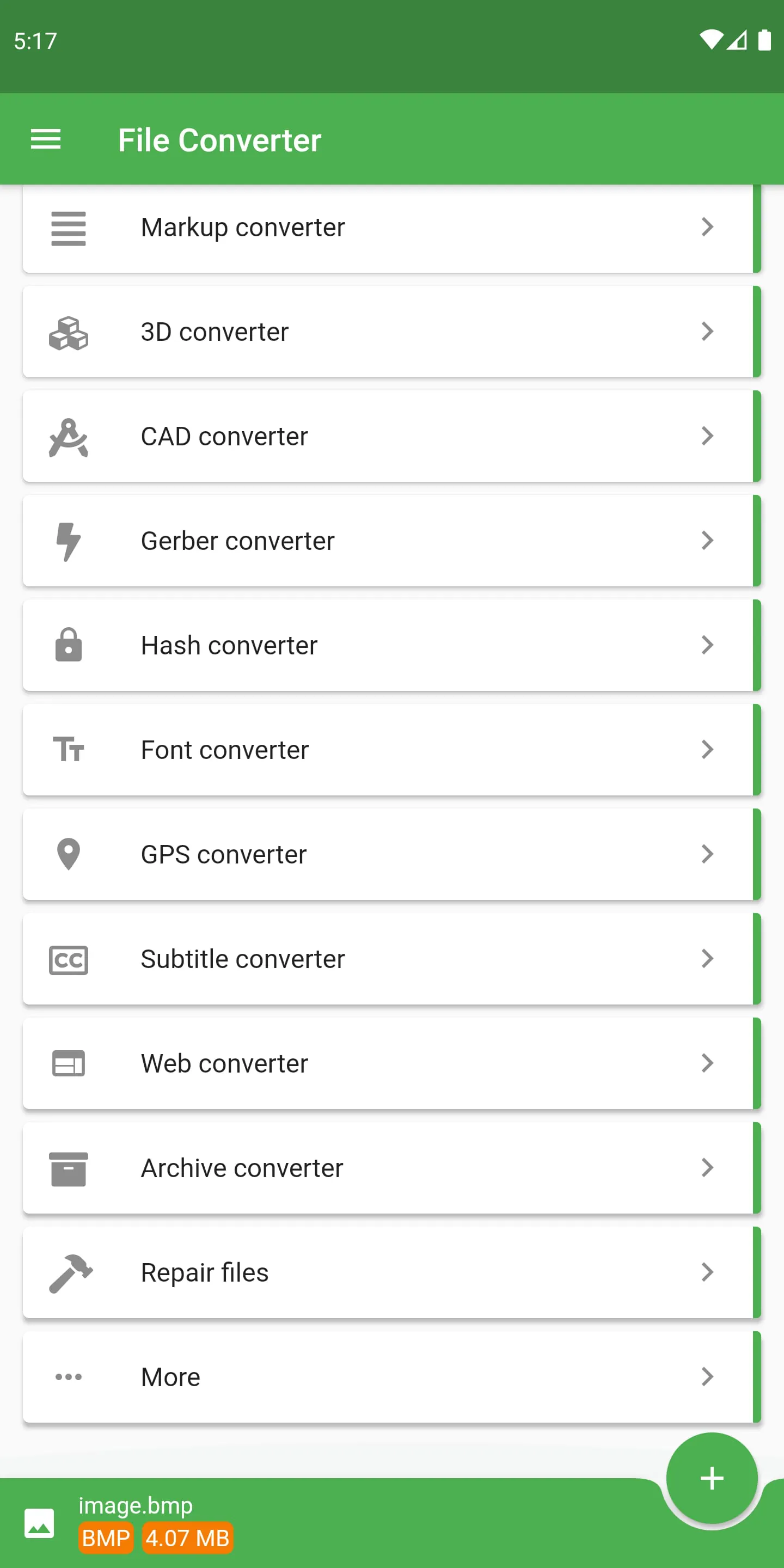
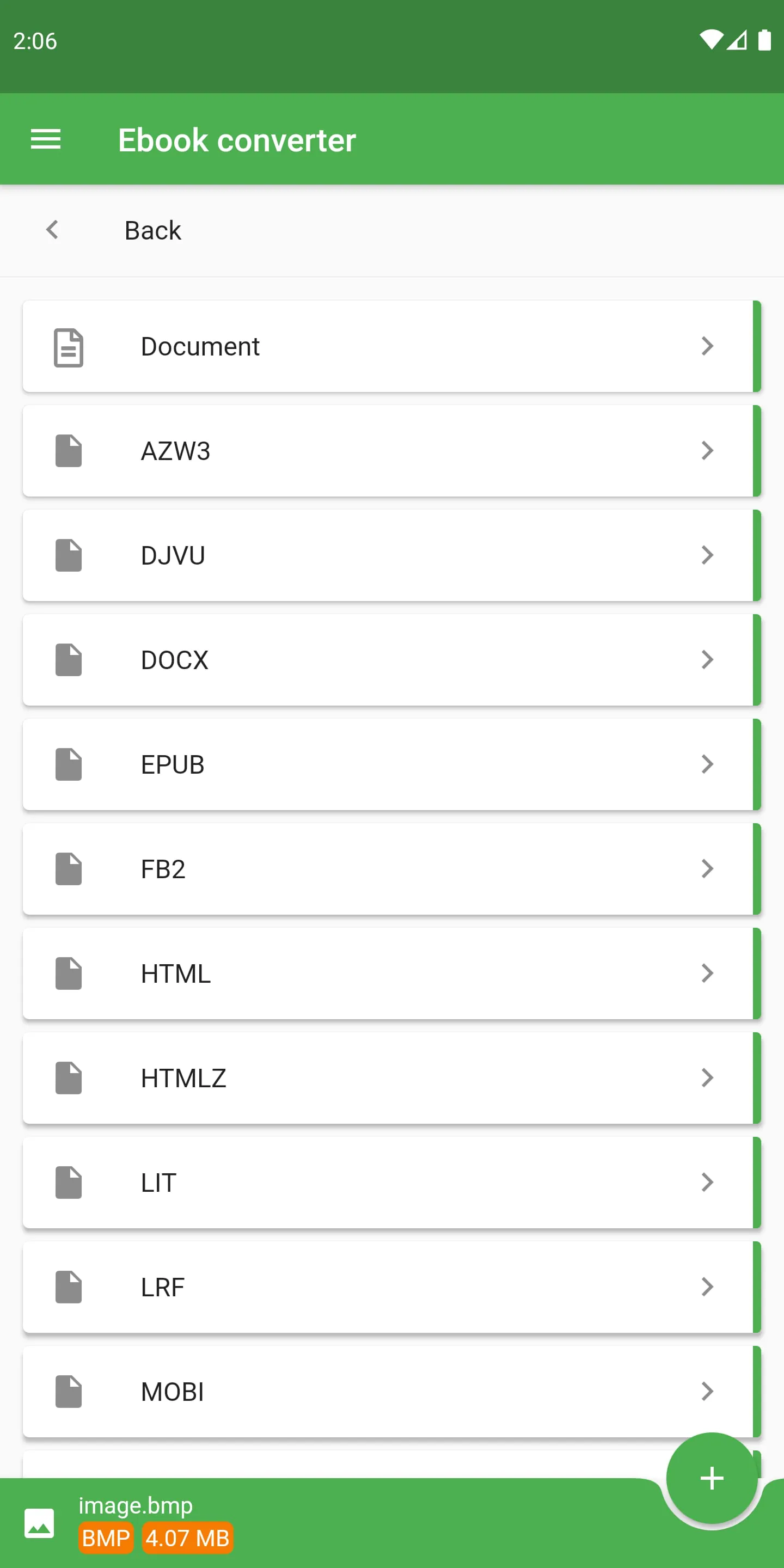
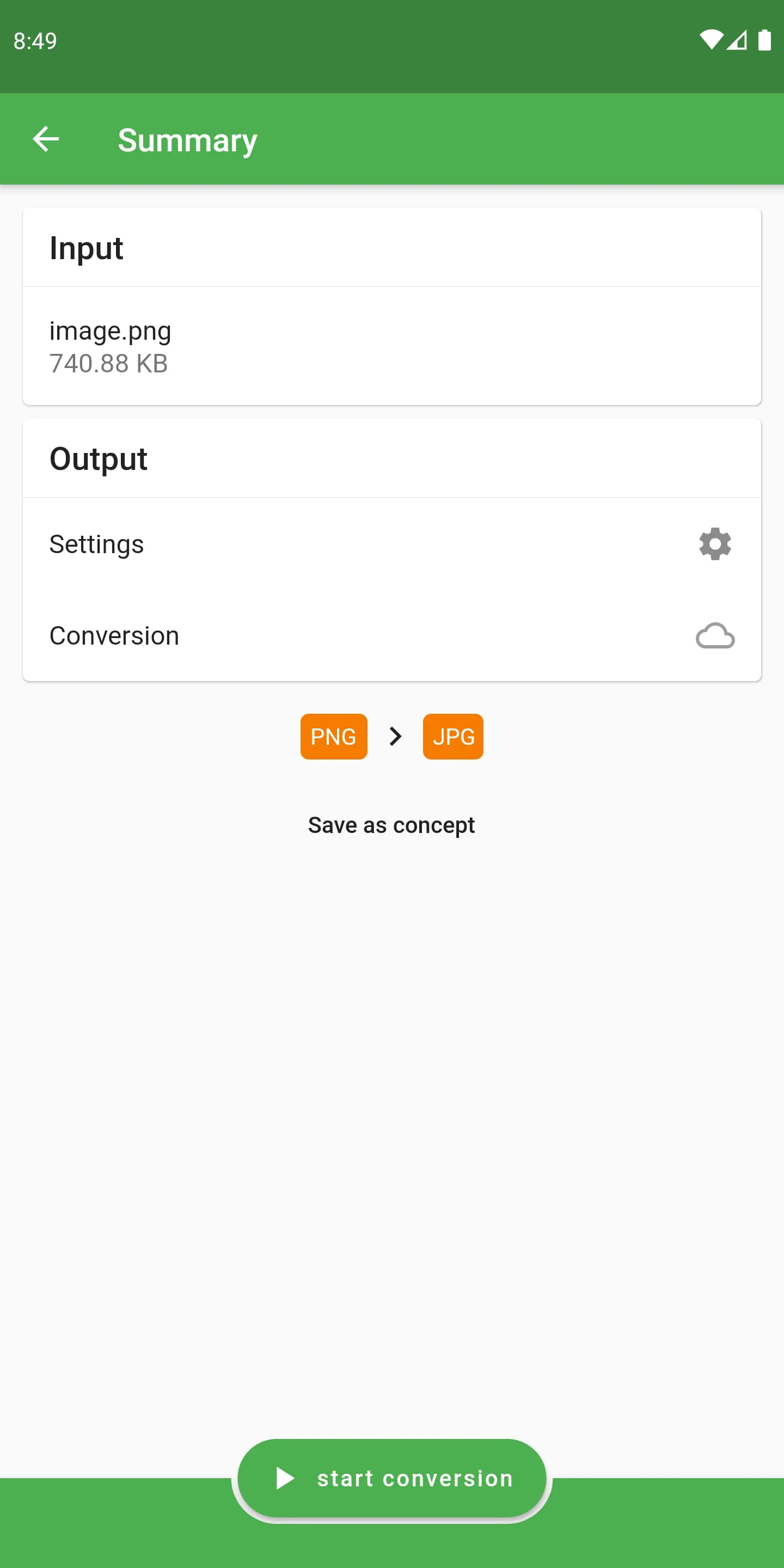
This application is a versatile file conversion tool capable of transforming files between a vast array of formats, encompassing audio, e-books, video, 3D models, documents, presentations, CAD drawings, images, LaTeX, fonts, spreadsheets, Gerber PCB, and metadata, supporting over 2000 source formats. A significant advantage of this application is its utilization of cloud-based conversion, which conserves device battery life, allows users to continue working on their devices during the conversion process, and accelerates conversion speeds. The application supports numerous output formats, catering to a wide range of user needs. For e-books, it supports popular formats such as Amazon Kindle (AZW), Open eBook (ePub), DOCX, Fictionbook (FB2), Sony Portable reader (LRF), Mobipocket (MOBI), Palm Desktop (PDB), Psion (TCR), and standard formats like HTML, TXT, and PDF, along with additional formats like DJVU, OEB, PML, RB, RTF, and SNB. Video conversion is equally comprehensive, supporting MPEG-4 (MP4), WebM VP8, Windows Media Video (WMV), Matroska Video (MKV), and other formats like AVI, FLV, OGV, MOV, 3DS, and 3GP. Image conversion is facilitated to common formats such as PNG, JPG, Bitmap (BMP), and GIF, as well as newer formats like WebP and EXR, and vector graphics including SVG, EPS, Tiff, ICO, TGA, and WBMP. Audio conversion supports well-known formats like MP3, Wave (WAV), and Lossless Flac, alongside lesser-known formats like OGG, AAC, WMA, OPUS, AIFF, MMF, and M4A. Document conversion is supported to Microsoft Word (DOC and DOCX), Open-Office ODT, PowerPoint Presentations (PPT and PPTX), and standard formats like Flash (SWF), HTML, PDF, RTF, and text. Presentation conversion includes ODP, PDF, PPSX, PowerPoint PPT, PPTX, SWF, and UOP. The Markup converter supports TEX, Markdown (MD), reStructuredText (TEXT), Textile, AsciiDoc, Word Docx, E-book ePub, and standard formats like HTML, INFO, PDF, TEXI, WIKI, PPTX, and RTF. 3D model conversion supports STL, Collada DAE, FBX, Iges IGS, Step STP, VRML WRL / X3D, StepZ STPZ, and other formats like 3DS, BRP, CTM, and OBJ, along with images. File compression is supported to 7Z zip, Unix TAR BZ2 or TAR GZ, auto extracting EXE, RUN, and ZIP. Spreadsheet conversion supports CSV, ODS, OTS, PDF, UOS, XLS, and Excel XLSX. Engineering CAD drawings can be converted to DWG, DXF, SVG, and PDF or images. GPS tracks can be converted to CSV, GDB, GPX, HTML, KML, and KMZ, with support for LOC, NMEA, SDF, TCX, TRK, TXT, USR, WPT, and XLS / XLSX. Hashing can be generated for Apache Htpasswd or DES, MD5, RIPE, SHA, Adler, and more. The LaTeX / ConTeXt converter supports PDF, TEX, and DOCX. Font conversion supports BIN, CFF, DFONT, EOT, and FON, along with OTF, PFA, PFB, PS, PT3, SVG, T11, T42, TTF, TTF.BIN, WOFF, and WOFF2. Gerber PCB files can be converted to CNC, GBR, ISEL, or PDF. Subtitles can be converted to LRC, SCC, SRT, SUB, and USF. Metadata and EXIF information can be extracted or deleted. The extensive list of supported formats and conversion options underscores the application's capability to handle diverse file types and conversion requirements. The application's ability to convert such a wide array of file formats makes it a valuable tool for users who need to work with different types of files on a regular basis. By providing support for both common and less common formats, the application ensures that users are able to convert their files to the format they need, regardless of the specific requirements of their projects. The inclusion of cloud-based conversion further enhances the application's usability, as it allows users to convert files without draining their device's battery or slowing down their device's performance. Overall, the application's comprehensive feature set and user-friendly design make it an excellent choice for anyone who needs to convert files on a regular basis.
In addition to its comprehensive file conversion capabilities, this application offers a range of supplementary features, including a color palette, texture, mesh, embroidery, statistics, playlist, web, and sheet music converter. These additional tools broaden the application's utility, extending its capabilities beyond simple file conversion to encompass various media manipulation tasks. The application's diverse functionalities enable users to extract music, convert video to animated GIFs, transform text to audio for listening to e-books or audio books via text-to-speech (TTS), convert raster images to vector graphics, convert PDFs to Word documents, convert RAW files, extract text from images using OCR, create ringtones and cut audio, optimize files for mobile devices, and password protect PDFs, among numerous other possibilities. The application also provides file editing capabilities, further enhancing its versatility. Video conversion options include codec adjustments, rotation, trimming, and stabilization. Audio conversion allows users to adjust bitrate and frequency. E-book conversion enables modification of title and optimization for e-book readers such as Kindle, Sony, Apple iPad, Kobo, and Nook. CAD drawing editing includes color adjustments, scaling, and fitting. Image conversion allows users to adjust quality and size. Document conversion includes OCR for text recognition. Spreadsheet conversion also incorporates OCR. Furthermore, the application supports conversion from URLs or websites, conversion between categories, and offers stable, secure, and fast conversions. However, the application cannot convert secured PDF/ZIP and DRM files. The extensive range of features and editing options makes the application a powerful tool for media manipulation and file optimization. By providing users with the ability to perform a wide variety of tasks within a single application, the developers have created a tool that is both convenient and efficient. The inclusion of features such as OCR and text-to-speech further enhances the application's accessibility, making it a valuable tool for users with disabilities. The ability to convert files from URLs or websites is also a particularly useful feature, as it allows users to easily convert online content without having to download it first. Overall, the application's comprehensive feature set and user-friendly design make it an excellent choice for anyone who needs to work with a variety of media files and formats.
The application's focus on cloud-based conversion is a significant advantage, as it not only saves device battery life and allows users to continue working during the conversion process, but also ensures faster conversion speeds. This is particularly important for users who need to convert large files or perform multiple conversions simultaneously. The application's support for a wide range of file formats and conversion options makes it a versatile tool for both personal and professional use. Whether you need to convert a document to a different format for compatibility reasons, extract audio from a video, or optimize an image for web use, this application has you covered. The application's user-friendly interface makes it easy to find and use the features you need, even if you are not familiar with file conversion. The clear and intuitive design ensures that users of all skill levels can quickly and easily convert their files. The application's commitment to security is also a key factor in its appeal. The use of cloud-based conversion ensures that your files are processed securely and that your data is protected. The application also takes steps to prevent unauthorized access to your files and to ensure that your privacy is protected. In addition to its file conversion capabilities, the application also offers a range of other useful features, such as the ability to edit files, extract text from images, and create ringtones. These additional features make the application an even more valuable tool for anyone who needs to work with media files on a regular basis. Overall, this application is a comprehensive and user-friendly file conversion tool that offers a wide range of features and options. Its focus on cloud-based conversion, security, and ease of use makes it an excellent choice for both personal and professional use. The application's ability to handle a wide variety of file formats and conversion tasks ensures that users are able to convert their files quickly, easily, and securely, regardless of their specific needs.





 APK
APK  Google Play
  iOS
iOS  3.70
3.70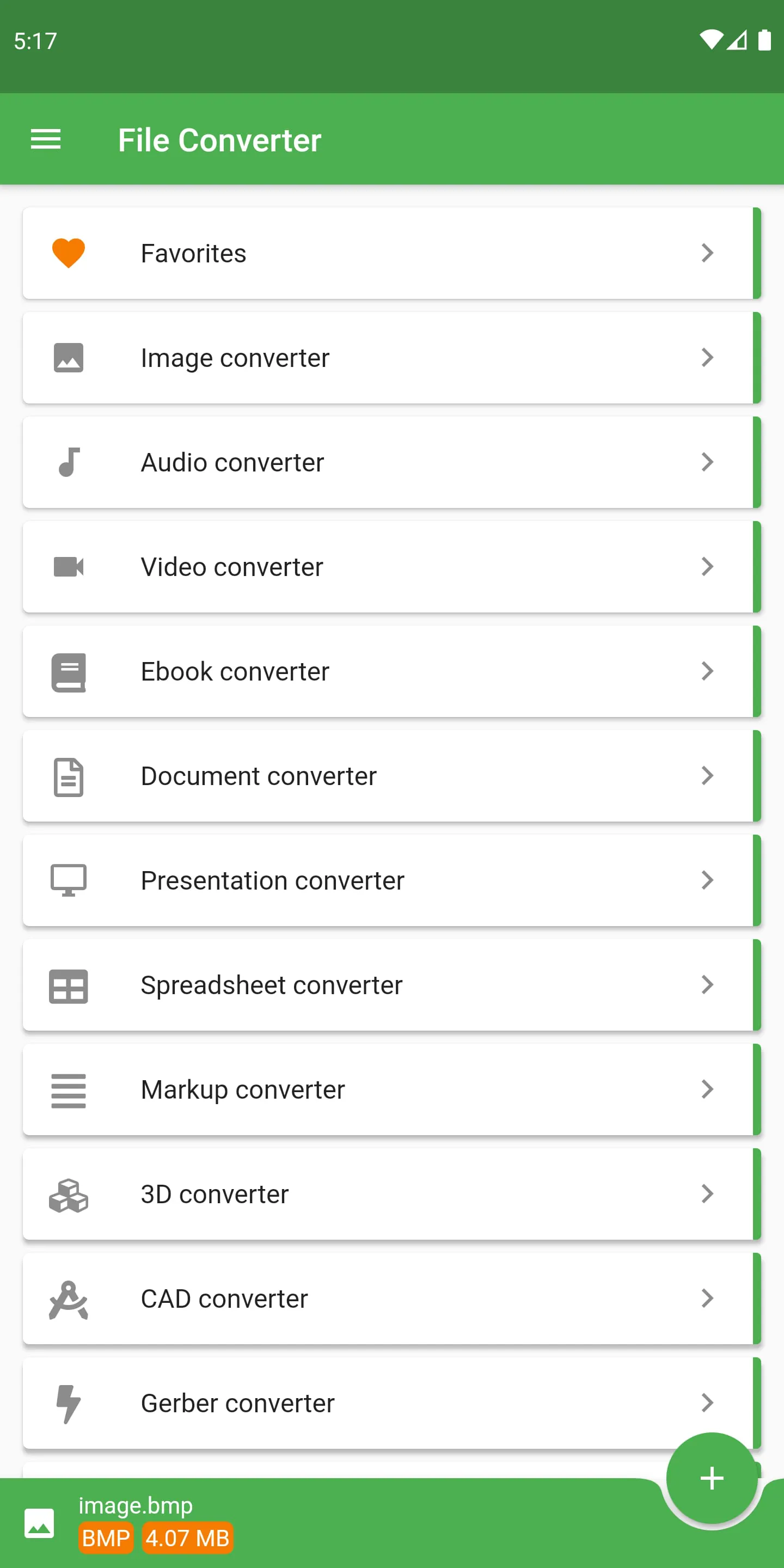
 Download








