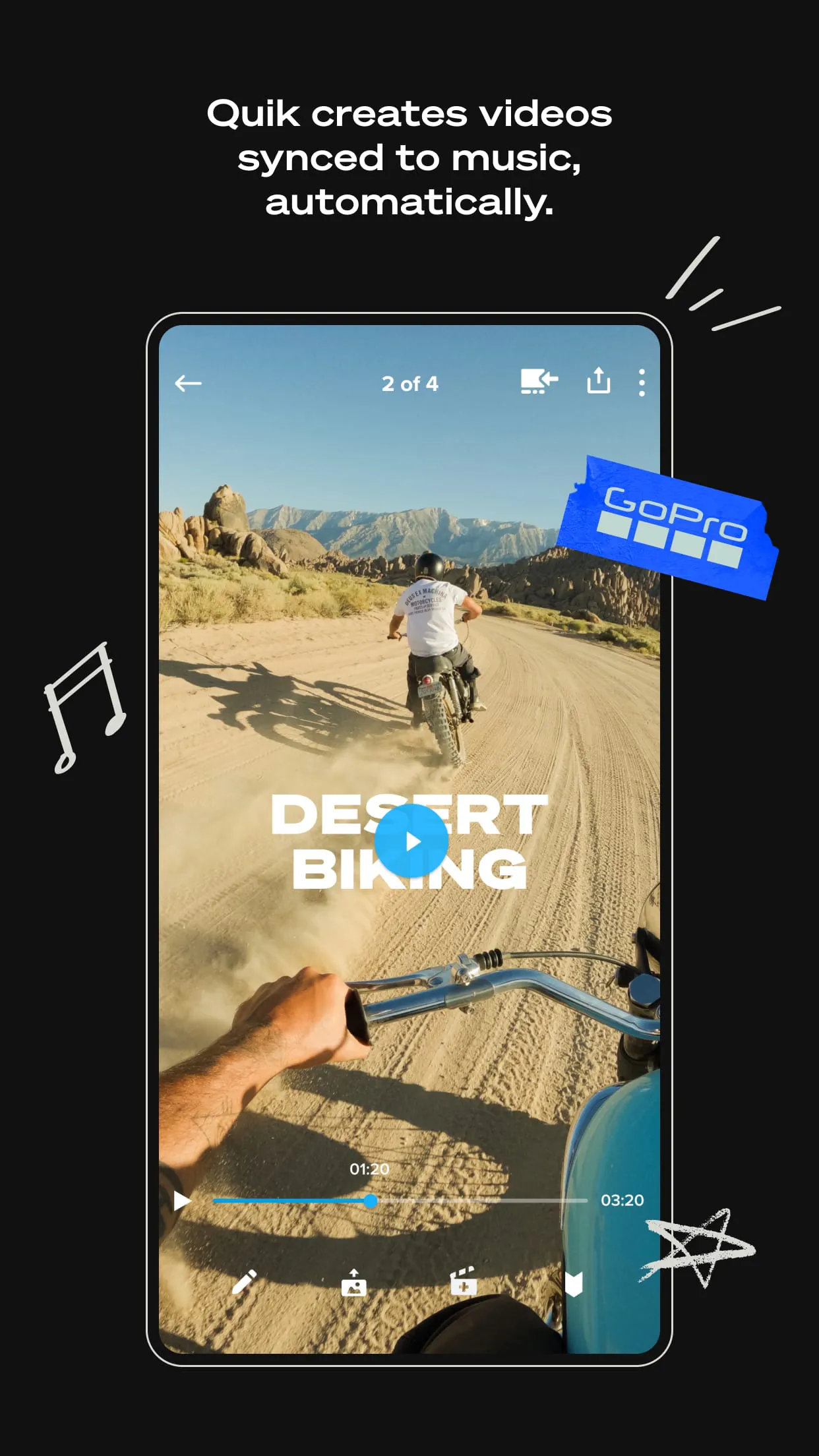
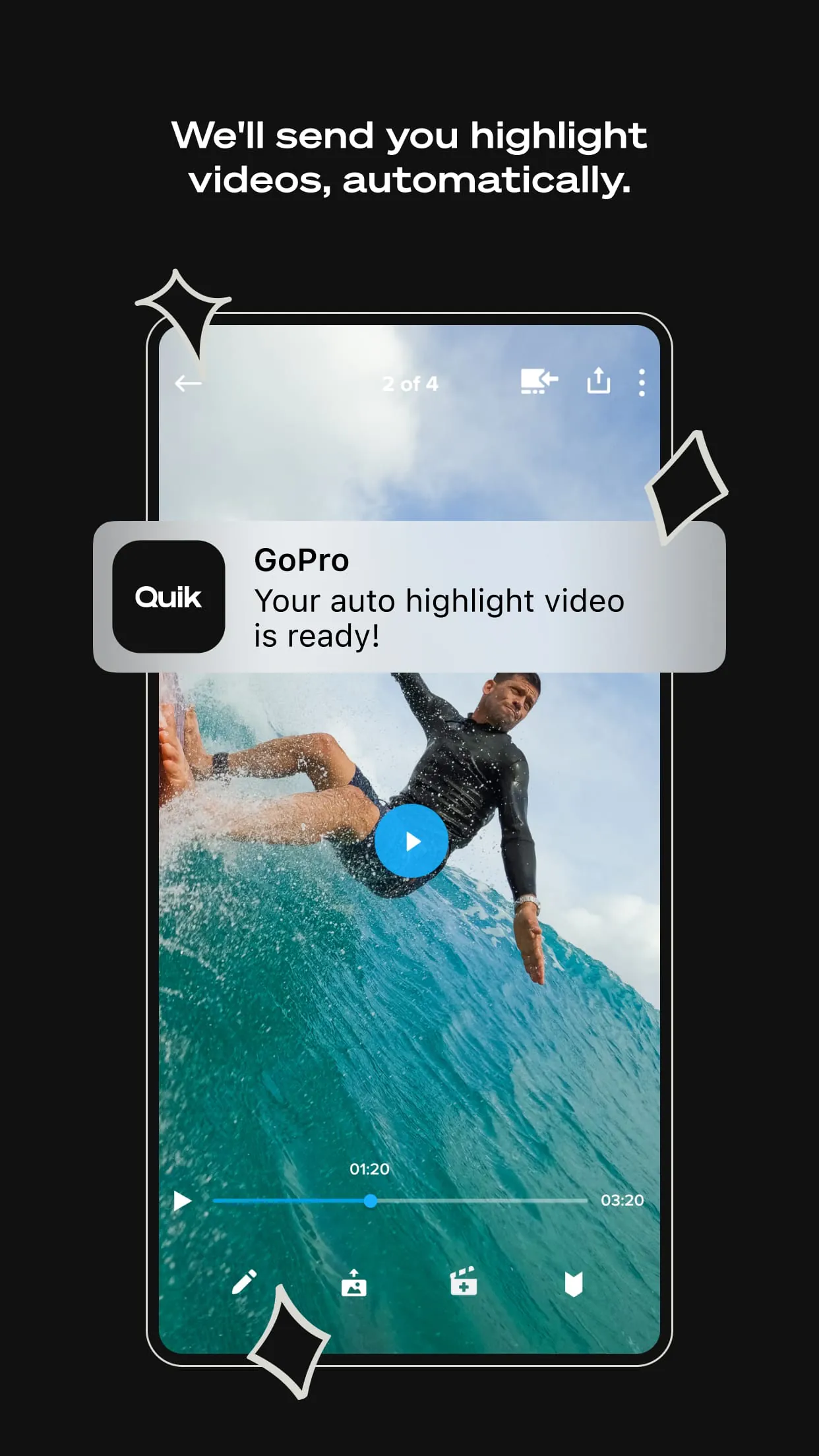
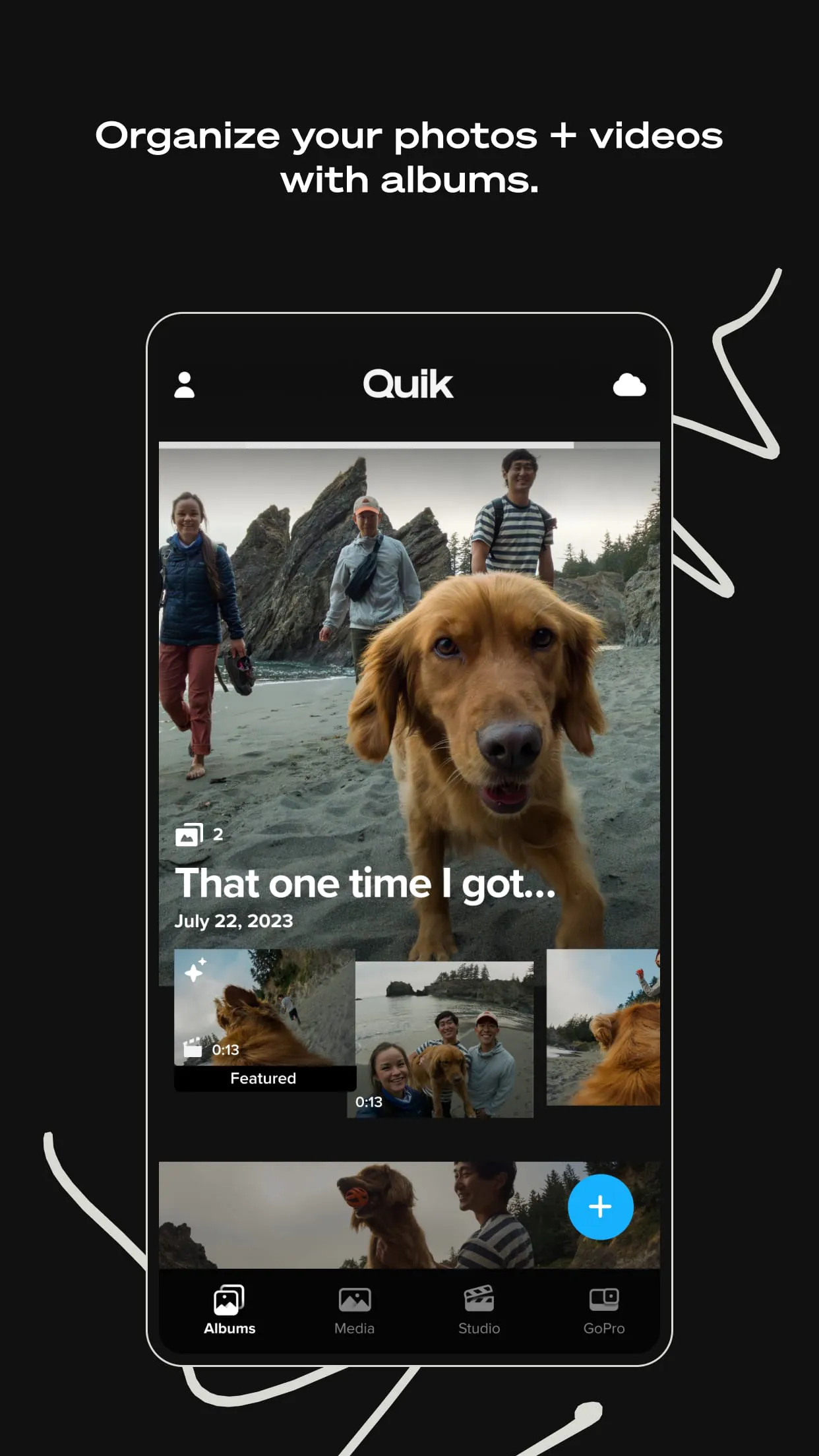
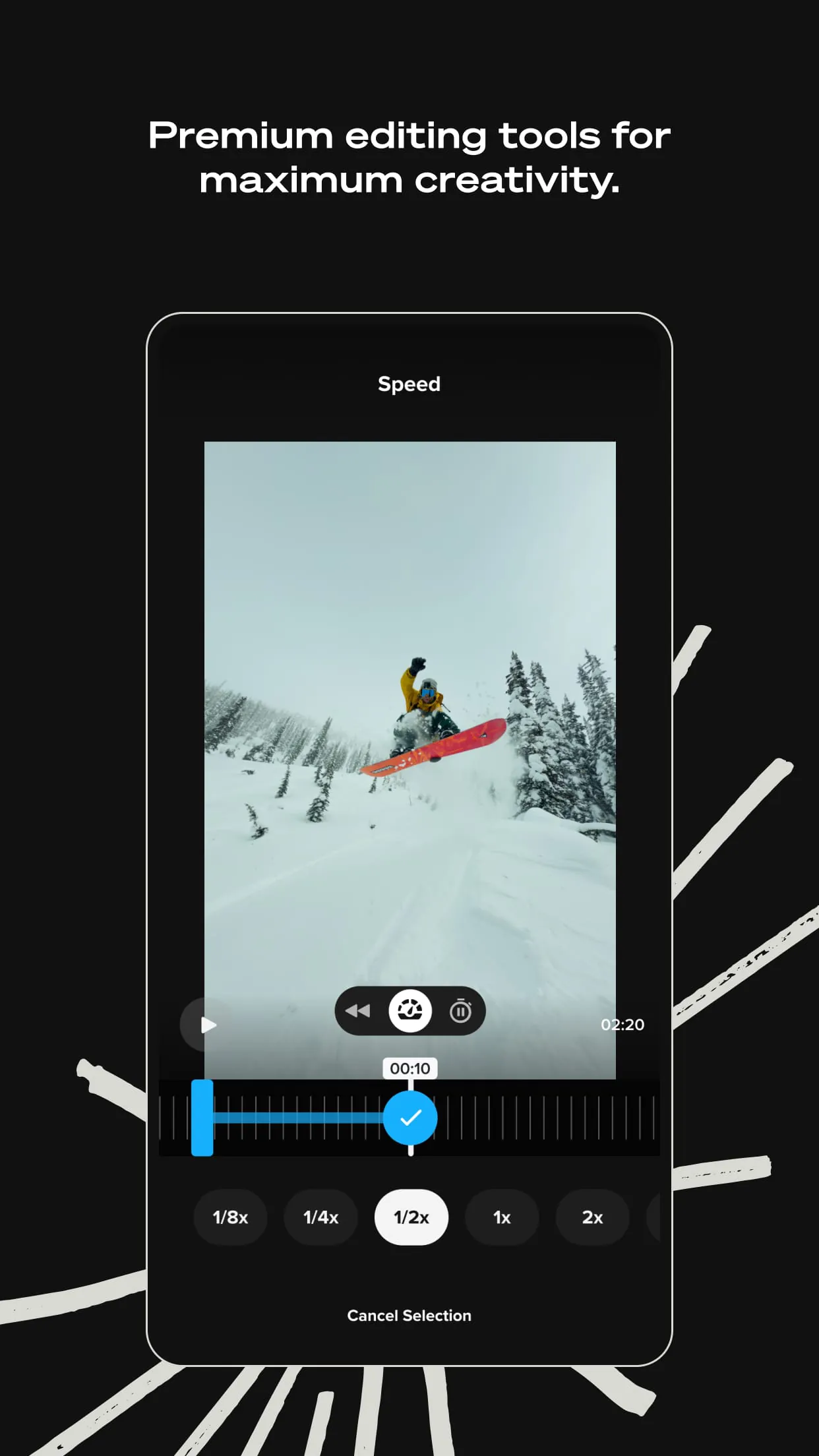
The Quik app revolutionizes video editing by offering a suite of features designed to simplify and enhance the creative process. At its core, Quik provides automatic video creation, intelligently selecting the best shots, synchronizing them with music, and adding seamless transitions to produce shareable videos. This feature is particularly beneficial for users who want to quickly generate engaging content without extensive manual editing. Beyond automated editing, Quik empowers users with premium editing tools that allow for granular control over their videos. These tools include the ability to adjust colors and brightness, trim video lengths, and add creative stickers, enabling users to personalize their content to match their unique style and preferences. The Beat Sync feature stands out by synchronizing clips, transitions, and effects to the rhythm of the music, creating visually dynamic and engaging videos. Additionally, Quik offers the capability to extract high-resolution photos from any video frame, providing users with the flexibility to capture still images from their video footage. The app also includes a variety of themes, each with its own set of cinematic transitions, filters, and effects, allowing users to quickly apply a consistent style to their videos. Filters are available for specific scenes, such as snow or water, enhancing the visual appeal of the footage. Quik also provides tools for adjusting the aspect ratio of photos and videos, maintaining horizon levels, and rotating or flipping media. Text overlays and emojis can be added to videos to express emotions and convey messages. For users with 360-degree content, Quik offers the ability to reframe footage and convert it into traditional videos, allowing them to experiment with different viewpoints and select the most compelling shots. The app also provides a user-friendly interface for managing content, displaying both local and cloud media in a single view, and organizing camera media in a separate view. This centralized management system simplifies the process of finding and accessing media, while search filters and icon overlays make it easy to locate specific files. Quik’s integration with GoPro cameras further enhances its functionality, automatically detecting connected cameras and facilitating the fast and easy transfer of content via USB. Users can preview and delete shots directly from their computer before transferring them, streamlining the workflow and ensuring that only the desired footage is imported. In summary, Quik provides a comprehensive video editing solution that combines automated features with powerful editing tools, cloud storage, and seamless integration with GoPro cameras, making it an ideal choice for both casual and professional users looking to create high-quality videos with ease. The app's ability to automatically create videos, combined with its premium editing tools, cloud storage capabilities, and GoPro camera integration, makes it a versatile and user-friendly option for anyone looking to enhance their video editing experience. Quik simplifies the video editing process while providing the tools necessary to create visually stunning and engaging content, making it a valuable asset for content creators of all levels. Ultimately, Quik stands out as a comprehensive and user-friendly video editing solution that caters to a wide range of users, from those seeking quick and easy video creation to professionals demanding granular control over their footage.
GoPro Cloud, deeply integrated with the Quik app, offers users a robust and convenient solution for storing, accessing, and managing their content. One of the primary benefits of GoPro Cloud is its unlimited cloud storage for content shot on GoPro cameras with a Premium or Premium+ subscription, ensuring that users never have to worry about running out of space for their footage. For content shot on other cameras, such as smartphones, GoPro Cloud offers up to 500GB of storage with the Premium+ subscription, providing ample space for a wide range of media files. All content stored in GoPro Cloud is preserved in its original quality, ensuring that users can access and edit their footage without any loss of detail or resolution. This is particularly important for professional users who require high-quality footage for their projects. The automatic upload feature of GoPro Cloud seamlessly backs up photos and videos to the cloud as soon as they are imported into the Quik app, eliminating the need for manual backups and ensuring that content is always safe and accessible. This feature is especially useful for users who are constantly on the go and want to ensure that their footage is protected. Content stored in GoPro Cloud can be accessed and edited across multiple devices, providing users with the flexibility to work on their projects from anywhere. This seamless synchronization across devices ensures that users always have access to the latest version of their footage, regardless of the device they are using. GoPro Cloud also offers a range of content management tools, allowing users to easily organize, search, and share their media files. These tools include the ability to create folders, add tags, and filter content by date, location, and other criteria, making it easy to find specific files. The cloud storage is not compatible with GoPro Fusion content and some file formats from non-GoPro cameras. GoPro Cloud's integration with the Quik app further enhances its functionality, allowing users to seamlessly edit their cloud-based content directly within the app. This integration eliminates the need to download footage to a local device before editing, saving time and storage space. In addition to its storage and editing capabilities, GoPro Cloud also provides users with a secure and reliable platform for sharing their content with others. Users can easily share their photos and videos with friends, family, and colleagues via email, social media, or direct links, allowing them to showcase their work and collaborate on projects. Overall, GoPro Cloud offers a comprehensive and user-friendly solution for storing, accessing, managing, and sharing content, making it an essential tool for GoPro users and content creators alike. Its unlimited cloud storage, automatic upload feature, multi-device synchronization, and seamless integration with the Quik app provide users with a streamlined and efficient workflow for managing their media files. The combination of Quik and GoPro Cloud offers a powerful and versatile solution for content creators, allowing them to capture, edit, store, and share their footage with ease.
The Quik app, designed as a companion to GoPro cameras, provides a comprehensive suite of features tailored to enhance the user experience and simplify the process of creating compelling videos. One of the key features of Quik is its ability to automatically detect connected GoPro cameras, streamlining the process of transferring content. This automatic detection eliminates the need for manual configuration and ensures that users can quickly and easily transfer their footage to the app for editing. The app facilitates fast and easy content transfer via a USB wired connection, ensuring that footage is transferred quickly and reliably. This wired connection provides a stable and secure connection, minimizing the risk of data loss or corruption during the transfer process. Quik allows users to preview photos and videos taken with their GoPro before transferring them to their computer, enabling them to review their footage and select the best shots for editing. This preview feature saves time and storage space by allowing users to avoid transferring unwanted footage. Users can also delete unwanted shots from their camera’s SD card directly from the app, streamlining the workflow and ensuring that only the desired footage is retained. This deletion feature helps users manage their storage space and keep their SD cards organized. The app offers a unified view for managing both local and cloud media, providing users with a centralized location for accessing and organizing their content. This unified view simplifies the process of finding and managing media files, regardless of where they are stored. Camera media is organized in a separate view, making it easy for users to access and manage their GoPro footage. This separate view helps users keep their camera footage organized and separate from other media files. Quik features a large and easy-to-see grid for displaying media, making it easy for users to browse and select their footage. This grid view provides a clear and intuitive way to view media files, while search filters and icon overlays make it easy to find specific files. The app also offers a range of editing tools, allowing users to enhance their GoPro footage and create professional-looking videos. These editing tools include the ability to adjust colors, brightness, and contrast, as well as add text, music, and effects. Quik’s integration with GoPro cameras and cloud services ensures that users have a seamless and efficient workflow for capturing, editing, and sharing their footage. The app is designed to work seamlessly with GoPro cameras and GoPro Cloud, providing users with a comprehensive ecosystem for managing their content. Quik is a valuable tool for GoPro users, offering a range of features that enhance the user experience and simplify the process of creating compelling videos. The app's automatic camera detection, fast content transfer, media preview, and deletion features, combined with its unified media management and editing tools, make it an essential tool for GoPro users looking to get the most out of their cameras and footage.





 APK
APK  Google Play
  iOS
iOS  4.50
4.50