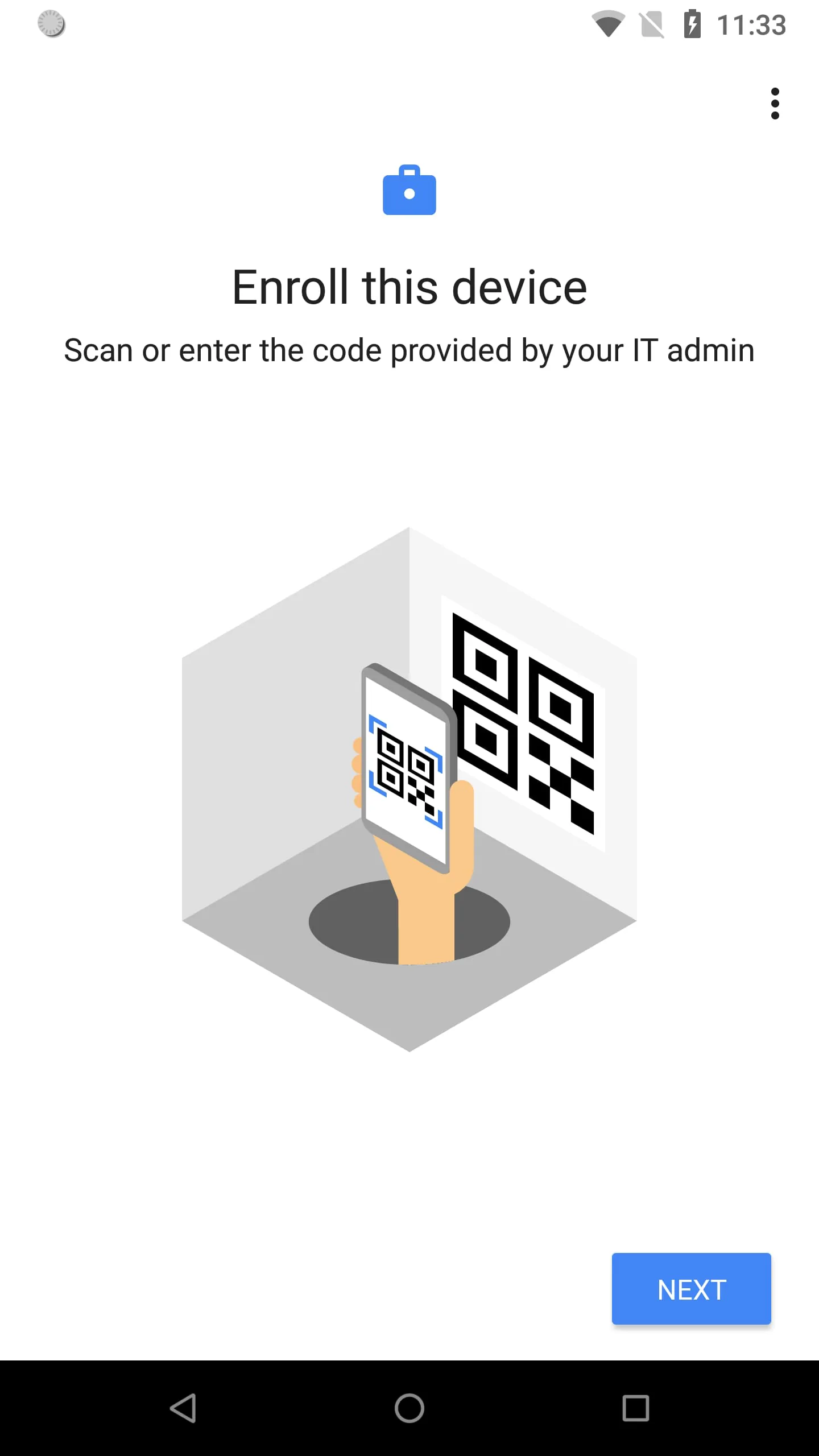
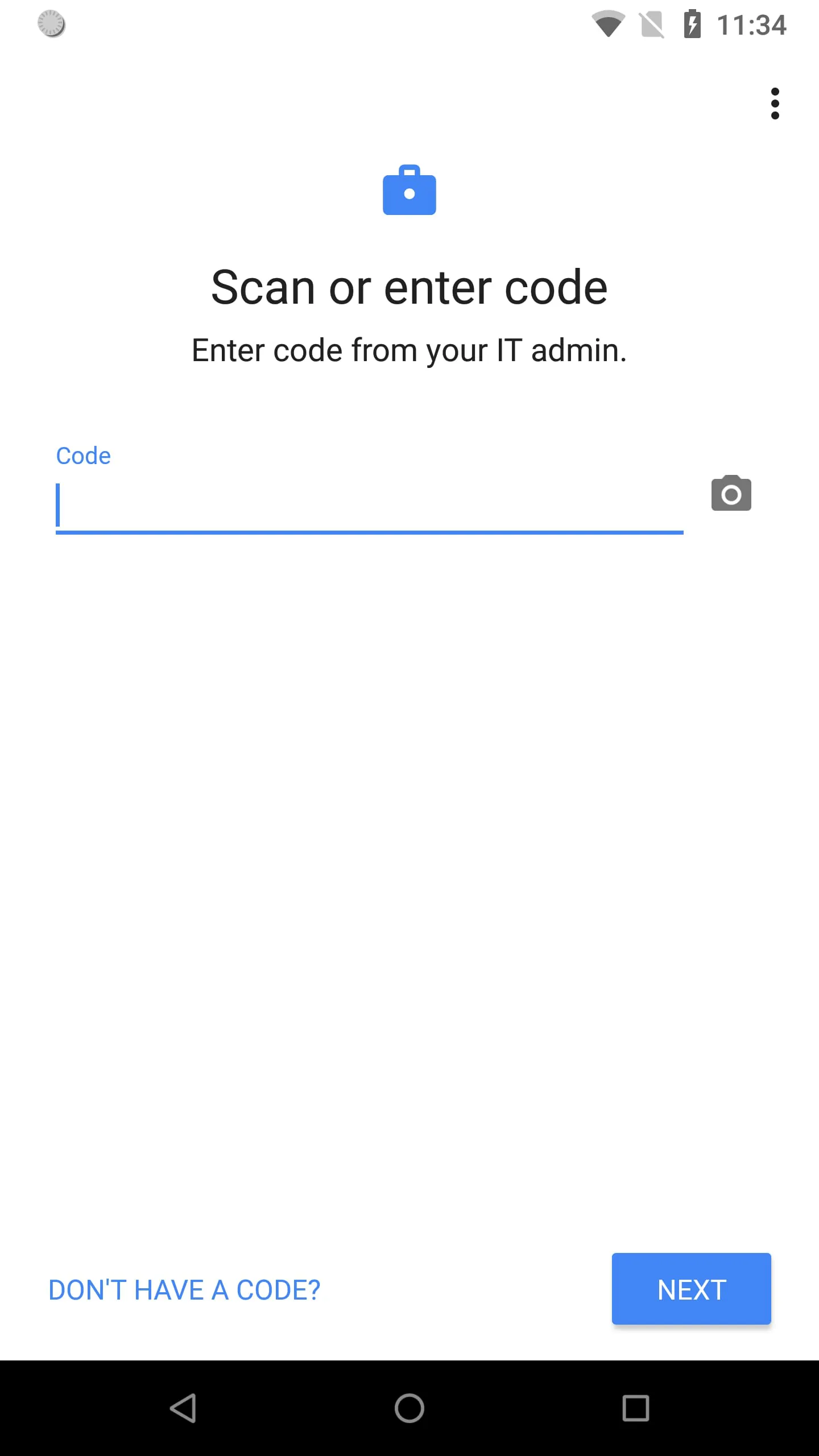
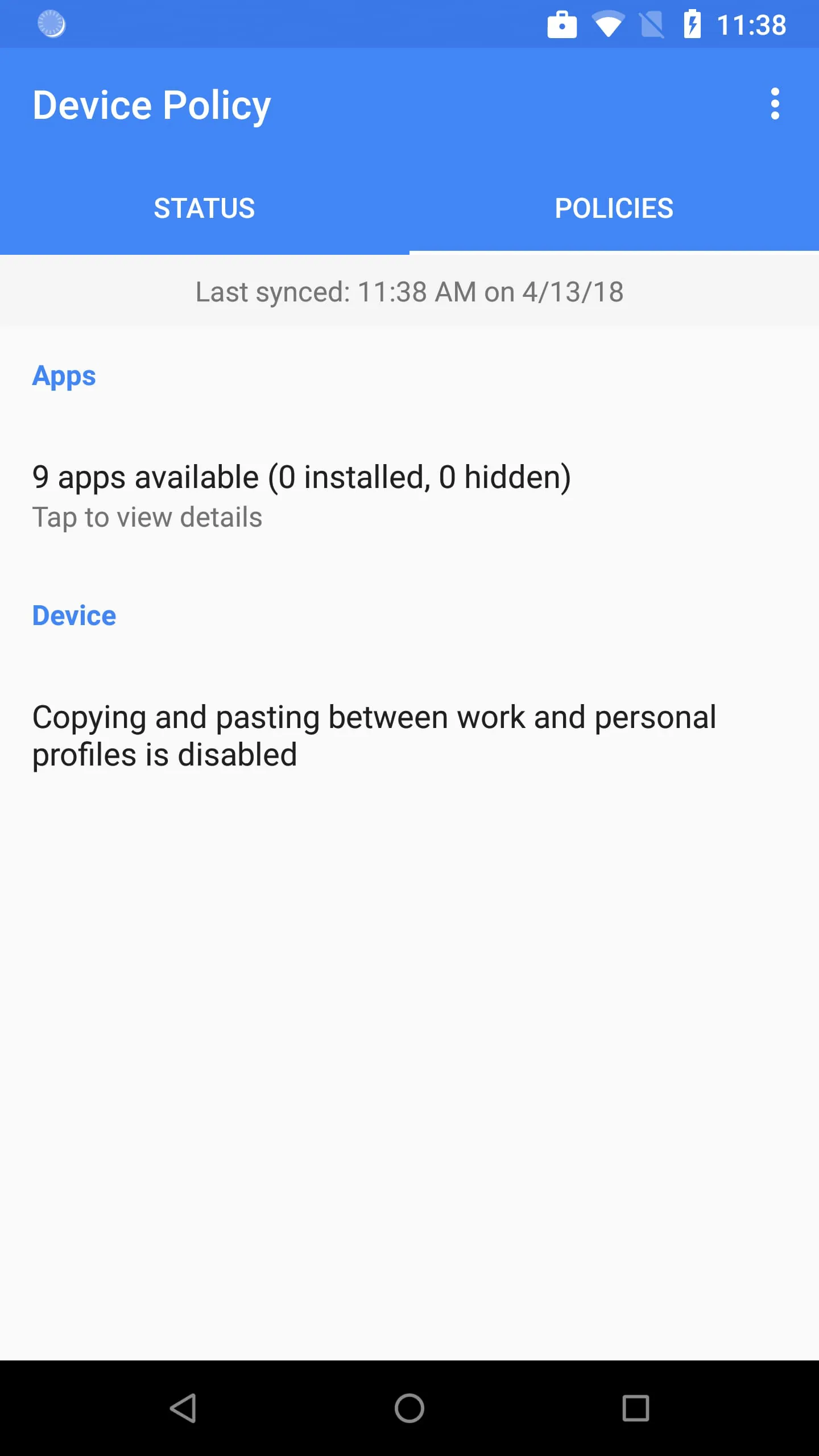
Android Device Policy is a critical application designed to enable IT administrators to maintain the security of their organization's data on Android devices. This application empowers administrators to manage a range of security policies and settings, ensuring that devices accessing corporate resources adhere to the necessary security protocols. The application streamlines device enrollment, providing a hassle-free experience for users while simultaneously enforcing security measures. Once enrolled, users gain access to managed Google Play, a dedicated platform for distributing and managing work-related applications. This ensures that employees have access to the tools they need while preventing the installation of unauthorized or potentially harmful applications. Furthermore, Android Device Policy facilitates access to corporate email and other essential work resources, creating a secure and productive environment for employees. The Android Enterprise demo serves as a valuable resource, enabling administrators to generate demo codes to test and evaluate the application's functionality before widespread deployment. This allows organizations to assess the application's compatibility with their existing infrastructure and to fine-tune security policies to meet their specific requirements. Android Device Policy plays a crucial role in safeguarding sensitive data and maintaining compliance with industry regulations. By providing administrators with granular control over device security settings, the application helps to mitigate the risk of data breaches and unauthorized access. This comprehensive approach to device management ensures that corporate data remains protected, even when accessed from personal devices. The application supports a variety of security policies, including password complexity requirements, screen lock timeouts, and remote wipe capabilities. These policies can be customized to meet the unique security needs of each organization, providing a flexible and adaptable solution for device management. In addition to its security features, Android Device Policy also enhances user productivity by providing seamless access to work resources and applications. The managed Google Play store simplifies the process of discovering and installing work-related applications, ensuring that employees have the tools they need to perform their jobs effectively. The application also integrates with corporate email systems, allowing users to access their email and calendar from their mobile devices. This integration eliminates the need for users to switch between multiple applications, streamlining their workflow and improving their overall efficiency. By providing a secure and user-friendly environment for accessing corporate resources, Android Device Policy helps to empower employees to work productively from anywhere, at any time.
The Android Management API is a powerful tool for developers seeking to manage Android devices using Android Device Policy. This API enables developers to programmatically control device security settings, deploy applications, and monitor device status. By leveraging the Android Management API, organizations can automate many of the tasks associated with device management, reducing the administrative burden and improving efficiency. The API provides a comprehensive set of features, including device enrollment, policy management, application management, and device monitoring. These features can be used to create custom device management solutions that meet the specific needs of each organization. For example, the API can be used to automatically enroll new devices into the management system, configure security policies based on device type or user role, and deploy applications to specific groups of users. The Android Management API also provides real-time monitoring capabilities, allowing administrators to track device status and identify potential security threats. The API can be used to generate alerts when a device is out of compliance with security policies or when suspicious activity is detected. This proactive approach to device management helps to prevent data breaches and other security incidents. In addition to its security features, the Android Management API also supports a variety of other device management tasks, such as remote wipe, device location tracking, and application inventory management. These features can be used to enhance device security, improve asset tracking, and streamline software deployments. The API is designed to be easy to use and integrate with existing IT systems. It provides a well-documented set of APIs and SDKs, allowing developers to quickly build custom device management solutions. The API also supports a variety of programming languages and platforms, making it accessible to a wide range of developers. By leveraging the Android Management API, organizations can create a comprehensive and automated device management solution that enhances security, improves efficiency, and reduces administrative overhead. This API is an essential tool for organizations that need to manage a large number of Android devices.
Android Device Policy requires several permissions to function properly, including camera, contacts, phone, and location permissions. The camera permission is optionally used to scan QR codes for enterprise enrollment, streamlining the enrollment process and reducing the need for manual configuration. The contacts permission is used to add the user's work account to the device, which is essential for accessing managed Google Play and other work-related resources. The phone permission is used for device registration and to report device identifiers to the IT administrator. This information is used to track and manage devices within the organization. The location permission is used to query available Wi-Fi networks, which allows the application to align with IT policies and offer a new network if the current configuration is broken. This ensures that users are always connected to a secure and reliable network. It is important to note that users can opt out of optional permission requests and still use the app. This provides users with control over their privacy while still allowing them to access the essential features of the application. The permission requests are designed to be transparent and informative, explaining why each permission is needed and how it will be used. This transparency helps to build trust with users and encourages them to grant the necessary permissions. Android Device Policy is committed to protecting user privacy and ensuring that data is used responsibly. The application adheres to strict privacy policies and security protocols to protect user data from unauthorized access. The application also provides users with the ability to control their privacy settings and to opt out of data collection. By providing a secure and privacy-respecting environment for accessing corporate resources, Android Device Policy helps to empower employees to work productively while protecting their personal information. The application is an essential tool for organizations that need to manage and secure Android devices in the workplace. By providing a comprehensive set of features and a commitment to user privacy, Android Device Policy helps to ensure that corporate data remains protected and that employees can work productively from anywhere, at any time.





 APK
APK  Google Play
  iOS
iOS  3.10
3.10