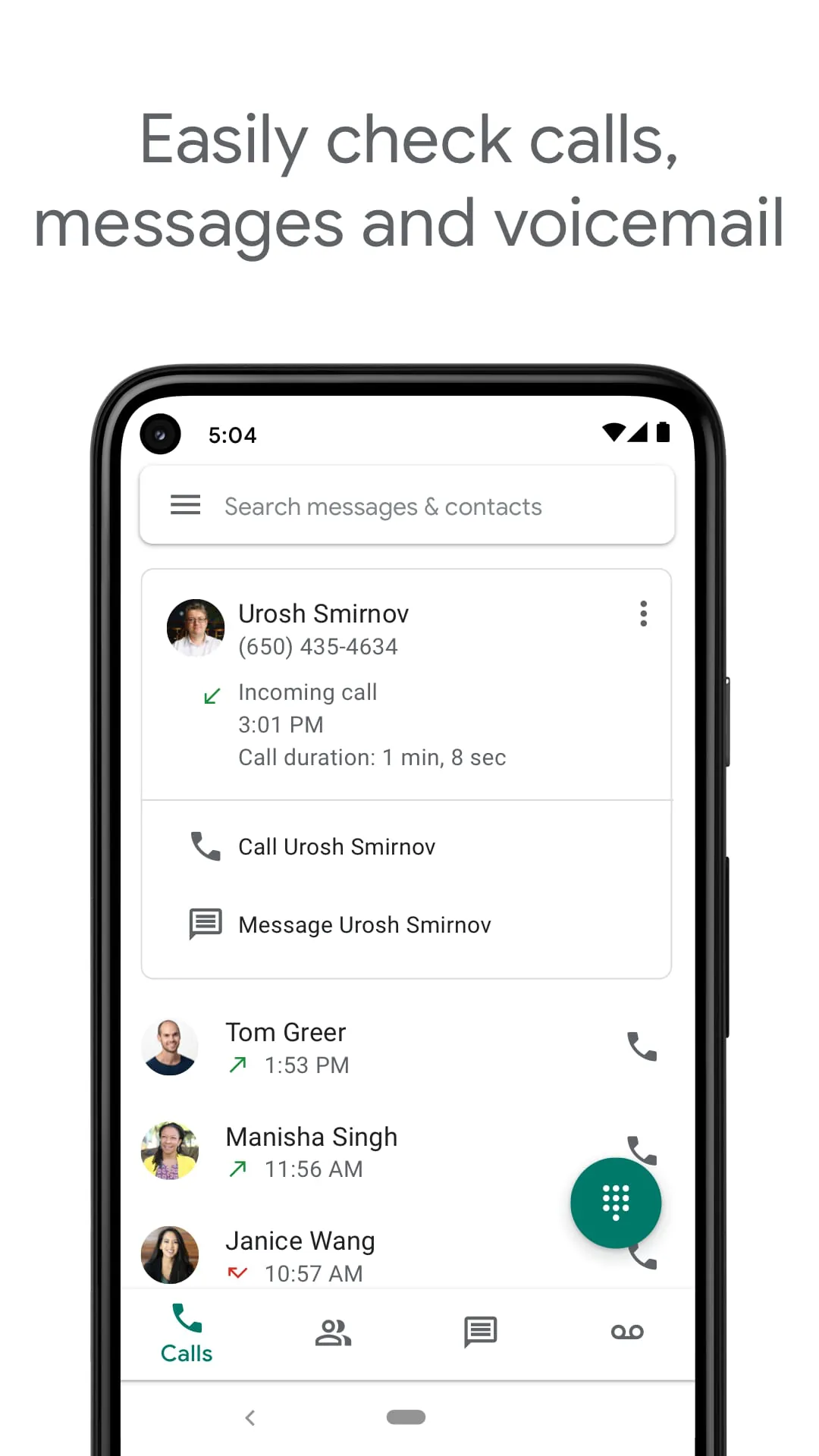
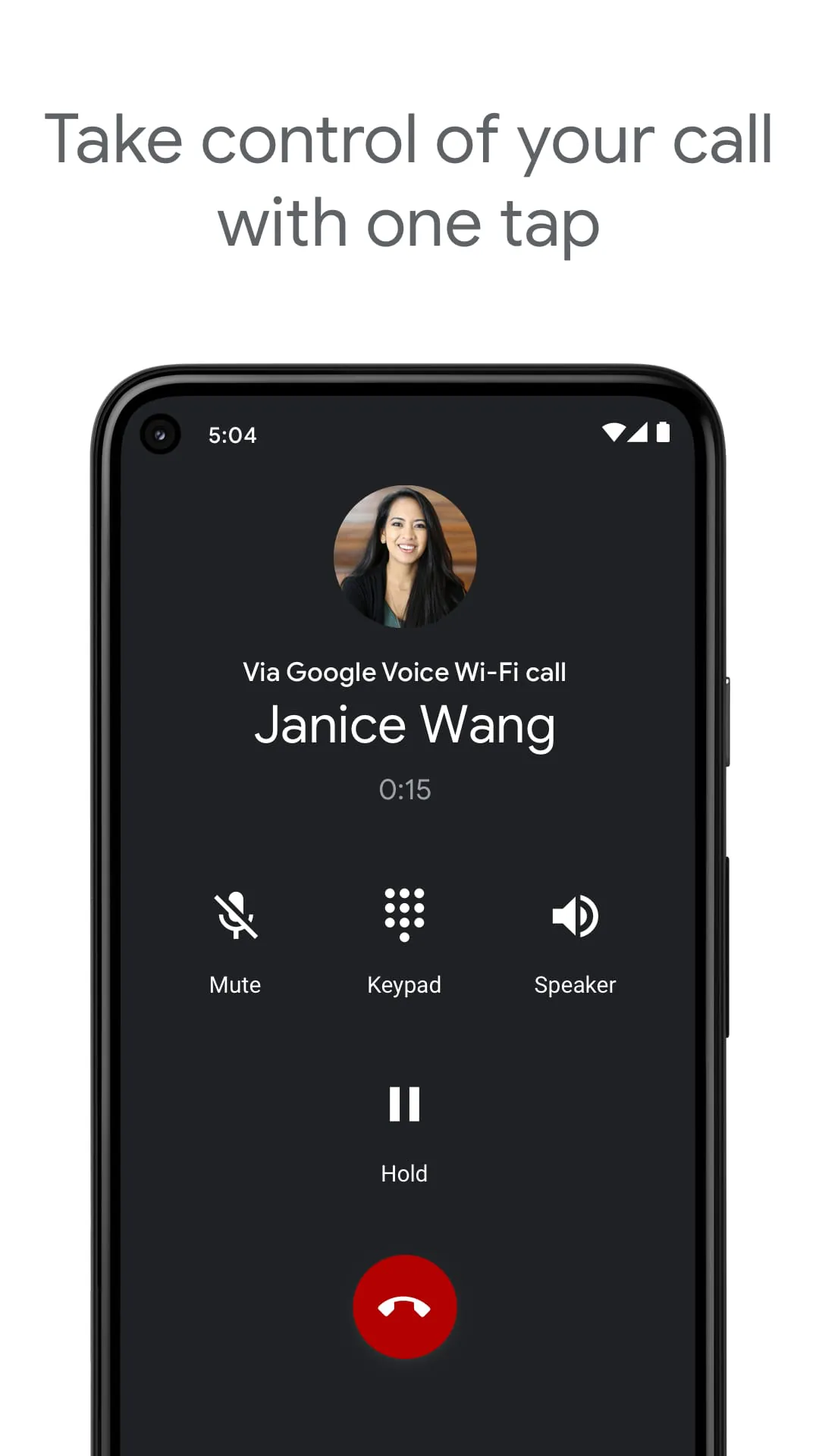
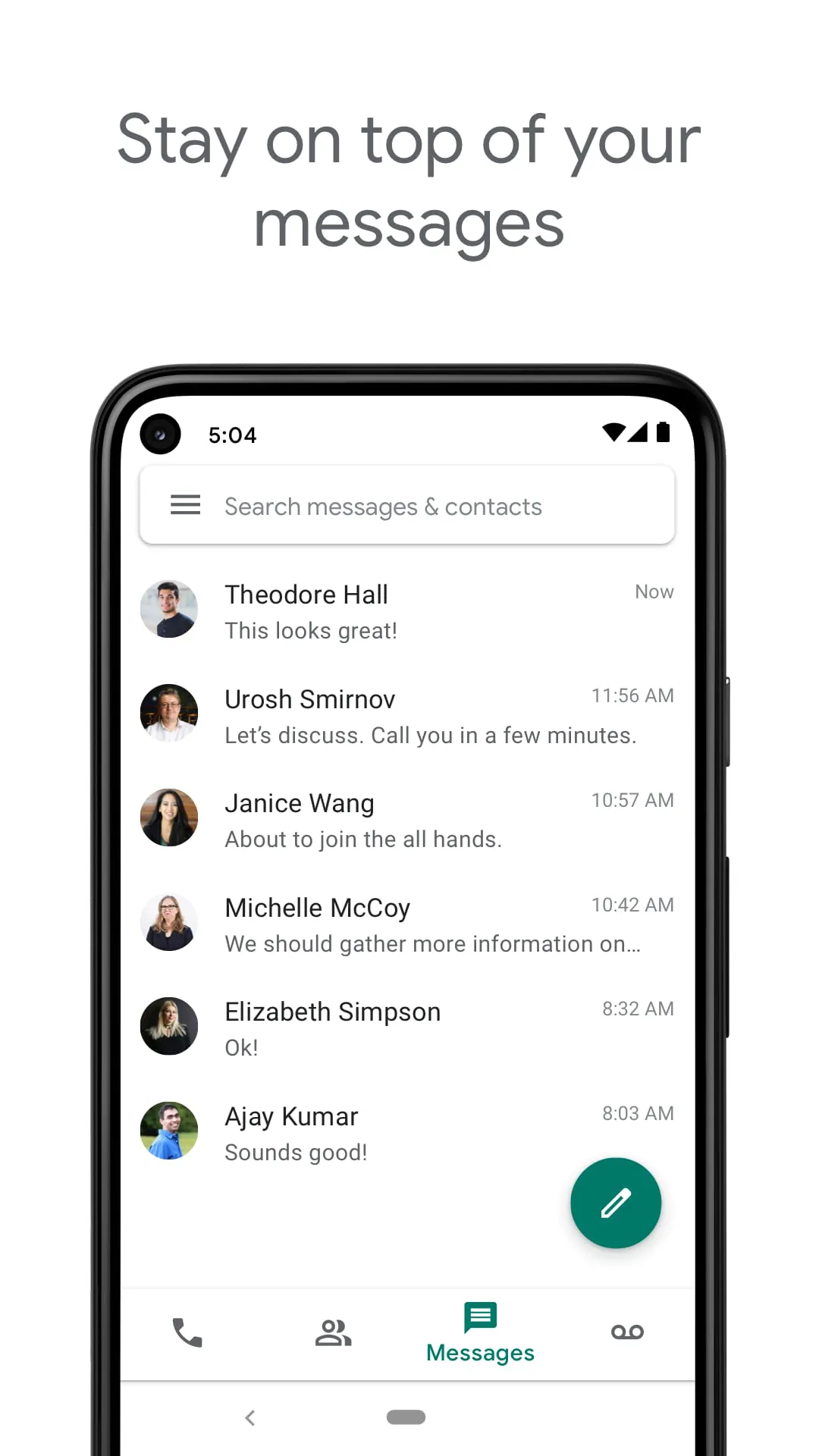
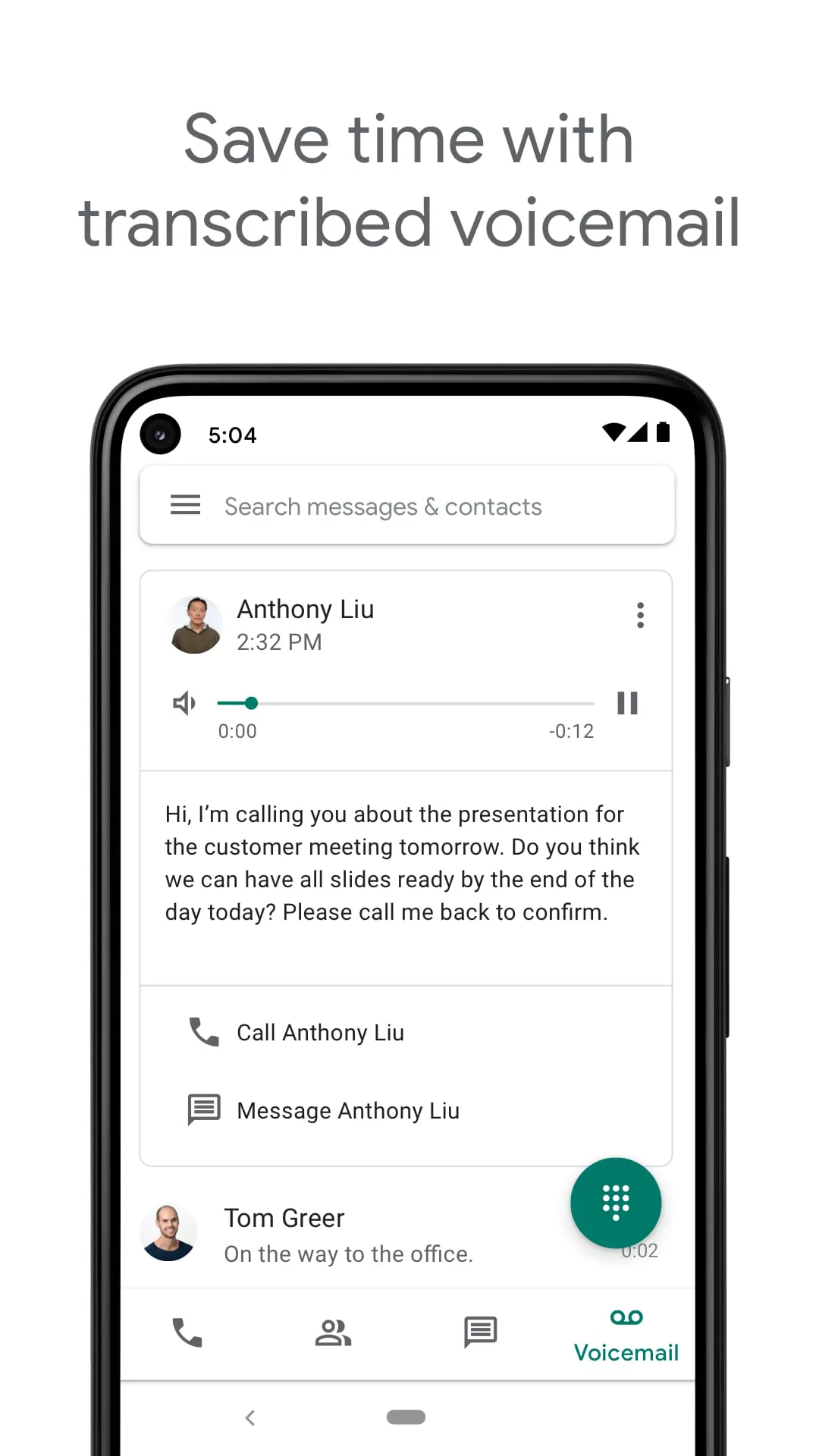
Google Voice is a telephony service developed by Google that provides users with a virtual phone number for making and receiving calls, sending text messages, and managing voicemail. It operates over the internet (VoIP), allowing seamless synchronization across smartphones, tablets, and computers. While it offers a centralized communication hub with features like spam filtering and voicemail transcription, it is important to note that the consumer version of Google Voice is primarily available to users with a US-based Google Account or through Google Workspace in select markets, and its full functionality may be limited outside these regions.
Key Features
Google Voice stands out with its robust set of features designed for both personal and business communication. It offers a free US phone number that can be used to make domestic calls and send SMS messages at no cost. One of its most praised features is the automatic voicemail transcription, which converts voice messages into readable text and can forward them to your email. The service also includes intelligent spam call filtering and blocking, ensuring a cleaner communication experience. For businesses, it integrates with Google Workspace, providing advanced functionalities like call recording, multi-level auto-attendants, and an admin console for managing numbers and users. Additionally, it allows for low-cost international calls using Google Voice credits instead of traditional carrier rates.
Pros & Cons
Using Google Voice comes with several advantages and limitations. On the positive side, it offers significant cost savings on domestic and international calls, reduces spam effectively, and provides excellent cross-device synchronization, allowing you to use the same number on your phone and computer. The voicemail transcription is highly accurate and useful for quick reading. However, the service has notable drawbacks. Its availability is heavily restricted; the free personal version is essentially limited to the United States, and users in other countries (like China) often face connectivity issues or cannot register at all without a US number. Furthermore, while it supports SMS, MMS and group messaging can be unreliable. There is also a dependency on a stable internet connection for VoIP calls, which may not be ideal in areas with poor data coverage.
Functions
The core functionality of Google Voice revolves around its virtual number. Users can make and receive calls using this number, which can be set to ring multiple linked devices (like your mobile and laptop) simultaneously. The service acts as a powerful call management tool, allowing you to set custom voicemail greetings for different contacts, screen calls before answering, and block unwanted numbers with ease. Text messaging is fully supported, and all conversations are saved and searchable within the app or web interface. For voicemail, it not only stores messages but also provides automated transcripts. For international calls, users can pre-pay for credits to dial numbers worldwide at competitive rates. Business users benefit from additional features such as call forwarding rules, ring groups, and integration with Google Meet and Calendar for scheduling.
How to Use
Click the button "Check All Versions" below to download and install it. To start using Google Voice, you first need a Google Account. If you are in the US, you can sign up directly via the app or website to choose a free phone number (selecting an area code of your choice). During setup, you will be required to verify an existing US phone number for security purposes. Once set up, you can install the app on your Android or iOS device, or access it via the web browser on your computer. In the settings, configure your call forwarding preferences and decide whether to use carrier minutes or Wi-Fi/data for calls. For users outside the US, accessing the full features typically requires a US Google Account and a VPN connection, but functionality may still be limited compared to being physically located in the supported region.





 APK
APK  Google Play
  iOS
iOS  4.20
4.20