Garmin Explore is a comprehensive mobile application and web platform designed primarily for outdoor adventurers, serving as a powerful companion to Garmin GPS devices. It allows users to plan trips, navigate off-grid, and track their journeys in remote areas where cellular service is unreliable, seamlessly syncing data between the app, the web portal, and compatible Garmin handhelds, wearables, and inReach satellite communicators.
Key Features
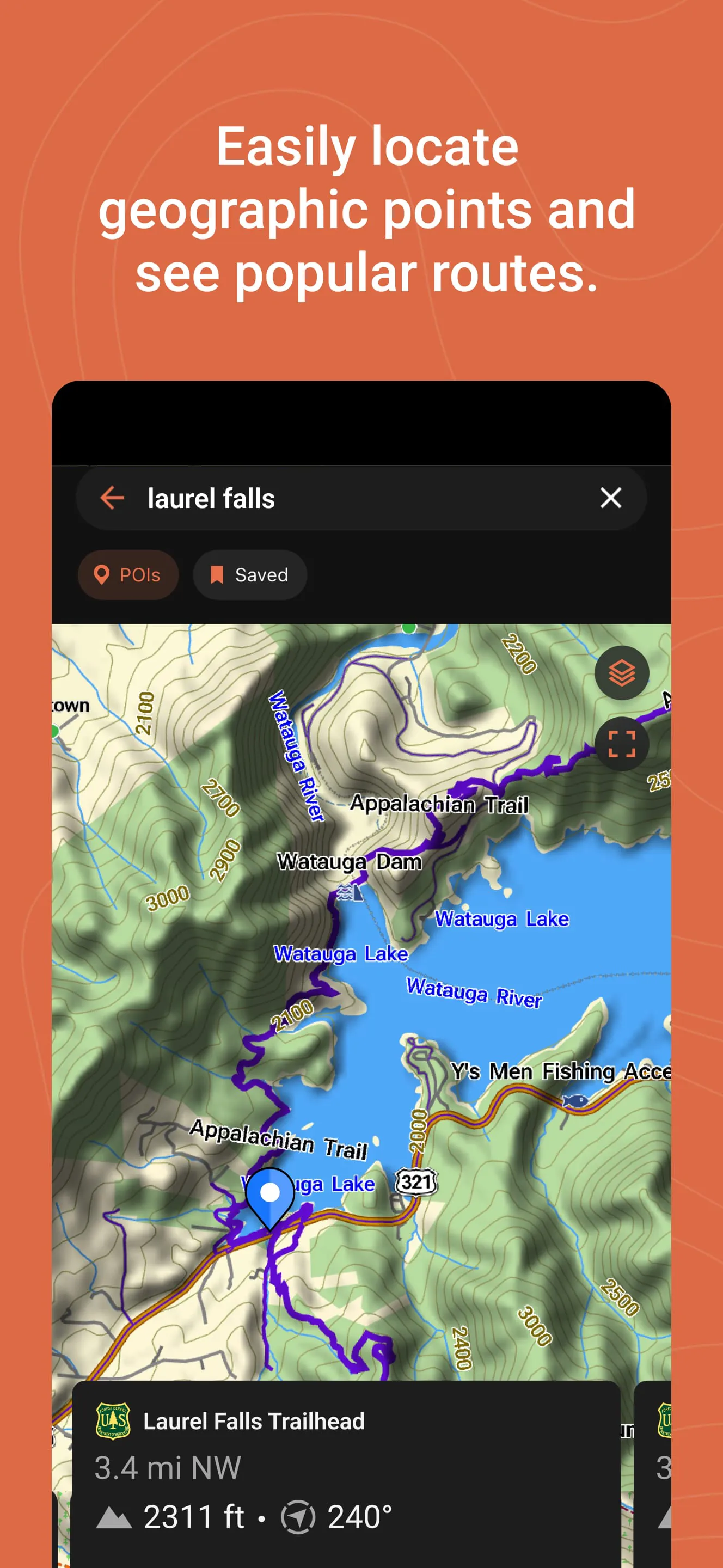
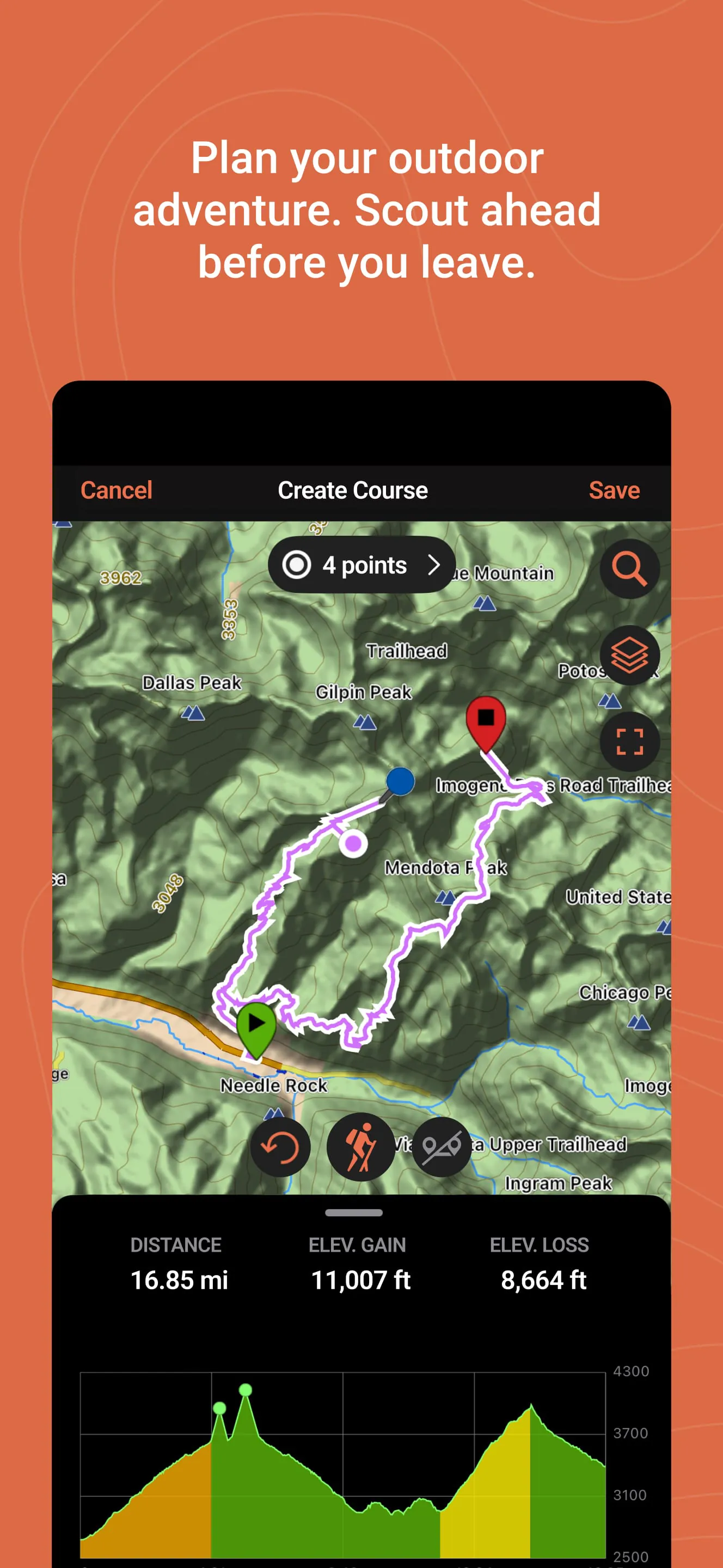
The application stands out for its robust feature set tailored for the wilderness. It provides detailed topographic maps and satellite imagery for pre-trip planning. A core function is the ability to sync routes, waypoints, and tracks wirelessly to and from your Garmin device. For users of inReach products, it enables two-way messaging, location sharing, and trigger SOS alerts directly from the smartphone. Furthermore, it allows users to save and organize their favorite spots and adventures for future reference.
Pros & Cons
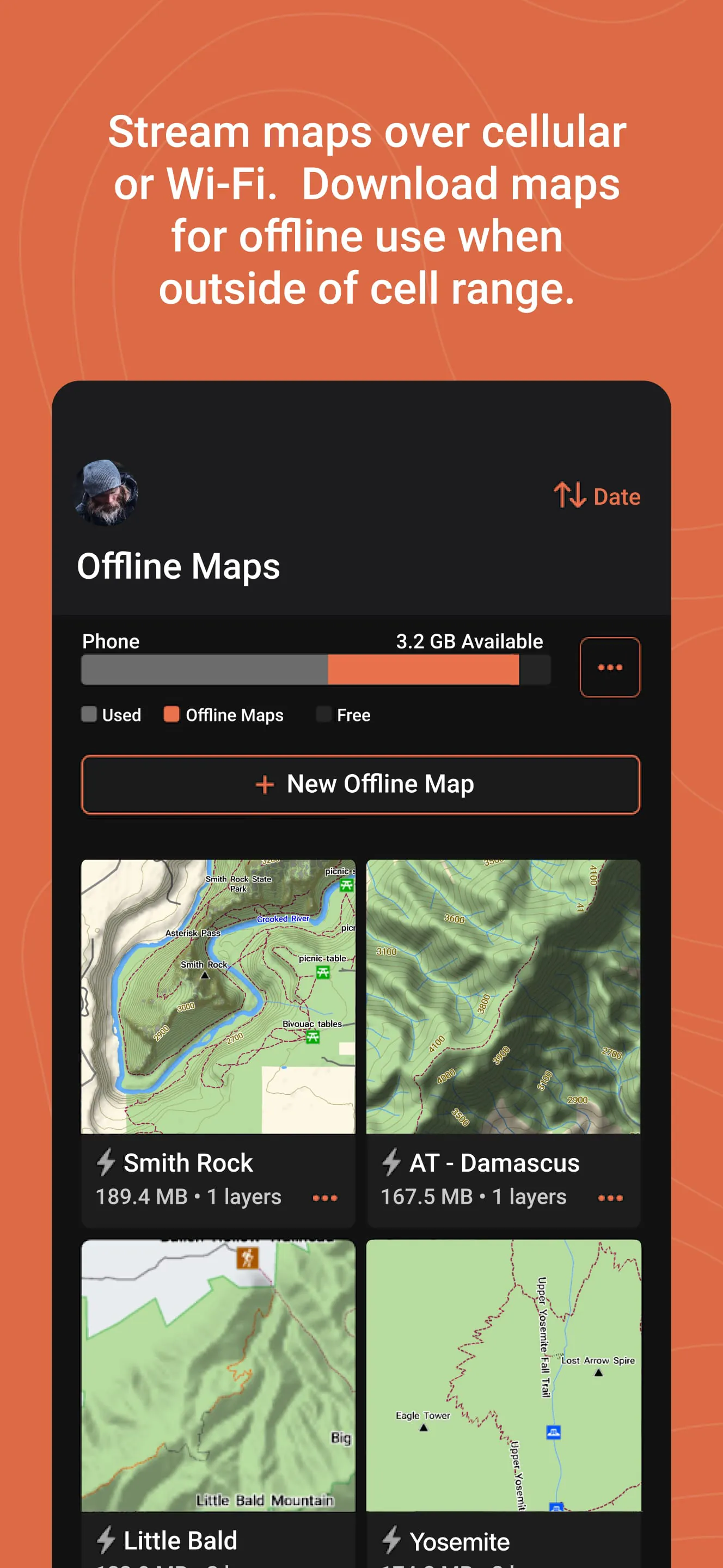
The strengths and limitations of Garmin Explore are quite distinct. On the positive side, it offers excellent offline functionality with downloadable maps, ensuring reliability in the backcountry. The integration with the Garmin ecosystem is seamless, and the interface for planning routes on the web is particularly powerful. However, some users find the mobile app interface to be less intuitive compared to consumer mapping apps. The platform's full potential is also best realized with a paid satellite plan for inReach features, and the initial setup process can be complex for beginners.
Functions
The application’s functionality can be broken down into several core areas:
- Trip Planning: Create detailed routes and mark waypoints on the web or app using various map layers.
- Data Syncing: Wirelessly send planned routes to your device and save tracks from your device to the app.
- Offline Mapping: Download vector and satellite maps for specific regions to use without a data connection.
- Communication & Safety: For inReach users, send and receive messages, share live tracking links, and access emergency services.
- Adventure Logging: Record, review, and share past travels with metrics like distance, elevation, and duration.
How to Use
Click the button "Check All Versions" below to download and install it. Begin by creating a Garmin account if you don’t have one. Open the app and pair it with your compatible Garmin device via Bluetooth. For trip planning, use the web platform (explore.garmin.com) on a computer for the best experience—create a route, add waypoints, and then sync it to your device through the app. Before heading out, download the offline maps for your adventure area. In the field, use the app to navigate with your saved routes, mark new waypoints, and, if you have an inReach, stay connected with your loved ones.




 APK
APK  Google Play
  iOS
iOS  4.00
4.00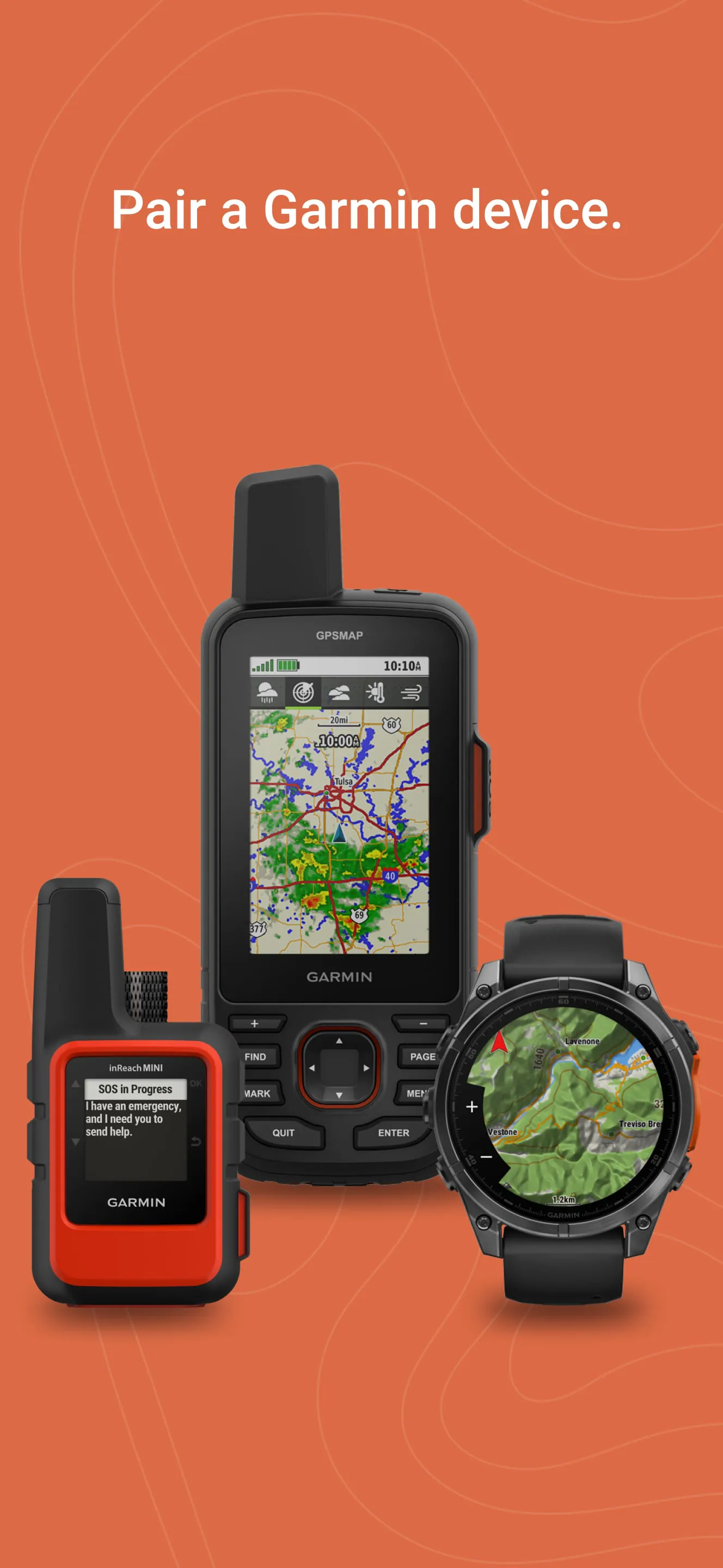
 Download








