DC Metro and Bus is a practical transit companion app designed for commuters, visitors, and residents in the Washington, D.C. metropolitan area. It consolidates real-time schedules, service alerts, trip planning tools, and fare information into one streamlined mobile experience. Whether you’re navigating the Metrorail system, transferring between bus routes, or timing your arrival to avoid delays, this app provides accurate, up-to-date transit data directly from regional transit authorities. With an intuitive interface and location-aware features, DC Metro and Bus helps users move through the capital region efficiently and with confidence.
Key Features
- Real-time Metrorail and Metrobus arrivals
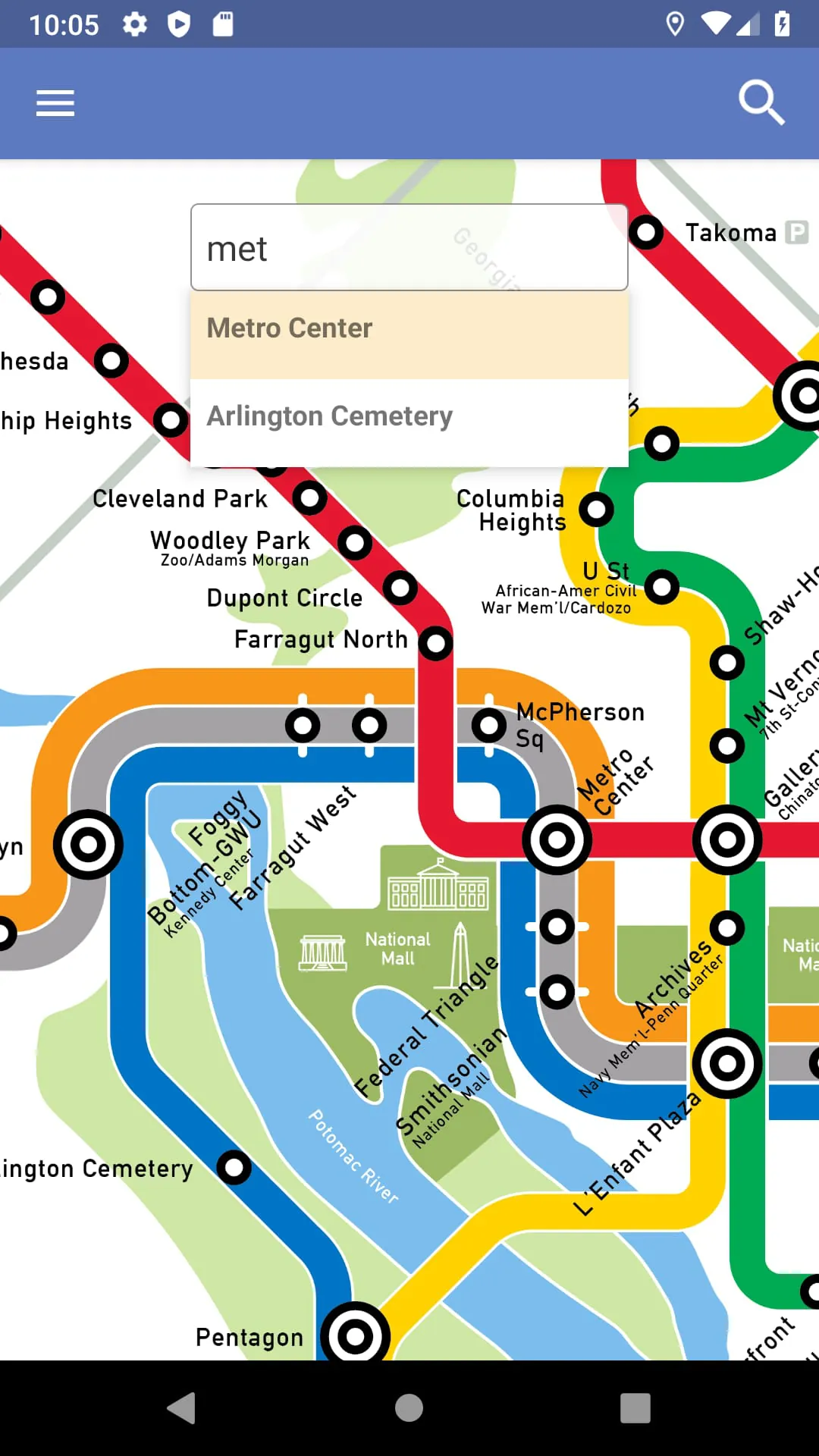
- Interactive route maps with station and stop details
- Service disruption alerts and planned maintenance notices
- Trip planner with multimodal options
- Fare estimator and pass information
- Nearby stations locator with walking directions
- Accessibility details for elevators and escalators
Pros & Cons
- Pros: Accurate real-time updates, clean interface, comprehensive coverage of both rail and bus systems, offline access to saved routes
- Cons: Limited customization for notifications, occasional delays in reflecting last-minute service changes, no integration with regional bike-share systems
Functions
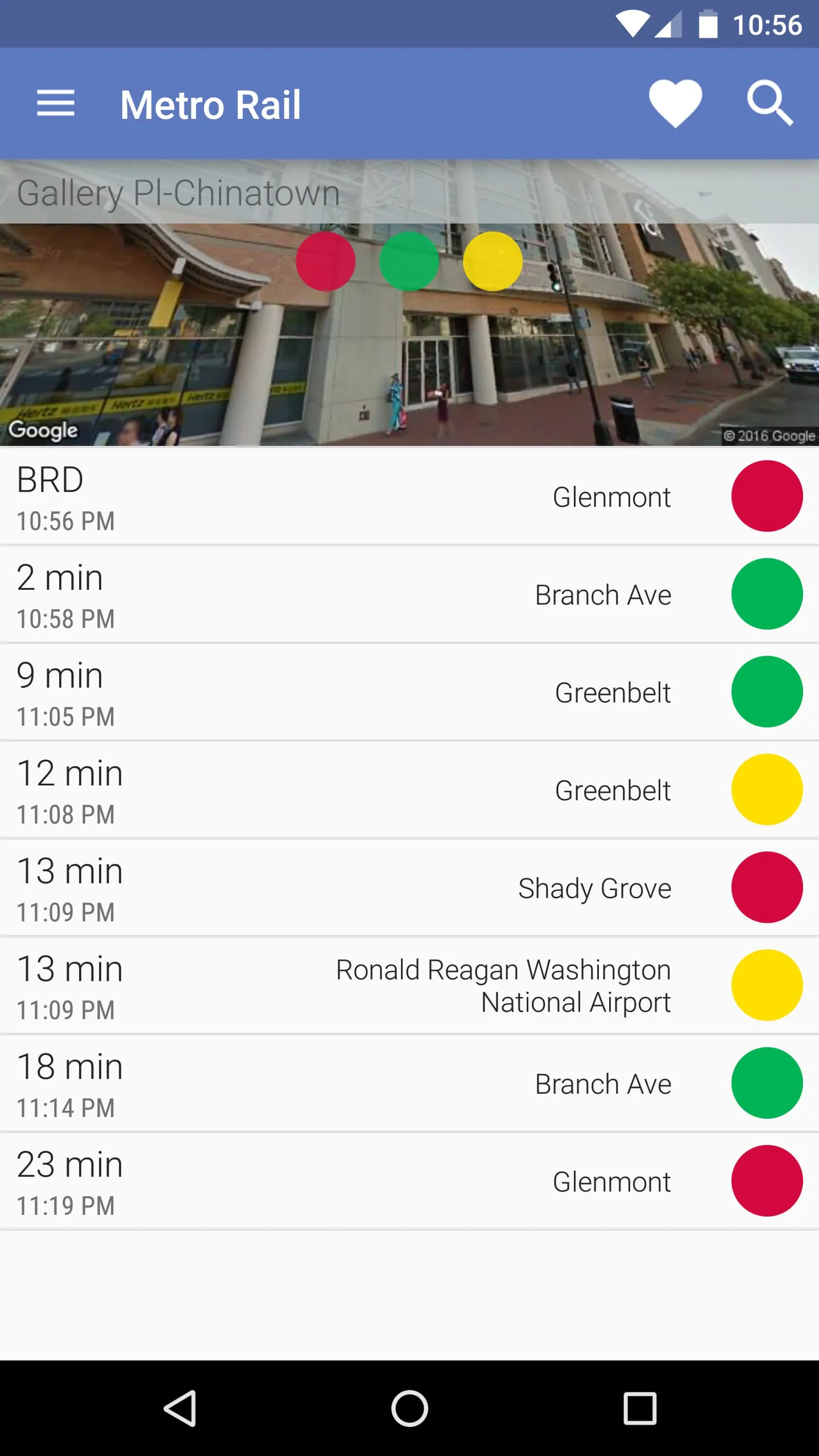
The app functions as a centralized hub for all public transit activity in the D.C. region. Users can search for specific stations or stops, view upcoming arrivals, and receive push notifications about delays or closures. The trip planner calculates optimal routes based on current conditions, accounting for transfers, walking distances, and estimated travel times. Fare calculation tools help riders budget for single trips or daily commutes, while interactive maps allow zooming and panning across the network. Accessibility features include elevator status updates and step-free route suggestions. The app also caches frequently used data for offline access, ensuring functionality even with limited connectivity.
How to Use
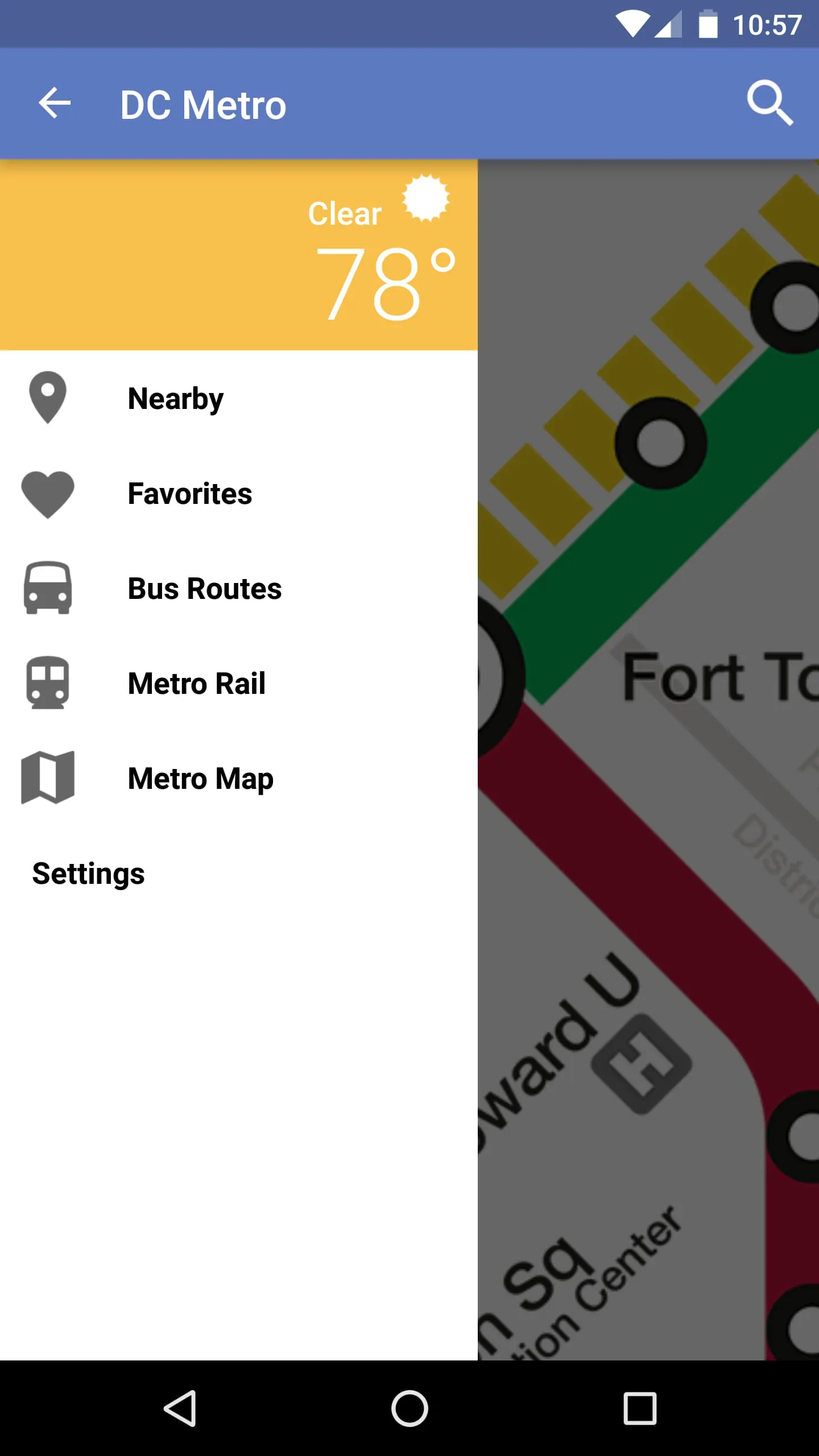
Click the button "Check All Versions" below to download and install it. After installation, open the app and grant location permissions for personalized nearby results. Use the search bar to find a specific station, stop, or address. Tap on a route to view real-time arrivals and service alerts. For trip planning, enter your starting point and destination, then select your preferred travel time. Save favorite routes for quick access, and enable notifications to stay informed about disruptions. Adjust settings to switch between rail and bus priorities, set accessibility preferences, or change map display modes. The app’s home screen provides quick shortcuts to nearby stations, recent searches, and saved trips for faster navigation.





 APK
APK  Google Play
  iOS
iOS  2.80
2.80