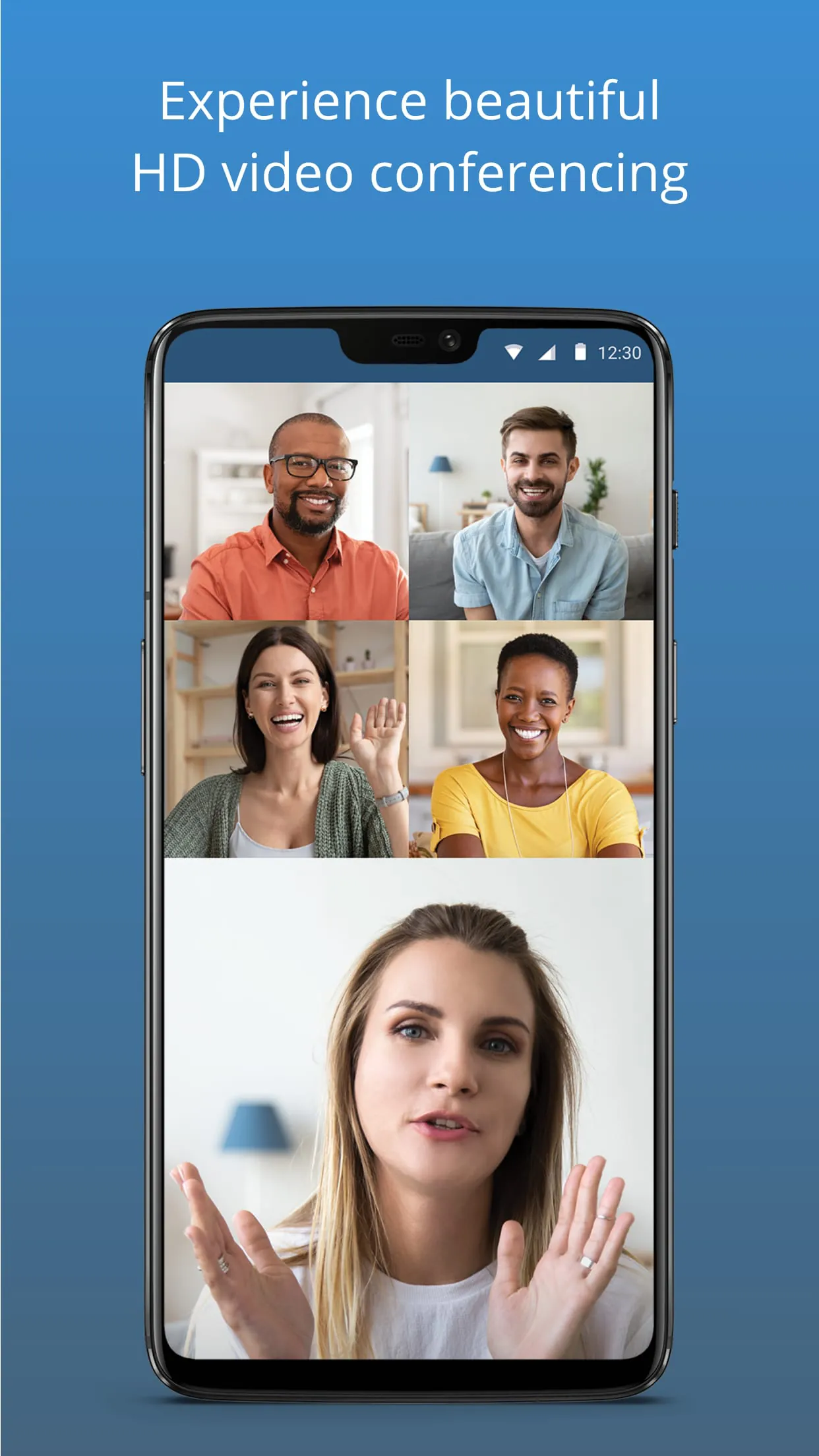
Free Conference Call is a comprehensive communication application designed to facilitate virtual meetings and collaboration. It enables users to host or join audio and video conferences, webinars, and online presentations directly from their devices, providing a centralised platform for remote teamwork and personal connections without the need for complex hardware setups.
Key Features
The application stands out by offering a robust set of tools tailored for modern communication needs. Users can engage in high-definition video calls with a substantial number of participants, share their computer screens in real-time for presentations, and utilise a virtual whiteboard for interactive brainstorming sessions. Additional features include call recording for later review, secure meeting rooms with optional password protection, and seamless integration with popular calendar services to schedule meetings effortlessly. The platform also supports in-call text messaging and file sharing, making it a versatile solution for both professional and casual use.
Pros & Cons
Like any service, it presents a mix of advantages and limitations that users should consider.
- A significant advantage is its core offering of free access to essential meeting functions without time limits on group calls, which is highly valuable for small businesses and non-profit organisations.
- The user interface is generally intuitive, allowing new users to start or join a call with minimal setup or technical knowledge.
- Strong cross-platform compatibility means it works reliably on Windows, macOS, iOS, and Android devices.
- On the downside, the free version may display advertisements during sessions, which some users find disruptive.
- Advanced features, such as detailed analytics, custom hold music, or dedicated technical support, are often reserved for paid subscription tiers.
- Call quality can occasionally vary depending on the user’s internet connection, as is common with many VoIP services.
Functions
The application performs several critical functions to enable smooth remote interaction.
- It primarily connects multiple participants in a single, stable audio and video conference call.
- The screen sharing function allows any participant to broadcast their entire display or a specific application window to all attendees.
- It provides a digital recording function to capture meetings in audio or video format for archival purposes or for those who could not attend.
- Moderator controls enable hosts to manage participants by muting lines, removing attendees, or locking the meeting once it has begun.
- The integrated chat function operates alongside the call for sharing text comments, web links, and documents without interrupting the speaker.
How to Use
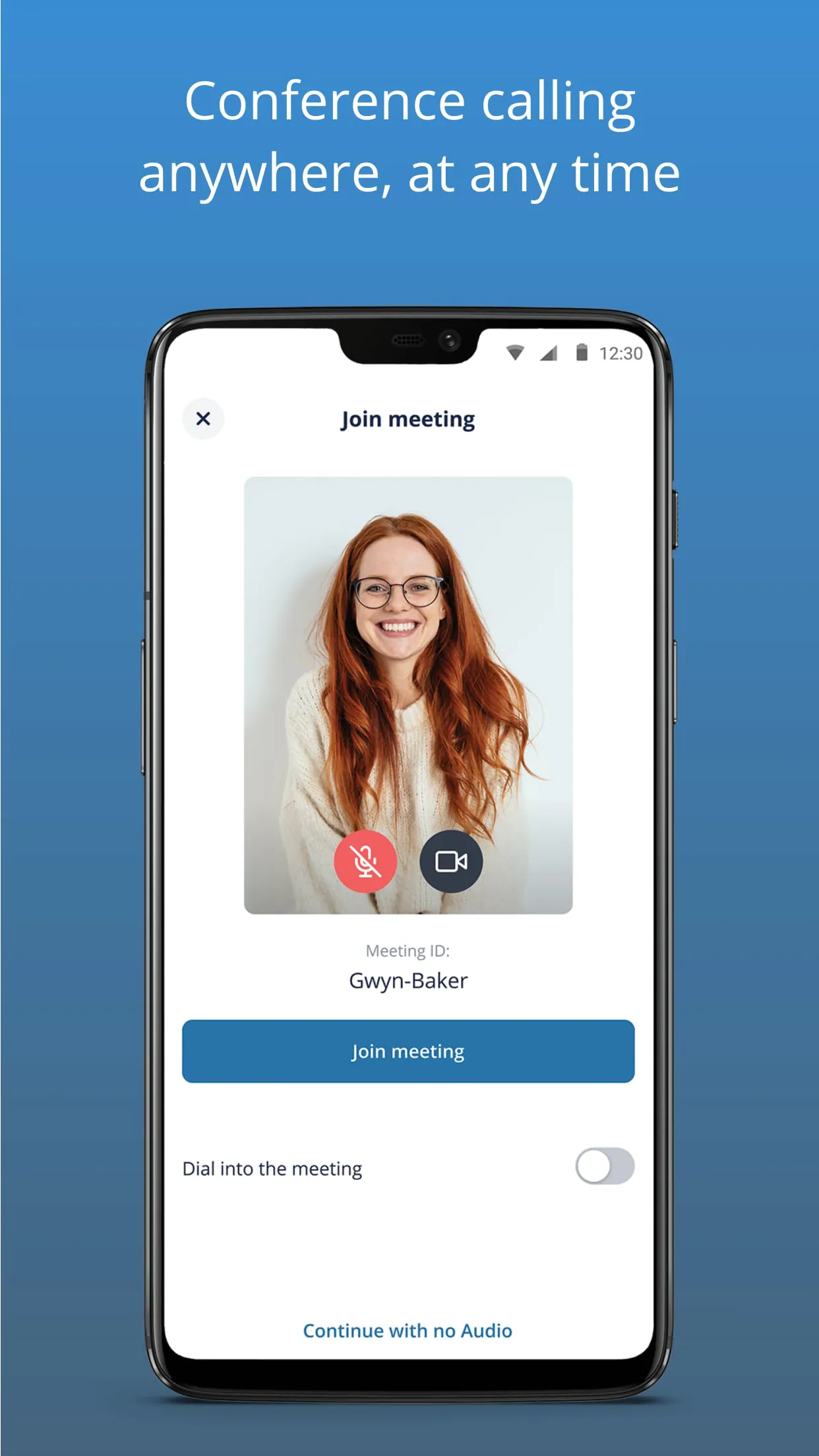
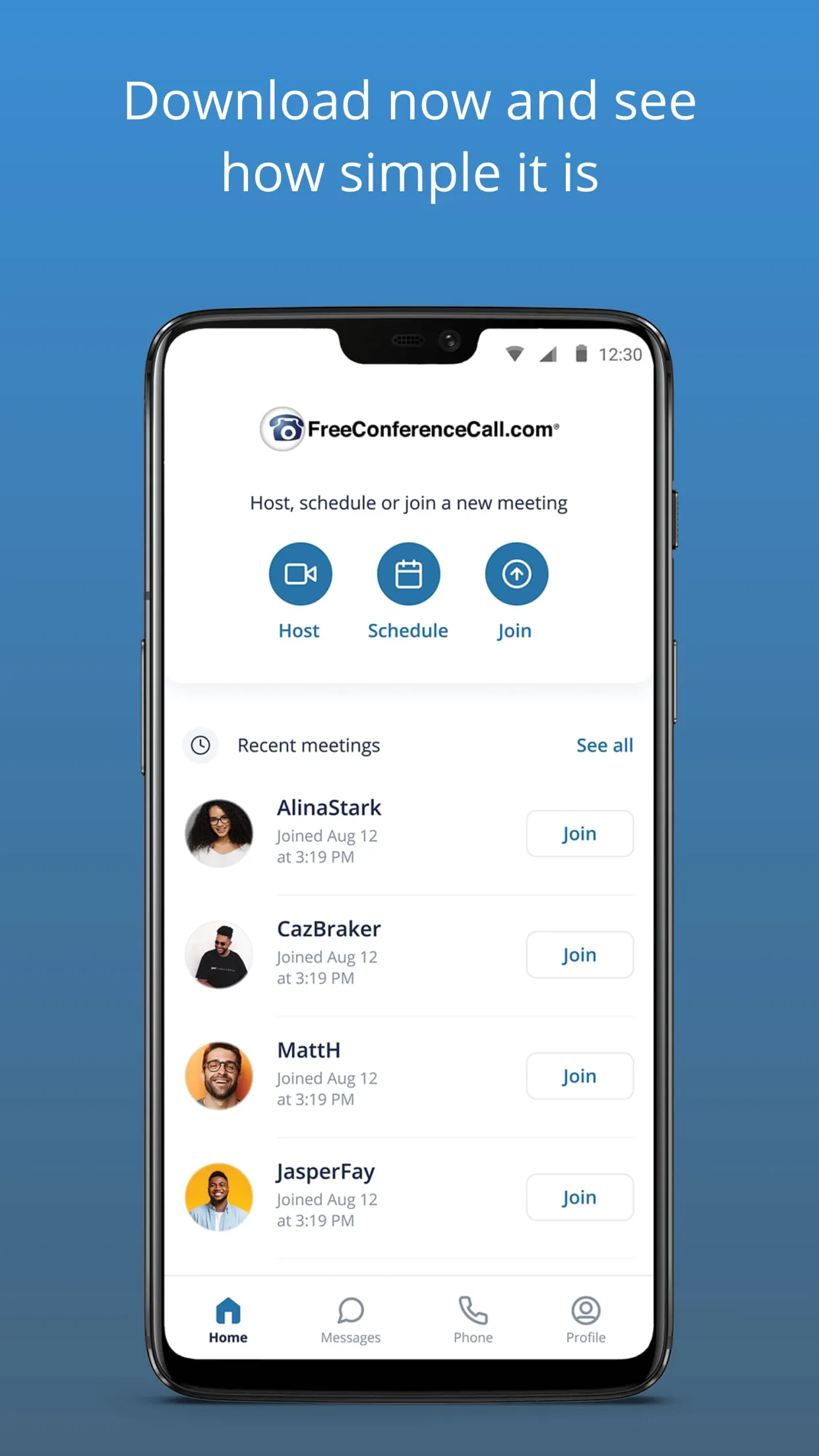
Click the button "Check All Versions" below to download and install it. Once the installation is complete, launch the application and create a free account using your email address. You can immediately start a new conference by clicking the "Host a Meeting" button, which will generate a unique meeting link and dial-in numbers. To invite others, simply share this link or the meeting ID through email or messaging apps. Participants can join by clicking the shared link, entering the meeting ID on the app’s homepage, or dialling the provided telephone number. Inside the meeting, use the on-screen controls to manage your video, audio, screen sharing, and other available features.





 APK
APK  Google Play
  iOS
iOS  4.20
4.20