



ADVERTISEMENT
ADVERTISEMENT

FortiClient VPN FortiClient VPN
Category
BusinessTag
FortiClient VPN | IPSec VPN | SSL VPN | FortiToken | Android VPN
Rate
3.70
★★★★★
Reviews
500 +
Installs
1M +
Developer
Fortinet
Content Rating
Everyone
FortiClient VPN App allows you to create a secure VPN connection to the Firewall
 APK
APK  Google Play
  iOS
iOS  3.70
3.70ADVERTISEMENT
ADVERTISEMENT
Author's Review
appspicked Review
The FortiClient VPN application is a tool designed to establish secure Virtual Private Network (VPN) connections between Android devices and FortiGate Firewalls. Functioning through IPSec or SSL VPN “Tunnel Mode” connections, the application ensures that all data transmitted between the device and the firewall is fully encrypted, providing a secure tunnel for all network traffic. This encryption is crucial for protecting sensitive information from potential eavesdropping or interception, especially when using public or unsecured Wi-Fi networks. The application supports both SSL and IPSec VPN protocols, offering flexibility in configuring secure connections based on specific network requirements or preferences. Additionally, it incorporates FortiToken support, enhancing security through two-factor authentication. This added layer of security requires users to provide a second verification method, such as a code generated by the FortiToken app, in addition to their password, making it significantly more difficult for unauthorized individuals to gain access to the VPN connection. The availability of two-factor authentication is particularly important for organizations that handle sensitive data and require a high level of security. The free version of the FortiClient VPN application offers a range of essential features for secure VPN connectivity. However, it is important to note that the VPN features included in this free app are limited. Users who require more advanced functionality and technical support are encouraged to upgrade to FortiClient - Fabric Agent. This upgraded version provides access to a broader set of features, including advanced security options, enhanced network management capabilities, and priority technical support. The decision to upgrade depends on the specific needs and requirements of the user or organization, with those requiring more robust security and support infrastructure benefiting most from the Fabric Agent version. The supported features of the FortiClient VPN application include IPSec and SSLVPN “Tunnel Mode”, which allows for secure communication through encrypted tunnels. Two-factor authentication using FortiToken provides an additional layer of security, and client certificates are supported for secure authentication. The application also offers multi-language support, including English, Chinese, Japanese, and Korean, making it accessible to a global user base. This language support is crucial for ensuring that users can easily navigate and utilize the application in their preferred language, enhancing the user experience and promoting wider adoption. The application's compatibility extends to FortiOS 7.0 and later for VPN functionality and Android OS v7.0 and newer, ensuring that a wide range of devices are supported. This broad compatibility is essential for accommodating users with different devices and operating systems, maximizing the application's reach and usability. Regular updates and compatibility checks are necessary to maintain optimal performance and security across various devices and operating systems. The FortiClient VPN application provides a comprehensive solution for establishing secure VPN connections on Android devices, offering essential features such as encryption, two-factor authentication, and multi-language support. However, users with more advanced requirements should consider upgrading to the FortiClient - Fabric Agent for enhanced functionality and technical support.
The FortiClient VPN app offers a user-friendly interface, simplifying the process of creating secure VPN connections between Android devices and FortiGate Firewalls. The app's primary function is to establish a secure Virtual Private Network (VPN) connection using IPSec or SSL VPN
Tunnel Mode
connections, ensuring that all traffic between the device and the firewall is fully encrypted. This encryption is vital for protecting sensitive data from unauthorized access, especially when using public or unsecured Wi-Fi networks. The app supports both SSL and IPSec VPN protocols, providing users with flexibility in choosing the most appropriate protocol for their needs. SSL VPN is often preferred for its ease of use and compatibility with firewalls, while IPSec VPN is known for its robust security features. The inclusion of FortiToken support adds an extra layer of security through two-factor authentication, requiring users to verify their identity using a second device or method. This significantly reduces the risk of unauthorized access, even if the user's password is compromised. The two-factor authentication process typically involves entering a code generated by the FortiToken app, which is linked to the user's account. The free version of the FortiClient VPN app provides essential VPN features, but users seeking more advanced functionality and technical support can upgrade to the FortiClient - Fabric Agent. The Fabric Agent offers a wider range of features, including advanced security options, improved network performance, and access to technical support resources. The decision to upgrade depends on the user's specific needs and requirements, with organizations handling sensitive data or requiring advanced network management capabilities benefiting most from the Fabric Agent version. The app supports several key features, including IPSec and SSLVPN
Tunnel Mode
, two-factor authentication using FortiToken, and client certificates for secure authentication. It also offers multi-language support, including English, Chinese, Japanese, and Korean, making it accessible to a global audience. This multi-language support is crucial for ensuring that users can easily understand and use the app in their preferred language. The app is compatible with FortiOS 7.0 and later for VPN functionality and Android OS v7.0 and newer, ensuring broad compatibility across a range of devices. This compatibility is essential for maximizing the app's reach and ensuring that users can use it on their existing devices without compatibility issues. Regular updates are provided to maintain compatibility with the latest operating systems and security protocols. The FortiClient VPN app is designed to be easy to use, even for users with limited technical knowledge. The app's intuitive interface guides users through the process of setting up and configuring a VPN connection. Users can choose between SSL and IPSec VPN protocols, configure authentication settings, and manage their VPN connections. The app also provides detailed documentation and support resources to help users troubleshoot any issues they may encounter. The FortiClient VPN app is a valuable tool for protecting online privacy and security on Android devices. By encrypting all traffic between the device and the firewall, the app prevents unauthorized access to sensitive data, such as passwords, financial information, and personal communications. It also allows users to bypass geo-restrictions and access content that may be blocked in their region. The app is particularly useful for users who frequently use public Wi-Fi networks, which are often unsecured and vulnerable to hacking attacks. Overall, the FortiClient VPN app provides a comprehensive and user-friendly solution for securing VPN connections on Android devices. It offers a range of features, including encryption, two-factor authentication, and multi-language support, making it a valuable tool for protecting online privacy and security.
The FortiClient VPN application stands out as a robust and versatile solution for establishing secure Virtual Private Network (VPN) connections between Android devices and FortiGate Firewalls. Its ability to function through both IPSec and SSL VPN “Tunnel Mode” connections ensures that all data transmitted is fully encrypted, providing a secure channel for all network traffic. This encryption is paramount in safeguarding sensitive information from potential interception, particularly when utilizing public or unprotected Wi-Fi networks. The application's support for both SSL and IPSec VPN protocols offers users the flexibility to configure secure connections based on their specific network needs and preferences. SSL VPN is often favored for its user-friendliness and compatibility with firewalls, while IPSec VPN is renowned for its stringent security features. The integration of FortiToken support further enhances security through two-factor authentication, necessitating users to provide a secondary verification method, such as a code generated by the FortiToken app, in addition to their password. This significantly mitigates the risk of unauthorized access, even if a user's password is compromised. The availability of two-factor authentication is particularly crucial for organizations that handle sensitive data and require a high level of security. The free iteration of the FortiClient VPN application delivers a suite of essential features for secure VPN connectivity. However, it is important to acknowledge that the VPN features included in this free app are limited. Users who require more advanced functionality and technical support are encouraged to upgrade to FortiClient - Fabric Agent. This upgraded version grants access to a more extensive array of features, encompassing advanced security options, enhanced network management capabilities, and priority technical support. The decision to upgrade hinges on the specific needs and requirements of the user or organization, with those demanding more robust security and support infrastructure reaping the greatest benefits from the Fabric Agent version. The supported features of the FortiClient VPN application encompass IPSec and SSLVPN “Tunnel Mode”, which facilitates secure communication through encrypted tunnels. Two-factor authentication using FortiToken adds an extra layer of security, and client certificates are supported for secure authentication. Furthermore, the application offers multi-language support, including English, Chinese, Japanese, and Korean, making it accessible to a global user base. This language support is instrumental in ensuring that users can effortlessly navigate and utilize the application in their preferred language, thereby enhancing the user experience and fostering wider adoption. The application's compatibility extends to FortiOS 7.0 and later for VPN functionality and Android OS v7.0 and newer, ensuring that a broad spectrum of devices are supported. This broad compatibility is essential for accommodating users with diverse devices and operating systems, thereby maximizing the application's reach and usability. Regular updates and compatibility checks are necessary to maintain optimal performance and security across various devices and operating systems. The FortiClient VPN application provides a comprehensive solution for establishing secure VPN connections on Android devices, offering essential features such as encryption, two-factor authentication, and multi-language support. However, users with more advanced requirements should consider upgrading to the FortiClient - Fabric Agent for enhanced functionality and technical support. The application's compatibility with a wide range of Android devices and FortiOS versions makes it a versatile choice for both individual users and organizations seeking to secure their mobile communications.
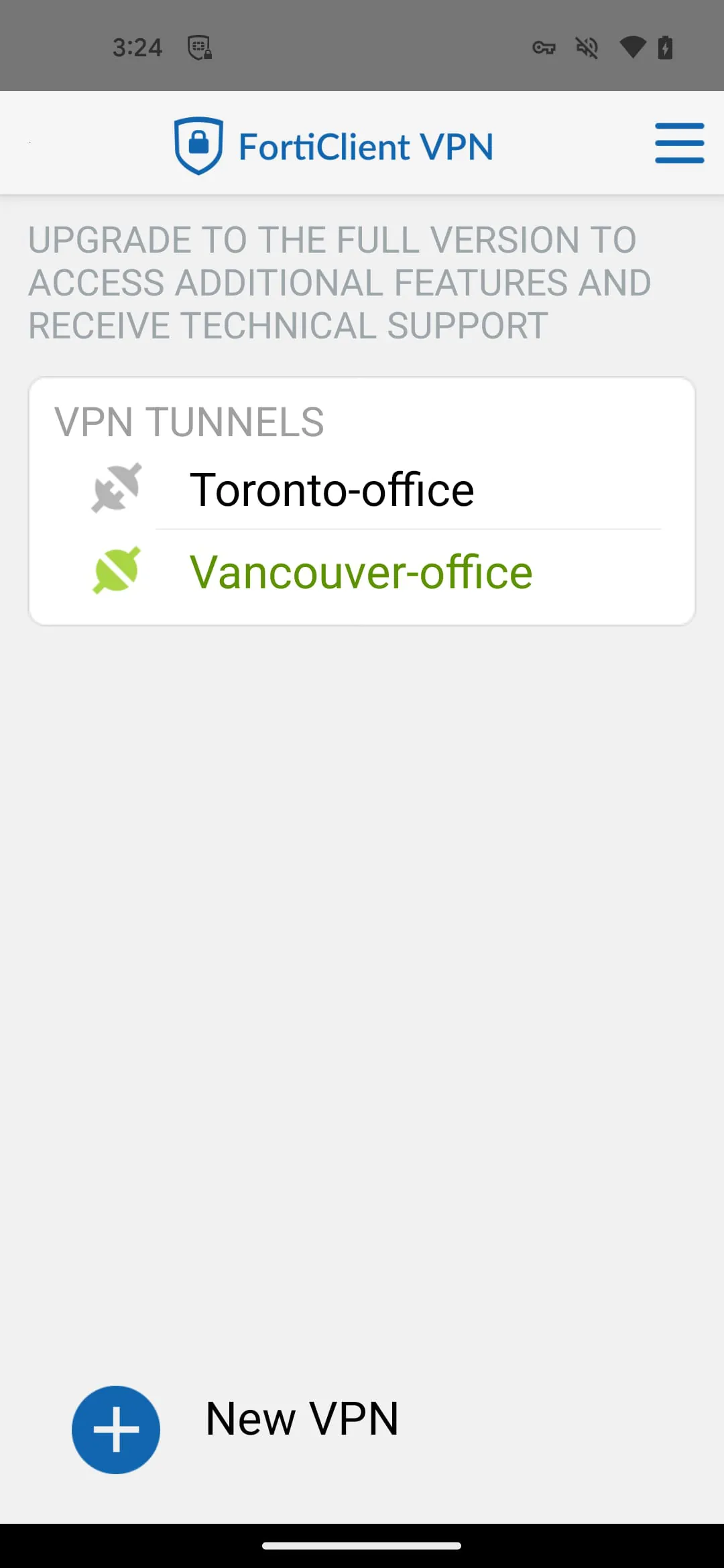
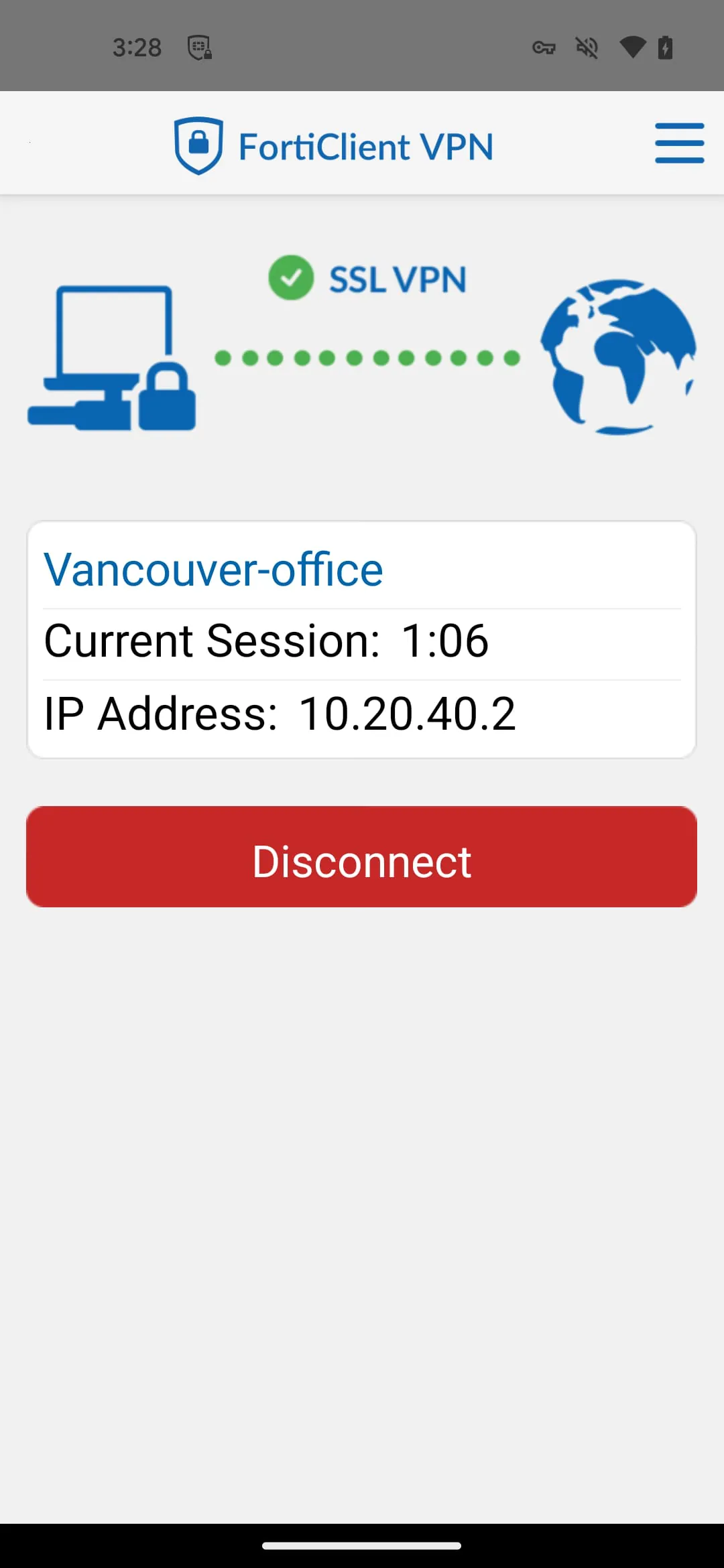
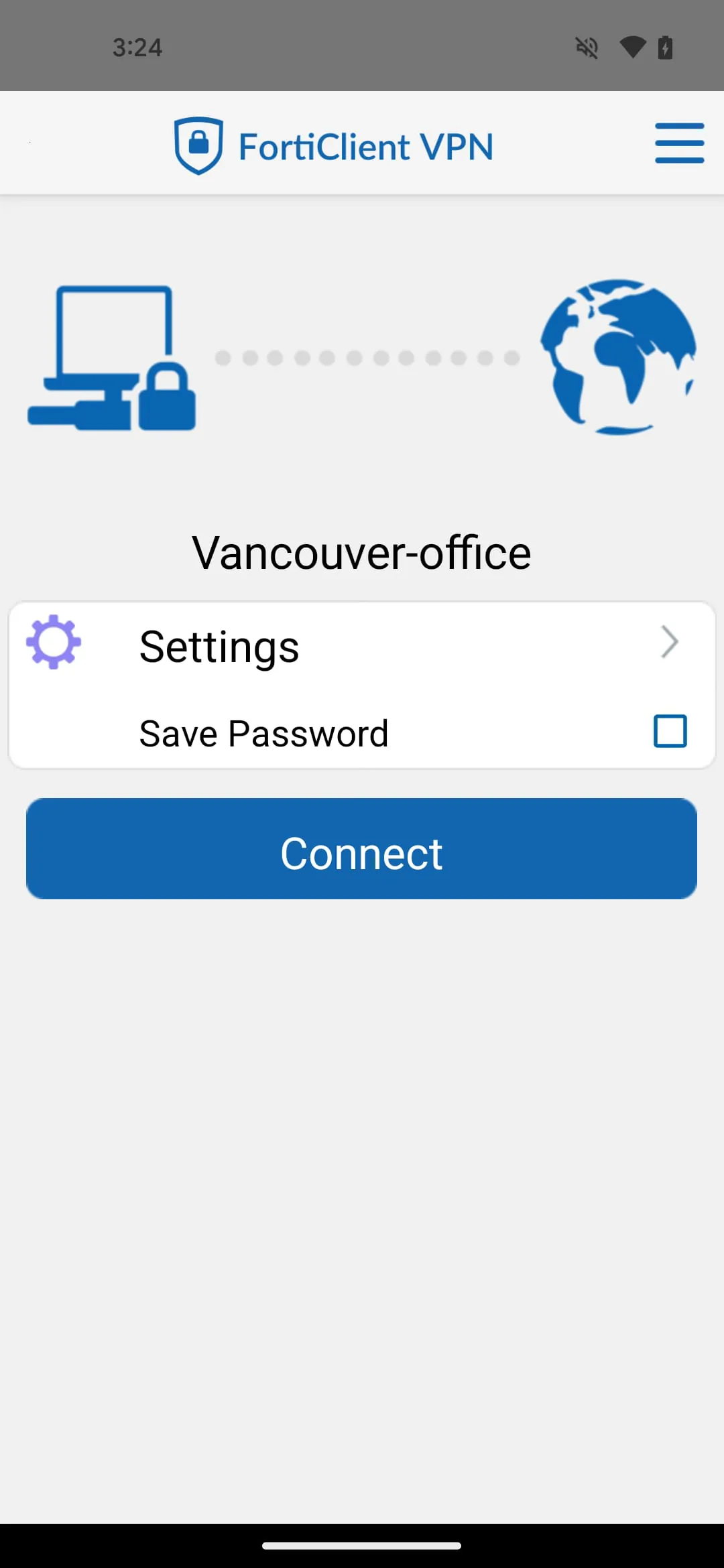
Screenshots

 Download
 Additional Information
Category
BusinessVersion
Unknown
Tag
FortiClient VPN | IPSec VPN | SSL VPN | FortiToken | Android VPN
Rate
3.70
★★★★★
Reviews
500 +
Installs
1M +
Developer
Fortinet
Content Rating
Everyone
FortiClient VPN App allows you to create a secure VPN connection to the Firewall
ADVERTISEMENT
ADVERTISEMENT
Previous Versions
ZIP files require a Split APKs Installer (e.g., SAI) from Google Play to install. Steps: 1. Download SAI from Google Play; 2. Open SAI and tap "Install APKs"; 3. Select the ZIP file; 4. Complete installation.
ADVERTISEMENT
You Might Like









