EbtEDGE is an official mobile application provided by state agencies, designed to help beneficiaries manage their Electronic Benefits Transfer (EBT) accounts conveniently. The app allows users to check their SNAP (food stamps) or cash benefit balances, review transaction history, and locate nearby authorized retailers, all from their smartphone, providing a digital tool for essential government assistance programs.
Key Features
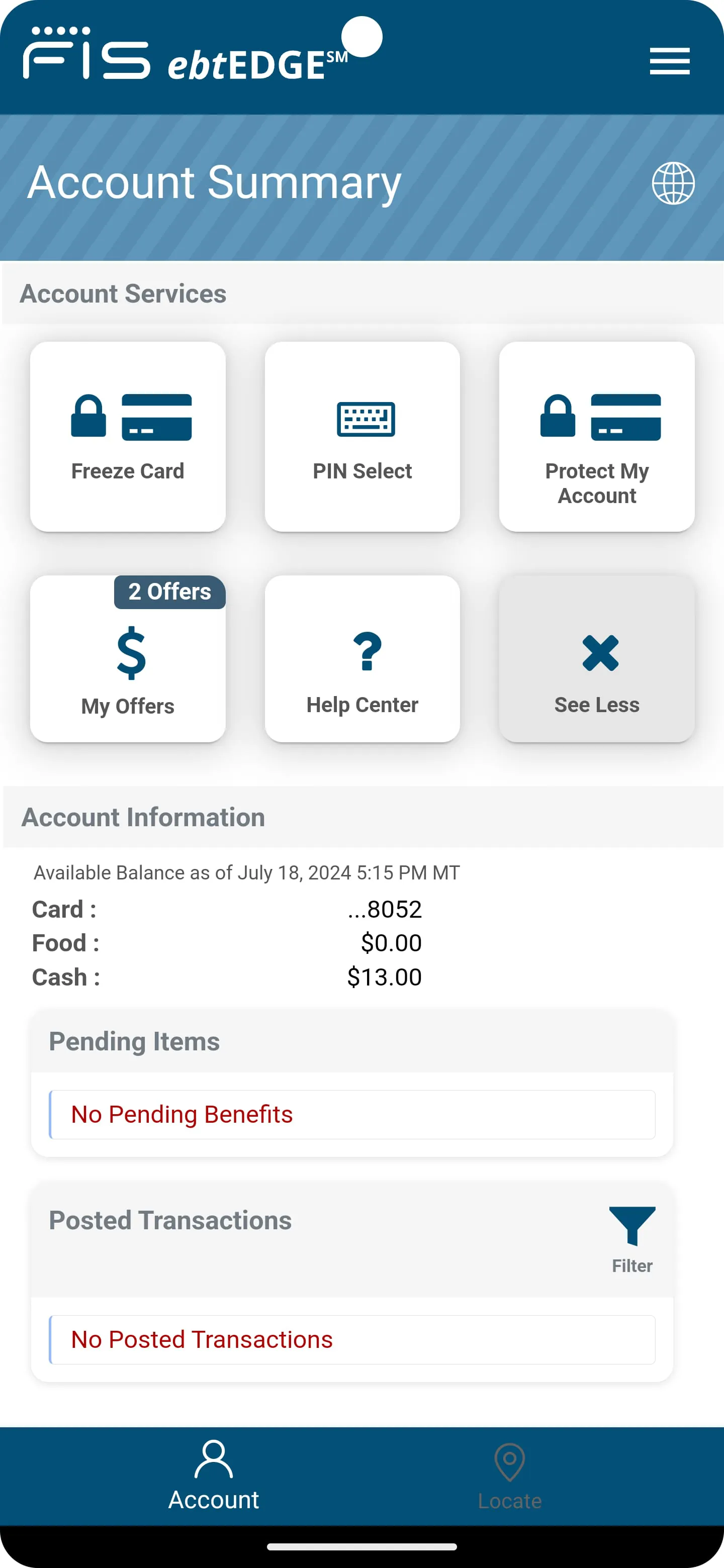
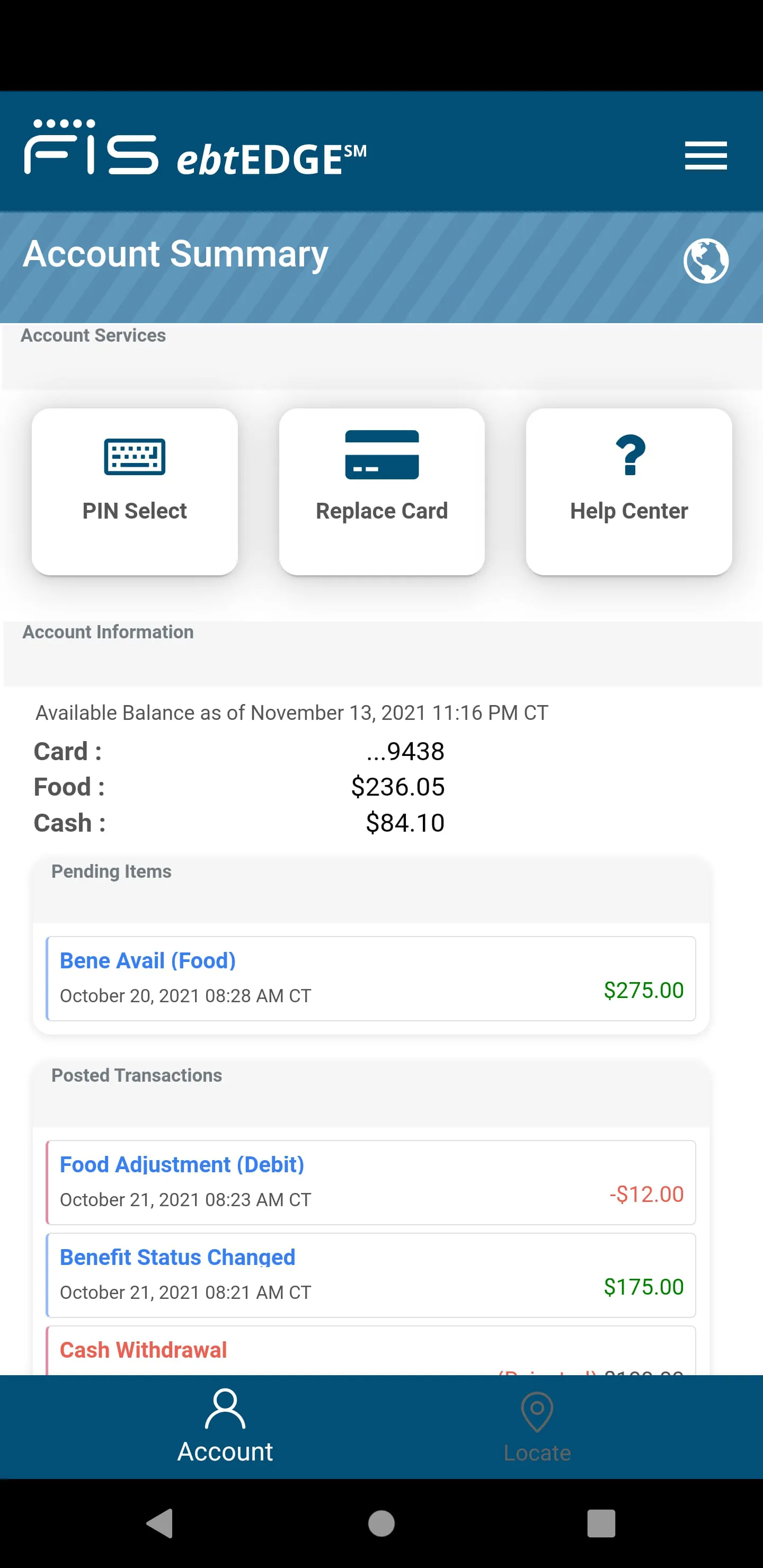
The app is built around providing secure and immediate access to EBT account details. Its primary features include giving users the ability to monitor their available balances in real-time to assist with budgeting and shopping planning. It also includes a store locator function to find approved grocery stores and ATMs. Importantly, it sends low balance alerts and provides a detailed log of all recent deposits and purchases, helping users track their spending and prevent potential fraud.
Pros & Cons
Using EbtEDGE offers significant advantages for beneficiaries. The main benefits are the convenience of instant balance checks without needing a receipt or customer service call, and the enhanced security from monitoring transactions. However, there are some limitations. The app's functionality and interface can vary between different states, as each administers its own version. Furthermore, users must have a smartphone and reliable internet access, which can be a barrier for some, and the app cannot be used to actually make purchases or transfer benefits.
Functions
The application serves several core functions focused on account management and information. It acts as a direct portal to the user's EBT account, enabling them to perform specific tasks. These essential functions include:
- Displaying current SNAP and cash account balances.
- Showing a detailed history of recent purchases and deposits.
- Providing a map-based tool to find nearby stores that accept EBT payments.
- Allowing users to change their account PIN for added security.
- Sending configurable notifications for low balances and deposit confirmations.
How to Use
Click the button "Check All Versions" below to download and install it. The app is typically found on official app stores by searching for "EbtEDGE" or a state-specific name like "Georgia EbtEDGE." After installation, you will need to register an account using the same credentials you use for the EBT customer service website or phone line. Once logged in, you can navigate the menu to check your balance, view your transaction history, or use the store locator. It is crucial to log out after each session, especially on shared devices, to protect your personal benefit information.





 APK
APK  Google Play
  iOS
iOS  3.60
3.60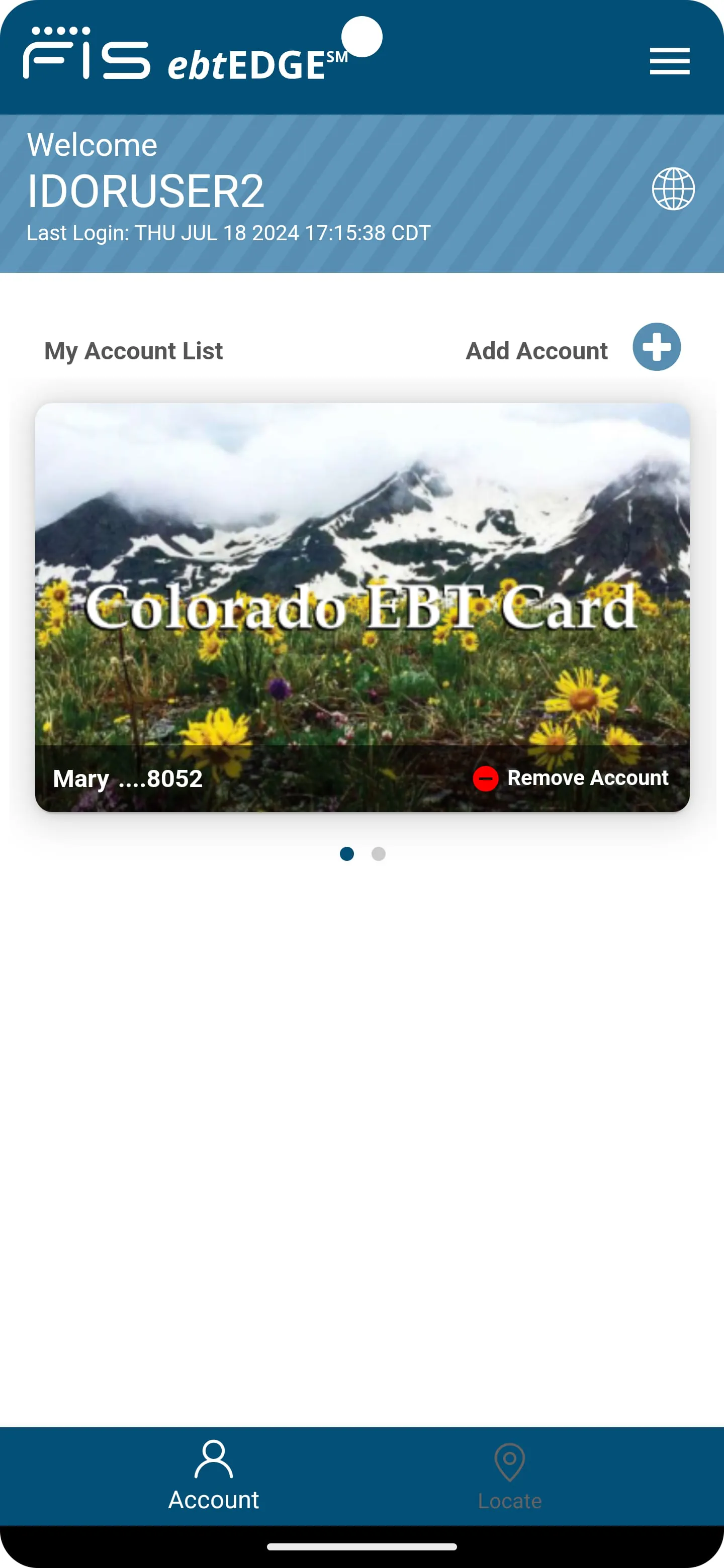
 Download








