




Ultra Manager Ultra Manager
Category
ToolsTag
antivirus | File Manager | Junk Clean | Image Compression | WhatsApp Cleaner
Rate
4.10
★★★★★
Reviews
500 +
Installs
100k +
Developer
Last Minute Flights Corp.
Content Rating
Everyone
A useful app to clean your phone.
 APK
APK  Google Play
  iOS
iOS  4.10
4.10 Author's Review
Appspicked Review
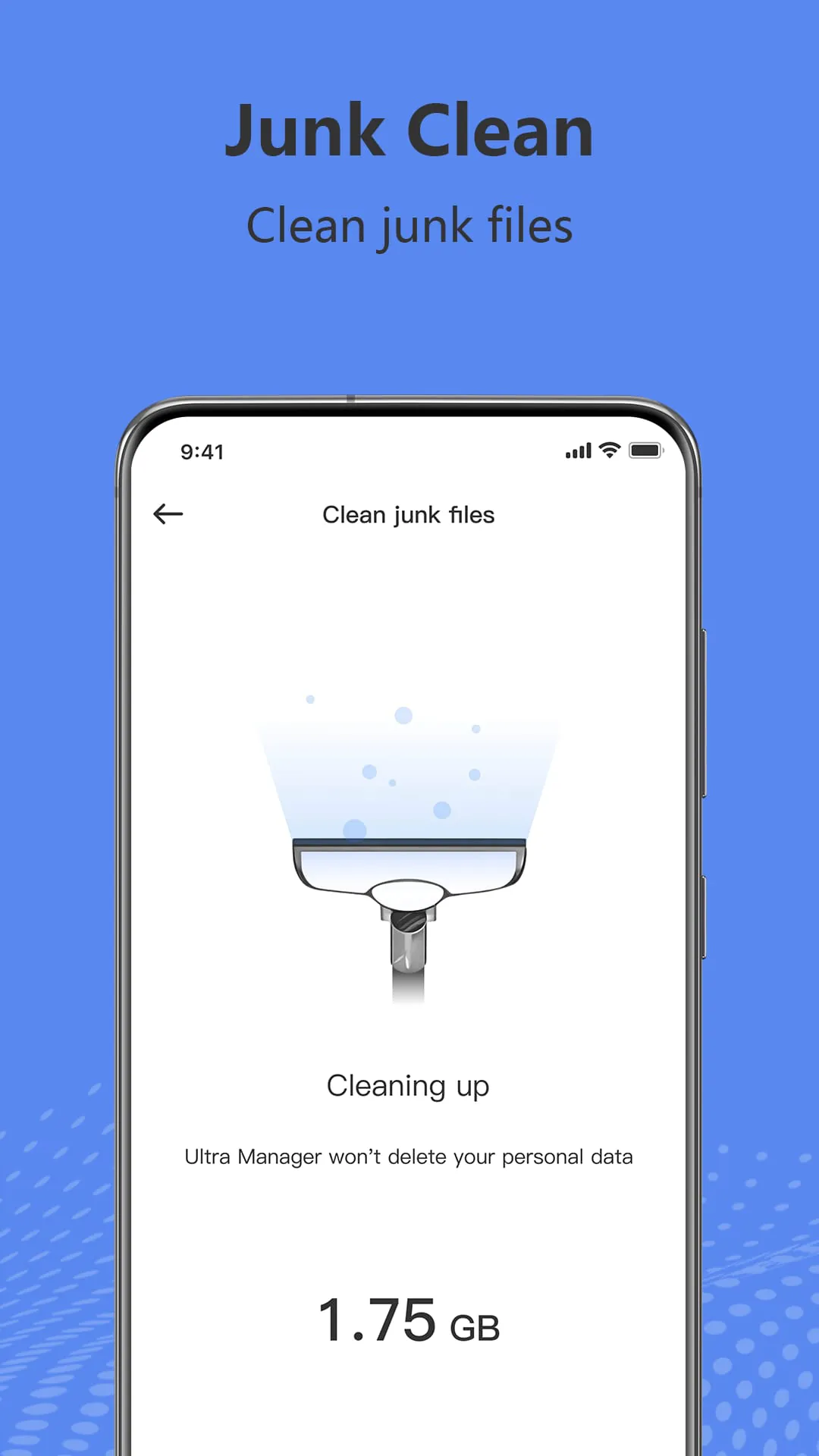
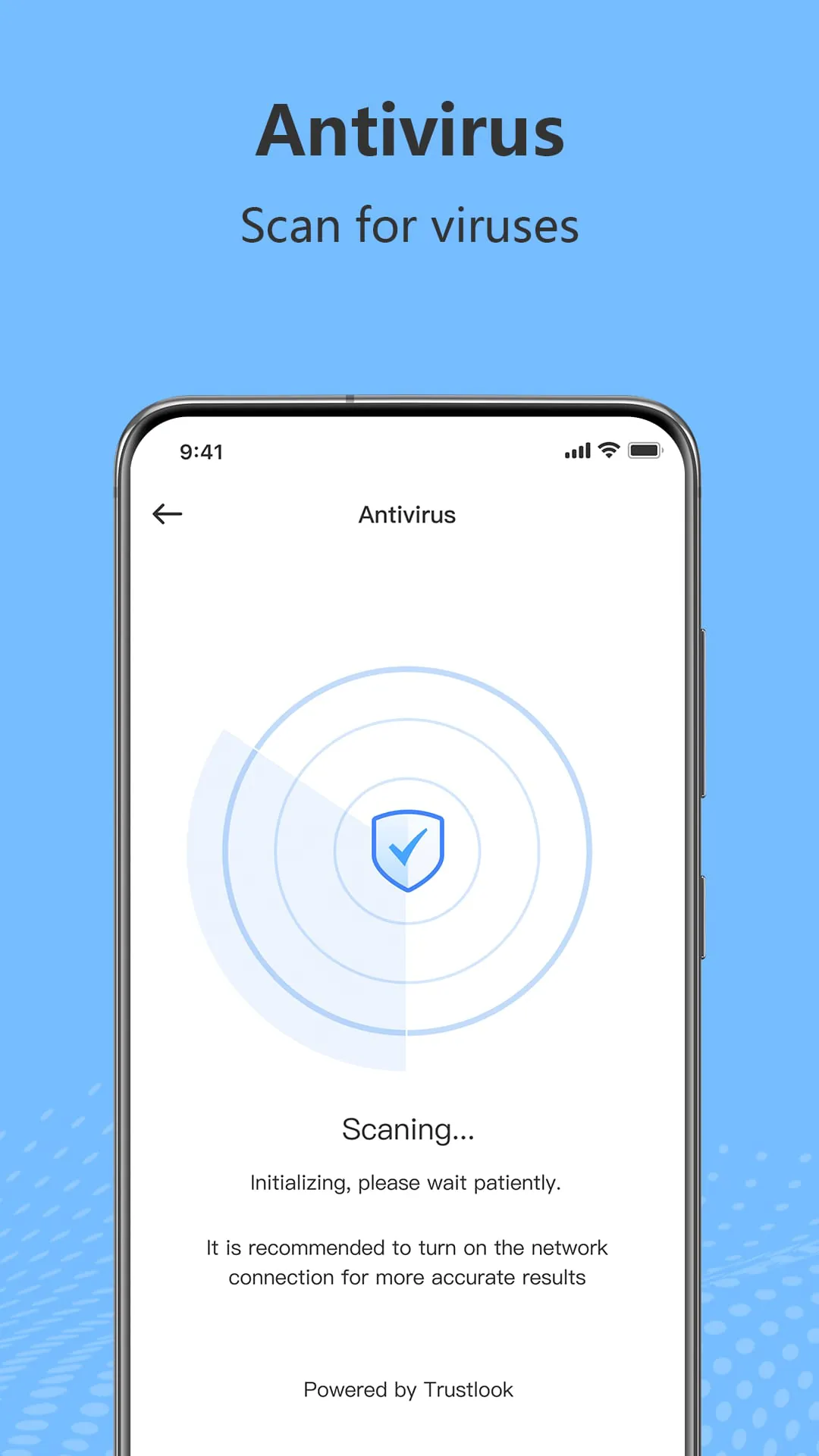
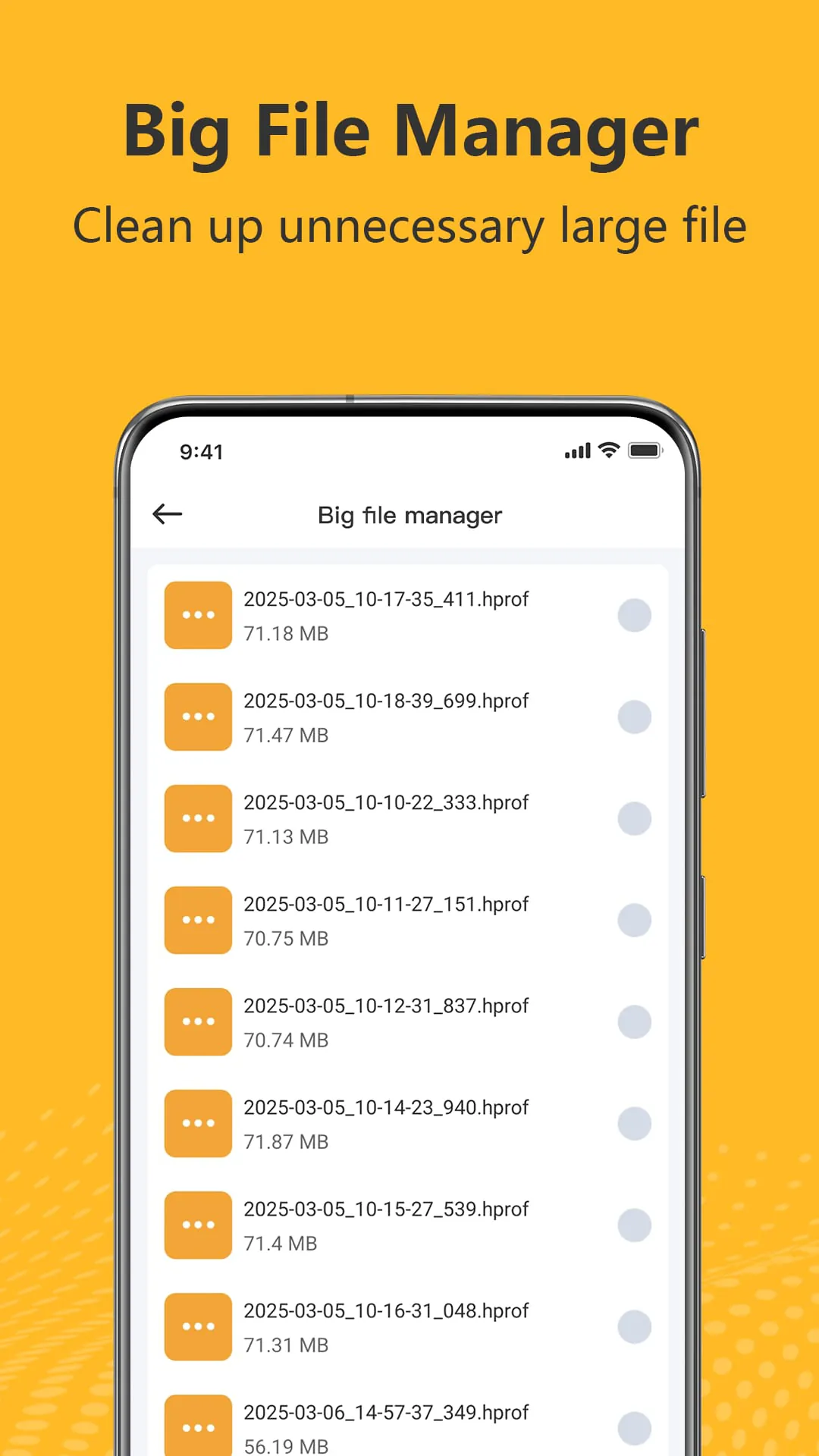
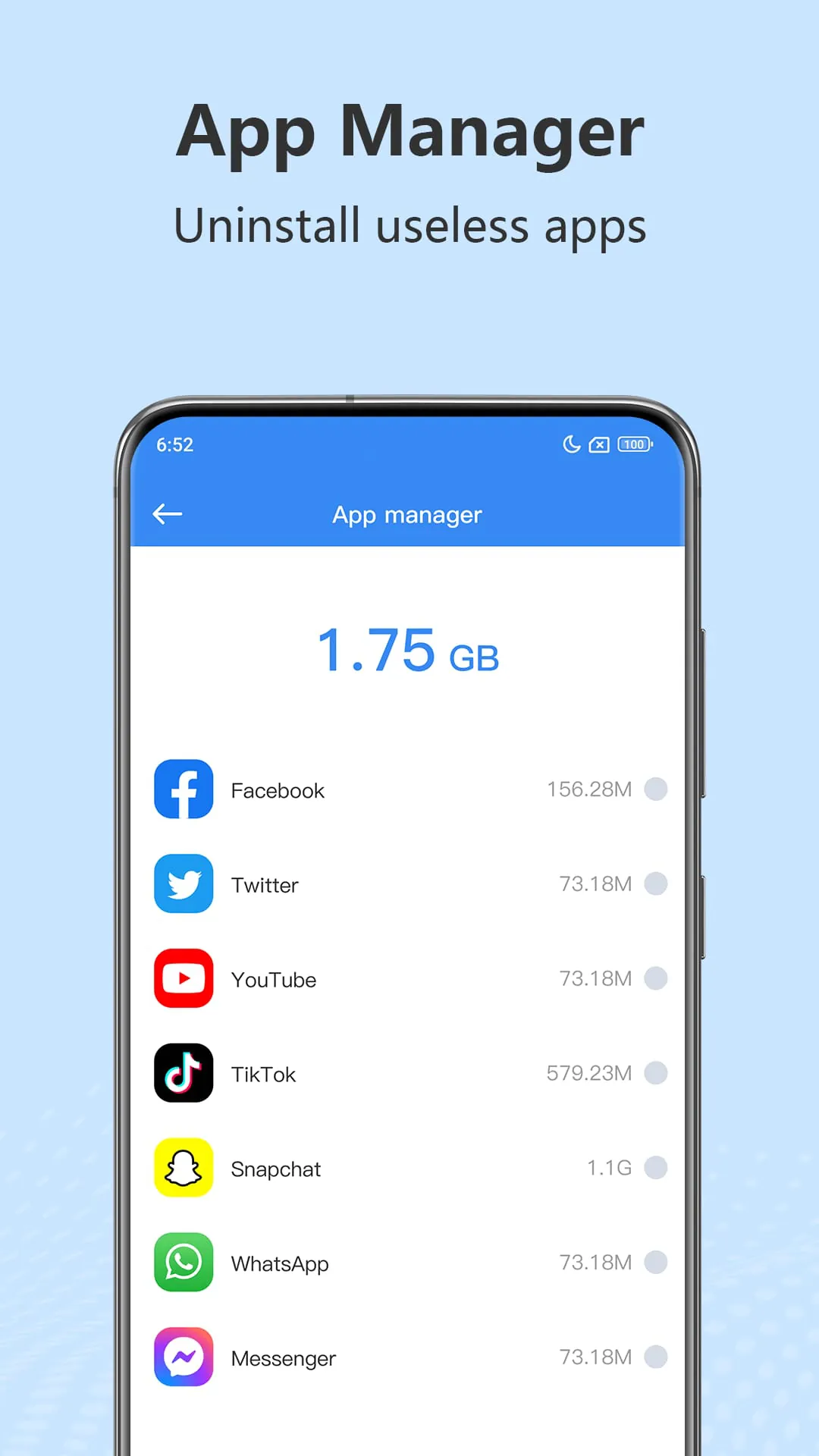
Ultra Manager is presented as a powerful Android tool designed to optimize device performance and storage. The application boasts a suite of features aimed at cleaning junk files, providing antivirus protection, managing large files, streamlining app management, organizing media files, compressing images, cleaning WhatsApp data, and eliminating duplicate photos. Each of these features contributes to the overall goal of enhancing user experience by freeing up storage space, ensuring device security, and simplifying file management. The junk clean feature is a cornerstone of Ultra Manager's functionality. It targets and removes unnecessary files that accumulate over time, such as cache files, residual files, and obsolete APKs. By eliminating these junk files, Ultra Manager helps users reclaim valuable storage space, which can significantly improve device performance. This feature is particularly useful for users who frequently download and install apps, browse the internet, or use social media platforms, as these activities tend to generate a large number of junk files. The antivirus component, supported by Trustlook, a professional antivirus app, provides real-time protection against malware, viruses, and other security threats. It scans the device for malicious software and removes any threats detected, ensuring the device remains safe and secure. This feature is essential for users who download apps from untrusted sources or browse websites that may contain malicious content. The big file manager feature helps users identify and manage large, unused files that are taking up significant storage space. It effectively detects these files, allowing users to review them and delete them as needed. This feature is particularly useful for users who have a large number of photos, videos, or other large files stored on their device. The app manager feature simplifies the process of uninstalling apps that are no longer needed. It provides a convenient way to view all installed apps and uninstall them with just a few taps. This feature is useful for users who frequently try out new apps or have a large number of apps installed on their device. The media file manager feature helps users organize and manage their photos, videos, and audio files. It allows users to easily delete unnecessary media files, freeing up storage space. This feature is particularly useful for users who take a lot of photos and videos or have a large music library. The image compression feature allows users to reduce the size of their photos without significantly affecting their quality. This is useful for users who want to save storage space without deleting their photos. The WhatsApp cleaner feature helps users clean WhatsApp junk without deleting their chat history. It removes unnecessary files such as images, videos, and audio files that have been shared through WhatsApp, freeing up storage space. This feature is particularly useful for users who frequently use WhatsApp to share media files. The deleting duplicate photo feature scans the device for similar or duplicate photos and allows users to delete them, freeing up storage space. This feature is useful for users who take a lot of photos or have a large photo library. Ultra Manager's comprehensive suite of features makes it a valuable tool for Android users looking to optimize device performance, enhance security, and simplify file management. By addressing common issues such as junk files, malware threats, and storage limitations, Ultra Manager empowers users to take control of their devices and enjoy a smoother, more efficient mobile experience.
Ultra Manager distinguishes itself through a combination of user-friendly design and a comprehensive feature set, addressing common pain points experienced by Android users. The application's interface is intuitive and easy to navigate, making it accessible to users of all technical skill levels. The clear and concise presentation of features, coupled with straightforward instructions, ensures that users can quickly understand and utilize the various functionalities offered. The application's junk cleaning functionality is particularly noteworthy for its effectiveness in reclaiming storage space. By identifying and removing various types of unnecessary files, including cache files, residual files, and obsolete APKs, Ultra Manager helps users optimize their device's storage capacity. This is especially beneficial for users who frequently download and install apps, browse the internet, or engage in social media activities, as these activities often lead to the accumulation of significant amounts of junk data. The antivirus protection provided by Ultra Manager, powered by Trustlook, adds an essential layer of security to the device. The real-time scanning and removal of malware, viruses, and other security threats safeguards users against potential harm and ensures the device's overall integrity. This feature is crucial for users who download apps from untrusted sources or visit potentially malicious websites. The big file manager simplifies the process of identifying and managing large, unused files. By providing users with a clear overview of storage consumption, it enables them to make informed decisions about which files to retain and which to delete. This feature is particularly useful for users who have a large collection of photos, videos, or other large files stored on their device. The app manager streamlines the process of uninstalling unwanted apps. By providing a centralized interface for managing installed applications, it eliminates the need to navigate through multiple settings menus. This feature is valuable for users who frequently experiment with new apps or have a large number of apps installed on their device. The media file manager offers a convenient way to organize and manage photos, videos, and audio files. By allowing users to easily delete unnecessary media files, it helps them maintain a clean and organized device. This feature is particularly beneficial for users who capture a lot of photos and videos or maintain a large music library. The image compression feature provides a practical solution for reducing the size of photos without sacrificing significant quality. This is useful for users who want to save storage space without compromising their visual content. The WhatsApp cleaner effectively removes junk files generated by the WhatsApp application without deleting chat history. This feature is particularly helpful for users who frequently share media files through WhatsApp. The duplicate photo deletion feature identifies and removes similar or identical photos, freeing up valuable storage space. This is beneficial for users who take a lot of photos or have a large photo library. Ultra Manager provides a holistic solution for Android device optimization and management, combining a user-friendly interface with a comprehensive suite of features.
Ultra Manager's appeal lies not only in its functionality but also in its commitment to providing a seamless and intuitive user experience. The application's design prioritizes ease of use, ensuring that even novice users can quickly grasp its core functionalities. The interface is clean and uncluttered, with clear and concise labels that guide users through each feature. The application's performance is also optimized to minimize resource consumption, ensuring that it does not negatively impact device performance. The junk cleaning feature is particularly well-executed, providing a deep and thorough cleaning process that effectively removes various types of unnecessary files. The application's ability to identify and remove cache files, residual files, and obsolete APKs is crucial for maintaining optimal device performance and freeing up valuable storage space. The antivirus protection offered by Ultra Manager is a valuable addition, providing real-time protection against malware, viruses, and other security threats. The integration with Trustlook, a reputable antivirus app, ensures that users receive reliable and up-to-date protection. The big file manager simplifies the process of identifying and managing large, unused files, allowing users to easily reclaim storage space. The application's ability to detect these files and present them in a clear and organized manner makes it easy for users to make informed decisions about which files to delete. The app manager streamlines the process of uninstalling unwanted apps, providing a convenient and efficient way to manage installed applications. The application's ability to quickly uninstall apps with just a few taps saves users time and effort. The media file manager offers a comprehensive set of tools for organizing and managing photos, videos, and audio files. The application's ability to easily delete unnecessary media files and compress images helps users optimize their storage space and keep their device organized. The WhatsApp cleaner effectively removes junk files generated by the WhatsApp application without deleting chat history. This feature is particularly useful for users who frequently share media files through WhatsApp, as it helps them maintain a clean and organized messaging environment. The duplicate photo deletion feature identifies and removes similar or identical photos, freeing up valuable storage space. This feature is beneficial for users who take a lot of photos or have a large photo library. Ultra Manager's comprehensive feature set, combined with its user-friendly design and optimized performance, makes it a valuable tool for Android users seeking to improve their device's performance, security, and storage capacity. The application's commitment to providing a seamless and intuitive user experience ensures that it is accessible to users of all technical skill levels.
Moreover, Ultra Manager’s comprehensive suite of tools goes beyond mere cleanup and security; it empowers users to actively manage and optimize their Android devices for sustained performance. The inclusion of features like image compression allows users to retain valuable memories without sacrificing excessive storage space. This thoughtful addition caters to the modern user who increasingly relies on their smartphones for capturing and storing visual content. The WhatsApp cleaner demonstrates an understanding of how specific applications contribute to storage bloat. By targeting and removing junk files within WhatsApp, Ultra Manager acknowledges the unique storage demands of popular messaging platforms, offering a specialized solution for users who heavily utilize these services. The duplicate photo deletion feature further exemplifies Ultra Manager's commitment to efficient storage management. By identifying and eliminating redundant photos, the app helps users declutter their galleries and free up space that would otherwise be wasted. This feature is particularly useful for users who tend to take multiple shots of the same subject, or who receive numerous images through messaging apps. Beyond its individual features, Ultra Manager distinguishes itself through its cohesive integration of these tools. The app presents a unified interface that allows users to seamlessly navigate between different functionalities, creating a streamlined and efficient management experience. The emphasis on user-friendliness extends to the app's design, with clear labels, intuitive controls, and helpful prompts that guide users through each process. Ultra Manager's ability to adapt to different user needs further enhances its appeal. The app allows users to customize various settings, such as the frequency of junk scans and the level of image compression, enabling them to tailor the app's behavior to their specific preferences. This level of customization ensures that Ultra Manager remains a valuable tool for a wide range of Android users, regardless of their technical expertise or usage habits. The developers of Ultra Manager also demonstrate a commitment to ongoing maintenance and improvement. Regular updates are released to address bugs, enhance performance, and introduce new features, ensuring that the app remains a reliable and effective solution for Android device management. This dedication to continuous improvement underscores the long-term value of Ultra Manager as a tool for optimizing device performance and security. In summary, Ultra Manager presents a compelling package for Android users seeking to enhance their device's performance, security, and storage capacity. The app's comprehensive suite of tools, user-friendly design, and commitment to ongoing improvement make it a valuable asset for anyone looking to get the most out of their Android device. By addressing common issues such as junk files, malware threats, and storage limitations, Ultra Manager empowers users to take control of their devices and enjoy a smoother, more efficient mobile experience.
Screenshots
 Download
 Additional Information
Category
ToolsVersion
Unknown
Tag
antivirus | File Manager | Junk Clean | Image Compression | WhatsApp Cleaner
Rate
4.10
★★★★★
Reviews
500 +
Installs
100k +
Developer
Last Minute Flights Corp.
Content Rating
Everyone
A useful app to clean your phone.
Previous Versions
ZIP files require a Split APKs Installer (e.g., SAI) from Google Play to install. Steps: 1. Download SAI from Google Play; 2. Open SAI and tap "Install APKs"; 3. Select the ZIP file; 4. Complete installation.
You Might Like









