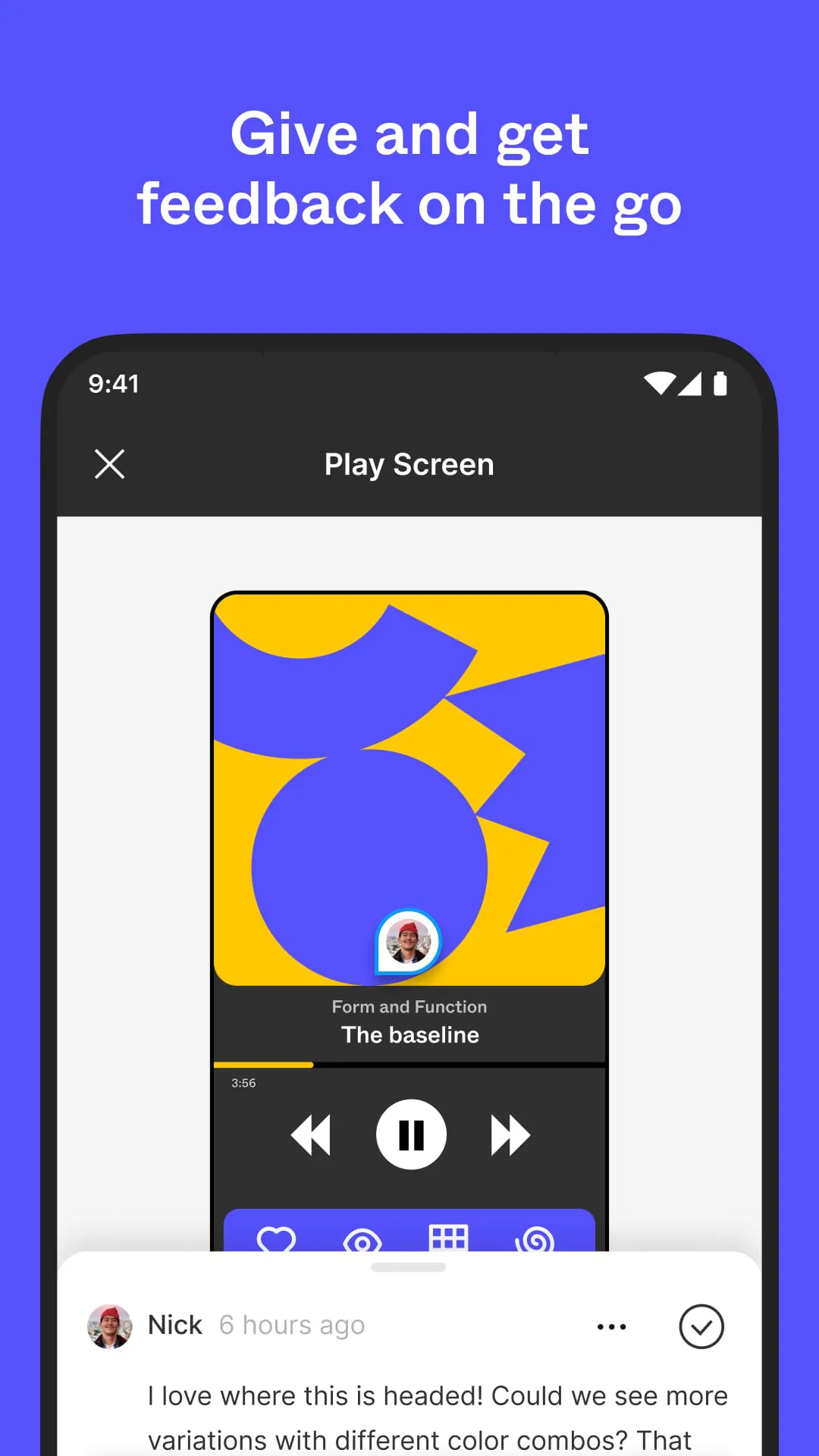
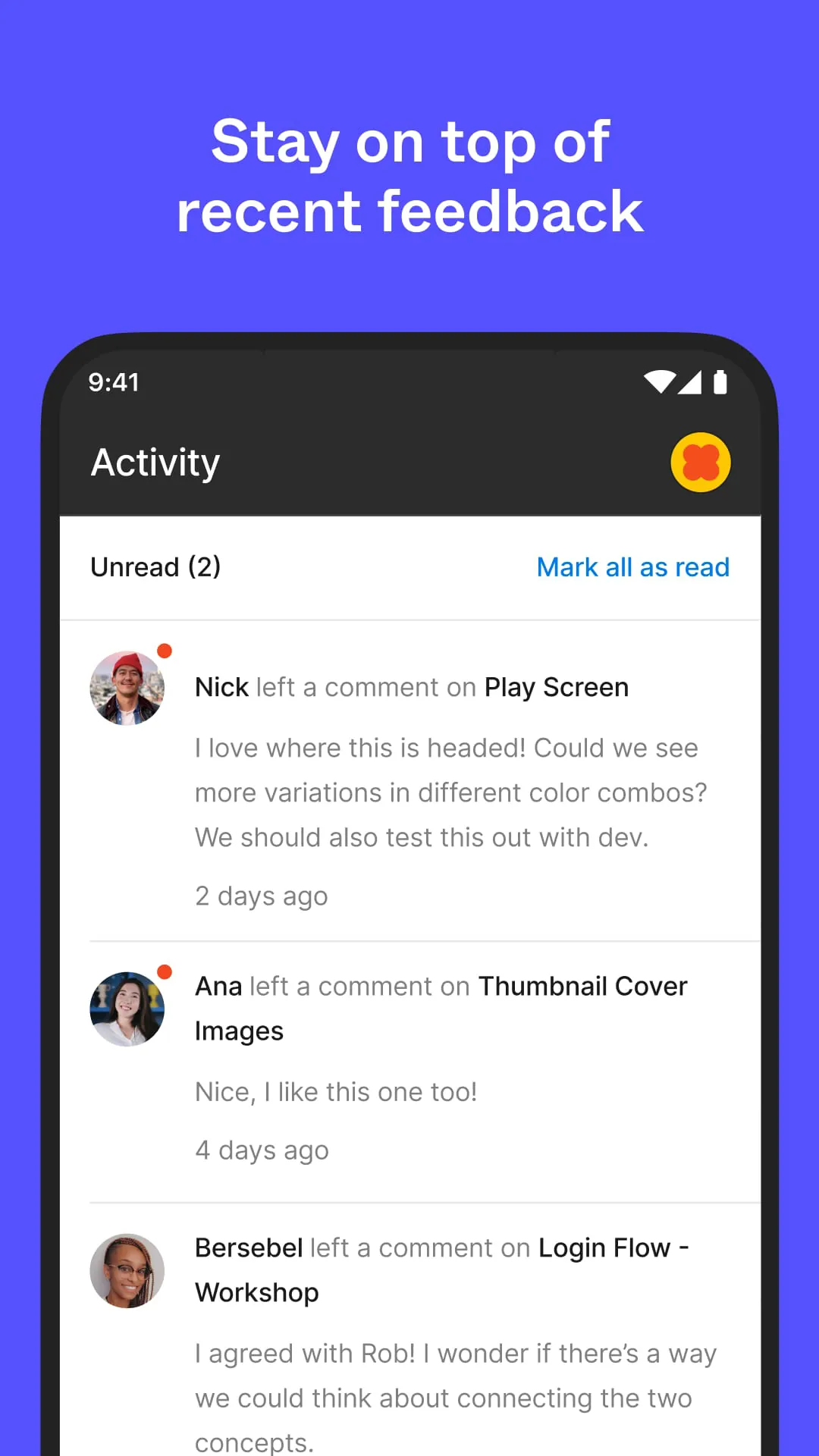
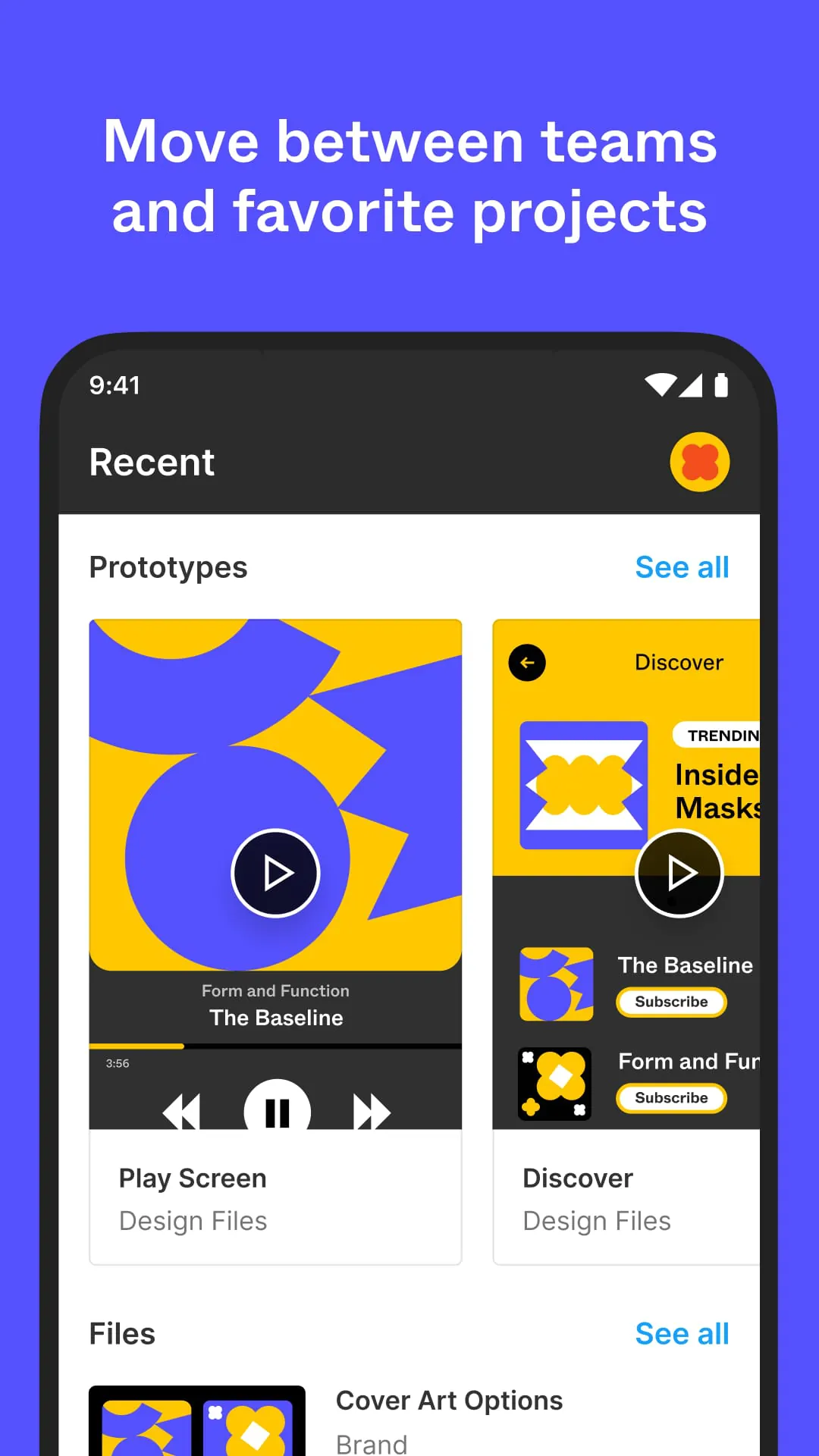
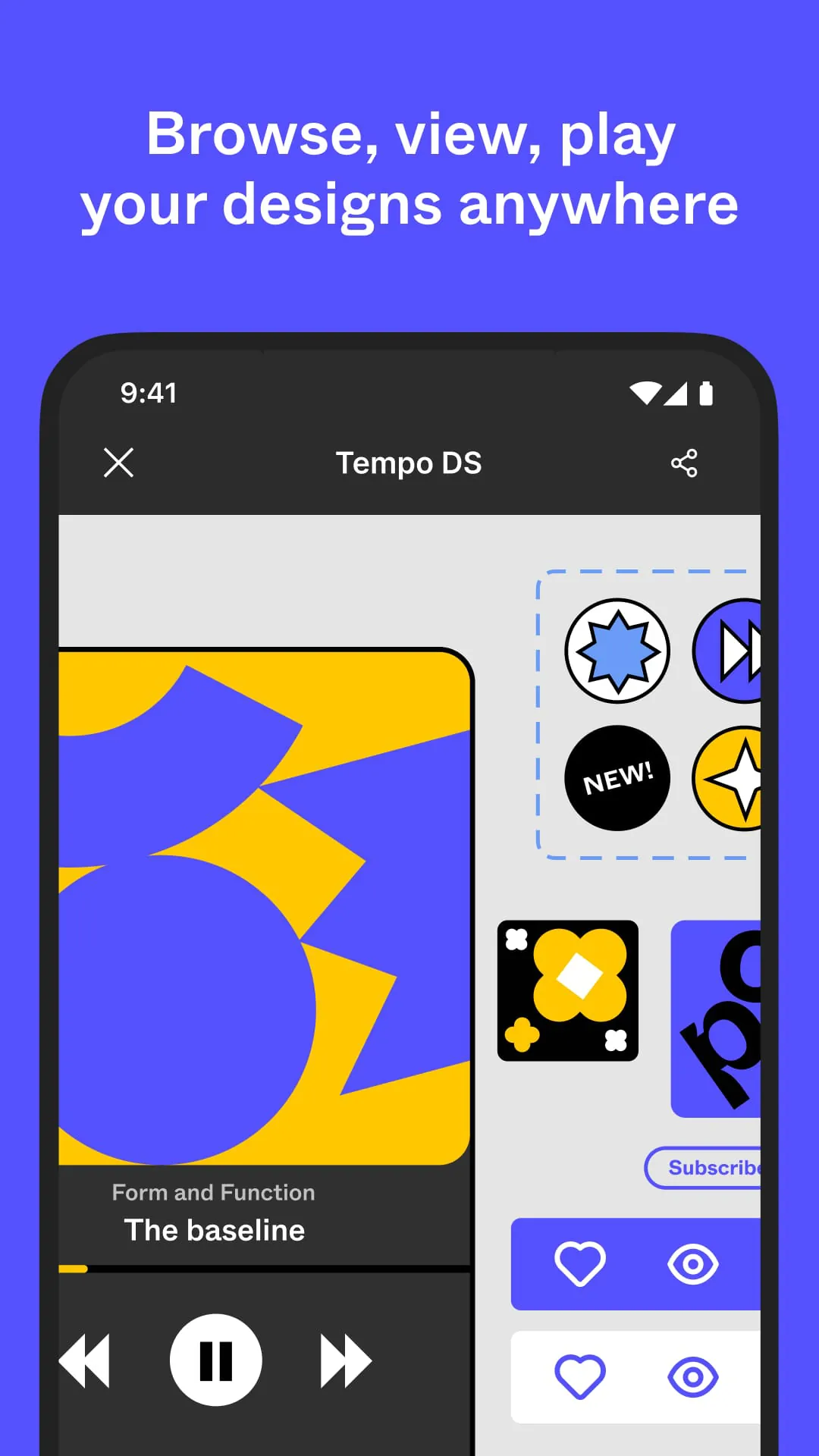
The Figma app extends the capabilities of the desktop design tool to mobile devices, providing designers and stakeholders with the ability to access, view, and interact with designs and prototypes from anywhere. This mobile accessibility is crucial for maintaining a seamless workflow, especially in collaborative environments where team members may be working remotely or need to quickly review designs on the go. The app allows users to view files and prototypes in an immersive and convenient format, ensuring that designs are accurately represented and easy to navigate. Key features include the ability to browse team and project folders, quickly access favorite files, and play prototypes without needing a desktop connection. The inclusion of hotspot support within prototypes enables intuitive navigation, making it simple to test user flows and interactions on a mobile device. Furthermore, the Figma app offers a mirroring feature that allows users to reflect a selected frame from the desktop application onto their mobile device, which is particularly useful for real-time previews and presentations. The emphasis on an intuitive and efficient user experience underscores Figma's commitment to providing a versatile and accessible design platform. The mobile app is designed to complement the desktop version, ensuring that users can stay connected to their design work regardless of their location. By providing access to essential design functionalities on mobile devices, Figma enhances collaboration, streamlines workflows, and empowers designers to stay productive and engaged with their projects at all times. The continuous development and planned release of additional features highlight Figma's dedication to evolving its platform to meet the changing needs of the design community, making it an indispensable tool for modern design workflows. The Figma app bridges the gap between desktop design and mobile accessibility, ensuring that design review, collaboration, and presentation are no longer confined to a desk. This flexibility fosters a more dynamic and responsive design process, enabling teams to iterate and improve their designs more effectively.
The Figma app's focus on mobile accessibility addresses a critical need for designers who require flexibility and the ability to stay connected to their work outside of a traditional office setting. By providing the tools necessary to view, share, and interact with designs on mobile devices, Figma empowers users to maintain productivity and collaboration regardless of their location. The ability to view files and prototypes is paramount, ensuring that designers can review their work and provide feedback at any time. The app's immersive display capabilities accurately reproduce designs, allowing for detailed inspection and evaluation. Navigation through team and project folders is streamlined, enabling quick access to relevant files and ensuring that users can efficiently find the designs they need. The inclusion of prototype playback functionality eliminates the need for a desktop connection, making it possible to test and showcase designs on the go. Hotspot support within prototypes enhances the testing process by facilitating easy navigation and interaction, allowing designers to validate user flows and identify potential usability issues. The mirroring feature, which allows users to display a selected frame from the desktop application on their mobile device, is invaluable for real-time presentations and collaborative reviews. This feature ensures that stakeholders can view the design as intended, regardless of whether they are in the same physical location. The emphasis on an intuitive and efficient user experience underscores Figma's commitment to providing a user-friendly platform that simplifies design tasks and promotes collaboration. By continuously developing and releasing new features, Figma demonstrates its dedication to meeting the evolving needs of the design community. The Figma app is not merely a mobile extension of the desktop application; it is a comprehensive tool that enhances accessibility, promotes collaboration, and empowers designers to stay productive and connected to their work at all times. The app’s capabilities extend the reach of design workflows, allowing teams to iterate more quickly and make informed decisions based on real-time feedback and insights.
The continuous feedback loop facilitated by the Figma app's mobile capabilities enhances the design process by enabling designers to quickly incorporate input from stakeholders and iterate on their work. The ability to share designs and prototypes directly from a mobile device streamlines the review process, ensuring that feedback is received promptly and can be addressed efficiently. The app's immersive display capabilities ensure that designs are accurately represented on mobile devices, allowing reviewers to provide informed feedback based on a clear understanding of the design's intent and execution. Navigation through team and project folders is intuitive, making it easy for users to locate the designs they need to review and provide feedback. The inclusion of prototype playback functionality on mobile devices enables reviewers to experience the design firsthand, providing valuable insights into its usability and effectiveness. Hotspot support within prototypes further enhances the review process by allowing users to easily navigate through the design and interact with key elements, providing a more comprehensive understanding of the user experience. The mirroring feature, which allows designers to display a selected frame from the desktop application on their mobile device, facilitates real-time collaboration and ensures that all stakeholders are viewing the same version of the design. This feature is particularly useful for remote teams, where it can be challenging to maintain alignment and ensure that everyone is on the same page. The Figma app's emphasis on an intuitive and efficient user experience simplifies the review and feedback process, making it easier for stakeholders to provide valuable input and contribute to the design's success. By continuously developing and releasing new features, Figma demonstrates its commitment to providing a comprehensive platform that supports all aspects of the design process, from creation and collaboration to review and iteration. The Figma app is a valuable tool for any design team looking to improve its efficiency, enhance collaboration, and create better designs.





 APK
APK  Google Play
  iOS
iOS  4.30
4.30